
Plugable USB2-2PORT
Plugable USB 2.0 2-Port Hub Instruction Manual
Model: USB2-2PORT | Brand: Plugable
Муқаддима
The Plugable USB 2.0 2-Port Hub (Model: USB2-2PORT) is designed to expand a single USB port into two, providing seamless connectivity and reliable performance for your devices. Its clean, compact, and ultra-portable design makes it ideal for various environments, including desktop setups, industrial applications where space is limited, and travel.
This bus-powered hub is compatible with a wide range of operating systems, including Windows, Linux, macOS, and Chrome OS, offering plug-and-play functionality without the need for additional drivers.
Вижагиҳо
- Портҳои дугонаи USB 2.0: Instantly expands one USB port into two, allowing connection of multiple peripherals.
- High-Quality Chipset: Utilizes a high-quality NEC chipset for stable and reliable performance.
- Ultra-Compact and Portable: Designed for easy transport, fitting conveniently into bags for on-the-go use.
- Кабели интегралӣ: Features a built-in 12-inch (approx. 30 cm) USB cable for convenient connection.
- Мутобиқати васеъ: Fully plug-and-play with Windows, Linux, macOS, and Chrome OS. Supports USB 3.0, USB 2.0, and USB 1.1 devices at USB 2.0 speeds.
- Автобусҳо: Draws power directly from the USB port, eliminating the need for an external power adapter.
- Дастгирии гармидиҳӣ: Allows devices to be connected and disconnected without restarting the system.
Дар қуттӣ чӣ ҳаст
- Plugable USB 2.0 2-Port Hub (Model: USB2-2PORT)
- Сими пайвастшудаи USB
Дастурҳои насб
Хабро пайваст кунед: Insert the USB-A connector of the Plugable USB 2.0 2-Port Hub into an available USB port on your computer (laptop or desktop).
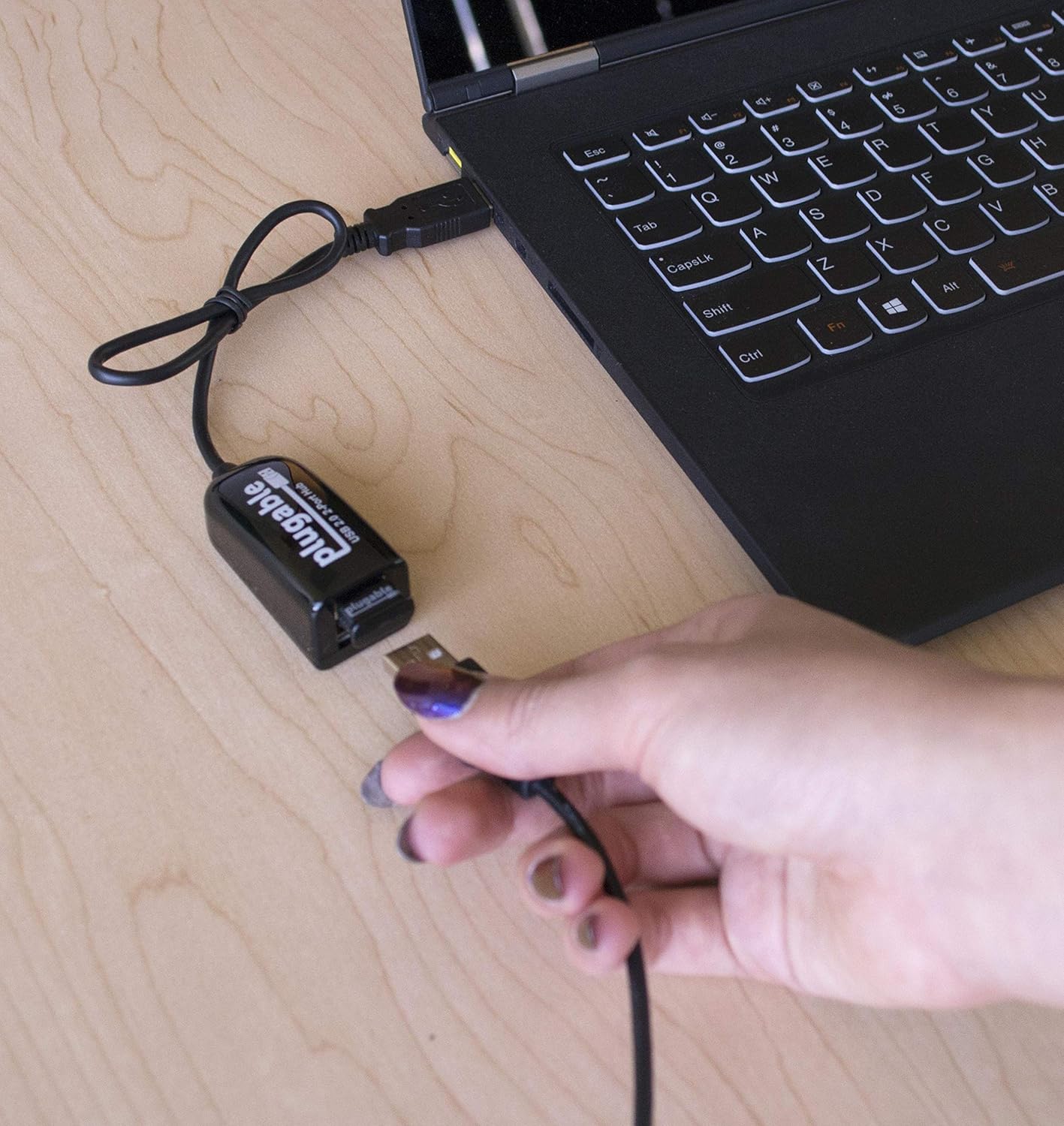
Image: Connecting the Plugable USB 2.0 2-Port Hub to a laptop.
Насби ронандаи худкор: Your operating system (Windows, Linux, macOS, Chrome OS) will automatically detect the hub and install the necessary drivers. No manual driver installation is required.
Дастгоҳҳои худро пайваст кунед: Once the hub is recognized, you can connect your USB 2.0 or USB 1.1 compatible devices (such as keyboards, mice, USB flash drives, or self-powered printers) into the two available USB ports on the hub.

Image: Keyboard and mouse connected to a laptop using the USB hub.
Дастурҳои амалиётӣ
The Plugable USB 2.0 2-Port Hub operates on a plug-and-play basis. Simply connect your desired low-powered USB devices to the hub's available ports. The hub is bus-powered, meaning it draws its power directly from the host USB port. Therefore, it is best suited for low-power devices like keyboards, mice, and USB flash drives. For devices requiring more power, such as external hard drives, ensure they are self-powered or have their own external power supply.
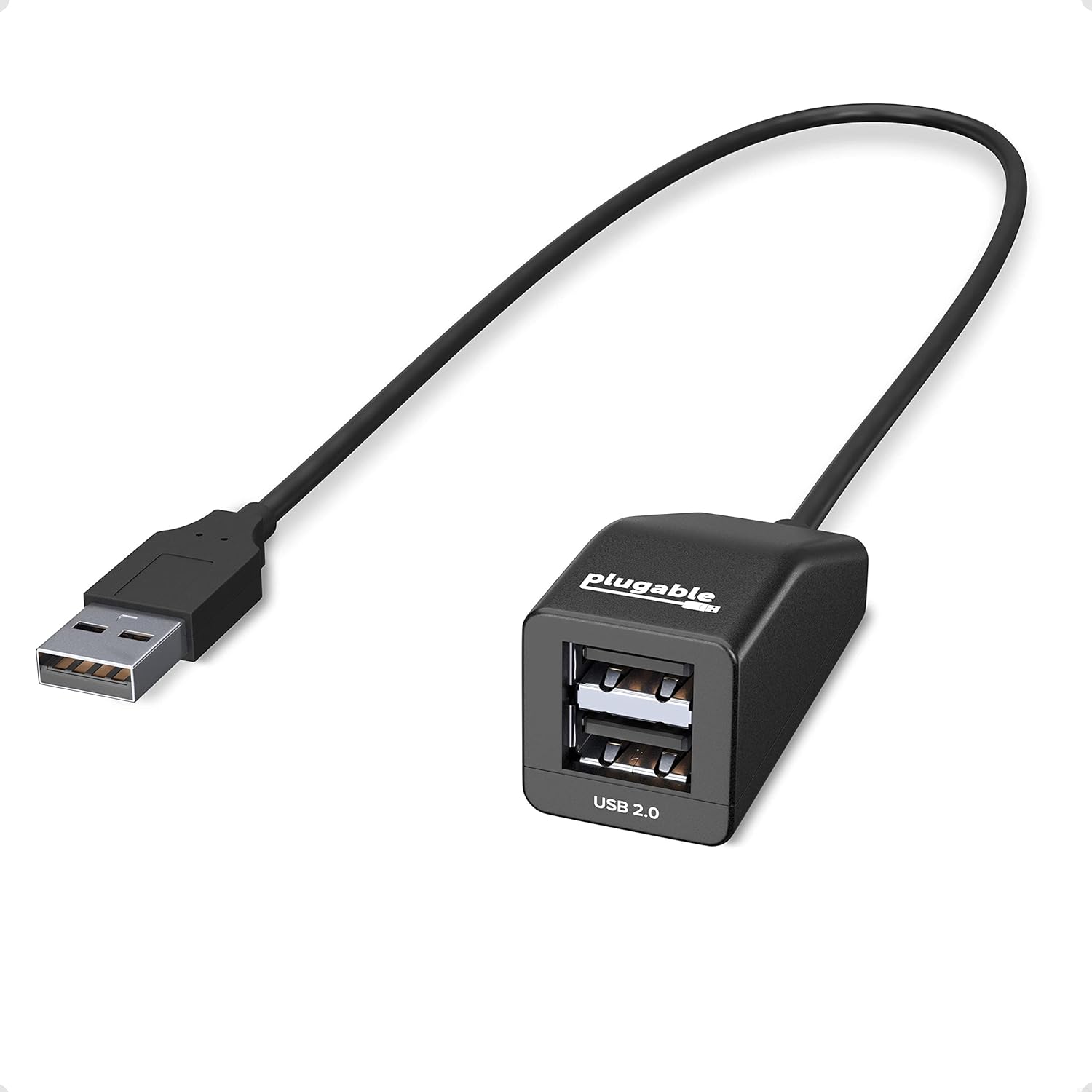
Image: The Plugable USB 2.0 2-Port Hub.
Мутобиқати
This USB hub is designed for wide compatibility across various operating systems and USB standards:
- Системаҳои оператсионӣ: Windows, Linux, macOS, Chrome OS.
- Стандартҳои USB: Works with USB 3.0, USB 2.0, and USB 1.1 devices. It supports full data rates of 1.5/12/480 Mbps (USB 2.0 speeds).
- Намудҳои дастгоҳ: Ideal for low-powered devices such as keyboards, mice, USB flash drives, and self-powered peripherals.
Эзоҳ муҳим: This hub is not compatible with built-in car stereo systems or aftermarket systems like Android Auto and Apple CarPlay, as these systems typically do not support USB hubs due to power limitations or specific protocol requirements.
Нигоҳдорӣ
The Plugable USB 2.0 2-Port Hub requires minimal maintenance. Keep the device clean and free from dust. Use a soft, dry cloth for cleaning. Avoid exposing the hub to extreme temperatures or moisture. Do not attempt to disassemble the unit, as this will void the warranty.
Мушкилкушо
- Дастгоҳ эътироф нашудааст:
- Ensure the hub is securely plugged into a working USB port on your computer.
- Try connecting the device directly to your computer's USB port to confirm it functions independently.
- Компютери худро бозоғоз намоед.
- Қувваи нокифоя:
- This hub is bus-powered and shares 500mA from the upstream port. If a connected device is not functioning, it may require more power than the hub can provide.
- Connect only low-powered devices (e.g., keyboard, mouse, USB flash drive) to the hub.
- For high-powered devices (e.g., external hard drives), ensure they have their own external power supply.
- Пайвастагии фосилавӣ:
- Боварӣ ҳосил кунед, ки ҳамаи пайвастҳо мустаҳкаманд.
- Avoid using the hub with devices that draw significant power simultaneously.
- Кӯшиш кунед, ки марказро ба порти дигари USB дар компютери худ пайваст кунед.
Мушаххасоти
| Аттрибут | Тафсилот |
|---|---|
| Рақами модел | USB2-2PORT |
| Шумораи портҳои USB 2.0 | 2 |
| Интерфейси сахтафзор | USB 2.0 |
| Системаҳои оператсионии мувофиқ | Windows, Linux, macOS, Chrome OS |
| Андозаҳо (LxWxH) | 6.2 x 4.2 x 1.5 инч (15.75 x 10.67 x 3.81 см) |
| Вазни ашё | 0.32 унсия (9.07 грамм) |
| Ранги | Сиёҳ |
| Манбаи нерӯ | Bus-powered (no external AC adapter required) |
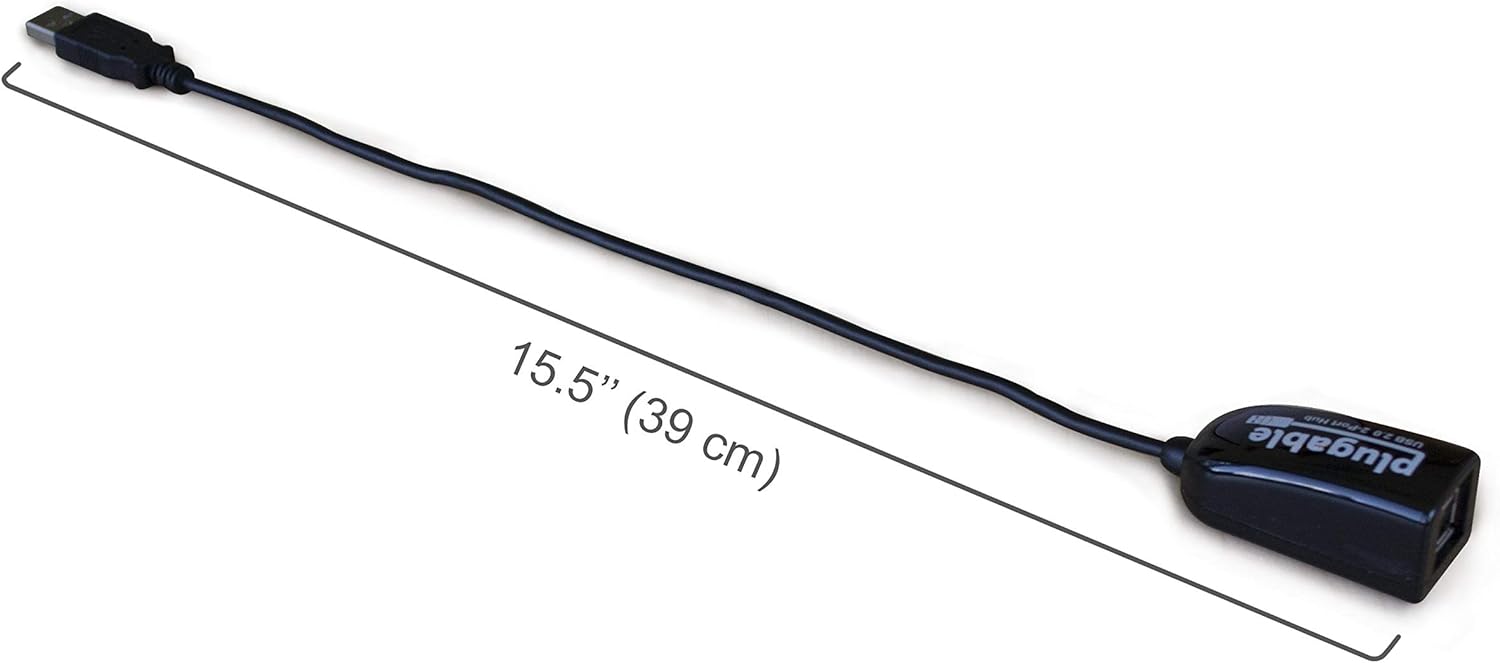
Image: Dimensions of the Plugable USB 2.0 2-Port Hub, showing the 15.5-inch cable length.
Кафолат ва дастгирӣ
Plugable stands behind its products with a commitment to quality and customer satisfaction. This USB hub includes lifetime support from our North American team of connectivity experts.
For questions or technical assistance, please visit: plugable.com/products/usb2-2port ё бо дастгирии дастгирӣ тамос гиред support@plugable.com.
Ask a question about this manual
Ask about setup, troubleshooting, compatibility, parts, safety, or missing instructions. Manuals+ will review the question and use this page’s manual context to help answer it.