
Муқаддима
The Fellowes Saturn 125 Thermal Laminator is designed for efficient and reliable lamination of documents up to 12.5 inches wide. Featuring InstaHeat technology for rapid warm-up and a jam-free design, this machine is suitable for home, office, or classroom use. This manual provides essential information for safe operation, setup, maintenance, and troubleshooting.
Маълумот оид ба бехатарӣ
- Бехатарии барқ: Always plug the laminator into a grounded outlet. Do not operate with a damaged power cord or plug. Keep the power cord away from heated surfaces.
- Огоҳии гармӣ: The laminator's rollers and surrounding areas become hot during operation. Avoid touching these surfaces to prevent burns. Allow the machine to cool completely before storing.
- Proper Pouch Use: Use only laminating pouches designed for thermal laminators. Do not attempt to laminate items thicker than the maximum recommended pouch thickness (5-mil).
- Вентилятсия: Ensure adequate ventilation around the laminator during use. Do not block air vents.
- Кӯдакон ва ҳайвоноти хонагӣ: Keep the laminator out of reach of children and pets. Adult supervision is required if children are operating the device.
- Тамос бо моеъ: Do not expose the laminator to water or other liquids. If liquid spills on the device, unplug it immediately and contact customer support.
Мундариҷаи баста
Боварӣ ҳосил кунед, ки ҳама ашё дар баста мавҷуд аст:
- Fellowes Saturn 3i 125 Laminator
- Pouch Starter Kit (quantity may vary)
- Дастури дастурӣ
Ташкил кардан
- Кушодани: Ламинатор ва ҳамаи лавозимотро аз бастабандӣ бодиққат хориҷ кунед.
- Ҷойгиршавӣ: Place the laminator on a stable, flat surface with adequate space around it for proper ventilation and document feeding/exiting. Ensure it is away from heat sources and direct sunlight.
- Пайвасти барқ: Сими барқро ба васлаки стандартии барқ пайваст кунед.
- Фаъол: Locate the power switch on the back of the unit and turn it to the 'ON' position. The laminator will begin its warm-up cycle.
- Гармоиш: The InstaHeat technology allows for a rapid warm-up time of approximately 60 seconds. The indicator light will change from red to green when the machine is ready for use.

Image: Fellowes Saturn 125 Thermal Laminator ready for use.

Image: The laminator features a quick 60-second warm-up time, indicated by a green light.
Дастурҳои амалиётӣ
- Ғафсии халтаро интихоб кунед: Choose the appropriate pouch thickness (3-mil, 4-mil, or 5-mil) using the control panel buttons. For self-adhesive pouches, select the 'COLD' setting (snowflake icon).
- Ҳуҷҷатро омода кунед: Place your document neatly inside the laminating pouch, ensuring it is centered and there is a small border around the edges.
- Халтаро ворид кунед: Feed the sealed edge of the pouch into the laminator's entry slot. The machine will automatically draw the pouch through.
- Раванди ламинатсия: The Saturn 125 laminates at a speed of 19 inches per minute. Allow the machine to complete the process without pulling or pushing the pouch.
- Гирифтани ҳуҷҷати ламинатшуда: Once the pouch exits the rear of the machine, carefully remove it. The document will be warm; allow it to cool for a few moments before handling extensively.
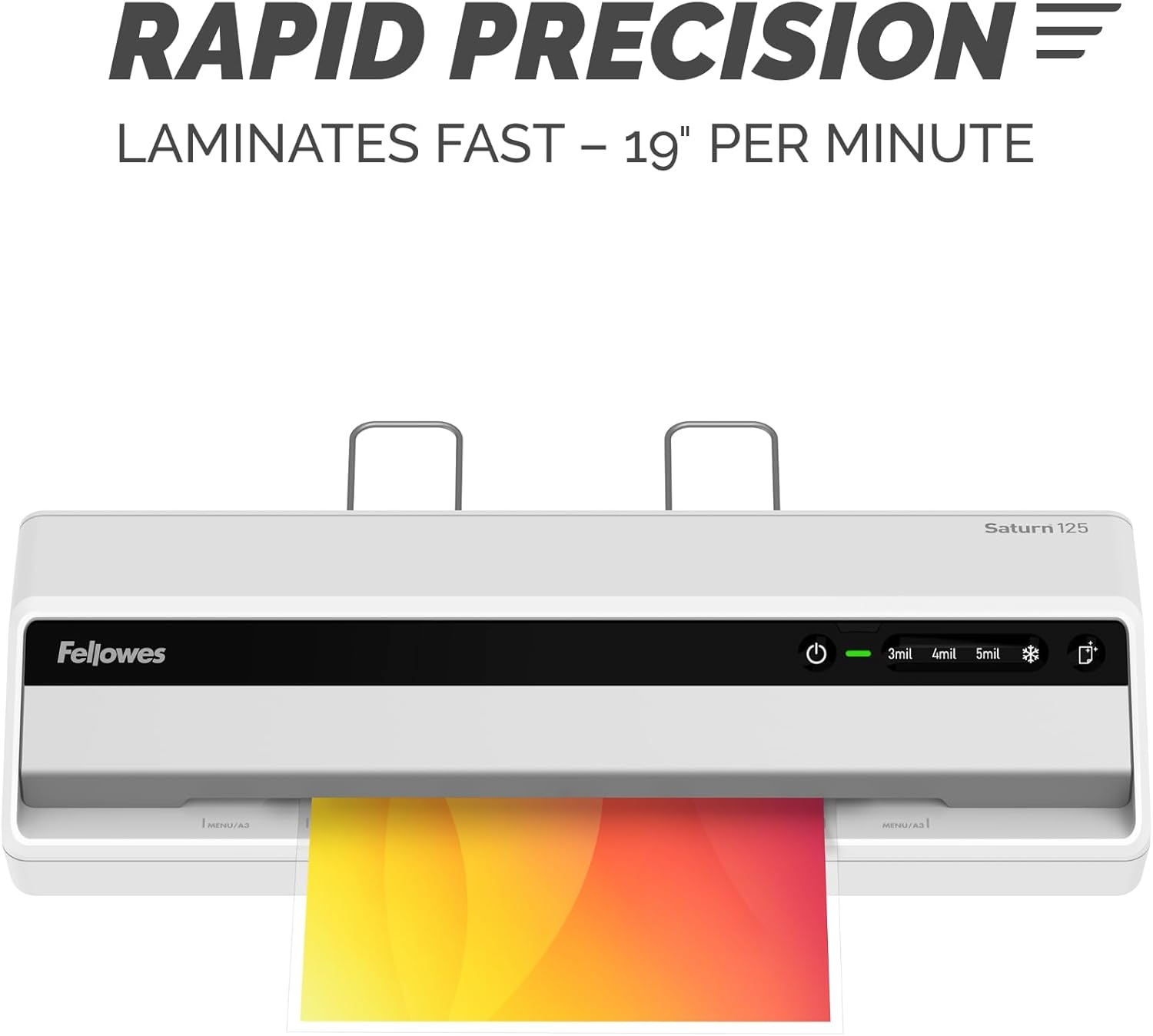
Image: The laminator processes documents quickly at 19 inches per minute.

Image: Choose from 3-mil, 4-mil, 5-mil, or cold settings for various pouch types.
Video: A quick demonstration of the Fellowes Saturn 3i 125 laminator in action, showing the ease of use and efficient lamination process.
Video: This video demonstrates how simple it is to laminate documents using the Fellowes Saturn 125, highlighting its user-friendly operation.
Нигоҳдорӣ
- Тозакунӣ: The laminator features a CleanAlert reminder system. When activated, run a cleaning sheet through the machine to remove adhesive residue and maintain optimal performance.
- Тозакунии берунӣ: Wipe the exterior of the laminator with a soft, dry cloth. Do not use abrasive cleaners or solvents.

Image: The CleanAlert system provides reminders for cleaning to ensure longevity.
Мушкилкушо
- Document Jam: The Saturn 125 includes jam detection technology. If a jam occurs, use the quick release lever to free the pouch. Re-center or remove the pouch and attempt lamination again.
- Bubbles or Uneven Lamination: Ensure the correct pouch thickness setting is selected. For optimal results, use high-quality laminating pouches.
- Аз ҳад зиёд гармшавӣ: The laminator is equipped with an automatic shut-off feature that activates after 30 minutes of non-use to prevent overheating and conserve energy. If the machine feels excessively hot, unplug it and allow it to cool.

Image: The jam release lever helps clear jammed pouches for continuous productivity.
Мушаххасоти
| Хусусият | Тафсилот |
|---|---|
| Бренд | Рафикон |
| Рақами модел | 5736601 |
| Вазни ашё | 5.1 фунт |
| Андозаҳои маҳсулот | 5.75 x 20.94 x 4.13 инч |
| Навъи мавод | Пластмасса |
| Max Document Width | 12.5 инч |
| Андозаи варақ | Мактуб |
| Вақти гармкунӣ | 60 seconds (InstaHeat) |
| Суръати ламинатсия | 19 дюйм дар як дақиқа |
| Pouch Thickness Settings | 3-mil, 4-mil, 5-mil, Cold |
| Хомӯши худкор | Yes (after 30 minutes of non-use) |
Кафолат ва дастгирӣ
For warranty information and customer support, please refer to the official Fellowes webсайт ё шӯъбаи хидматрасонии муштариёни онҳо тамос гиред. Квитансияи хариди худро ҳамчун далели харид барои ҳама даъвоҳои кафолат нигоҳ доред.
Истеҳсолкунанда: Рафикон