
1. Муқаддима
Ташаккур ба шумо барои харидasing the BYINTEK R17 Pro Portable Smart 3D DLP Projector. This manual provides essential information for safe and effective use of your device. Please read it thoroughly before operation and retain it for future reference.
The BYINTEK R17 Pro is a versatile portable projector featuring Android 9.0 OS, 4K decoding support, 3D capabilities, and a built-in battery, making it ideal for various entertainment and presentation needs. It also supports multiple languages including English, Russian, Arabic, Korean, Japanese, French, German, Italian, Spanish, Chinese, Vietnamese, Polish, and Traditional Chinese.
2. Маълумот оид ба бехатарӣ
- Оё бевосита ба линзаи проектор нигоҳ накунед, вақте ки лamp фаъол аст.
- Keep the projector away from water or other liquids to prevent electric shock.
- Барои пешгирӣ кардани гармии аз ҳад зиёд сӯрохиҳои вентилятсияро маҳкам накунед.
- Танҳо адаптери барқи аз ҷониби истеҳсолкунанда пешниҳодшударо истифода баред.
- Аз ҷойгир кардани проектор дар сатҳи ноустувор худдорӣ намоед.
- Проекторро худатон ба қисмҳо ҷудо кунед ё таъмир накунед. Бо кормандони соҳибихтисос тамос гиред.
- Ҳангоми истифода нашудани проекторро дар ҷои хунук ва хушк нигоҳ доред.
3. Мундариҷаи баста
Лутфан ҳангоми кушодани қуттӣ мундариҷаи бастаро тафтиш кунед, то боварӣ ҳосил кунед, ки ҳама ашё мавҷуд аст:
- BYINTEK R17 Pro Projector
- Адаптери барқ
- Назорати дурдаст
- Дастури корбар (ин ҳуҷҷат)
- Кабели HDMI (метавонад вобаста ба минтақа фарқ кунад)

Тасвир: Як тарафи муфассал view of the BYINTEK R17 Pro projector, highlighting its compact and portable design.
4. Дастури насб
4.1 Фурӯзон/хомӯш кардан
- Пайваст кардани барқ: Plug the power adapter into the projector's DC input port and then into a power outlet.
- Фаъол: Press the power button on the projector or the remote control. The indicator light will turn on.
- Хомӯш: Тугмаи барқро дубора пахш кунед. Дар ҳолати дархост, хомӯшкуниро тасдиқ кунед.
4.2 Ҷойгиркунӣ ва дурнамо
Position the projector on a stable, flat surface. Ensure there are no obstructions in front of the lens. The ideal projection distance ranges from 1 to 8 meters, producing a screen size of 30 to 300 inches.
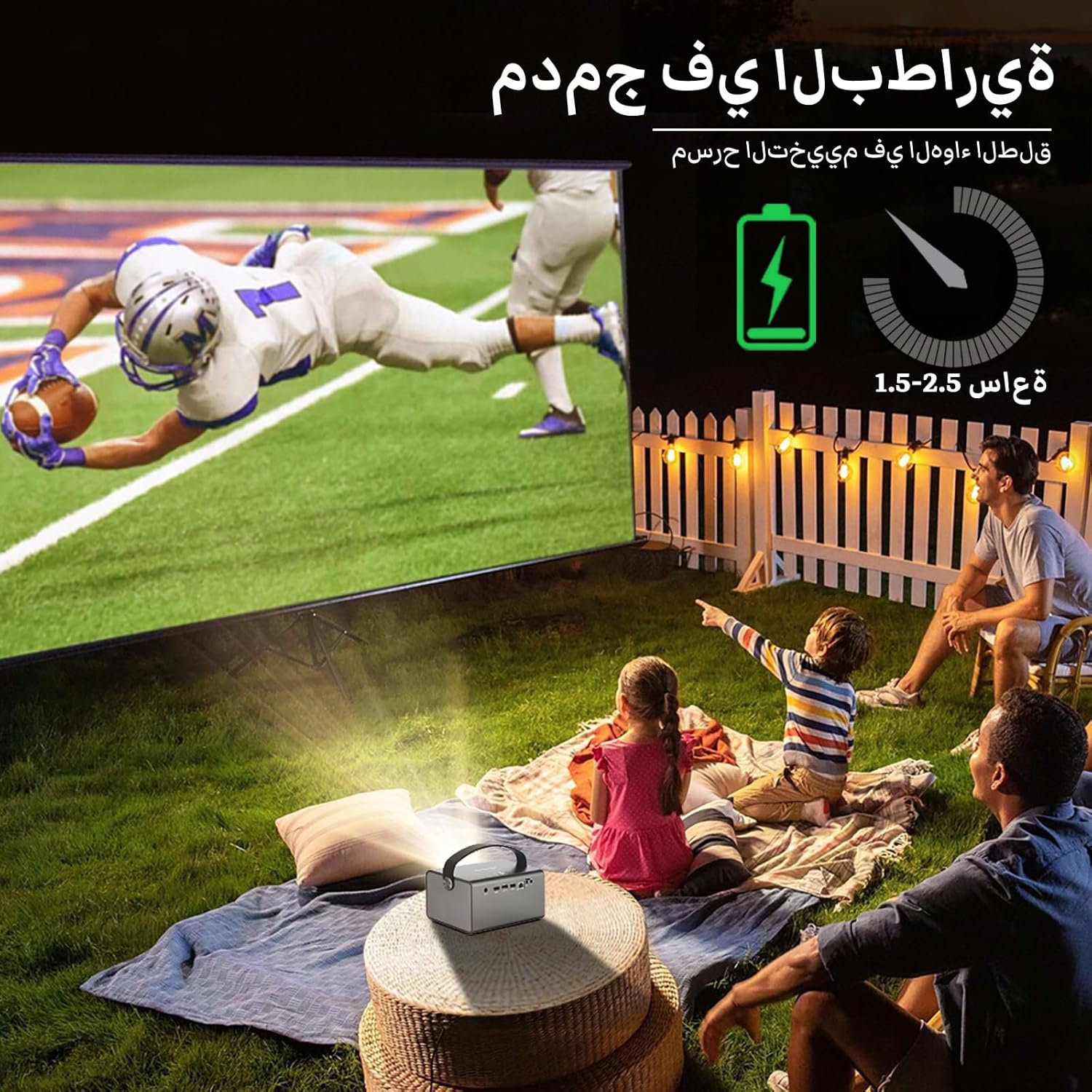
Image: The BYINTEK R17 Pro projector in an outdoor setting, demonstrating its portable use for entertainment. The image shows a football game projected onto a large screen, with people watching comfortably. This highlights the projector's battery life and suitability for outdoor events.
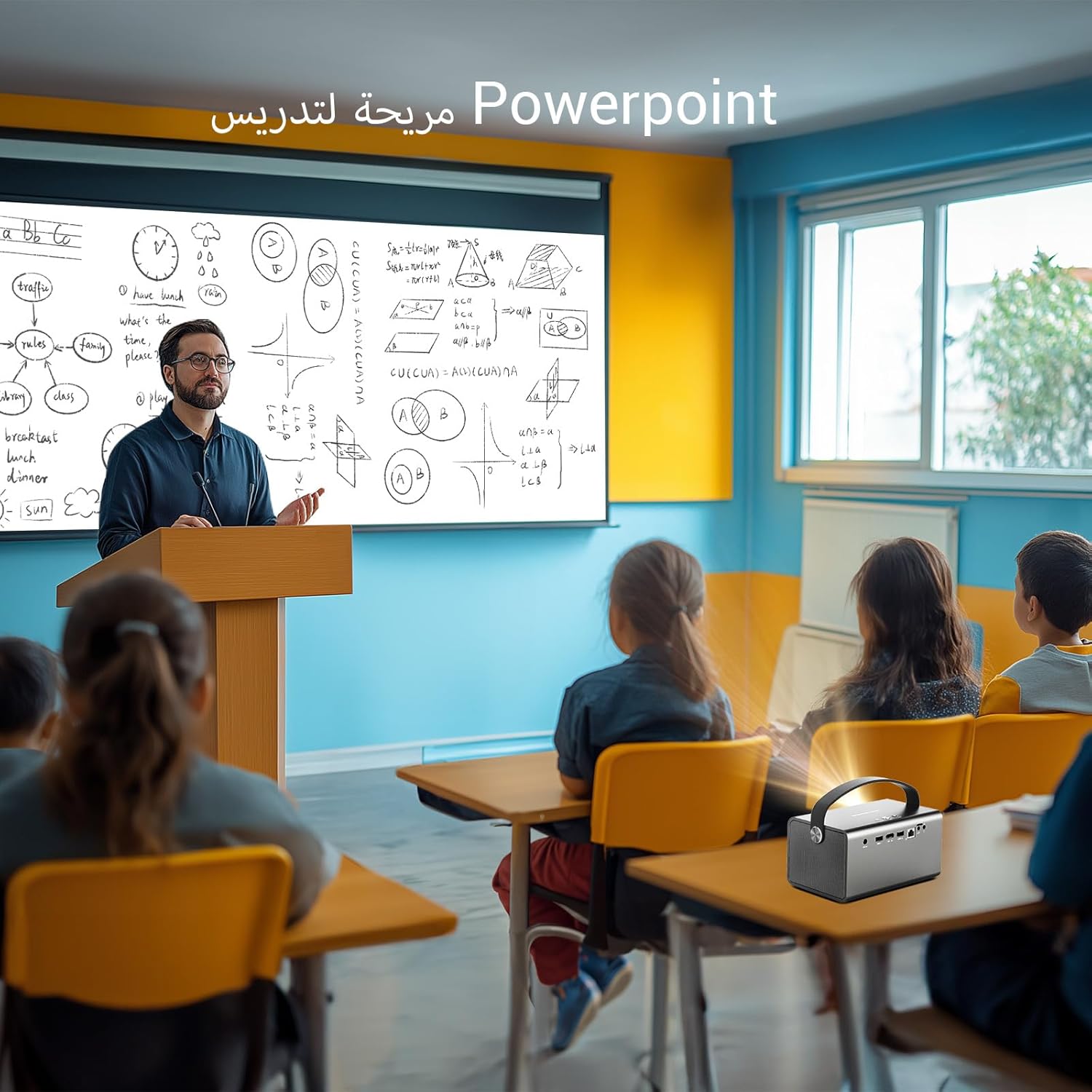
Image: The BYINTEK R17 Pro projector being used in a classroom to display a PowerPoint presentation. This illustrates its utility for educational purposes and presentations in various environments.
4.3 Тамаркуз ва ислоҳи калидӣ
- Фокуси барқ: Use the remote control to adjust the focus until the image is clear.
- Ислоҳи худкори санги калидӣ: The projector supports automatic vertical keystone correction.
- Ислоҳи санги дастӣ: For side projections or specific adjustments, use the manual keystone correction feature via the settings menu. This includes corner keystone correction.
5. Амалиёт
5.1 Паймоиш дар системаи Android 9.0
The BYINTEK R17 Pro runs on Android 9.0, providing a smart interface. Use the remote control or a connected air mouse to navigate through menus, launch applications, and adjust settings.
- Экрани асосӣ: Access pre-installed apps and system settings.
- Дӯкони барномаҳо: Download additional applications for streaming, productivity, or gaming.
- Танзимот: Configure Wi-Fi, Bluetooth, display, sound, and other system preferences.
5.2 Бозии медиа
The projector supports various media formats and sources:
- Захираи USB: Connect a USB drive or SSD (up to 32GB) to play videos, music, or view суратхо.
- Ҷараёни онлайн: Use pre-installed or downloaded streaming apps via Wi-Fi.
- Мундариҷаи 3D: The projector supports Blu-ray 3D. Ensure your 3D content and glasses are compatible.

Image: A couple enjoying a Blu-ray 3D movie projected by the BYINTEK R17 Pro. The image showcases the projector's ability to display immersive 3D content with vivid colors.
5.3 Screen Mirroring (Wi-Fi Display)
Mirror your smartphone, tablet, or computer screen wirelessly to the projector using Airplay, Miracast, or DLNA (Eshare app is pre-installed).
- Ensure both your device and the projector are connected to the same Wi-Fi network.
- Open the Eshare app on the projector.
- On your mobile device, activate screen mirroring (e.g., Airplay for iOS, Smart View/Screen Cast for Android).
- Аз рӯйхати дастгоҳҳои мавҷуда проекторро интихоб кунед.

Image: The BYINTEK R17 Pro projector wirelessly displaying a racing game from a smartphone. This demonstrates the screen mirroring feature for gaming and mobile content.
6. Пайвастшавӣ
The BYINTEK R17 Pro offers multiple connectivity options:
- HDMI2.0: Connect external devices like game consoles (e.g., PS4), computers, Blu-ray players, or TV boxes. Supports up to 4K input.
- USB 2.0 / USB 3.0: For connecting USB storage devices, external mice, game controllers, or 2.4GHz air mice.
- Баромади аудио: Барои беҳтар кардани аудио баландгӯякҳои беруна ё гӯшмонакҳоро пайваст кунед.
- Wi-Fi (2.4GHz/5GHz): For internet access and wireless screen mirroring.
- Bluetooth 5.0: For connecting Bluetooth speakers, headphones, or other compatible accessories.
7. Нигоҳдорӣ
7.1 Тоза кардани линза
Аз матои нарм ва бепахта, ки махсус барои линзаҳои оптикӣ тарҳрезӣ шудааст, истифода баред. Аз тозакунандаҳои абразивӣ ё қувваи аз ҳад зиёд истифода набаред, зеро ин метавонад линзаро харошад.
7.2 Тоза кардани корпуси проектор
Wipe the exterior of the projector with a soft, dry cloth. Avoid using chemical cleaners that may damage the finish.
7.3 Нигоҳдорӣ
When not in use for extended periods, store the projector in its original packaging or a protective case in a cool, dry, dust-free environment.
8. Баррасии мушкилот
| Мушкилот | Сабаби эҳтимолӣ | Ҳалли |
|---|---|---|
| Ягон тасвир нишон дода нашудааст | Power not connected; input source incorrect; lens cap on. | Check power connection; select correct input source (HDMI, USB, etc.); remove lens cap. |
| Тасвир норавшан аст | Focus not adjusted; projector too far/close. | Adjust electric focus using the remote; reposition the projector within optimal distance. |
| Тасвир таҳриф шудааст (шакли трапеция) | Keystone correction needed. | Use auto or manual keystone correction in settings. |
| Садо нест | Volume too low; external speakers not connected/configured; audio output muted. | Increase volume; check external speaker connection; unmute audio. |
| Масъалаҳои пайвасти Wi-Fi | Пароли нодуруст; берун аз доираи иттилоот; мушкилоти роутер. | Verify password; move closer to router; restart router and projector. |
| Проектор ногаҳон хомӯш мешавад | Аз ҳад зиёд гармшавӣ; батареяи кам. | Ensure ventilation is clear; charge the battery or connect to power. |
9. Мушаххасоти
| Хусусият | Тафсилот |
|---|---|
| Бренд | BYINTEK |
| Модели | R17 Pro |
| Муҳаррики сабук | TI 0.47 inch DMD WVGA |
| Манбаи нур | OSRAM RGB 3LED |
| Ҳаёти сабук | 50,000 соат |
| Равшанӣ | 750 ANSI Lumens |
| Таносуби контраст | 10,000:1 |
| Қарори ватанӣ | 1280 x 800 (supports up to 4K input) |
| Таносуби тараф | 16:10 / 16:9 / 4:3 |
| Гайри меҳвар | 100% |
| Таносуби партов | 1.2:1 |
| Андозаи проексия | 30 - 300 инч |
| Масофаи проексия | 1 - 8 метр |
| Ҳолати Фокус | Electric Motor Focus |
| Масштаб | Remote Electric Zoom |
| Ислоҳи калид | Auto/Manual Vertical, Manual Corner |
| Низоми амал | Android 9.0 |
| ВПМ - Воҳиди Пардозиши Марказӣ | MTK Contex A53 Quad-core |
| GPU | Мали-G52 |
| RAM | 2 ГБ DDR3 |
| Абзори ёддошткунандаи доимӣ | 32 ГБ EMMC |
| Вай-фай | 2.4 ГГц / 5 ГГц дугона |
| блутуз | Bluetooth 5.0 |
| Намоиши Wi-Fi | Airplay, Miracast, DLNA (Eshare pre-installed) |
| Батарея | Built-in 11.1V 5200mAh (15600mAh equivalent) Lithium-ion, 1.5-2.5 hours life |
| Маърузачиён | 2 x 5W Стерео сухан |
| Портҳои воридотӣ | HDMI 2.0 (supports 4K input), USB 2.0, USB 3.0 |
| Портҳои баромад | Баромади аудио |
| Андозаҳои маҳсулот | 19.3 х 12.3 х 10 см |
| Вазни ашё | 2.34 кг |
| Хусусиятҳои махсус | Auto Focus, Built-in Wi-Fi Receiver, Built-in 3D Display, Portable, Built-in Speaker |
10. Кафолат ва дастгирӣ
BYINTEK products come with a standard manufacturer's warranty. Please refer to the warranty card included in your package for specific terms and conditions. For technical support, service, or warranty claims, please contact BYINTEK customer service or visit the official BYINTEK webсайт.
BYINTEK has a service center in Saudi Arabia to provide professional after-sales service. For more information, please visit the BYINTEK Store on Amazon.