
1. Муқаддима
This manual provides essential instructions for setting up and operating your Luoran M4B MP3 Player. Please read this guide thoroughly to ensure proper use and to maximize your device's capabilities. The Luoran M4B is a portable media player designed for music, video, and app playback, featuring a 4.0-inch IPS display, Bluetooth, and Wi-Fi connectivity.
2. Мундариҷаи баста
Боварӣ ҳосил кунед, ки ҳама ашё дар бастаи шумо мавҷуданд:
- Luoran M4B MP3 Player
- Сими USB-C
- Дастури корбар (ин ҳуҷҷат)
3. Дастгоҳ тамом шудview

Расми 3.1: Пеш ва қафо view of the Luoran M4B MP3 Player, highlighting its 4.0-inch IPS display and metal frame with tempered glass back.
3.1. Тугмаҳо ва портҳои физикӣ
- Тугмаи барқ: Дар паҳлӯ ҷойгир буда, барои фурӯзон/хомӯш кардани дастгоҳ ва бедор/хоб кардани экран истифода мешавад.
- Тугмаҳои баландии овоз (+/-): Дар паҳлӯ ҷойгир буда, барои танзими баландии садо истифода мешавад.
- Порти USB-C: Дар поён ҷойгир буда, барои пур кардани барқ ва интиқоли маълумот истифода мешавад.
- 3.5 мм Jack гӯшмонак: Дар қисми поёнӣ, барои пайваст кардани гӯшмонакҳои симдор ҷойгир аст.
- Ковокии корти micro SD: Located on the side, for expanding storage.
4. Оғози кор
4.1. Пуркунии дастгоҳ
Before first use, fully charge the MP3 player. Connect the provided USB-C cable to the device's USB-C port and the other end to a compatible USB power adapter (not included) or a computer's USB port. The charging indicator will show the charging status.
4.2. Фурӯзон/хомӯшкунӣ
- Барои фаъол кардан: Тугмаи барқро то равшан шудани экран пахш кунед ва нигоҳ доред.
- Барои хомӯш кардани барқ: Press and hold the Power button, then select 'Power Off' from the options on the screen.
- Барои хобидан/бедор шудан: Briefly press the Power button to turn the screen off or on.
5. Амалиёти асосӣ
5.1. Навигатсияи экрани сенсорӣ
The Luoran M4B features a full touchscreen for navigation. Swipe left, right, up, or down to browse menus and content. Tap icons to open applications or select options.
5.2. Пайвастшавӣ ба Wi-Fi
To access online features and apps, connect your device to a Wi-Fi network:
- Ба Танзимотҳо.
- Интихоб кунед Шабака ва Интернет.
- Даргирондан Вай-фай.
- Аз рӯйхат шабакаи дилхоҳи Wi-Fi-ро интихоб кунед.
- Агар дархост карда шавад, паролро ворид кунед ва клик кунед Пайваст кунед.
5.3. Пайвастшавӣ тавассути Bluetooth
Pair your MP3 player with Bluetooth headphones, speakers, or car stereos:
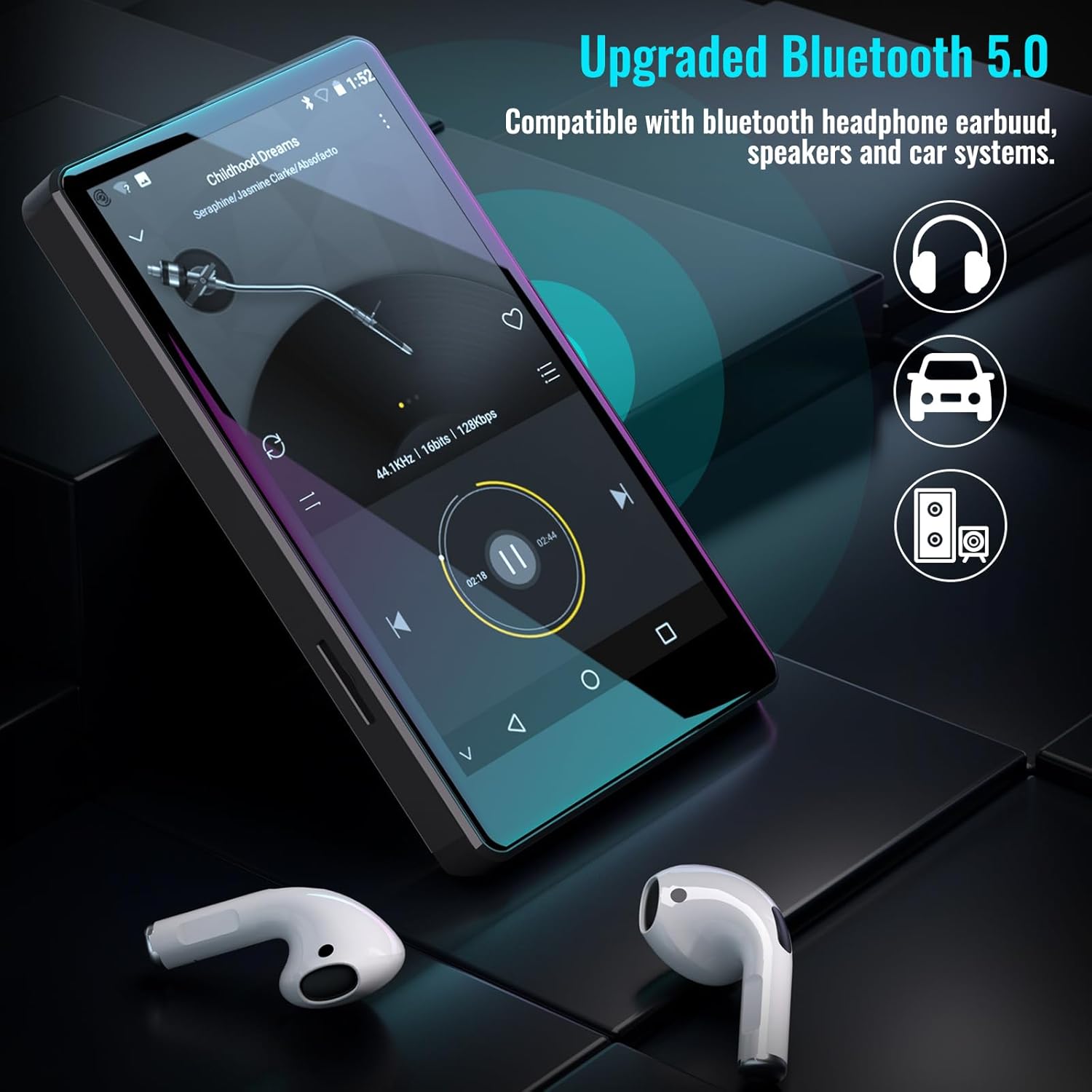
Figure 5.1: The Luoran M4B MP3 Player supports Bluetooth 5.0 for connecting to various audio devices.
- Ба Танзимотҳо.
- Интихоб кунед Дастгоҳҳои пайвастшуда.
- Даргирондан блутуз.
- Боварӣ ҳосил кунед, ки лавозимоти Bluetooth-и шумо дар ҳолати ҷуфтшавӣ қарор дорад.
- Лавозимотро аз рӯйхати дастгоҳҳои дастрас барои ҷуфт кардан интихоб кунед.
6. Music and Media Playback
6.1. Supported Music Formats
The device supports a wide range of audio formats, including MP3, WAV, FLAC, APE, OGG, M4A, AAC, WMA, and MP2.
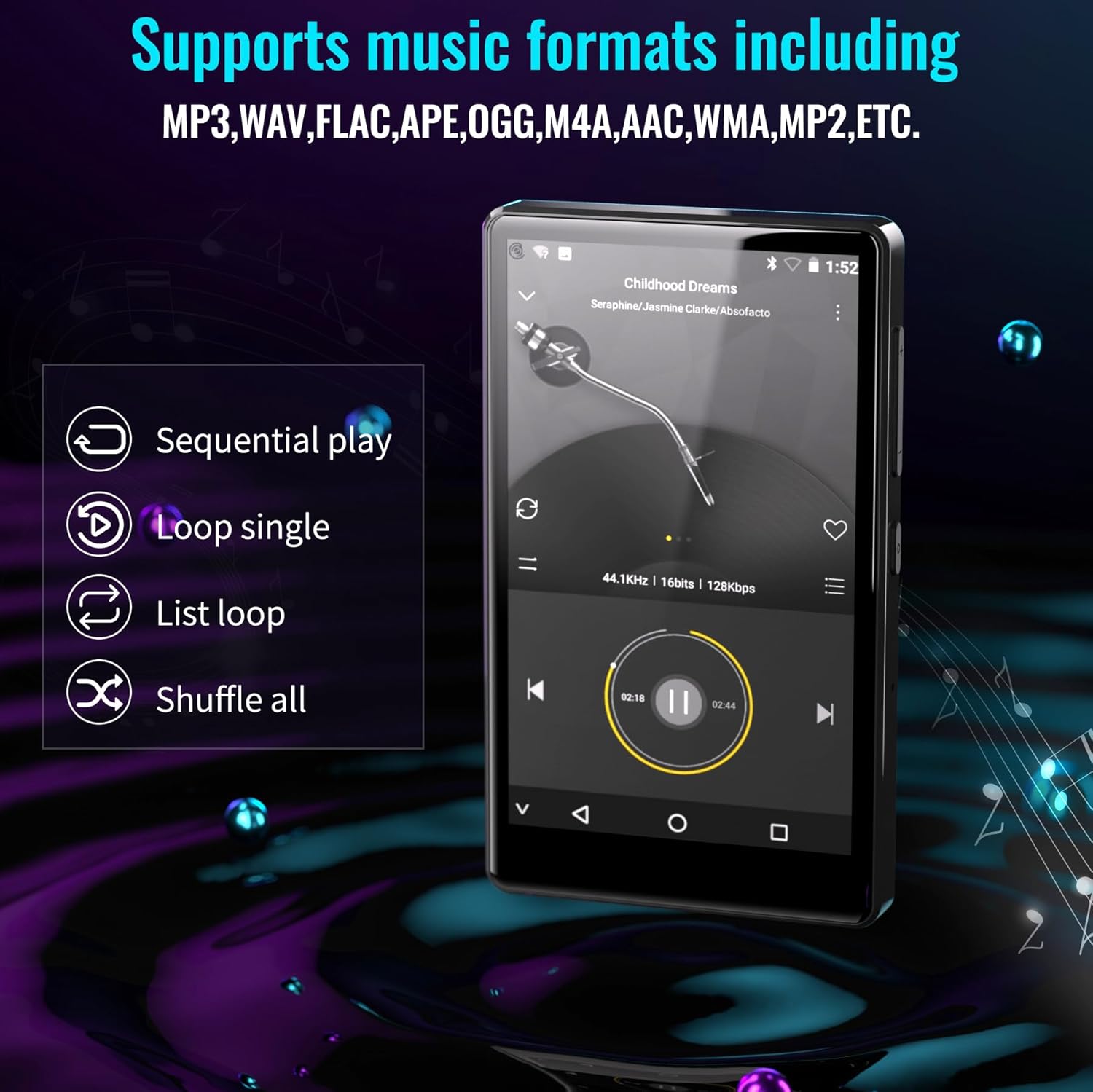
Figure 6.1: The MP3 player's interface showing various playback options and supported music formats.
6.2. Using Pre-installed Applications
The Luoran M4B comes with several popular music and media applications pre-installed, such as Spotify, Spotify Kids, Amazon Music, Audible, and HiBy Music. Access these apps from the home screen to stream or play your content.
6.3. Нигоҳдории васеъшаванда
The device has an internal storage capacity of 8GB. You can expand the storage up to 256GB using a Micro SD card (SDXC, SDHC compatible). Insert the Micro SD card into the dedicated slot on the side of the device.

Figure 6.2: Inserting a Micro SD card to expand the device's memory up to 256GB.
7. Хусусиятҳои иловагӣ
7.1. Web Браузер
A web browser is included for internet access. This browser can be removed if desired, offering a level of content control.

Figure 7.1: The option to uninstall the web browser for content management.
7.2. Радиои FM
The device includes an FM radio function, allowing you to listen to local radio stations. It may also support recording FM broadcasts.

Figure 7.2: The FM Radio interface on the device.
7.3. Ebook Reader
An Ebook application is available for reading digital books directly on the device's screen.

Figure 7.3: The device's interface for audiobooks or ebooks.
8. Нигоҳдорӣ
8.1. Тозакунӣ
Барои тоза кардани дастгоҳ аз матои нарм, хушк ва бепахта истифода баред. Аз истифодаи тозакунандаҳои абразивӣ ё ҳалкунандаҳо худдорӣ намоед.
8.2. Нигоҳубини батарея
To prolong battery life, avoid exposing the device to extreme temperatures. Charge the device regularly, but avoid leaving it fully charged or fully discharged for extended periods.
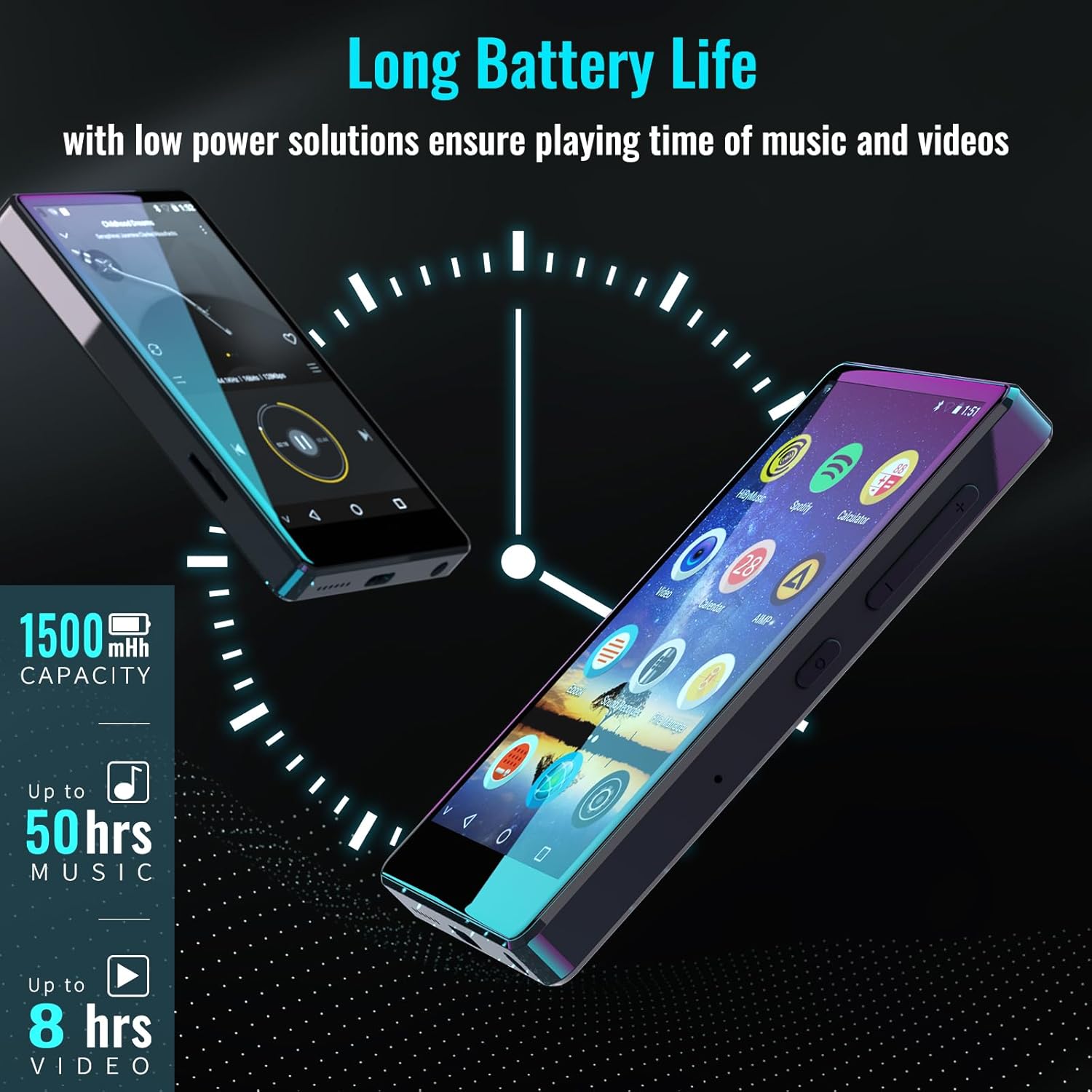
Figure 8.1: The device features a 1500mAh battery, providing up to 50 hours of music playback or 8 hours of video playback.
9. Баррасии мушкилот
9.1. Дастгоҳ фурӯзон нест
- Ensure the device is sufficiently charged. Connect it to a power source for at least 30 minutes.
- Барои бозоғозкунии маҷбурӣ тугмаи барқро барои 10-15 сония пахш карда нигоҳ доред.
9.2. Cannot Connect to Wi-Fi/Bluetooth
- Verify that Wi-Fi/Bluetooth is enabled in Settings.
- Ensure you are within range of the network/device.
- Check that the Wi-Fi password is correct.
- For Bluetooth, ensure the accessory is in pairing mode.
9.3. App Issues or Missing Apps
If you encounter issues with pre-installed applications or need to install/upgrade specific apps, please contact the Luoran Team for assistance. They can provide APK files and installation steps.
10. Мушаххасоти
| Бренд | Luoran |
| Номи модел | M4B-C-BLK |
| Технологияи пайвастшавӣ | Bluetooth, WiFi |
| Иқтидори нигаҳдории хотира | 8 ГБ (То 256 ГБ тавассути Micro SD васеъшаванда) |
| Андозаи экран | 4 инч |
| Дастгоҳҳои мувофиқ | Гӯшмонак, баландгӯяк |
| Навъи медиаи дастгирӣ | Корти хотира |
| Технологияи намоиш | НН - НУРНИШОН |
| Supported Audio Standards | MP3, WAV, FLAC, APE, M4A, AAC, WMA, MP2, etc. |
| Муҳлати миёнаи батарея | 50 Hours (music playback) |
| Андозаҳои ашё (D x W x H) | 0.4"D x 2.4"W x 4.2"H |
| UPC | 747783656344 |
11. Кафолат ва дастгирӣ
The Luoran M4B MP3 Player comes with a Кафолати 12-моҳа. For technical support, warranty claims, or assistance with app installation/upgrades, please contact the Luoran Team directly. Contact information can typically be found on the manufacturer's webсайт ё тавассути платформаи хариди худ.