
1. Муқаддима
This manual provides essential information for the safe and effective operation of your HAVIT Smart Life Series PJ211 PRO projector. Please read this manual thoroughly before using the device and retain it for future reference.
The HAVIT PJ211 PRO is a compact smart projector designed for home entertainment, gaming, and presentations. It features a native HD resolution of 1280x720, supporting up to 4K input, and integrates Android TV 9.0 for direct access to streaming services.
2. Мундариҷаи баста
Ҳангоми кушодан, лутфан боварӣ ҳосил кунед, ки ҳама ашёҳо мавҷуданд ва дар ҳолати хубанд:
- HAVIT Smart Life Series PJ211 PRO Projector
- Кабели барқ
- Назорати дурдаст
- Дастури корбар (ин ҳуҷҷат)
3. Маҳсулот ба охир расидview
Familiarize yourself with the projector's physical components and connection ports.
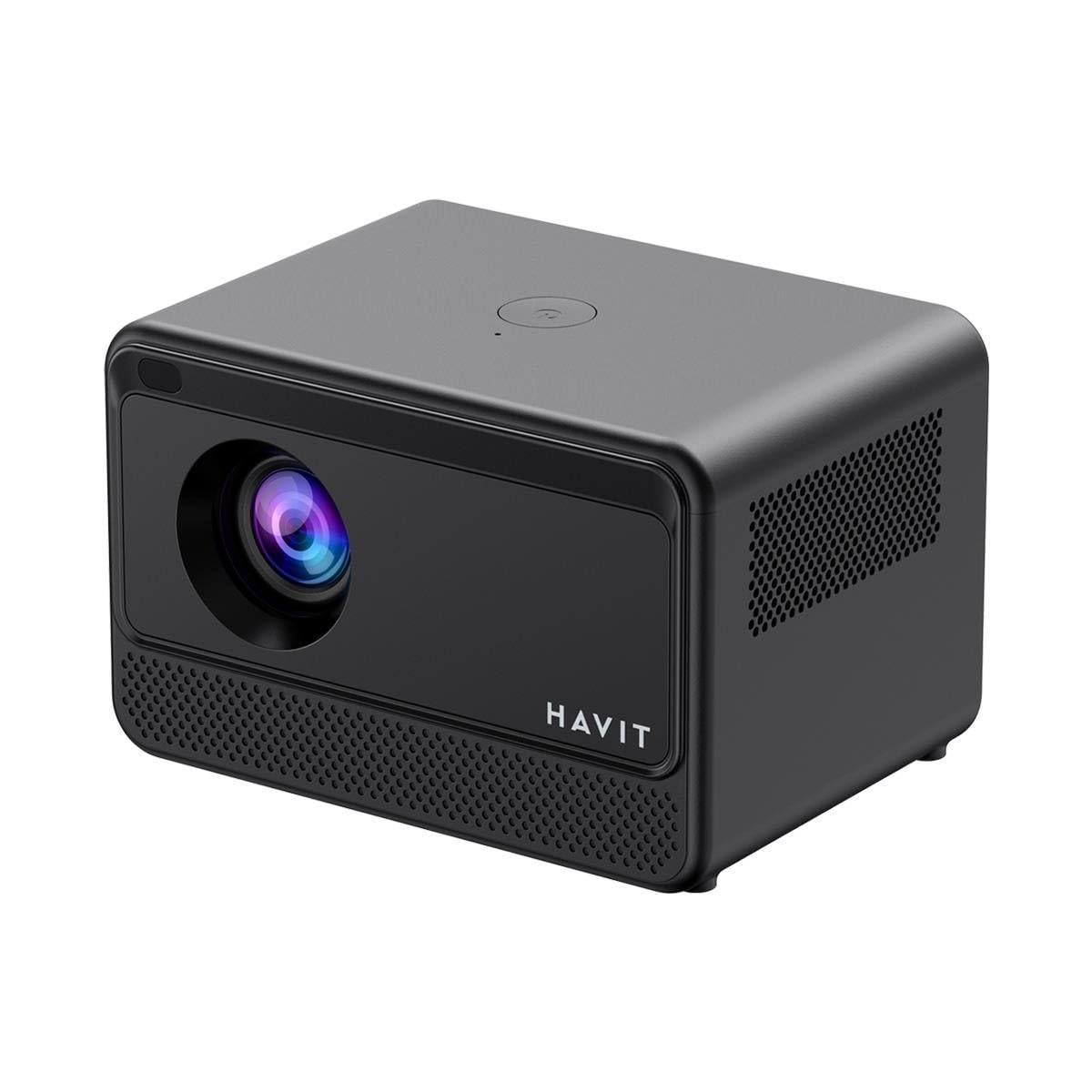
Тасвир: Қафо ва паҳлӯ view of the HAVIT PJ211 PRO projector, highlighting the power input, HDMI, USB, and audio ports.

Тасвир: Пеш view of the HAVIT PJ211 PRO projector, showing the projection lens and front grille.
Портҳо ва назорат:
- Вуруди барқ: Ба адаптери барқ пайваст мешавад.
- Порти HDMI: For connecting external video sources such as laptops, gaming consoles, or Blu-ray players.
- Портҳои USB: Барои пайваст кардани дастгоҳҳои нигаҳдории USB барои навозиш медиа files or connect peripherals.
- Вуруди AV: For connecting older devices using an AV cable.
- 3.5 мм Jack аудио: Барои пайваст кардани баландгӯякҳо ё гӯшмонакҳои беруна.
- Тугмаи барқ: Located on the top panel for turning the projector on/off.
4. Танзимот
4.1 Ҷойгиркунӣ
Position the projector on a stable, flat surface. Ensure there is adequate ventilation around the device. The optimal projection distance ranges from 1 to 4 meters, yielding a screen size between 32 and 150 inches.
4.2 Пайвастшавии барқ
- Сими барқро ба порти вуруди барқи проектор пайваст кунед.
- Нӯги дигари сими барқро ба васлаки барқии мувофиқ пайваст кунед.
4.3 Фаъолсозии ибтидоӣ
Press the power button on the projector or the remote control to turn on the device. The projector will boot up and display the Android TV interface.
4.4 Тамаркуз ва ислоҳи калидӣ
The PJ211 PRO features semi-auto focus and semi-auto keystone correction. The projector will attempt to adjust these settings automatically upon startup or movement. Fine-tuning can be done via the on-screen menu if needed.
4.5 Пайвастшавӣ ба шабака
To access online content, connect the projector to a Wi-Fi network.

Image: Illustration showing the projector's support for both 2.4G and 5G dual-band Wi-Fi connections, indicating improved transmission rates and smoother online viewing with 5G.
- Navigate to the 'Settings' menu on the Android TV interface.
- "Шабака ва Интернет"-ро интихоб кунед.
- Аз рӯйхат шабакаи дилхоҳи Wi-Fi-ро интихоб кунед.
- Enter the password if prompted and confirm the connection. The projector supports 2.4G and 5G dual-band Wi-Fi for stable connectivity.
5. Дастурҳои истифодабарӣ
5.1 Android TV 9.0 Interface
The projector runs on Android TV 9.0, providing access to various applications and streaming services. Use the remote control to navigate the interface, select apps, and adjust settings.
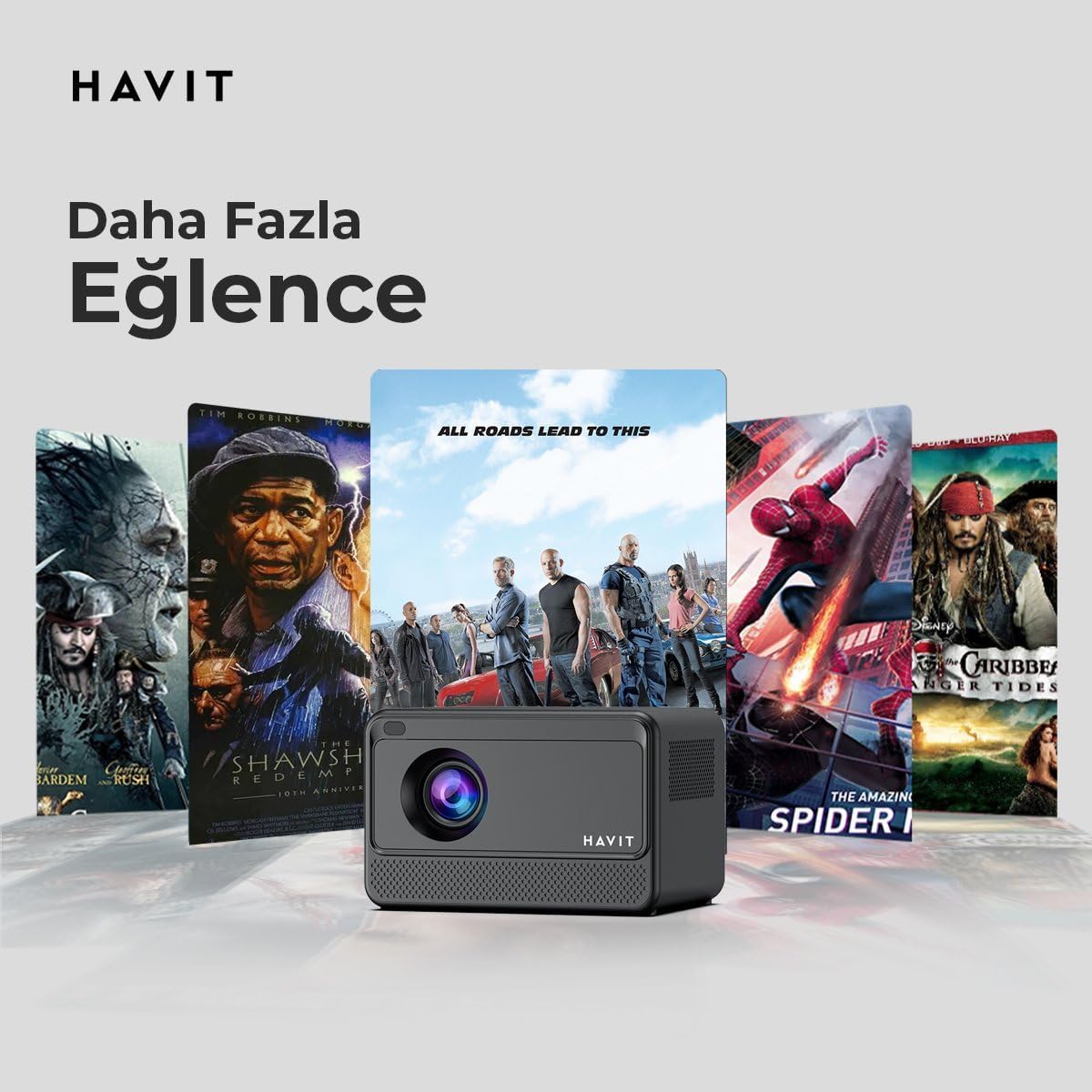
Image: The HAVIT PJ211 PRO projector displaying a selection of popular streaming service icons, illustrating its 'More Entertainment' capability through Android TV.
5.2 Пайваст кардани дастгоҳҳои беруна
You can connect various external devices to the projector:
- HDMI: Connect a device (e.g., laptop, game console) using an HDMI cable. Select the HDMI input source from the projector's input menu.
- USB: Insert a USB drive into a USB port. The projector's media player will typically detect the drive, allowing you to browse and play supported media files.
- АВ: Use an AV cable to connect compatible devices. Select the AV input source.
- Баромади аудио (Ҷеки 3.5 мм): Connect external speakers or headphones for enhanced audio. The projector has a built-in 3W speaker for standard audio output.
6. Нигоҳдорӣ
6.1 Тозакунӣ
- Линза: Use a soft, lint-free cloth specifically designed for optical lenses. Do not use abrasive cleaners or cloths.
- берунӣ: Қисми берунии проекторро бо матои нарм ва хушк пок кунед. Аз истифодаи воситаҳои тозакунандаи моеъ мустақиман дар болои дастгоҳ худдорӣ намоед.
- Вентилятсия: Боварӣ ҳосил кунед, ки сӯрохиҳои вентилятсия аз чанг ва монеаҳо тоза бошанд, то аз ҳад зиёд гармшавиро пешгирӣ кунанд.
6.2 Лamp Ҳаёт
LED лamp in your PJ211 PRO projector has an estimated life of 30,000 hours, providing long-term reliability under normal usage conditions.
7. Баррасии мушкилот
Агар шумо бо проектори худ мушкилоте дошта бошед, ба мушкилот ва роҳҳои ҳалли зерин муроҷиат кунед:
| Мушкилот | Сабаби эҳтимолӣ | Ҳалли |
|---|---|---|
| Ягон тасвир нишон дода нашудааст | Сими барқ ҷудо карда шудааст, манбаи вуруди нодуруст, сарпӯши линза фурӯзон аст. | Check power connection, select correct input source (HDMI, USB, AV), remove lens cap. |
| Тасвир норавшан аст | Аз фокус дур, масофаи нодурусти проексия. | Adjust focus manually via settings, ensure projector is within 1-4 meters of screen. |
| Садо нест | Volume too low, external speakers not connected properly, audio settings. | Increase volume, check external speaker connection, verify audio output settings. |
| Масъалаҳои пайвасти Wi-Fi | Incorrect password, router issues, signal interference. | Re-enter Wi-Fi password, restart router, ensure projector is within Wi-Fi range. |
8. Мушаххасоти
Detailed technical specifications for the HAVIT Smart Life Series PJ211 PRO projector:

Image: A visual representation of the HAVIT PJ211 PRO projector's specifications, including system, resolution, projection distance, brightness, and connectivity.
- Технологияи намоиш: LCD
- Қарори аслӣ: 1280 x 720 (HD)
- Қарори дастгирӣшаванда: Up to 3840 x 2160 (4K)
- Равшанӣ: Over 5000 lumens (180+ ANSI lumens)
- Таносуби контраст: 1500:1
- Таносуби тараф: 16:9 / 4:3
- Масофаи проексия: 1 — 4 метр
- Диапазони андозаи экран: 32 - 150 инч
- Танзими фокус: Semi-Auto Focus
- Ислоҳи санги калидӣ: Semi-Auto Keystone
- Баландгӯяки дарунсохт: 3W
- Низоми амал: ТВ Android 9.0
- Пайвасти бесим: Wi-Fi (2.4G/5G Dual-Band)
- Бандарҳои вуруд: HDMI, USB, AV, 3.5mm audio jack
- Lamp Навъи: НН - НУРНИШОН
- Lamp Ҳаёт: 30,000 соат
- Истеъмоли қувваи барқ: 65 Вт
- Вазни ашё: 2.3 килограмм
- Ранги: Сиёҳ
9. Кафолат ва дастгирӣ
9.1 Маълумот дар бораи кафолат
The HAVIT Smart Life Series PJ211 PRO projector comes with a Кафолати 1 сол аз рӯзи харид. Ин кафолат нуқсонҳои истеҳсолӣ ва корношоямиро дар ҳолати истифодаи муқаррарӣ фаро мегирад. Лутфан далели хариди худро барои даъвоҳои кафолат нигоҳ доред.
9.2 Дастгирии муштариён
For technical assistance, troubleshooting beyond this manual, or warranty inquiries, please contact HAVIT customer support through their official website or the retailer where the product was purchased. Please have your model number (PJ211 PRO) and purchase details ready when contacting support.