
Маҳсулот ба охир расидview
The EKSA H8 USB Headset is engineered for clear and efficient communication in professional environments. It features 40mm audio drivers for balanced sound and incorporates EKSA telecom VoicePure Technology with Environmental Noise Cancelling (ENC) for the microphone, effectively reducing up to 99.8% of background noise. This ensures your voice is transmitted with clarity. The headset offers versatile connectivity via 3.5mm jack, USB-C, or USB-A, making it compatible with a wide range of devices and communication platforms. Designed for comfort during extended use, it includes ultra-soft memory foam ear cushions and an adjustable headband.
Дар қуттӣ чӣ ҳаст
- 1x EKSA H8 Wired Office Headset
- 1x USB-A/USB-C In-line Control Cable
- 1x Дастури корбар

Image: The EKSA H8 headset package contents, showing the headset, USB-A/USB-C inline control cable, and user manual.
Дастурҳои насб
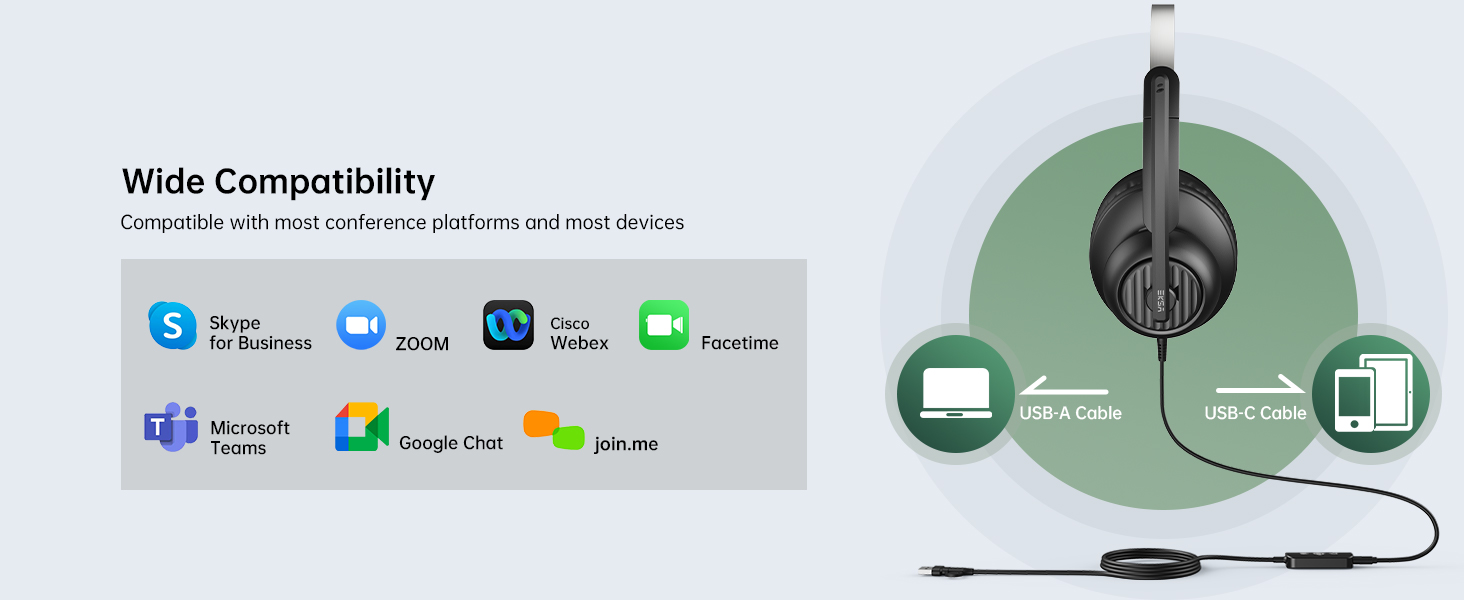
The EKSA H8 headset offers flexible connectivity options for various devices.
Connecting via 3.5mm Jack:
- Locate the 3.5mm audio jack on your device (e.g., laptop, mobile phone).
- Plug the 3.5mm connector from the headset directly into your device's audio jack.
- Шарҳ: When using the 3.5mm jack, inline button adjustments (volume, mute) are not supported, and microphone noise cancellation is not active.
Connecting via USB-A or USB-C:
- Connect the 3.5mm connector from the headset into the inline control unit.
- For USB-A connection: Plug the USB-A end of the inline control cable into an available USB-A port on your computer or laptop.
- For USB-C connection: If your device has a USB-C port, use the integrated USB-C adapter on the inline control cable.
- The headset is plug-and-play; no additional drivers are typically required.
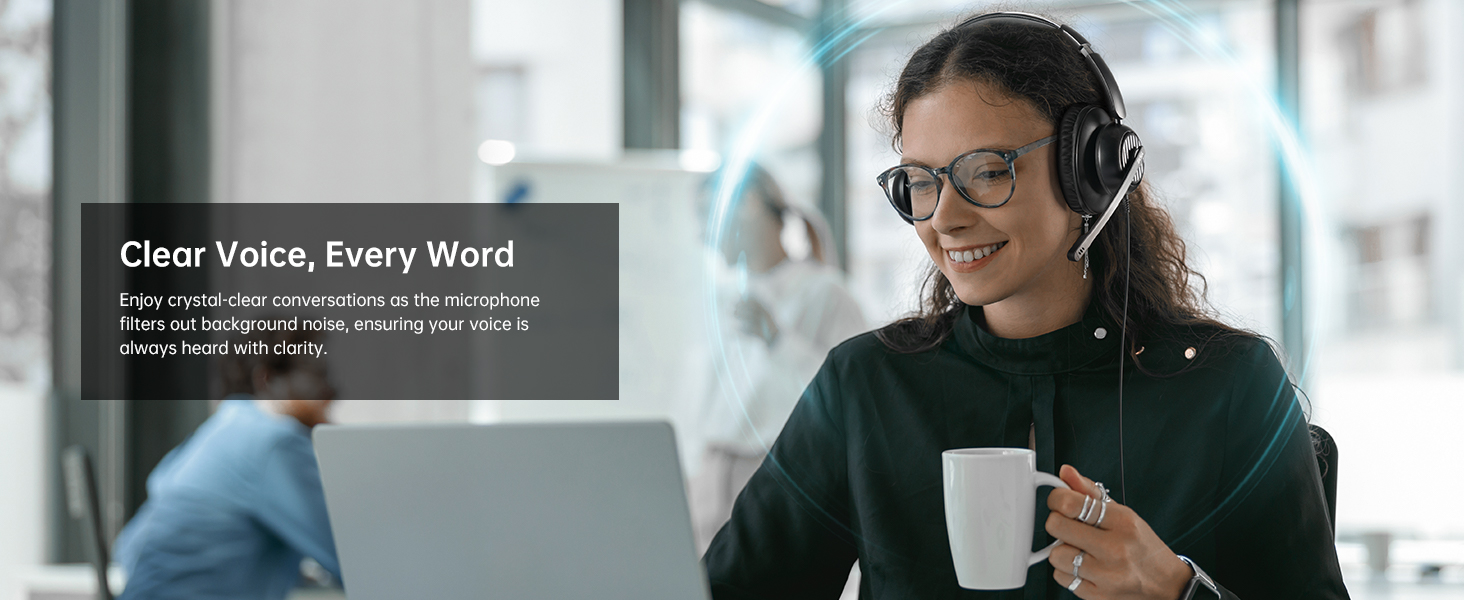
Image: The EKSA H8 headset demonstrating its versatile connectivity options, including USB-C, USB-A, and a 3.5mm audio jack, compatible with various devices and communication platforms.
Дастурҳои амалиётӣ
The inline control unit provides easy access to essential functions when connected via USB.
- Назорати овоз: Use the '+' and '-' buttons on the side of the inline control to adjust the listening volume.
- Хомӯш кардани микрофон: Press the microphone icon button to mute or unmute your microphone. A voice prompt will indicate "Mic On" or "Mic Off".
- Тугмаи бисёрфунксионалӣ (Навозиш/Таваққуф): This button can be used to play or pause audio playback.
- Тугмаи дастаҳо: A dedicated 'T' button allows for quick answering or ending of Microsoft Teams calls.
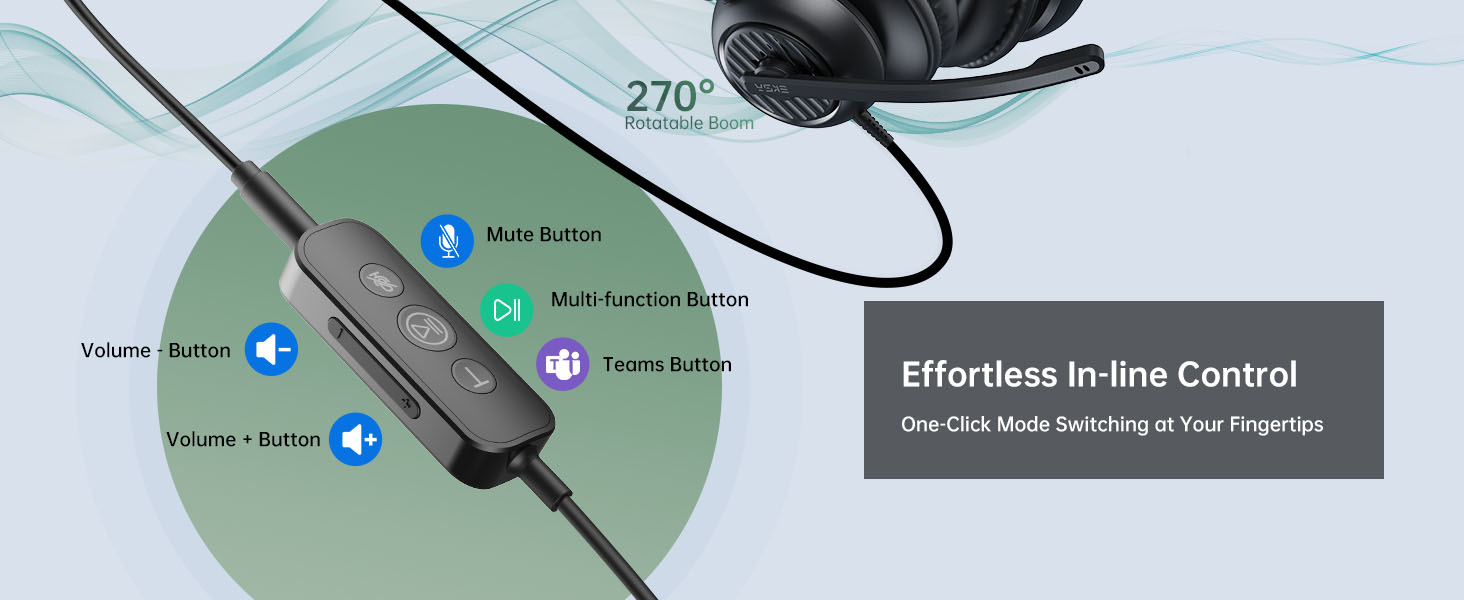
Тасвир: Муфассал view of the EKSA H8 headset's inline control unit, highlighting buttons for Microsoft Teams calls, play/pause, microphone mute, and volume adjustment.
Танзими микрофон:
The 270° adjustable boom mic can be positioned for optimal voice capture. Rotate it up and out of the way when not in use.
Бароҳатӣ ва мувофиқат
The EKSA H8 headset is designed for comfortable all-day wearing.
- Сарбанди танзимшаванда: The reinforced headband can be extended or retracted to fit various head sizes.
- Ultra-Soft Ear Cushions: The over-ear memory foam cushions fully enclose your ears, providing comfort without pressure.
- Swivel Ear Cups: The ear cups can swivel for a personalized fit and easy storage.
- Flexible Microphone Arm: The 270° bendable boom arm allows precise positioning of the microphone.
Тасвир: таркиш view diagram of the EKSA H8 headset, pointing out key comfort features such as soft ear cushions, an adjustable headband, swivel ear cups, and a 270° bendable boom arm for personalized fit.
Мушаххасоти
| Хусусият | Тафсилот |
|---|---|
| Номи модел | H8 |
| Диаметри баландгӯяк | 40 мм |
| Импеданси баландгӯяк | 32 Ом ± 15% |
| Ҷавоби басомад | 20 Гц - 20,000 Гц |
| Ҳассосияти микрофон | -40 ± 2 дБ |
| Назорати садо | Active Noise Cancellation (via USB connection) |
| Технологияи пайвастшавӣ | Wired (3.5mm Jack, USB-C, USB-A) |
| Дарозии кабел | 7.71 фут (2.35 м) |
| Ҷойгиркунии гӯш | Дар болои гӯш |
| Материал | Plastic with Foam Ear Cups |
Нигоҳдорӣ ва нигоҳубин
- Тозакунӣ: Use a soft, dry cloth to clean the headset. Avoid harsh chemicals or abrasive materials.
- Нигоҳдорӣ: Гӯшмонакро дар ҷои хунук ва хушк аз нурҳои бевоситаи офтоб ва ҳарорати аз ҳад зиёд дур нигоҳ доред.
- Нигоҳубини кабел: Барои пешгирӣ кардани осеб аз хамшавии тез ё кашидани аз ҳад зиёди кабел худдорӣ намоед.
- болиштҳои гӯш: Replaceable ear cushions are available to maintain hygiene and comfort over time.
Мушкилкушо
Овоз нест ё сифати пасти садо:
- Ensure the headset is securely plugged into the correct port (3.5mm, USB-A, or USB-C).
- Check your device's volume settings and the inline volume control on the headset.
- Тафтиш кунед, ки гӯшмонак ҳамчун дастгоҳи баромади аудиоии пешфарз дар танзимоти садои компютери шумо интихоб шудааст.
- If using the 3.5mm jack, note that microphone noise cancellation is not active.
Микрофон кор намекунад:
- Ensure the microphone is not muted via the inline control or your device's software.
- Check that the microphone is selected as the default input device in your computer's sound settings.
- Adjust the boom mic closer to your mouth for optimal voice pickup.
- Ensure the 3.5mm connection is fully inserted into the inline control unit if using USB.
Масъалаҳои тасаллӣ:
- Adjust the headband for a snug yet comfortable fit.
- Ensure ear cushions are properly positioned over your ears.
Кафолат ва дастгирӣ
The EKSA H8 headset is backed by EKSA’s trusted warranty and customer service.
- Тавсифи кафолат: 2 Years Warranty.
- Хидмат ба муштари: Барои дастгирӣ, лутфан боздид кунед www.eksatelecom.com/pages/warranty or contact GLOBAL: +852 6940 4955 (Mon to Fri 9:00 am-6:30 pm, UTC +8 HKT).
Видеоҳои муфид
No official product videos from the seller were found in the provided data. The videos available are user-generated reviews and are not embedded as per the 'creator_type: Seller' requirement.