
Муқаддима
This manual provides detailed instructions for the setup, operation, and maintenance of your Oilsky M305 MP3 Player. Please read this manual thoroughly before using the device to ensure optimal performance and longevity.

Тасвир: тамомview of the Oilsky M305 MP3 Player's key features.
1. Дастури насб
1.1 Мундариҷаи қуттӣ ва бастаҳо
Carefully unpack your Oilsky M305 MP3 Player and verify all components are present.

Image: Contents of the Oilsky M305 MP3 Player box.
Баста бояд дар бар гирад:
- 1x Oilsky M305 Music Player
- 1x корти TF 128GB (қаблан насбшуда ё алоҳида)
- 1x USB Cable (for charging and data transfer)
- 1x Гӯшмонакҳои симӣ
- 1x Филми муҳофизатӣ
- 1x Парвандаи муҳофизатӣ
- 1x Дастури корбар
1.2 Пур кардани дастгоҳ
Before first use, fully charge the device. Connect the provided USB cable to the player's charging port and to a USB power adapter (not included) or a computer's USB port. The charging indicator will show the charging status.
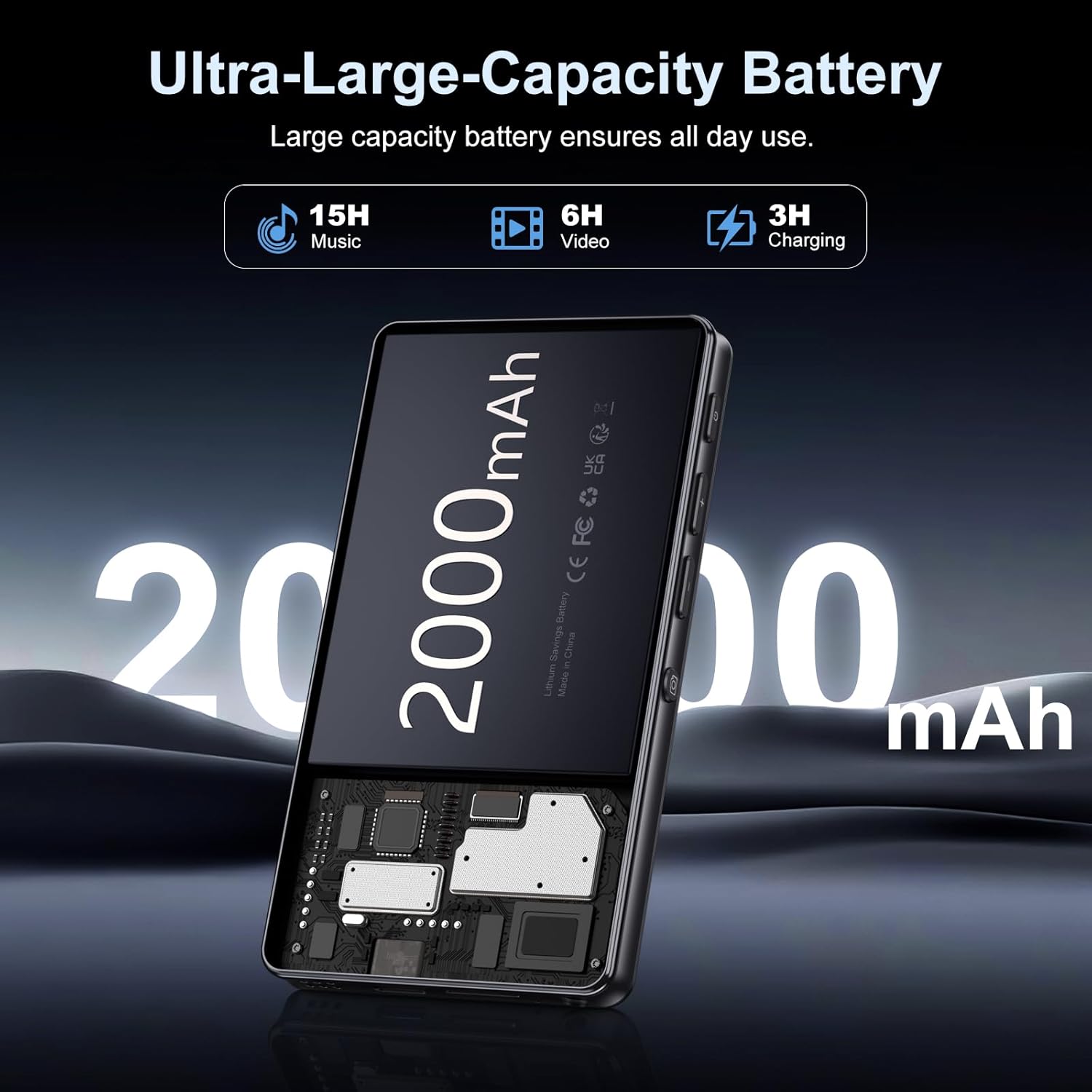
Image: Illustration of the 2000mAh battery and its charging/usage capabilities.
The 2000mAh battery provides approximately 15 hours of music playback and 6 hours of video playback on a full charge, which takes about 3 hours.
1.3 Фаъол кардан/хомӯш кардан
- Барои фаъол кардан: Тугмаи барқро, ки дар паҳлӯи дастгоҳ ҷойгир аст, то равшан шудани экран пахш кунед ва нигоҳ доред.
- Барои хомӯш кардани барқ: Press and hold the power button, then select 'Power Off' from the options that appear on the screen.
1.4 Танзимоти ибтидоӣ
Ҳангоми аввалин бор ба кор андохтан, дастурҳои дар экран бударо иҷро кунед, то:
- Забони дӯстдоштаи худро интихоб кунед.
- Connect to a Wi-Fi network for internet access and app downloads.
- Сана ва вақтро муқаррар кунед.
2. Дастурҳои истифодабарӣ
2.1 Basic Navigation (Touchscreen)
The Oilsky M305 features a 4.02-inch HD touchscreen for intuitive control. Use gestures similar to a smartphone:
- Клик кунед: Барои интихоби ашё ё кушодани барнома.
- Лағжиш: Барои ҳаракат дар рӯйхатҳо ё гузаштан байни экранҳо.
- Чимч кардан барои калон кардан: In supported applications like image galleries.

Image: The 4.02-inch HD touchscreen in use, displaying video content.
2.2 Навозиши мусиқӣ
The device supports various music formats including MP3, WAV, APE, FLAC, and AAC. You can play music through the built-in speaker or connected headphones/Bluetooth devices.

Image: Music playback interface showing supported audio formats.
- Дастрасӣ ба мусиқӣ: Open the pre-installed music player app or any downloaded streaming service (e.g., Spotify, Audible).
- Эҷоди рӯйхати навозишҳо: Use the music player app to organize your songs into custom playlists.
- Эквалайзер: Adjust audio settings via the built-in equalizer for a personalized listening experience.

Image: Features for music management, including playlist creation and equalizer settings.
2.3 Навозиши видео
The device supports various video formats including AVI, MKV, MP4, MPG, and MOV. Videos can be viewed on the 4.02-inch HD screen.

Image: Supported video and music formats for the device.
2.4 Истифодаи камера
The M305 is equipped with a 13MP rear camera and a 5MP front camera for capturing photos and videos.
- Аксбардорӣ: Барномаи Камераро кушоед, кадри худро чаҳорчӯба кунед ва тугмаи пардаро клик кунед.
- Сабти видео: Switch to video mode in the Camera app and tap the record button to start/stop.

Image: Illustration of the 5MP front and 13MP rear cameras.
2.5 Пайвастшавӣ (Bluetooth ва Wi-Fi)
The device features dual-band Wi-Fi for fast internet access and Bluetooth 5.0 for stable wireless connections.
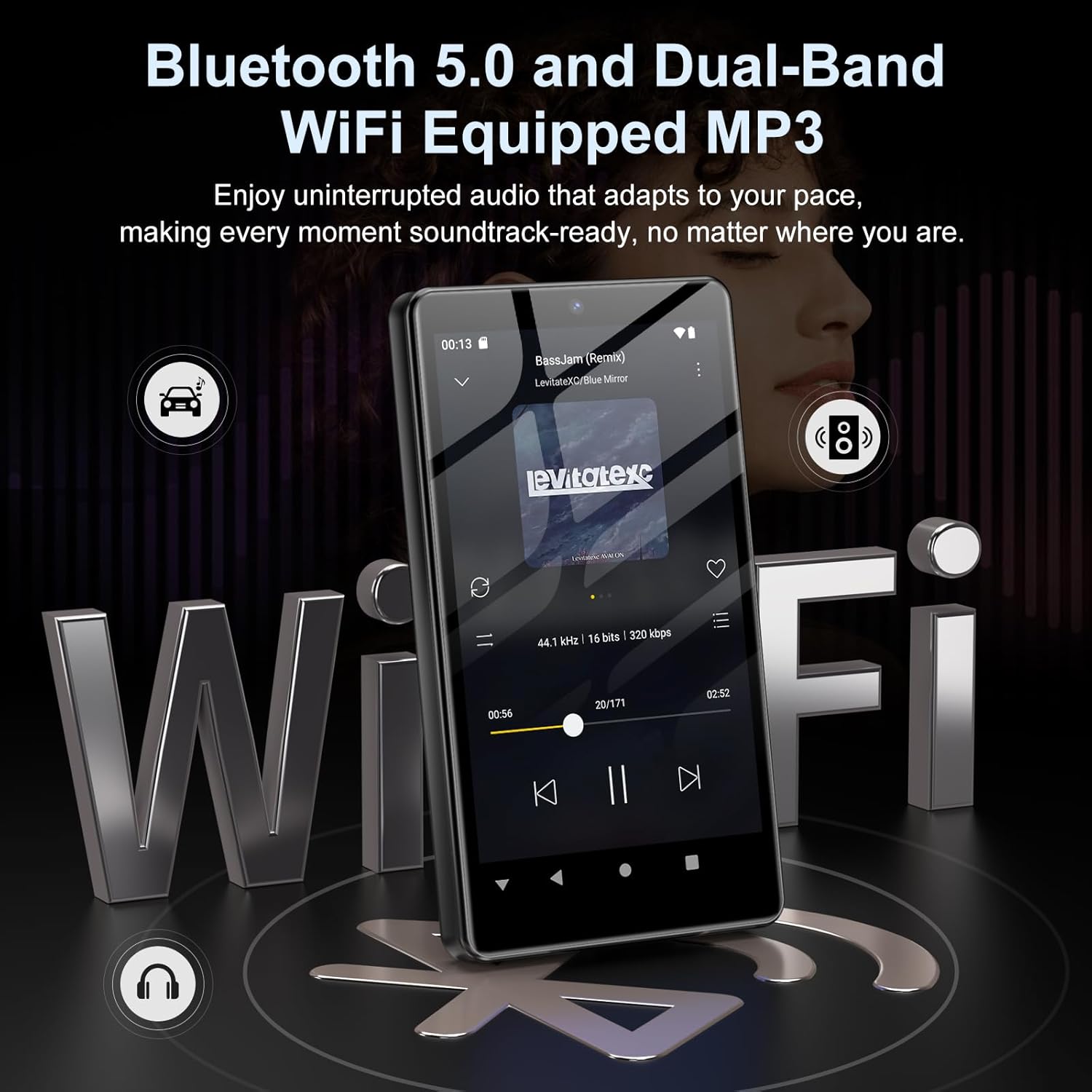
Image: Visual representation of Bluetooth and Wi-Fi connectivity.
- Вай-фай: Барои пайваст шудан ба шабакаҳои дастрас ба Танзимотҳо > Шабака ва интернет > Wi-Fi гузаред.
- Блутуз: Go to Settings > Connected devices > Bluetooth to pair with headphones, speakers, or other Bluetooth-enabled devices.
2.6 Идоракунии нигаҳдорӣ
The M305 comes with 32GB of internal ROM and includes a 128GB TF card, supporting external storage expansion up to 1TB.

Image: Storage capacity details including internal ROM and TF card expansion.
- Viewing Storage: Navigate to Settings > Storage to see internal and external storage usage.
- Интиқол Files: Connect the device to a computer using the USB cable to transfer music, videos, and photos.
2.7 App Installation (Google Play Store)
Running on Android 13.0, the device allows you to install and uninstall applications from the Google Play Store.
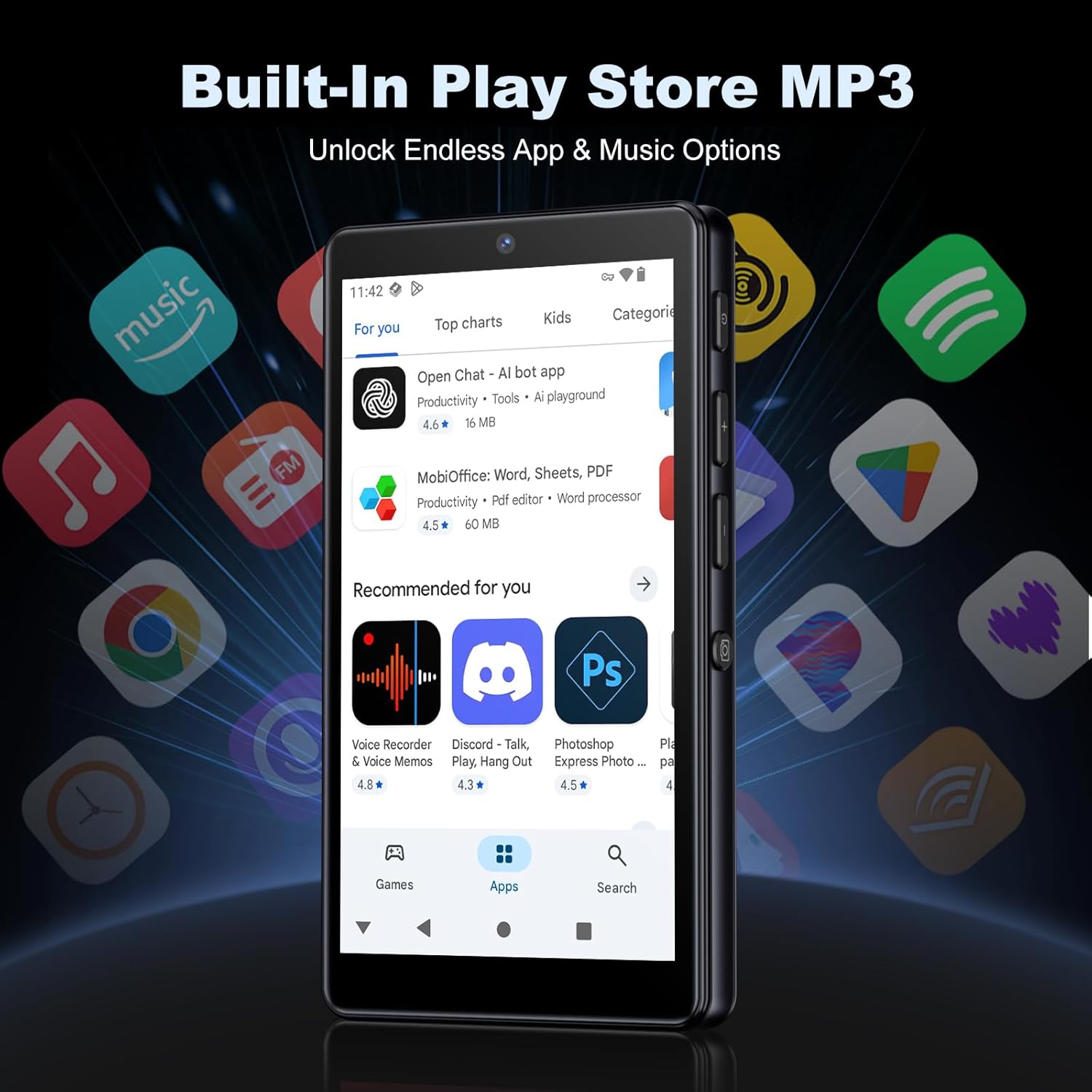
Image: The Google Play Store interface on the device.
- Насб кардани барномаҳо: Open the Play Store app, search for your desired application, and tap 'Install'.
- Нест кардани барномаҳо: Go to Settings > Apps, select the app, and tap 'Uninstall'.
3. Нигоҳдорӣ
3.1 Тозакунӣ
To clean the device, use a soft, dry, lint-free cloth. Avoid using abrasive cleaners, solvents, or aerosol sprays, which may damage the screen or finish.
3.2 Нигоҳубини батарея
- Нагузоред, ки дастгоҳро ба ҳарорати аз ҳад зиёд дучор кунед.
- Нагузоред, ки батарея зуд-зуд холӣ шавад.
- Барои пур кардани барқ танҳо сими USB-ро истифода баред.
3.3 Навсозии нармафзор
Барои боварӣ ҳосил кардан, ки дастгоҳи шумо дорои хусусиятҳои навтарин ва навсозиҳои амниятӣ мебошад, мунтазам навсозиҳои нармафзорро тафтиш кунед. Ба Танзимотҳо > Система > Навсозии система гузаред.
4. Баррасии мушкилот
4.1 Дастгоҳ фурӯзон нест
- Боварӣ ҳосил кунед, ки батарея пур карда шудааст. Дастгоҳро ба пуркунандаи барқ на камтар аз 30 дақиқа пайваст кунед.
- Бо пахш кардани тугмаи барқ барои 10-15 сония, кӯшиш кунед, ки компютерро маҷбуран аз нав оғоз кунед.
4.2 Масъалаҳои пайвастшавӣ (Wi-Fi/Bluetooth)
- Вай-фай: Check if the Wi-Fi network is active and you have entered the correct password. Try restarting your router.
- Блутуз: Ensure the device you are trying to connect to is in pairing mode and within range. Try turning Bluetooth off and on again on both devices.
4.3 Барбод рафтан ё ях кардани барномаҳо
- Барномаро пӯшед ва боз кунед.
- Clear the app's cache: Settings > Apps > [App Name] > Storage & cache > Clear cache.
- Агар мушкилот идома ёбад, кӯшиш кунед, ки барномаро нест кунед ва аз нав насб кунед.
4.4 Сифати пасти аудио
- Check your earphones or Bluetooth speaker connection.
- Таъмини аудио file вайрон нашудааст.
- Adjust the equalizer settings in your music player.
5. Мушаххасоти
| Хусусият | Тафсилот |
|---|---|
| Бренд | Ойлский |
| Рақами модел | М305 |
| Низоми амал | Android 13.0 |
| Протсессор | MTK 8-аслӣ |
| RAM | 4 ГБ |
| Захираи дохилӣ (ROM) | 32 ГБ |
| Захираи беруна | Корти TF 128 ГБ дохил карда шудааст, то 1 ТБ васеъ карда мешавад |
| Андозаи экран | 4.02 дюймаи HD экрани сенсорӣ |
| Камераи пушти | 13 МП |
| Камераи пеши | 5 МП |
| блутуз | Bluetooth 5.0 |
| Вай-фай | Wi-Fi дугона |
| Иқтидори батарея | 2000 мАч литий-полимерӣ |
| Вақти навозиши мусиқӣ | То 15 соат |
| Вақти бозикунии видео | То 6 соат |
| Вақти пуркунии барқ | тахминан. 3 соат |
| Форматҳои аудио дастгирӣшаванда | MP3, WAV, APE, FLAC, AAC ва ғайра. |
| Форматҳои Видео дастгиришаванда | AVI, MKV, MP4, MPG, MOV, etc. |
| Форматҳои тасвири дастгирӣ | JPEG, BMP, GIF, PNG, etc. |
6. Маълумот дар бораи кафолат
The Oilsky M305 MP3 Player comes with a manufacturer's warranty. Please refer to the warranty card included in your package or contact Oilsky customer support for specific terms and conditions. Keep your proof of purchase for warranty claims.
7. Дастгирии муштариён
If you encounter any issues not covered in this manual or require further assistance, please contact Oilsky customer support. Contact details can typically be found on the official Oilsky webсайт ё дар корти кафолат.