Муқаддима
Thank you for choosing the Billboard Bluetooth Wireless Hook Over Earbuds. This manual provides essential information for setting up, operating, and maintaining your new earbuds. Please read these instructions carefully before use to ensure optimal performance and longevity of your device. Keep this manual for future reference.
Мундариҷаи баста
Боварӣ ҳосил кунед, ки ҳама ҷузъҳо дар баста мавҷуданд:
- Billboard Bluetooth Wireless Hook Over Earbuds
- Сими пуркунандаи Micro USB
- Дастури корбар (ин ҳуҷҷат)
Маҳсулот ба охир расидview
The Billboard Bluetooth Wireless Hook Over Earbuds are designed for comfortable and secure fit, featuring a tangle-free flat cord and integrated controls for music and calls.
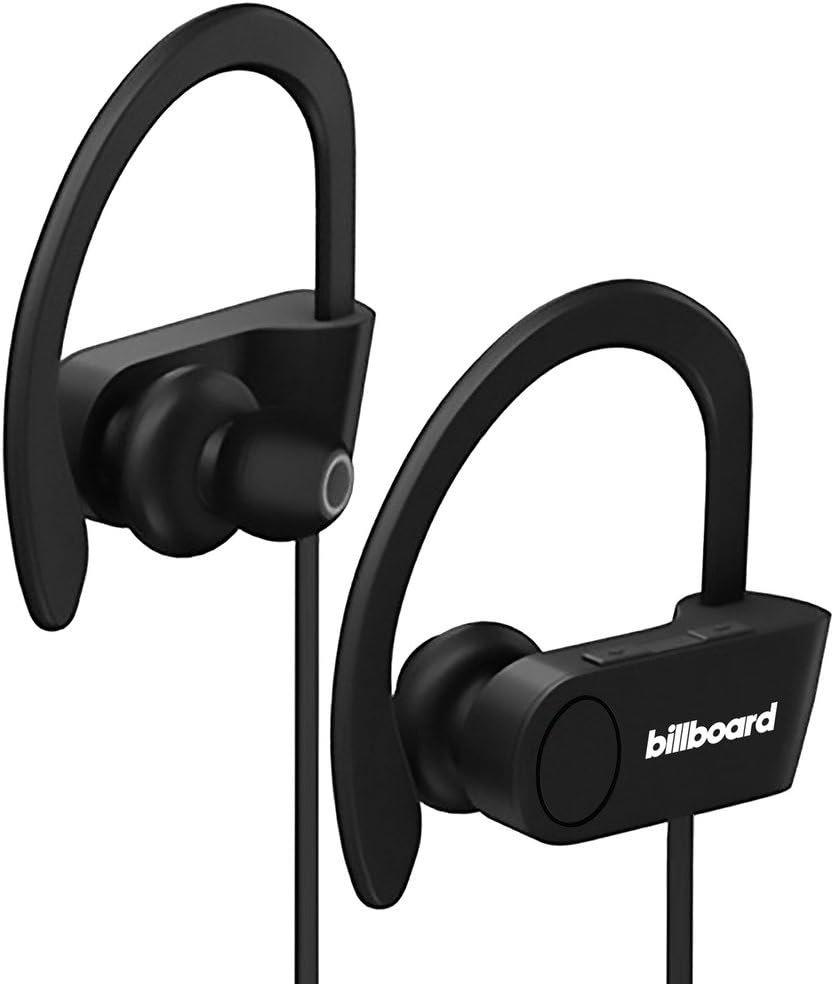
Image: Billboard Bluetooth Wireless Hook Over Earbuds, front view. These black earbuds feature an over-ear hook design for secure placement and a flat cord connecting the two earpieces.

Image: Billboard Bluetooth Wireless Hook Over Earbuds, showing the flat tangle-free cord. The design emphasizes a comfortable fit with the ear hooks and the practical flat cable.
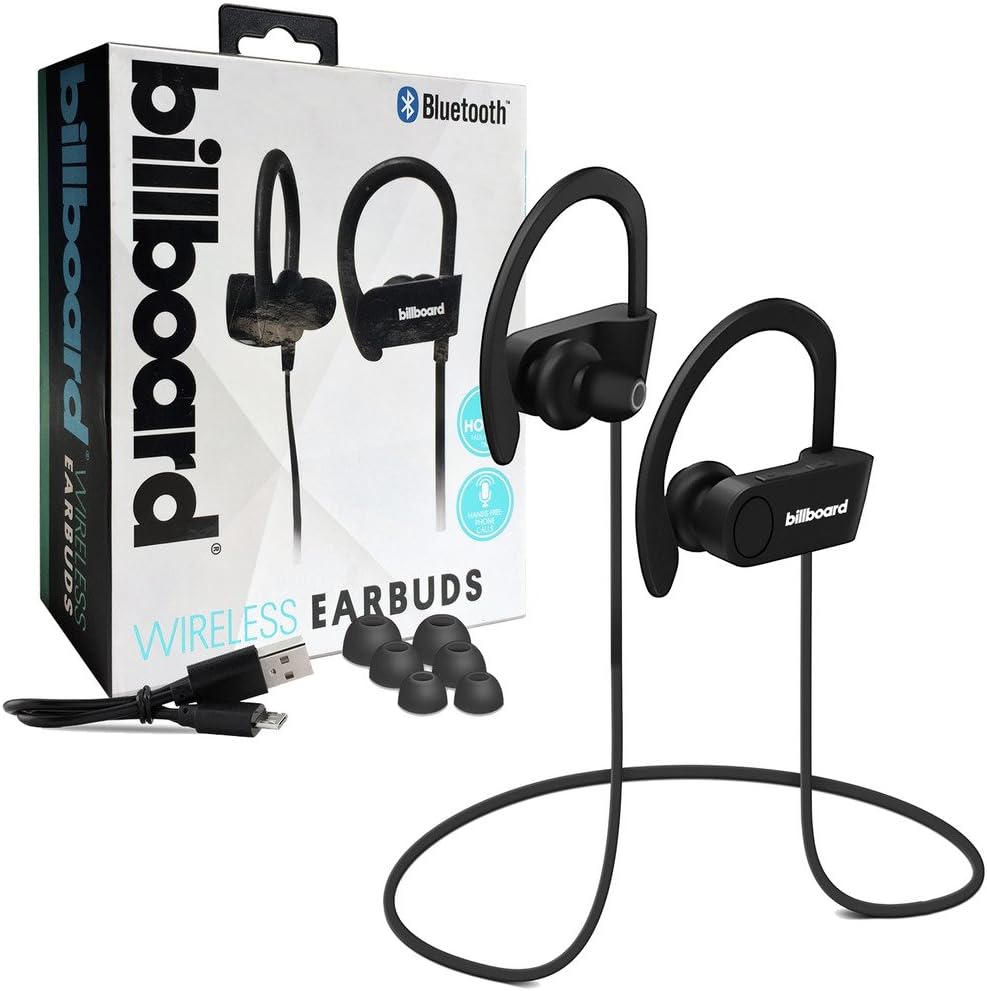
Image: Billboard Bluetooth Wireless Hook Over Earbuds packaging with included accessories. The box displays the earbuds, a charging cable, and additional ear tips, highlighting the product's features.
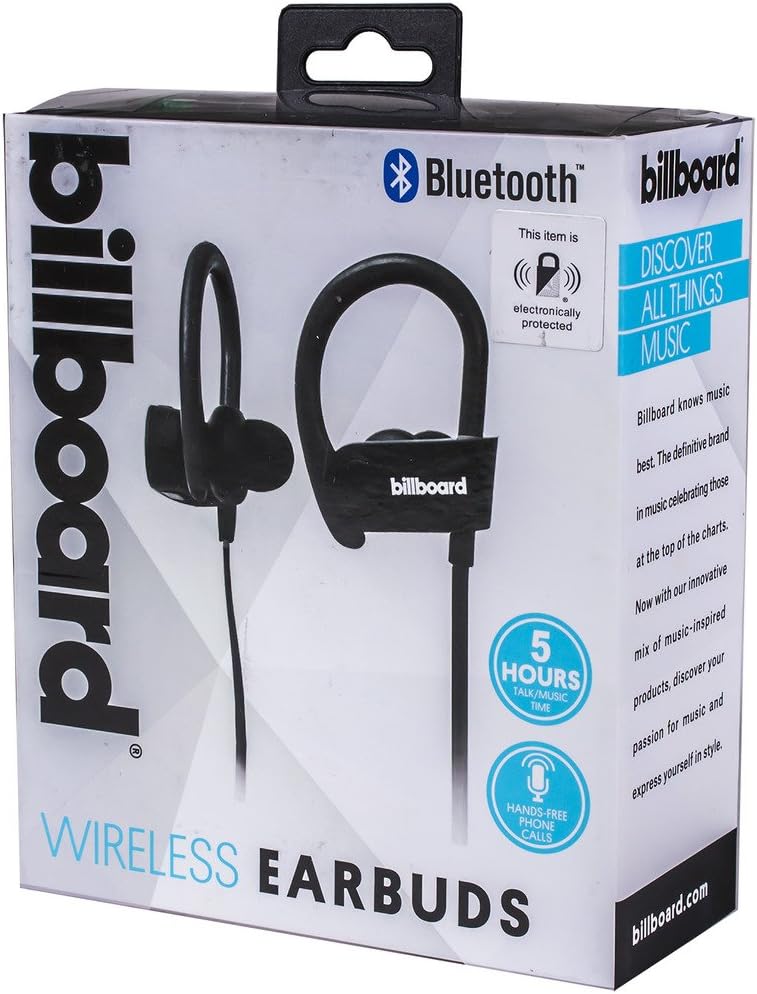
Image: Close-up of Billboard Bluetooth Wireless Hook Over Earbuds packaging, detailing features. The packaging highlights key features such as Bluetooth connectivity, 5 hours of talk/music time, and hands-free phone calls.
Ташкил кардан
1. Пур кардани гӯшмонакҳо
- Locate the Micro USB charging port on one of the earbuds (typically on the control module).
- Connect the provided Micro USB charging cable to the earbud's charging port.
- Нӯги дигари сими USB-ро ба манбаи барқи USB пайваст кунед (масалан, порти USB-и компютер, адаптери деворӣ).
- The LED indicator light will illuminate, typically red, to show that the earbuds are charging.
- Once fully charged, the LED indicator light will change color (e.g., turn blue or off). A full charge usually takes approximately 1-2 hours.
Шарҳ: Ensure the earbuds are fully charged before first use for optimal battery life.
2. Ҷуфти Bluetooth
- Фаъол: Press and hold the Multi-function button (usually the center button on the control module) for a few seconds until the LED indicator light flashes blue and red alternately, indicating pairing mode.
- Bluetooth-ро фаъол кунед: Дар смартфони худ ё дигар дастгоҳи Bluetooth фаъол, ба танзимоти Bluetooth гузаред ва боварӣ ҳосил кунед, ки Bluetooth фаъол аст.
- Ҷустуҷӯ Дастгоҳҳо: Дастгоҳи шумо ба таври худкор дастгоҳҳои наздики Bluetooth-ро ҷустуҷӯ мекунад.
- Гӯшмонакҳоро интихоб кунед: From the list of available devices, select "Billboard Earbuds" or a similar name.
- Тасдиқи ҷуфтшавӣ: Once successfully paired, the LED indicator light on the earbuds will typically flash blue slowly or turn off, and you will hear an audible confirmation.
- Агар аз шумо парол талаб карда шавад, "0000" (чор сифр) ворид кунед.
Шарҳ: The earbuds will automatically attempt to reconnect to the last paired device when powered on, if that device's Bluetooth is active and within range.
Дастурҳои амалиётӣ
Назоратҳоview
The control module on the earbud cord typically includes a Multi-function button (MFB) and Volume Up/Down buttons.
- Тугмаи бисёрфунксионалӣ (MFB): Power On/Off, Play/Pause, Answer/End Call, Reject Call.
- Баланд бардоштани овоз (+): Increase volume, Next track.
- Паст кардани овоз (-): Decrease volume, Previous track.
Фаъол/хомӯш
- Фаъол: Press and hold the MFB for approximately 3 seconds until the LED flashes blue and you hear a power-on prompt.
- Хомӯш: Press and hold the MFB for approximately 3-5 seconds until the LED flashes red and you hear a power-off prompt.
Навозиши мусиқӣ
- Бозӣ/Таваққуф: MFB-ро як маротиба пахш кунед.
- Треки навбатӣ: Тугмаи баланд кардани овоз (+)-ро пахш карда нигоҳ доред.
- Track гузашта: Тугмаи паст кардани овоз (-)-ро пахш карда нигоҳ доред.
Идоракунии зангҳо
- Ҷавоб додан/Занги хотимавӣ: Press the MFB once during an incoming call or during an active call.
- Рад кардани занг: Press and hold the MFB for approximately 2 seconds during an incoming call.
- Рақами охирини такрорӣ: Double-press the MFB when no call is active.
Назорати овоз
- Баланд бардоштани ҳаҷм: Press the Volume Up (+) button repeatedly.
- Кам кардани ҳаҷм: Press the Volume Down (-) button repeatedly.
Нигоҳдорӣ
- Тозакунӣ: Use a soft, dry cloth to clean the earbuds. Do not use abrasive cleaners or solvents.
- Нигоҳдорӣ: Store the earbuds in a cool, dry place away from direct sunlight and extreme temperatures.
- Нигоҳубини батарея: To preserve battery life, charge the earbuds regularly, even if not in frequent use. Avoid fully discharging the battery for extended periods.
- Таъсири об: Ин гӯшмонакҳо обногузар нестанд. Аз дучор шудан ба об ё намии аз ҳад зиёд худдорӣ кунед.
Мушкилкушо
| Мушкилот | Ҳалли |
|---|---|
| Earbuds will not power on. | Ensure the earbuds are fully charged. Connect to a power source and check the charging indicator light. |
| Бо дастгоҳ пайваст карда намешавад. | Make sure the earbuds are in pairing mode (flashing blue and red). Ensure Bluetooth is enabled on your device and it is within range (typically 10 meters). Try turning both devices off and on again. |
| Овоз нест ё садои паст. | Check the volume levels on both the earbuds and your connected device. Ensure the earbuds are properly paired and connected. Try playing different audio sources. |
| Пайвастагии фосилавӣ. | Move closer to your connected device. Avoid obstacles between the earbuds and the device. Ensure there is no interference from other wireless devices. |
Мушаххасоти
- Бренд: Билборд
- Модели: B073CCBSLL
- Ранги: Сиёҳ
- Ҷойгиркунии гӯш: Дар гӯш (бо қалмоқи болои гӯш)
- Омили шакл: Ду-гуш
- Пайвастшавӣ: Bluetooth бесими
- Порти пуркунандаи барқ: Micro USB
- Battery Life (Talk/Music Time): Тақрибан 5 соат
- Дастгоҳҳои мувофиқ: Universal/Smartphones
- Вижагиҳо: Tangle-Free Flat Cord, Built-in Microphone, Integrated Controls
Кафолат ва дастгирӣ
For warranty information and customer support, please refer to the documentation included with your purchase or visit the official Billboard product support webсайт. Барои ҳама даъвоҳои кафолат далели хариди худро нигоҳ доред.
If you encounter issues not covered in this manual, please contact customer service for assistance.


