Муқаддима
This user manual provides comprehensive instructions for the VTech VM3252-2 Digital Video Baby Monitor. Please read this manual thoroughly before using the product to ensure proper operation and safety. Keep this manual for future reference.
Мундариҷаи баста
Your VTech VM3252-2 package includes:
- One (1) Parent Unit with 2.8-inch color LCD screen
- Two (2) Baby Units (cameras)
- Three (3) Power Adapters (one for Parent Unit, two for Baby Units)
- One (1) Rechargeable Battery (pre-installed in Parent Unit)
- Дастури корбар (ин ҳуҷҷат)

Image: The VTech VM3252-2 Digital Video Baby Monitor system, showing the parent unit and two baby units.
Ташкил кардан
1. Charging the Parent Unit Battery
The parent unit operates on a rechargeable battery or AC power. To maximize battery life, charge the parent unit for at least 12 hours before initial use. The battery icon on the screen indicates the charge level.
- Connect the small plug of the parent unit power adapter to the power jack on the side of the parent unit.
- Connect the large end of the power adapter to a wall outlet.
2. Connecting the Baby Units (Cameras)
The baby units operate on AC power only. Ensure they are placed within range of the parent unit and have a clear line of sight to the baby.
- Connect the small plug of the baby unit power adapter to the power jack on the back of the baby unit.
- Connect the large end of the power adapter to a wall outlet.
- Position the baby unit at least 3 feet (1 meter) away from the baby.
- Adjust the camera angle manually to get the desired view.

Image: A hand demonstrates adjusting the camera angle of the baby unit.
3. Фурӯзон/хомӯшкунӣ
- To turn on the parent unit, press and hold the КУВВА button until the VTech logo appears.
- To turn off the parent unit, press and hold the КУВВА тугмаро то хомӯш кардани экран пахш кунед.
- To turn on a baby unit, slide the ФУРУШ/ХОМУШ гузаштан ба ON мавқеъ.
- To turn off a baby unit, slide the ФУРУШ/ХОМУШ гузаштан ба ХОМӮШ мавқеъ.
Амалиёт
1. Monitoring Your Baby
Once both units are powered on and linked, the parent unit will automatically display video from the baby unit. If you have two cameras, the parent unit will cycle between them or allow manual selection.

Image: The parent unit's 2.8-inch color LCD screen showing a clear view аз кӯдаке.
2. Two-Way Talk Intercom
You can speak to your baby through the baby unit from the parent unit.
- -ро пахш карда нигоҳ доред СУХБАТ button on the parent unit.
- Speak clearly into the microphone on the parent unit.
- -ро озод кунед СУХБАТ button to stop speaking and hear your baby.

Image: A user interacting with the parent unit, demonstrating the two-way talk feature.
3. Soothing Sounds and Lullabies
The baby unit can play pre-set lullabies and soothing sounds to help calm your baby.
- Ба менюи воҳиди волидайн дастрасӣ пайдо кунед.
- Navigate to the Lullaby/Sound option.
- Select a melody or sound to play.
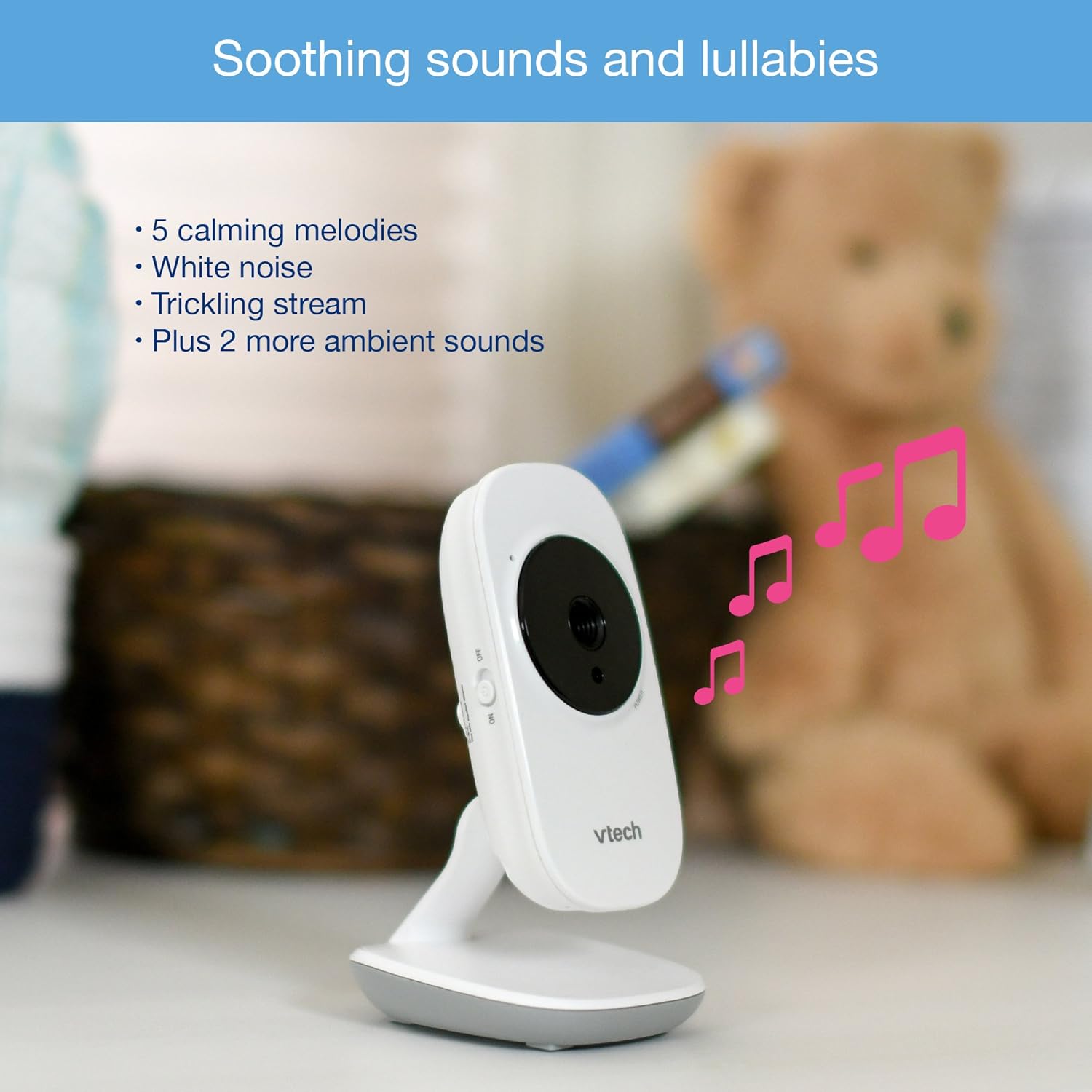
Image: The baby unit, illustrating its ability to play soothing sounds and lullabies.
4. Назорати баландии овоз
Adjust the listening volume on the parent unit using the volume buttons.
- -ро пахш кунед ОВОЗРО БАЛАНД БАРДОШТАН тугмаи барои баланд бардоштани овоз.
- -ро пахш кунед ПАСТ КАРДАНИ ОВОЗ тугмаи барои паст кардани овоз.
- The parent unit features a 6-level sound indicator to visually represent the sound level detected by the baby unit.
Хусусиятҳои асосӣ
- High-Resolution 2.8-inch Color LCD Screen: Provides a clear video feed of your baby.
- Automatic Infrared Night Vision: Барои равшанӣ ба таври худкор дар шароити ками рӯшноӣ фаъол мешавад viewдар торикй.
- Сенсори ҳарорат: Monitors the room temperature around the baby unit and displays it on the parent unit. Alerts can be set for temperature fluctuations.
- Кунҷи танзимшавандаи камера: Manually adjust the baby unit's camera to achieve the optimal viewкунҷи дохилӣ.
- 2х масштаби рақамӣ: Zoom in on your baby for a closer look.
- Up to 1,000 feet of Range: Stay connected to your baby from various rooms in your home.

Image: A visual summary of key features including temperature monitoring, night vision, adjustable camera, and sound indicators.
Нигоҳдорӣ
Тоза кардани монитор
- Wipe the surfaces of the parent unit and baby units with a soft, damp матоъ.
- Спрейҳои тозакунӣ ё тозакунандаи моеъро истифода набаред.
- Ensure the units are dry before reconnecting to power.
Нигоҳубини батарея
- The parent unit uses a rechargeable battery. If the battery life significantly decreases, it may need replacement.
- Only use the specified replacement battery type.
- Do not dispose of batteries in fire. Check local regulations for proper battery disposal.
Мушкилкушо
No Link / Out of Range
If the parent unit displays "No Link" or "Out of Range":
- Ensure both the parent unit and baby units are powered on.
- Шӯъбаи волидайнро ба шӯъбаи кӯдак наздиктар кунед.
- Relocate the baby unit to a position with fewer obstructions (e.g., walls, furniture).
- Avoid placing the monitor near other electronic devices that may cause interference (e.g., Wi-Fi routers, cordless phones).
Poor Picture Quality / Blurry Night Vision
- Боварӣ ҳосил кунед, ки линзаи камера тоза ва аз чанг ва доғҳо холӣ аст.
- Check for adequate lighting in the room during daytime use.
- During night vision, ensure there are no direct light sources near the baby unit that could interfere with the infrared sensors.
- Adjust the position of the baby unit for a clearer view.
Short Battery Life on Parent Unit
- Ensure the parent unit is fully charged for at least 12 hours before use.
- Reduce screen brightness to conserve battery.
- If the battery life remains significantly short after full charging, the rechargeable battery may need to be replaced.
- Keep the parent unit plugged into the power adapter for continuous use.
Monitor Randomly Turns Off
- Check if the parent unit battery is low. Recharge the unit.
- Ensure the power adapter is securely connected to both the parent unit and the wall outlet.
- Агар мушкилот боқӣ монад, бо дастгирии муштариён тамос гиред.
Мушаххасоти
| Хусусият | Тафсилот |
|---|---|
| Рақами модел | VM3252-2 |
| Андозаи экран | 2.8 инч |
| Қарори сабти видео | 720p |
| Шумораи камераҳо | 2 |
| Технологияи пайвастшавӣ | Бесимӣ |
| Манбаи нерӯ | AC Powered (Baby Units), Rechargeable Battery / AC Powered (Parent Unit) |
| Нигоҳи шабона | Биниш автоматии инфрасурх |
| Миқёси рақамӣ | 2x |
| Домофон | Гуфтугуи дутарафа |
| Сенсори ҳарорат | Бале |
| Lullabies/Sounds | Бале |
| Андозаҳои ашё | 4.89 x 4.77 x 2.83 инч |
| Вазни ашё | 1.88 фунт |
| Ранги | Сафед |
Маълумот дар бораи кафолат
VTech products are designed with quality and reliability in mind. For detailed warranty information, please refer to the warranty card included in your product packaging or visit the official VTech webсайт. Квитансияи хариди худро ҳамчун далели харид нигоҳ доред.
Дастгирии муштариён
If you have any questions or require assistance with your VTech VM3252-2 Digital Video Baby Monitor, please contact VTech customer support:
- Webсайт: www.vtechbabycare.com
- Почтаи электронӣ: support@vtechbabycare.com
For additional resources and FAQs, please visit the VTech support page online.
Маҳсулот ба охир расидview Видео
Video: An official VTech overview of the VM3252-2 Digital Video Baby Monitor, highlighting its features and ease of use.