1. Муқаддима
This manual provides detailed instructions for the Joyroom JR-P1 Bluetooth Headset. Please read this manual carefully before using the product to ensure proper operation and to maximize your user experience. The JR-P1 is a wireless on-ear headset designed for mobile phone compatibility, featuring a built-in microphone for calls and touch controls.
2. Маҳсулот ба охир расидview
The Joyroom JR-P1 features an ergonomic ear-hook design for comfortable and stable wear. It is lightweight and designed for various activities.
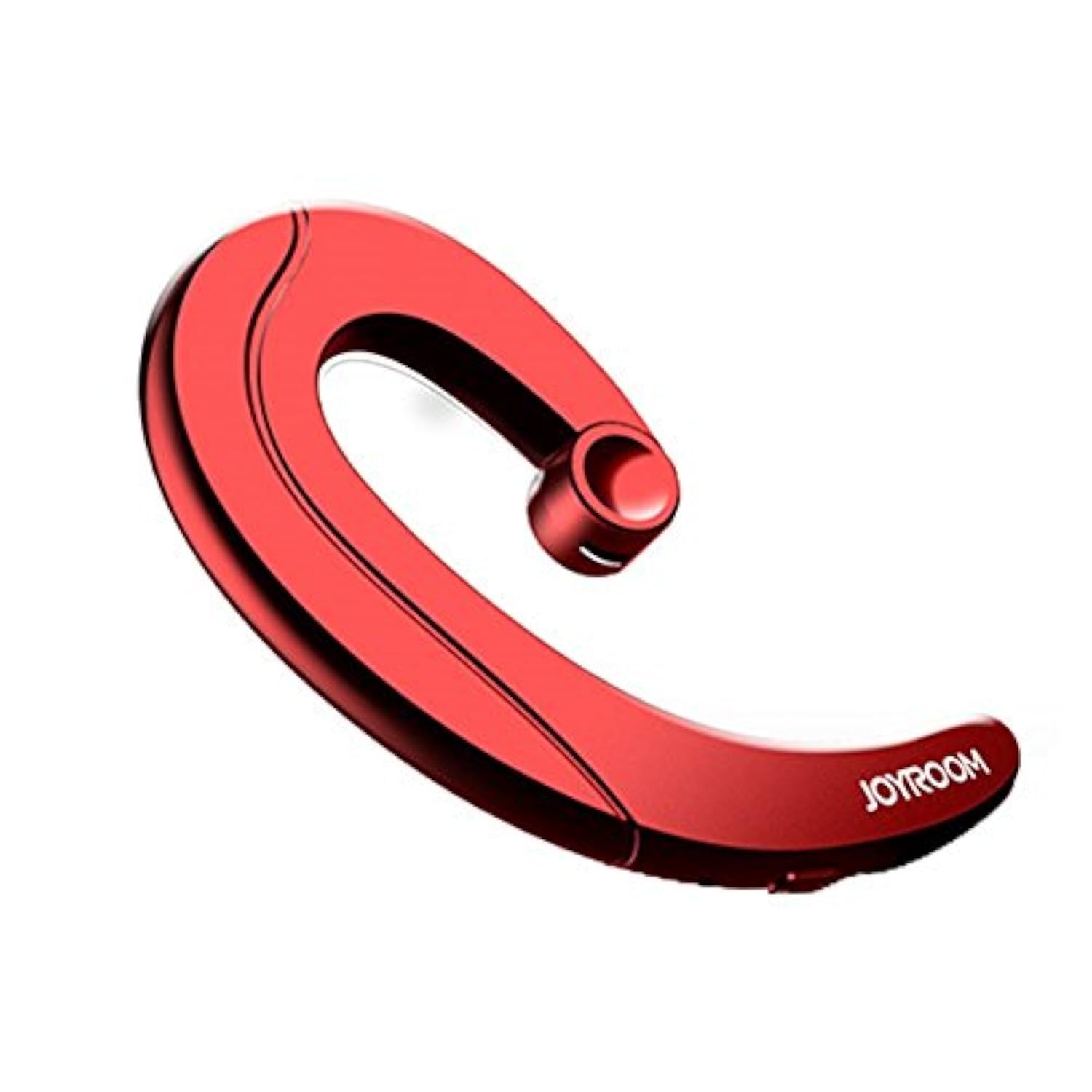
Figure 2.1: Joyroom JR-P1 Bluetooth Headset, showcasing its ear-hook design.
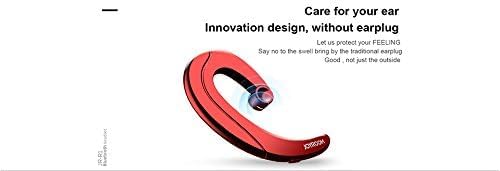
Figure 2.2: Illustration of the innovative design, providing comfort without an earplug.
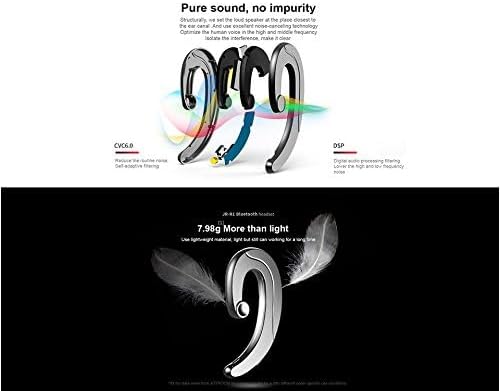
Figure 2.3: Internal technologies including CVC6.0 for noise reduction and DSP for digital audio processing.
3. Танзимот
3.1 Пур кардани гӯшмонак
Before first use, fully charge the headset. Connect the charging cable (not specified, assume standard USB) to the charging port on the headset and to a compatible USB power source. The indicator light will show charging status and turn off or change color when fully charged.
3.2 Пайвасткунии Bluetooth
- Боварӣ ҳосил кунед, ки гӯшмонак пур карда шудааст ва хомӯш карда шудааст.
- Press and hold the power button (or multi-function button) on the headset until the indicator light flashes red and blue, indicating pairing mode.
- On your mobile phone or device, enable Bluetooth and search for available devices.
- Select "JR-P1" from the list of found devices.
- Once connected, the indicator light on the headset will typically flash blue slowly or turn off.
- Агар парол талаб карда шавад, "0000" ворид кунед.
4. Дастурҳои истифодабарӣ
The JR-P1 headset uses touch controls for various functions.
4.1 Фаъол кардан/хомӯш кардан
- Фаъол: Press and hold the multi-function button for approximately 3 seconds until the indicator light flashes.
- Хомӯш: Press and hold the multi-function button for approximately 5 seconds until the indicator light turns off.
4.2 Идоракунии зангҳо
- Ҷавоб додан/Занги хотимавӣ: Tap the multi-function button once.
- Рад кардани занг: Тугмаи бисёрфунксияро дар тӯли 2 сония пахш карда нигоҳ доред.
- Рақами охирини такрорӣ: Double-tap the multi-function button.
4.3 Навозиши мусиқӣ
- Бозӣ/Таваққуф: Tap the multi-function button once.
- Треки навбатӣ: Triple-tap the multi-function button.
- Track гузашта: Quadruple-tap the multi-function button.
4.4 Назорати баландии овоз
Volume is typically controlled via your connected mobile device. Some headsets may have dedicated volume buttons; refer to the physical design of your JR-P1 headset.

Figure 4.1: The JR-P1 headset is suitable for hands-free communication, such as during driving.
5. Нигоҳдорӣ
Proper maintenance ensures the longevity and performance of your Joyroom JR-P1 headset.
- Тозакунӣ: Use a soft, dry, lint-free cloth to clean the headset. Do not use harsh chemicals or abrasive materials.
- Муқовимат ба об: Ин гӯшмонак аст ба об тобовар нест. Avoid exposure to water, moisture, rain, or sweat to prevent damage.
- Нигоҳдорӣ: Гӯшмонакро дар ҷои хунук ва хушк аз нурҳои бевоситаи офтоб ва ҳарорати аз ҳад зиёд дур нигоҳ доред.
- Пур кардан: Do not overcharge the battery. Disconnect the charger once the headset is fully charged.
6. Баррасии мушкилот
If you encounter issues with your JR-P1 headset, refer to the following common solutions:
| Мушкилот | Ҳалли |
|---|---|
| Гӯшмонак фаъол нест. | Ensure the headset is fully charged. Press and hold the power button for a longer duration. |
| Бо дастгоҳ пайваст карда намешавад. | Ensure the headset is in pairing mode (flashing red/blue). Turn off and on Bluetooth on your device. Move the headset closer to your device. Clear previous Bluetooth connections on your device. |
| Овоз нест ё сифати пасти садо. | Check the volume level on both the headset and your connected device. Ensure the headset is properly connected. Try re-pairing the headset. |
| Микрофон кор намекунад. | Ensure the headset is properly connected and selected as the audio input device on your phone. Check for any obstructions on the microphone. |
7. Мушаххасоти
Key technical specifications for the Joyroom JR-P1 Bluetooth Headset:
- Бренд: Ҷойгоҳ
- Рақами модел: JR-P1
- Технологияи пайвастшавӣ: Бесимӣ
- Технологияи бесим: блутуз
- Омили шакли гӯшмонак: On-ear (Ear-hook)
- Усули назорат: ламс кунед
- Микрофонро дар бар мегирад: Бале
- Изолятсияи садо: Не
- Дастгоҳҳои мувофиқ: Телефонҳои мобилӣ
- Истифодаи тавсияшаванда: Занг задан
- Вазн: 20 грамм
- Андозаҳои маҳсулот: 7.36 х 3.89 х 0.65 см
- Сатҳи муқовимат ба об: Ба об тобовар нест
- Хусусияти кабелӣ: Without cable
8. Маълумот оид ба бехатарӣ
Лутфан дастурҳои бехатарии зеринро риоя кунед:
- Do not disassemble or modify the headset. This may cause damage and void the warranty.
- Keep the headset away from extreme temperatures, humidity, and corrosive substances.
- Барои пешгирӣ кардани осеби шунавоӣ аз гӯш кардани садои баланд ба муддати тӯлонӣ худдорӣ кунед.
- Use caution when using the headset in situations requiring awareness of your surroundings, such as driving or walking in traffic.
- Маҳсулот ва батареяи онро мувофиқи қоидаҳои маҳаллӣ ба таври масъулиятнок партояд.
9. Кафолат ва дастгирӣ
For warranty information or technical support, please refer to the documentation included with your purchase or contact Joyroom customer service. Keep your proof of purchase for warranty claims.


