1. Муқаддима
The OREI HD-1016 is a professional 1x16 HDMI Splitter designed to distribute a single HDMI source to sixteen HDMI displays simultaneously. It supports Full HD 1080P and 3D content, making it suitable for various residential and commercial applications.
Мундариҷаи баста:
- 1 x OREI HD-1016 HDMI Splitter
- 1 x DC Power Adapter (100-240V, US Plug)
- 1 x Дастури корбар
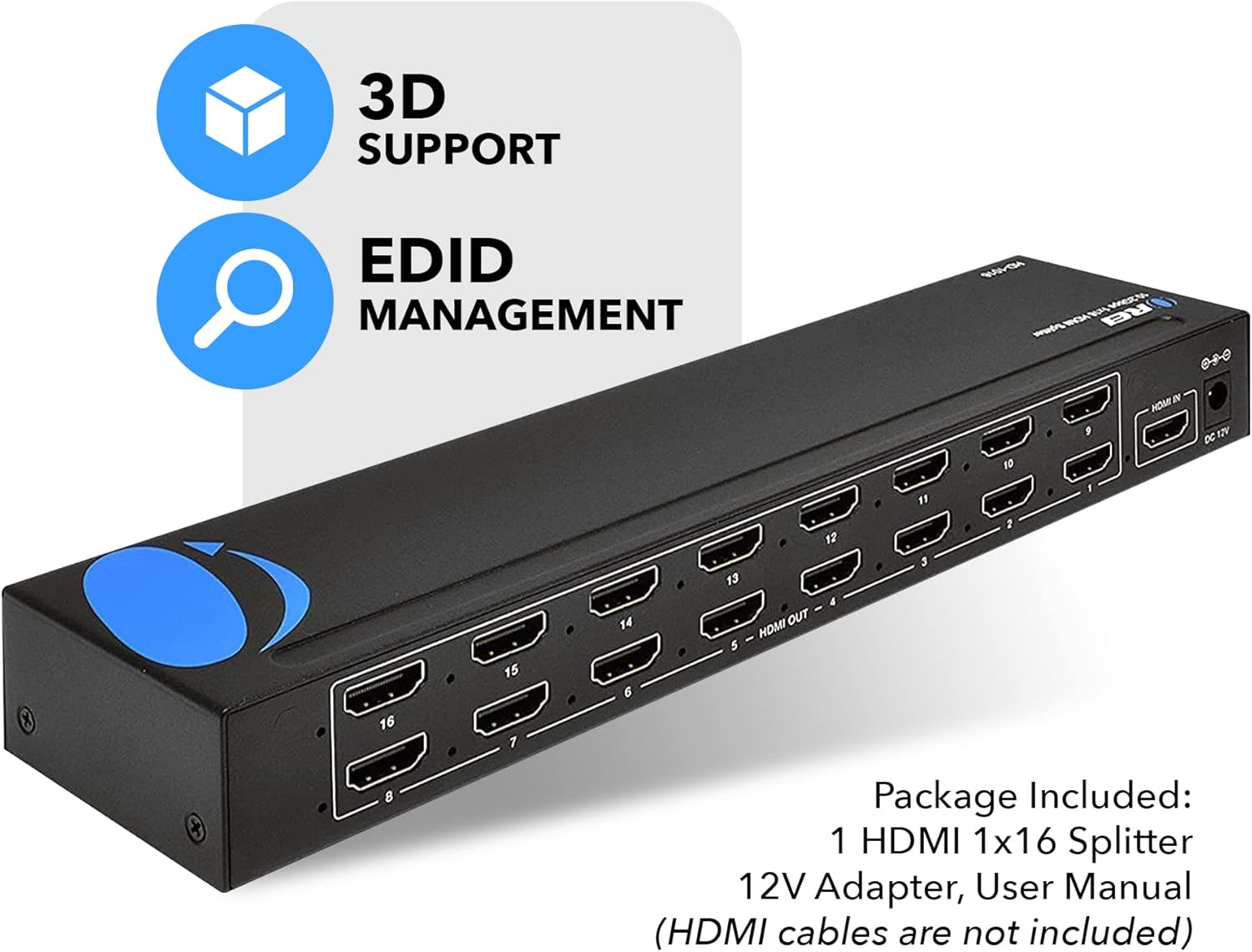
Image: OREI HD-1016 HDMI Splitter and its included accessories.
2. Хусусиятҳои асосӣ
- 1 Input to 16 Outputs: Connects one HDMI source to sixteen HDMI displays.
- Full HD 1080P & 3D Support: Compatible with 480i/576i/480p/576p/720p/1080i/1080p resolutions and 3D content.
- Buffering and Ampзиндакунанда: Splits the HDMI signal completely without loss, with built-in signal buffering and ampқобилиятҳои лифофавӣ.
- Heavy-Duty Metal Enclosure: Металли устувор вasing provides protection and aids in heat dissipation.
- Plug-and-play: Simple setup with no software or drivers required.
- Идоракунии EDID: Features EDID management for optimal display compatibility.
- Мутобиқати васеъ: Works with various HDMI devices such as Xbox, PS4, PS3, Fire Stick, Blu-Ray players, and Apple TV.
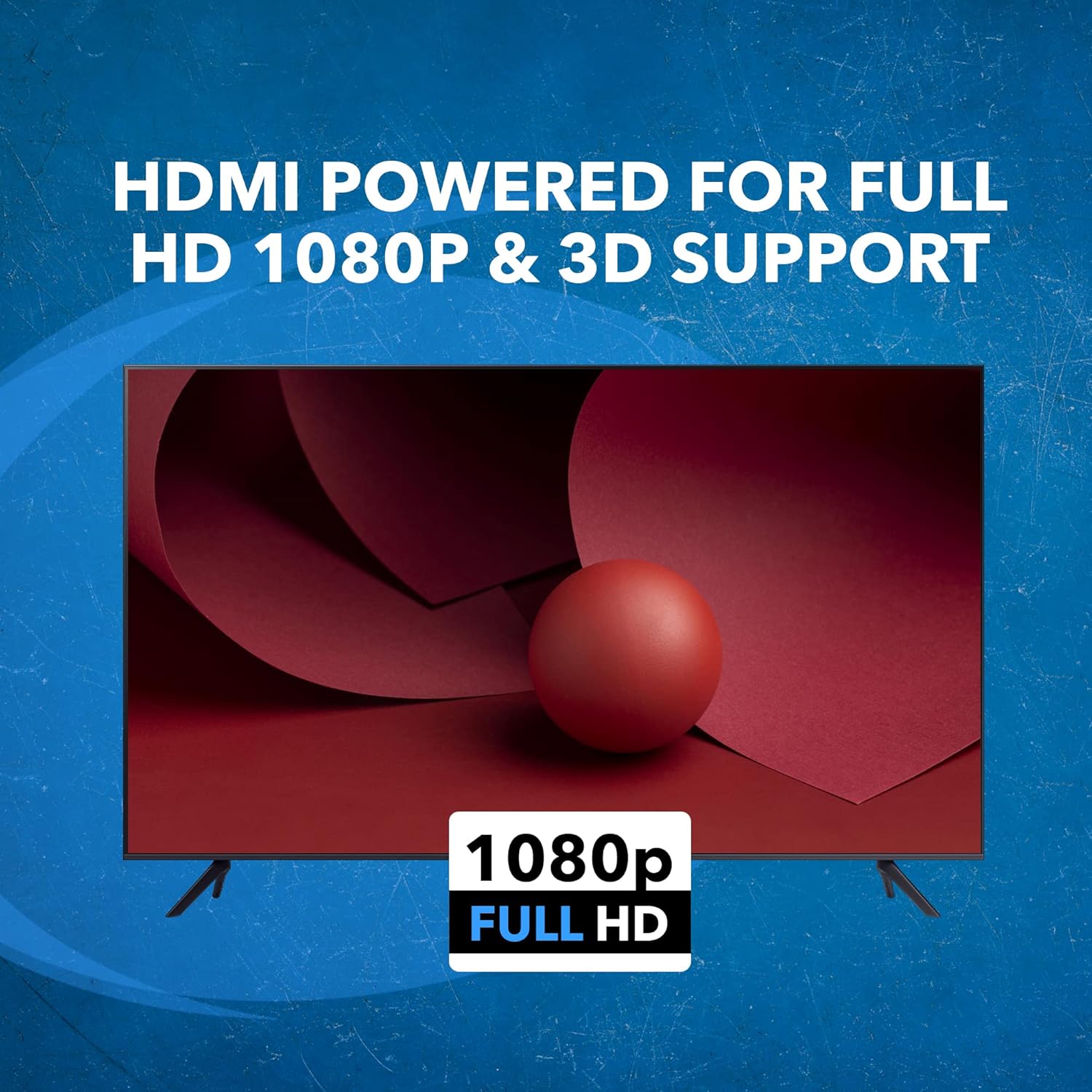
Image: The OREI HD-1016 HDMI Splitter supports Full HD 1080P and 3D content.
3. Дастурамал оид ба насб
Follow these steps to set up your OREI HD-1016 HDMI Splitter:
- Манбаи HDMI-ро пайваст кунед: Connect your HDMI source device (e.g., Blu-Ray player, game console) to the 'HDMI IN' port on the splitter using a high-quality HDMI cable.
- Connect HDMI Displays: Connect up to sixteen HDMI displays (e.g., TVs, monitors, projectors) to the 'HDMI OUT' ports (1-16) on the splitter using high-quality HDMI cables. For optimal performance, it is recommended to use HDMI cables that are 30 feet or shorter.
- Адаптери барқро пайваст кунед: Plug the included DC Power Adapter into the 'DC 12V' port on the splitter and then into a power outlet.
- Фаъол: Ensure all connected devices and the splitter are powered on. The splitter will automatically detect the input signal and distribute it to all connected displays.

Image: Connection diagram for the OREI HD-1016 HDMI Splitter.
4. Дастурҳои истифодабарӣ
The OREI HD-1016 HDMI Splitter is designed for simple plug-and-play operation. Once all connections are made and devices are powered on, the splitter will automatically duplicate the single HDMI input signal to all sixteen connected displays.
Идоракунии EDID:
The splitter features EDID (Extended Display Identification Data) management. This allows the splitter to communicate with the connected displays and the source device to ensure optimal resolution and audio settings are used across all outputs. Refer to the EDID switch settings on the device for specific configurations if needed.

Image: EDID Management feature icon.
Видеои расмии маҳсулот:
Video: This video demonstrates the functionality of an HDMI splitter, showing one input signal being distributed to multiple outputs. It provides a visual guide to the core operation of the device.
5. Мушаххасоти
| Хусусият | Тафсилот |
|---|---|
| Рақами модел | HD-1016 |
| Портҳои воридотӣ | 1 x HDMI |
| Портҳои баромад | 16 x HDMI |
| Қарорҳои дастгирӣшуда | 480i/576i/480p/576p/720p/1080i/1080p |
| Дастгирии 3D | Бале |
| Андозаҳои маҳсулот | 14.02 x 7.99 x 2.01 инч |
| Вазни ашё | 1 фунт |
| Ранги | Сиёҳ |
| Навъи пайвасткунанда | HDMI ба HDMI |
| Таъмини нерӯ | DC 12V (Adapter Included) |

Image: Technical specifications and dimensions of the OREI HD-1016 HDMI Splitter.
6. Баррасии мушкилот
If you encounter issues with your OREI HD-1016 HDMI Splitter, please refer to the following common troubleshooting steps:
- Дар экран сигнал нест:
- Ensure all HDMI cables are securely connected to both the source, splitter, and displays.
- Verify that the power adapter is correctly connected and the splitter is powered on.
- Check if the input source is active and outputting a signal.
- Try connecting the HDMI source directly to a single display to confirm the source and display are working correctly.
- Test with different HDMI cables, especially if they are longer than 30 feet.
- Сифати пасти тасвир ё милт-милт:
- Ensure you are using high-quality HDMI cables.
- Reduce the length of HDMI cables if possible.
- Check the resolution settings on your source device to ensure compatibility with all connected displays.
- Verify EDID settings on the splitter are configured correctly for your displays.
- Масъалаҳои аудио:
- Confirm that your displays support the audio format being sent by the source.
- Check audio settings on both the source device and the displays.
7. Кафолат ва дастгирӣ
The OREI HD-1016 HDMI Splitter comes with a Кафолати 1-солаи истеҳсолкунанда. OREI also offers Lifetime OREI Tech Support for their products.
For technical assistance or warranty claims, please contact OREI customer support through their official webсайт ё маълумоти тамос, ки дар бастаи маҳсулоти шумо оварда шудааст.