Муқаддима
This manual provides detailed instructions for the installation, operation, and maintenance of your AXAGON ADSA-ST USB 3.0 Docking Station. This device is designed to connect 2.5" and 3.5" SATA SSDs and HDDs to your computer via a USB 3.0 interface, offering fast data transfer speeds.
Лутфан пеш аз истифодаи маҳсулот ин дастурро бодиққат хонед, то фаъолияти дурустро таъмин кунед ва осеб надиҳед.
Мундариҷаи баста
Боварӣ ҳосил кунед, ки ҳама ҷузъҳо дар баста мавҷуданд:
- AXAGON ADSA-ST Docking Station
- USB 3.0 Type-A to Micro-B cable
- Адаптери барқ
- Дастури корбар (ин ҳуҷҷат)

Image: The AXAGON ADSA-ST Docking Station shown alongside its retail packaging, illustrating the product and its box.
Хусусиятҳои асосӣ
- Supports 2.5" and 3.5" SATA I/II/III SSDs and HDDs.
- USB 3.0 (USB 3.2 Gen 1) interface with up to 5 Gbps transfer speed.
- SATA 6G (SATA III) support.
- UASP (USB Attached SCSI Protocol) support for enhanced performance.
- TRIM support for SSDs.
- HDD Auto Spindown function.
- LED indication for power and activity.
- Compact design with aluminum body.

Сурат: А view of the AXAGON ADSA-ST Docking Station highlighting its 5 Gbps USB 3.2 Gen 1 speed and compact size.
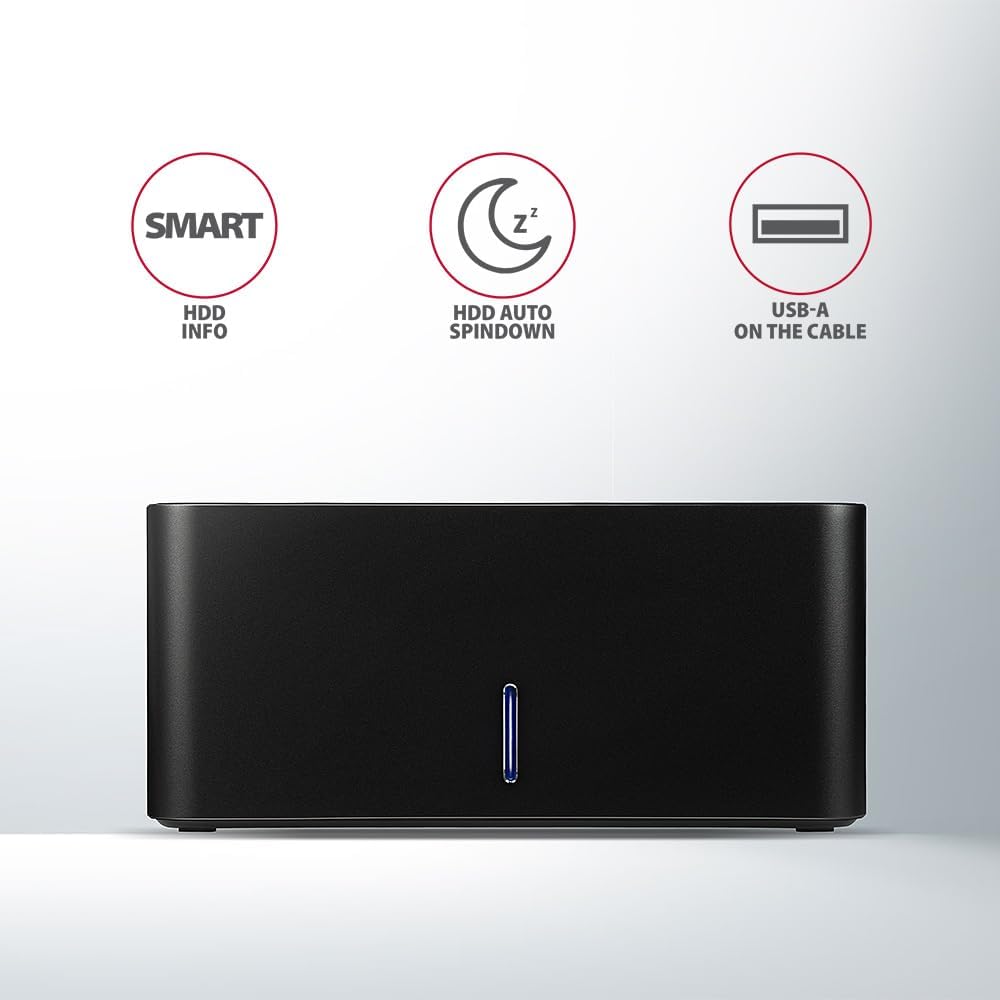
Image: The docking station from the front, indicating features like SMART HDD info, automatic HDD spindown, and USB-A connectivity.
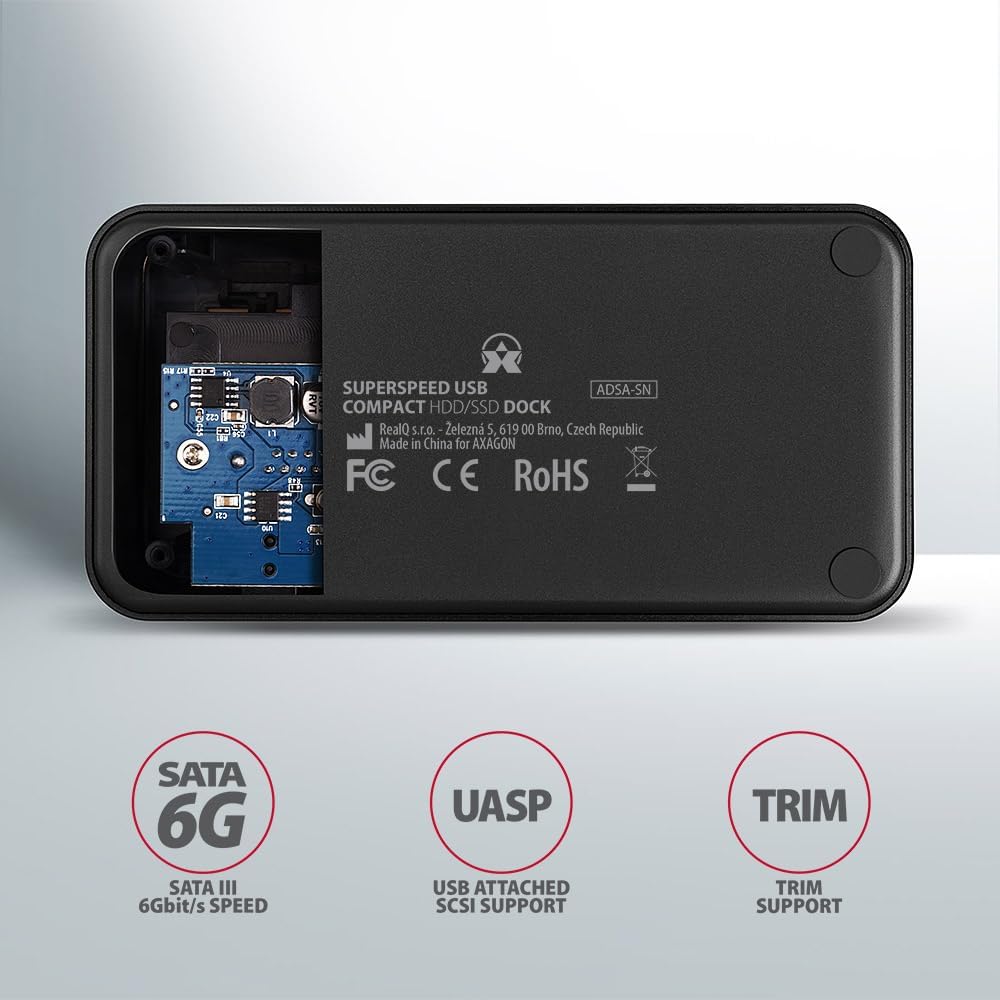
Image: The underside of the docking station, showing internal components and highlighting SATA 6G, UASP, and TRIM support.
Дастурҳои насб
- Адаптери барқро пайваст кунед: Plug the included power adapter into the DC IN port on the back of the docking station and then into a power outlet.
- Ба компютер пайваст шавед: Connect the USB 3.0 cable from the docking station's Micro-B port to an available USB 3.0 (or higher) port on your computer.
- Insert HDD/SSD:
- For 2.5" SSD/HDD: Gently slide the 2.5" drive into the slot until it connects firmly with the SATA connector.
- For 3.5" HDD: Gently slide the 3.5" drive into the slot until it connects firmly with the SATA connector.
Ensure the drive is inserted correctly with the SATA connector facing the correct direction. Do not force the drive.

Image: A 2.5-inch SSD being inserted into the docking station, demonstrating compatibility with smaller drives.
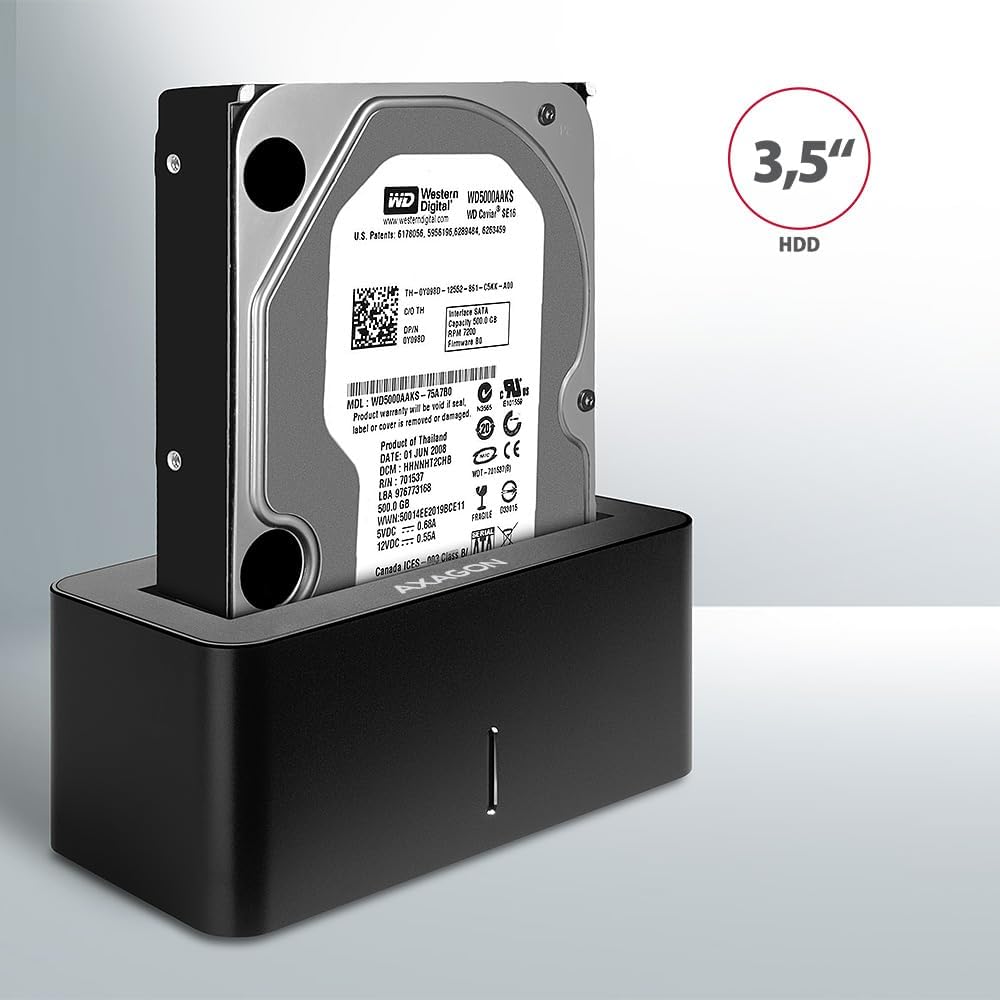
Image: A 3.5-inch HDD being inserted into the docking station, demonstrating compatibility with larger drives.
- Фаъол: Press the power button located on the back of the docking station. The LED indicator on the front will illuminate.
Image: The rear panel of the docking station, showing the power button, USB Micro-B port, and power input for connection.
Дастурҳои амалиётӣ
Drive Recognition
Once powered on and connected, your operating system should automatically detect the inserted drive. If it's a new drive, you may need to initialize and format it through Disk Management (Windows) or Disk Utility (macOS) before it appears in File Explorer/Finder.
Нишондиҳандаи LED
The LED indicator on the front of the docking station provides status information:
- Кабуди сахт: Power on, drive idle.
- Дурахши кабуд: Фаъолияти ронандагӣ (хондан ё навиштани маълумот).
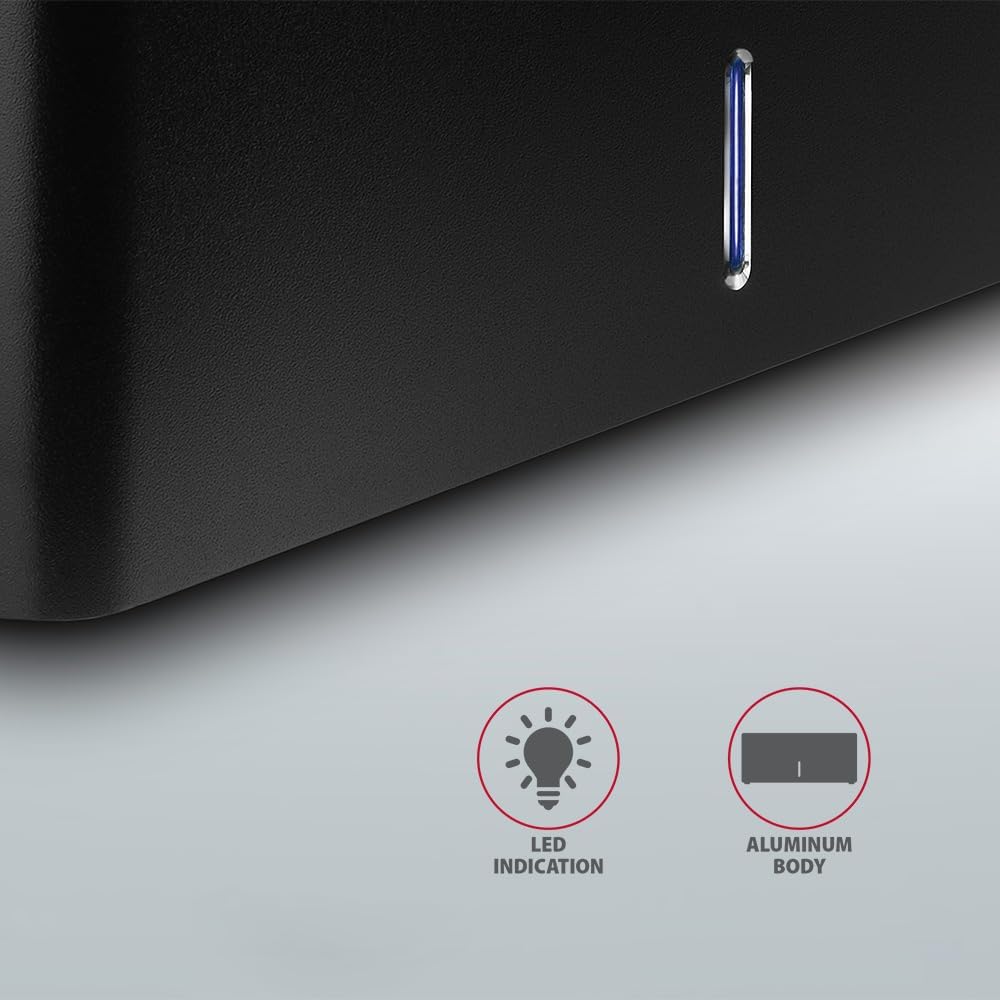
Тасвир: Нақшаи наздик view of the docking station's front panel, highlighting the LED indicator light.
Removing a Drive
Before removing a drive, always safely eject it from your operating system to prevent data corruption. After ejection, gently pull the drive straight out of the docking station slot.
HDD Auto Spindown
The docking station supports automatic spindown of the HDD when it is idle for a certain period, conserving power and extending drive lifespan. This feature is managed by the operating system or the drive itself.
Нигоҳдорӣ
- Истгоҳи пайвасткуниро тоза ва аз чанг тоза нигоҳ доред. Барои тоза кардан матои мулоим ва хушкро истифода баред.
- Дастгоҳро ба ҳарорати аз ҳад зиёд, намӣ ё нури бевоситаи офтоб дучор накунед.
- Дастгоҳро худатон ба қисмҳо ҷудо кунед ё таъмир накунед. Ба кормандони соҳибихтисос муроҷиат кунед.
- Ensure proper ventilation around the docking station during operation.
Мушкилкушо
- Диск муайян нашуд:
- Боварӣ ҳосил кунед, ки адаптери барқӣ ба таври бехатар пайваст аст ва истгоҳи васлкунӣ фаъол аст.
- Verify the USB cable is properly connected to both the docking station and the computer.
- Дар компютери худ порти USB-и дигарро санҷед.
- Ensure the HDD/SSD is fully seated in the docking station's slot.
- Check Disk Management (Windows) or Disk Utility (macOS) to see if the drive is recognized but uninitialized/unformatted.
- Test with a different HDD/SSD to rule out a drive issue.
- Суръати интиқоли паст:
- Ensure the docking station is connected to a USB 3.0 (or higher) port on your computer. USB 2.0 ports will limit speeds.
- Verify your operating system and drivers are up to date.
- The actual speed depends on the drive's performance and your computer's USB controller.
- Drive disconnects randomly:
- Ҳамаи пайвастҳои кабелиро тафтиш кунед.
- Боварӣ ҳосил кунед, ки адаптери барқӣ қувваи устуворро таъмин мекунад.
- Disable USB power saving features in your computer's operating system settings.
Мушаххасоти техникӣ
| Хусусият | Тафсилот |
|---|---|
| Бренд | ОКСАГОН |
| Рақами модел | ADSA-SN |
| Платформаи сахтафзор | PC |
| Дастгоҳҳои мувофиқ | Ноутбук, компютери рӯимизӣ |
| Мутобиқати диск | 2.5" / 3.5" SATA I/II/III SSD/HDD |
| Интерфейс | USB 3.0 (USB 3.2 Gen 1) |
| Меъёри интиқоли маълумот | Up to 5 Gbps (USB 3.0), 6 Gbps (SATA III) |
| Ҳама портҳои USB | 1 (Micro-B) |
| Шумораи қуттиҳои Drive | 1 |
| Ранги | Сиёҳ |
| Вазни ашё | 2.2 фунт (тақрибан 1 кг) |
| Андозаҳои бастаҳо | 3.94 x 0.79 x 0.39 инч (тақрибан 10 x 2 x 1 см) |
| Санаи аввалин дастрас | 30 марти соли 2021 |
Кафолат ва дастгирӣ
For warranty information and technical support, please refer to the official AXAGON webсайт ё дистрибютори маҳаллии худ тамос гиред. Барои даъвоҳои кафолат далели хариди худро нигоҳ доред.


