
Муқаддима
This manual provides comprehensive instructions for the setup, operation, maintenance, and troubleshooting of your Avision AD340G Compact High Speed Duplex Document Scanner. Please read this manual thoroughly before using the scanner to ensure proper and safe operation.
Маълумот оид ба бехатарӣ
Барои пешгирӣ аз ҷароҳат ва вайроншавии сканер, чораҳои бехатарии зеринро риоя кунед:
- Танҳо адаптери барқро, ки бо сканер дода мешавад, истифода баред.
- Сканнерро дар зери об ё намӣ аз ҳад зиёд нагузоред.
- Сканерро дар сатҳи ҳамвор ва устувор ҷойгир кунед.
- Сканнерро аз нури бевоситаи офтоб ва манбаъҳои гармӣ дур нигоҳ доред.
- Unplug the scanner before cleaning or if it will not be used for an extended period.
Мундариҷаи баста
Боварӣ ҳосил кунед, ки ҳама ашё дар баста мавҷуд аст:
- Avision AD340G Document Scanner
- Адаптери барқ
- Сими USB
- Дастури оғози зуд
- CD-и нармафзор (ё дастурҳои зеркашӣ)
Маҳсулот ба охир расидview
Familiarize yourself with the main components of the Avision AD340G scanner.
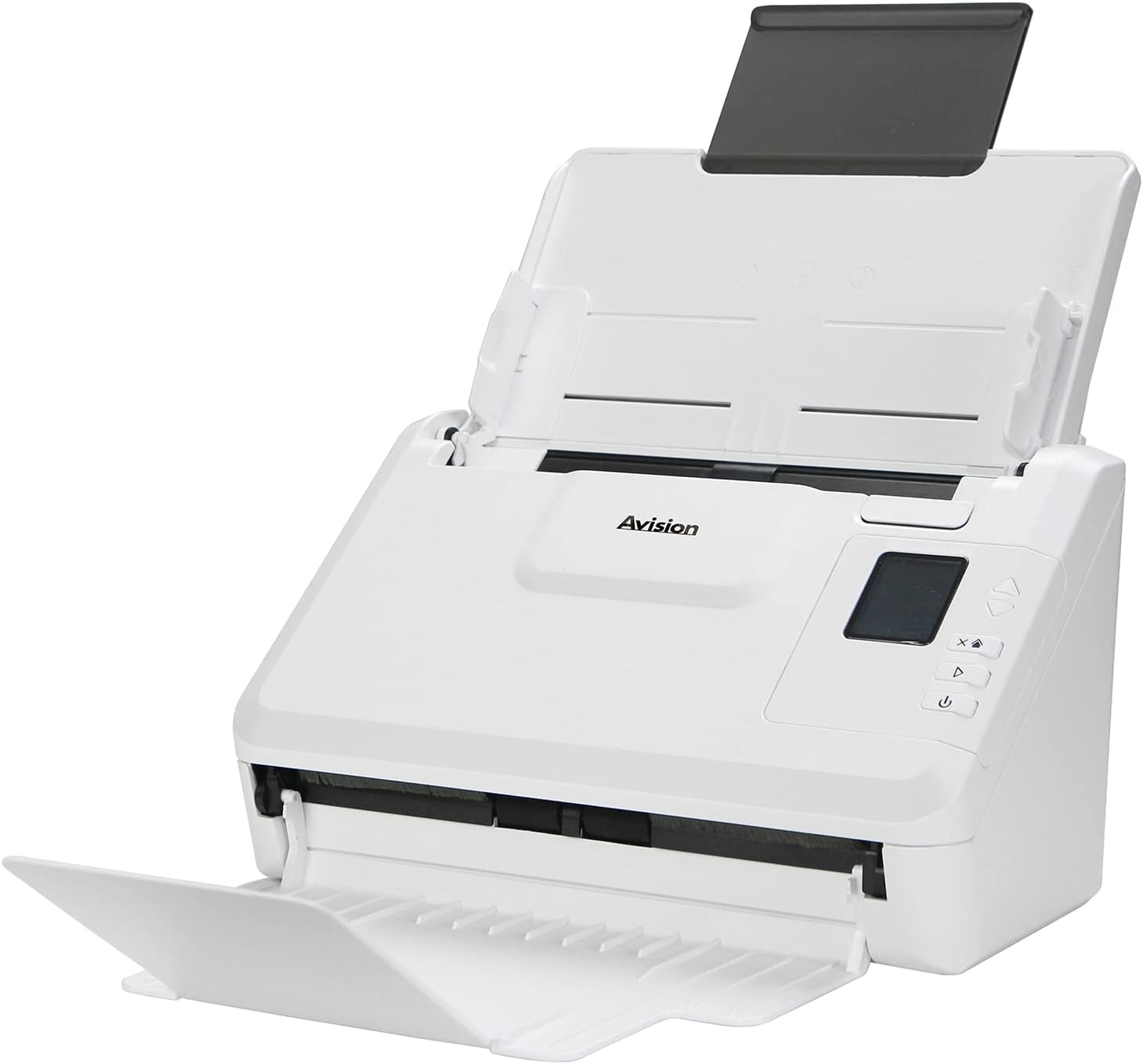
Тасвир: The Avision AD340G scanner shown with its input and output trays extended, ready for document feeding. This view highlights the compact design and accessible paper path.
- Document Feeder Tray: Where documents are loaded for scanning.
- Табақи баромад: Where scanned documents are ejected.
- Сафҳаи идоракунӣ: Buttons and display for scanner operation.
- Порти USB: Барои пайвастшавӣ ба компютер.
- Порти барқ: Барои пайваст кардани адаптери барқ.
Ташкил кардан
1. Танзимоти физикӣ
- Сканерро кушоед: Сканер ва тамоми замимаҳоеро, ки аз бастабандӣ боэҳтиёт хориҷ кунед.
- Place the Scanner: Position the scanner on a flat, stable surface with adequate space for the input and output trays.
- Пайваст кардани барқ:
- Connect the power adapter to the scanner's power port.
- Адаптери барқро ба васлаки барқӣ пайваст кунед.
- Ба компютер пайваст шавед:
- Як нӯги сими USB-ро ба порти USB-и сканер пайваст кунед.
- Қисми дигари сими USB-ро ба порти дастраси USB дар компютери худ пайваст кунед.
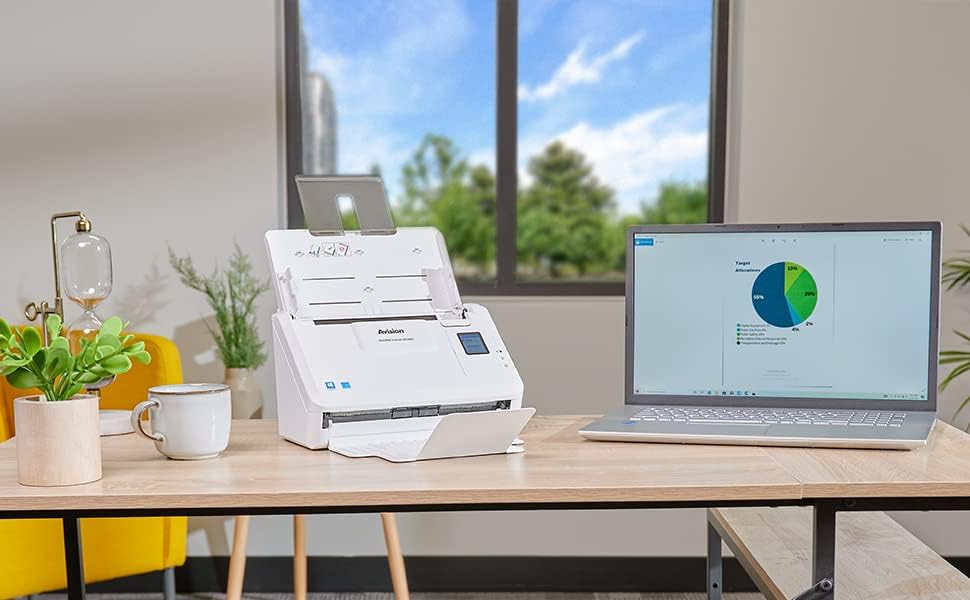
Тасвир: The Avision AD340G scanner set up on a desk next to a laptop, illustrating a typical connected environment. This shows the scanner's compact footprint when in use.
2. Насби нармафзор
Install the necessary drivers and scanning software from the provided CD or by downloading them from the official Avision webсайт.
- Insert the software CD into your computer's CD/DVD drive, or navigate to the Avision support website to download the latest drivers and utilities for the AD340G model.
- Follow the on-screen instructions to complete the installation. This typically includes installing the TWAIN/ISIS drivers and the Avision scanning utility software.
- Агар дархост карда шавад, компютери худро бозоғоз намоед.
Истифодаи сканер
1. Боркунии ҳуҷҷатҳо
- Open the document feeder tray and extend the output tray.
- Дастурҳои коғазиро мувофиқи паҳнои ҳуҷҷатҳои худ танзим кунед.
- Place the documents face-down in the input tray, ensuring they are neatly stacked and aligned. The scanner supports up to 50 sheets.

Тасвир: A hand carefully placing a stack of documents into the input tray of the Avision AD340G scanner, demonstrating the correct loading procedure.
2. Scanning Procedure
- Бо пахш кардани тугмаи барқ сканерро фаъол кунед.
- Launch the Avision scanning software on your computer.
- Профессори дилхоҳи сканкунии худро интихоб кунедfile (e.g., color, grayscale, black & white, resolution). The AD340G supports duplex scanning (both sides simultaneously).
- Click the "Scan" button in the software or press the scan button on the scanner's control panel.
- The scanner will feed and process the documents. Once scanning is complete, the images will appear in the software.
- Review the scanned images, make any necessary adjustments (e.g., rotate, crop), and save them to your desired location and format (e.g., PDF, JPEG, TIFF).
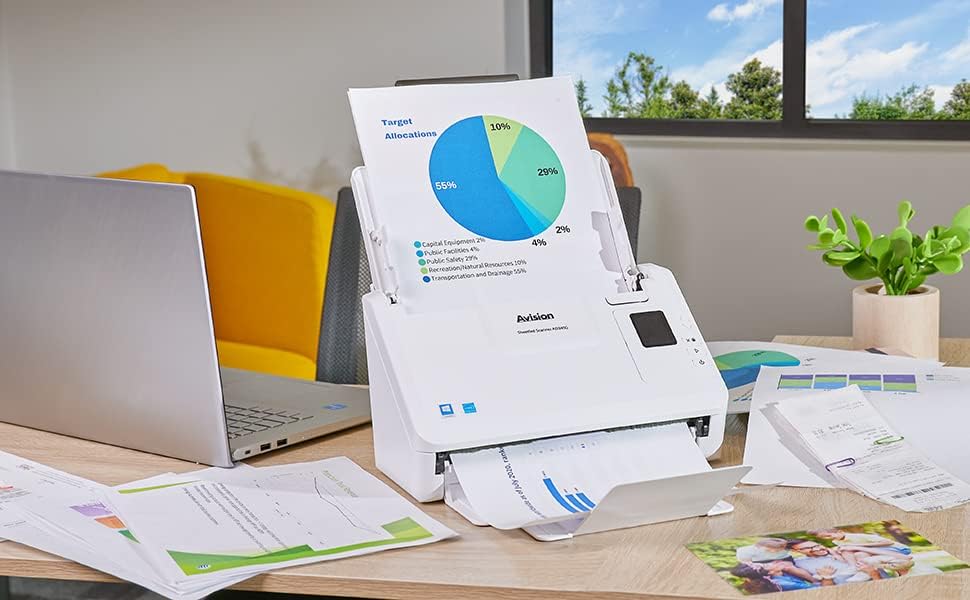
Тасвир: The Avision AD340G scanner in operation, feeding a document with a pie chart. This illustrates the scanner's ability to handle various document types efficiently.
Нигоҳдорӣ
Тоза кардани сканер
Regular cleaning ensures optimal performance and extends the life of your scanner.
- Хомӯш ва ҷудо: Always turn off the scanner and disconnect the power adapter and USB cable before cleaning.
- берунии тоза: Wipe the exterior of the scanner with a soft, lint-free cloth lightly dampбо об ё тозакунандаи ҳалим ва абразивӣ.
- Clean Interior (Rollers and Glass):
- Open the scanner cover to access the rollers and glass scanning surfaces.
- Gently wipe the feed rollers with a clean, lint-free cloth. If necessary, use a small amount of isopropyl alcohol on the cloth for stubborn residue.
- Clean the glass scanning strips with a soft cloth and glass cleaner (non-ammonia based).
- Allow all components to dry completely before closing the cover and reconnecting power.
Мушкилкушо
| Мушкилот | Сабаби эҳтимолӣ | Ҳалли |
|---|---|---|
| Сканер фаъол нест. | Сими барқ пайваст нашудааст; масъалаи васлаки барқ. | Боварӣ ҳосил кунед, ки сими барқ боэътимод пайваст карда шудааст. Васлаки дигари барқро санҷед. |
| Documents jam frequently. | Misaligned paper guides; worn rollers; dirty rollers. | Adjust paper guides. Clean the feed rollers. If problem persists, rollers may need replacement. |
| Тасвирҳои сканшуда норавшан ё хат доранд. | Dirty scanning glass; incorrect resolution settings. | Clean the scanning glass. Adjust scanning resolution in the software. |
| Scanner not detected by computer. | USB cable disconnected; driver not installed or corrupted. | Check USB cable connection. Reinstall scanner drivers. Try a different USB port. |
Мушаххасоти
Key technical specifications for the Avision AD340G Document Scanner:
- Модели: AD340G
- Навъи сканер: ADF Duplex Document Scanner
- Пайвастшавӣ: USB
- Қарор: 600 dpi (оптикӣ)
- Суръати сканер: 40 ppm (pages per minute) / 80 ipm (images per minute)
- Амиқии ранг: 48 bits input / 24 bits output
- Иқтидори варақаи стандартӣ: 50 варақ
- Технологияи сенсори оптикӣ: CIS (сенсори тасвир барои тамос)
- Андозаҳои маҳсулот: 11 x 6.1 x 6.5 инч
- Вазни ашё: 8 фунт
- Талаботи ҳадди ақали система: Windows XP/7/8/10
Кафолат ва дастгирӣ
For warranty information, technical support, or service inquiries, please refer to the warranty card included with your product or visit the official Avision website. Contact information for customer support can typically be found on the manufacturer's webсайт.
Avision Official Webсайт: www.avision.com


