1. Муқаддима
The OtterBox Wireless Power Bank for MagSafe provides portable power for your compatible devices. Designed for seamless interaction with iPhones featuring MagSafe technology, this 3K mAh power bank offers convenient wireless charging and can also function as a standalone power source for other devices via its USB-C port.
This manual will guide you through the setup, operation, and maintenance of your power bank to ensure optimal performance and longevity.
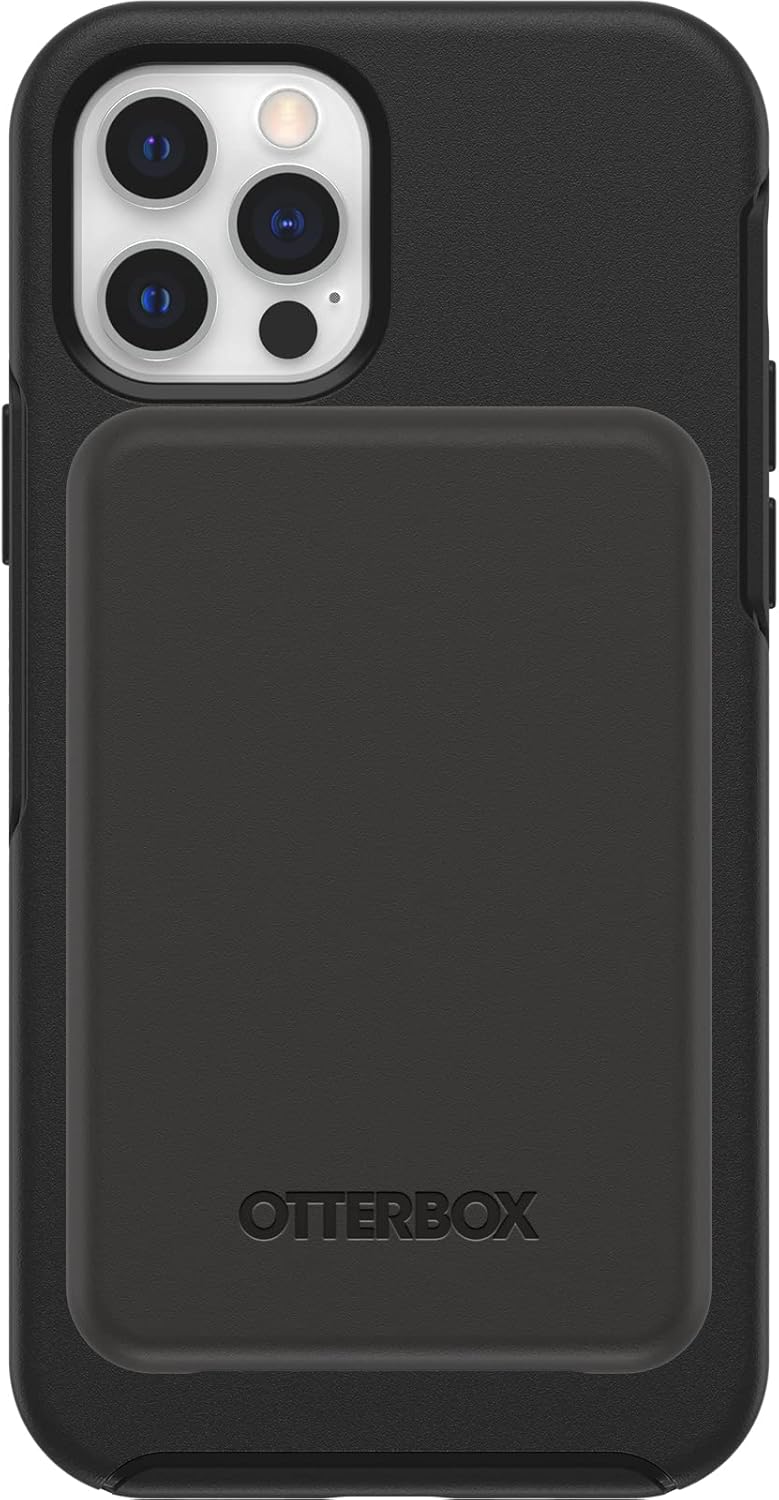
Image 1.1: The OtterBox Wireless Power Bank magnetically attached to the back of an iPhone, providing a sleek and integrated charging solution.
2. Дар қуттӣ чӣ мавҷуд аст
Боварӣ ҳосил кунед, ки ҳама ҷузъҳо дар бастабандии маҳсулот мавҷуданд:
- OtterBox Wireless Power Bank (3K mAh)
- 6-inch USB-C to USB-C Cable

Image 2.1: The product packaging displaying the OtterBox Wireless Power Bank and its included USB-C to USB-C cable.
3. Танзимот
3.1 Пардохти ибтидоӣ
Before first use, fully charge your OtterBox Wireless Power Bank. This ensures optimal battery performance and accuracy of the LED indicators.
- Сими USB-C-и додашударо ба порти USB-C дар батареяи барқ пайваст кунед.
- Нӯги дигари кабелро ба адаптери барқии мувофиқи USB-C пайваст кунед (дохил карда нашудааст).
- The LED indicators on the power bank will illuminate to show charging progress. All four LEDs will be solid white when fully charged.
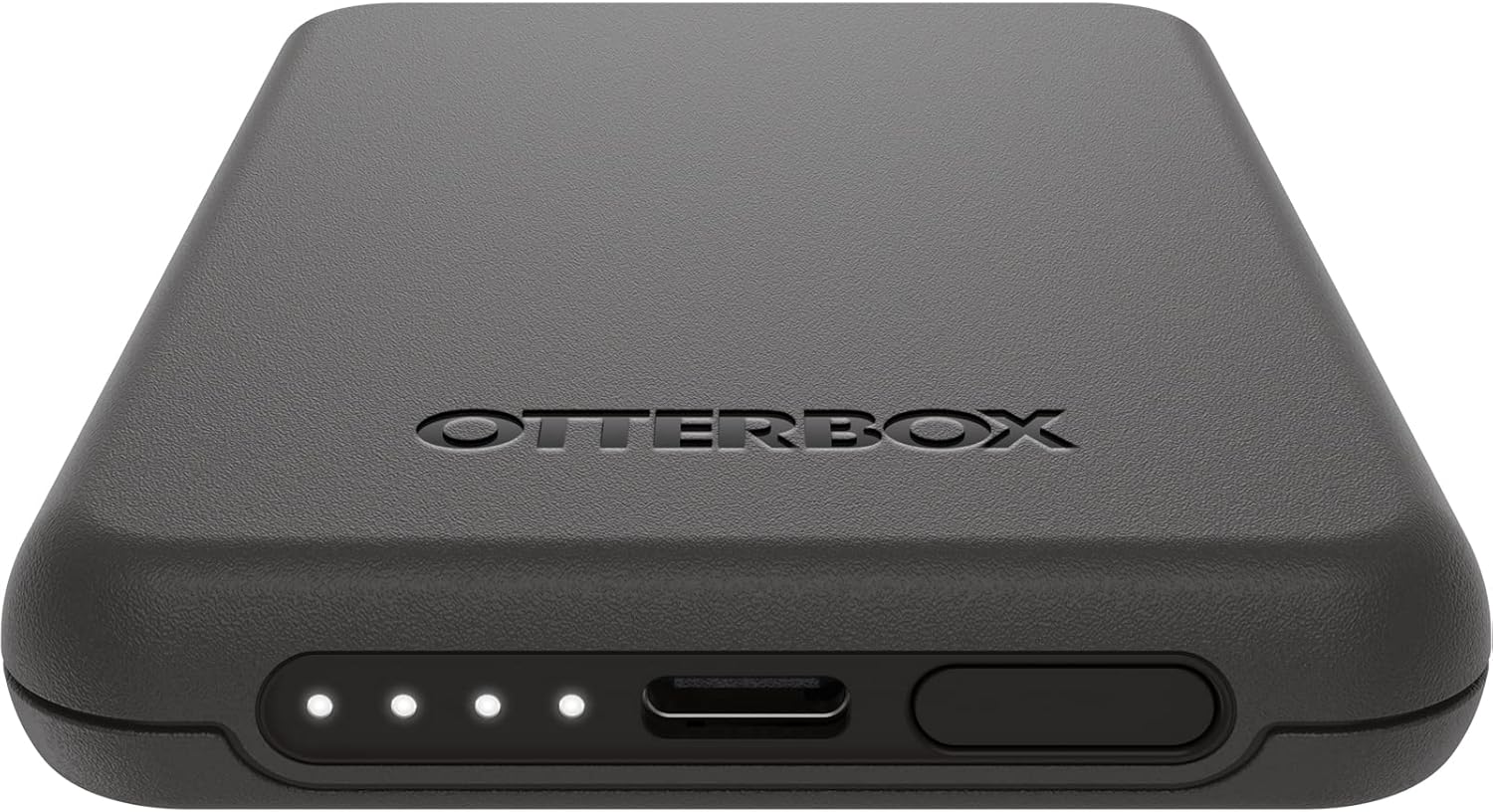
Тасвири 3.1: Муфассал view of the power bank's bottom edge, showing the USB-C charging port and the four LED battery status indicators.
3.2 Мутобиқати MagSafe
For wireless charging, ensure your iPhone is MagSafe compatible (iPhone 12 series or newer) or is housed in an OtterBox case designed for MagSafe.
4. Дастурҳои истифодабарӣ
4.1 Charging Your Device Wirelessly (MagSafe)
- Align the OtterBox Wireless Power Bank with the MagSafe area on the back of your iPhone or MagSafe-compatible case.
- The power bank will magnetically attach and begin charging your device.
- The LED indicators on the power bank will show its remaining charge.

Image 4.1: The power bank is shown attached to the back of an iPhone, illustrating the magnetic connection for wireless charging.
4.2 Charging Other Devices (USB-C)
The power bank can also charge other devices, such as AirPods or other smartphones, using the USB-C port.
- Connect one end of a USB-C cable (or appropriate cable for your device) to the USB-C port on the power bank.
- Қисми дигари кабелро ба дастгоҳи худ пайваст кунед.
- Бонки барқӣ пуркунии дастгоҳи пайвастшударо оғоз мекунад.
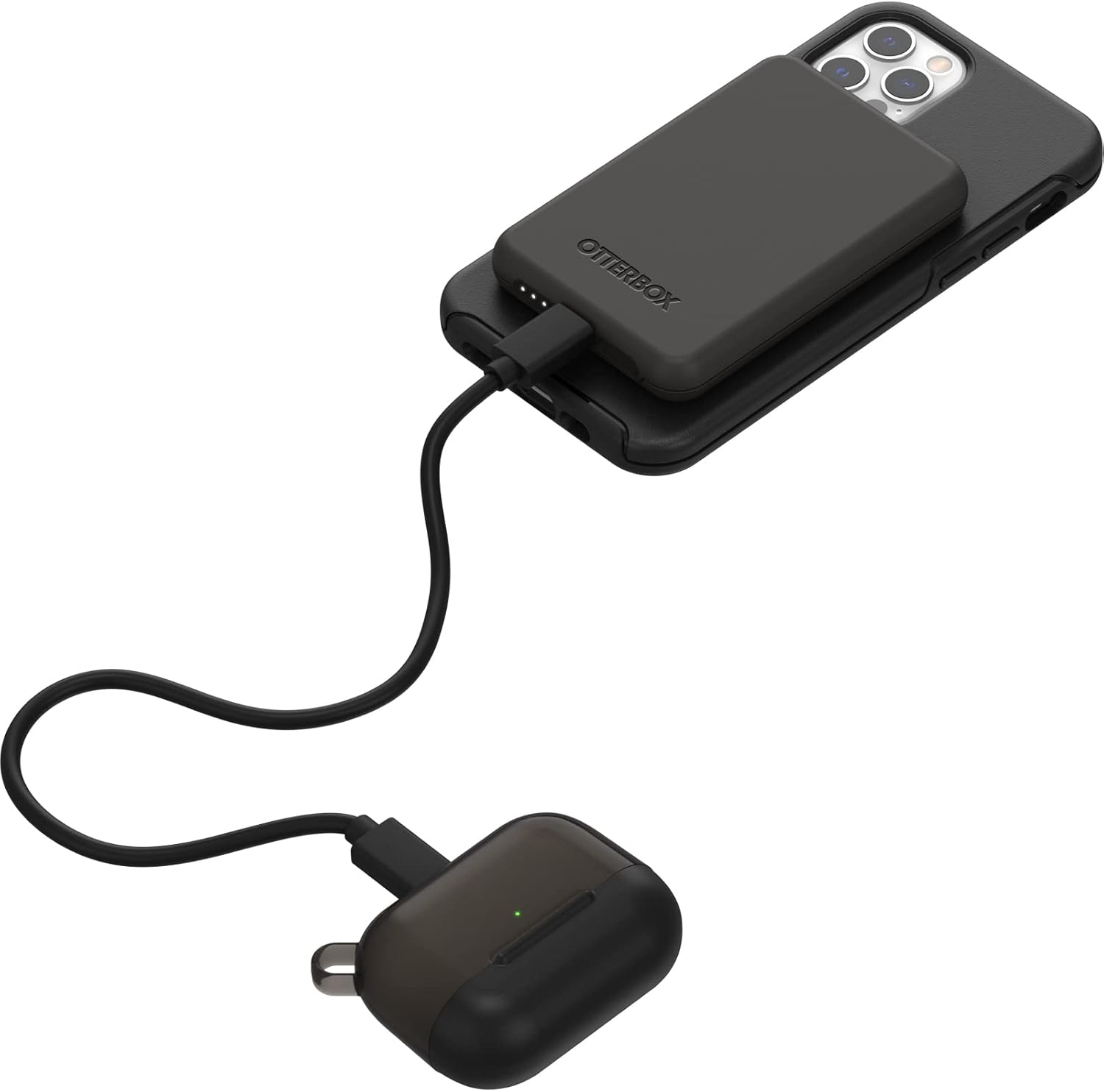
Image 4.2: The power bank is connected via a USB-C cable to a pair of AirPods, demonstrating its capability to charge other devices.
4.3 LED Power Indicators
The four LED lights on the power bank indicate the remaining battery charge and charging status:
- Solid White LEDs: Indicate remaining battery capacity. Each LED represents approximately 25% charge.
- Flashing White LEDs: Indicate the power bank is currently charging.
- Не LED: The power bank is either fully discharged or not actively charging/discharging.
5. Нигоҳдорӣ
- Тозакунӣ: Use a soft, dry cloth to clean the surface of the power bank. Avoid abrasive cleaners or solvents.
- Нигоҳдорӣ: Банки барқро дар ҷои хунук ва хушк аз нурҳои бевоситаи офтоб ва ҳарорати аз ҳад зиёд дур нигоҳ доред.
- Нигоҳубини батарея: To prolong battery life, avoid fully discharging the power bank frequently. Recharge it when the charge is low.
- Муҳофизати таркиш: The power bank is engineered with durable design and drop protection. However, avoid unnecessary drops or impacts to prevent damage.
6. Баррасии мушкилот
| Мушкилот | Сабаби эҳтимолӣ | Ҳалли |
|---|---|---|
| Бонки барқӣ дастгоҳро бесим пур намекунад. |
|
|
| Power bank not charging via USB-C. |
|
|
| Нишондиҳандаҳои LED фурӯзон намешаванд. |
|
|
| Weak magnetic attachment. |
|
|
7. Мушаххасоти
| Рақами модел | OBFTC-0090-A |
| Иқтидор | 3К мАч |
| Натиҷаи пуркунии бесим | 7.5 Вт |
| Пайвастшавӣ | MagSafe, USB-C |
| Андозаҳо | 3.84 x 2.56 x 0.47 инч |
| Вазн | 3.84 унция |
| Дастгоҳҳои мувофиқ | iPhone 12/12 Pro, iPhone 13, iPhone 13 Pro, iPhone 13 and 12 Pro Max, iPhone 13 mini (MagSafe compatible devices) |
| Материал | Magnets, Silicone |
8. Кафолат ва дастгирӣ
Кафолати маҳдуди умр: OtterBox products are backed by a limited lifetime warranty covering material and workmanship defects. This ensures quality and customer satisfaction.
For warranty claims, technical support, or further assistance, please visit the official OtterBox webсайт ё шӯъбаи хидматрасонии муштариёни онҳо тамос гиред. Ҳуҷҷати хариди худро барои тасдиқи кафолат нигоҳ доред.
Note: Warranty terms may vary by region. Refer to the official OtterBox webсайт барои маълумоти муосиртарин ва муфассали кафолат.
9. Маълумот оид ба бехатарӣ
Please read all safety instructions before using this product to prevent injury or damage.
- Do not expose the power bank to extreme temperatures (above 45°C / 113°F or below -10°C / 14°F).
- Батареяи барқро ҷудо накунед, тағир надиҳед ё кӯшиши таъмир накунед.
- Keep the power bank away from water, moisture, and flammable materials.
- Аз афтидан ё дучор шудан ба зарбаҳои шадиди барқ ба powerbank худдорӣ кунед.
- Dispose of the power bank responsibly according to local regulations. Do not dispose of it in household waste.
- Аз дастрасии кӯдакон дур нигоҳ доред.
- Discontinue use if the power bank becomes excessively hot, emits odor, or shows signs of damage.


