1. Муқаддима
Thank you for choosing the OneOdio Monitor 40 Wired DJ Headphones. These headphones are engineered to deliver high-fidelity audio for professional monitoring, DJing, and general listening. Designed for comfort and durability, the Monitor 40 features soft padded ear cushions, an adjustable headband, and robust construction to provide an optimal listening experience.
This manual provides essential information on setting up, operating, maintaining, and troubleshooting your headphones. Please read it carefully to ensure proper use and to maximize the lifespan of your product.
2. Мундариҷаи баста
Боварӣ ҳосил кунед, ки ҳамаи ҷузъҳои дар поён овардашуда ба бастаи шумо дохил карда шудаанд:
- OneOdio Monitor 40 Wired DJ Headphones
- Кабели аудио аз 3.5 мм то 3.5 мм
- 3.5mm to 6.35mm Coiled Audio Cable
- Халтаи интиқол
- Дастури корбар
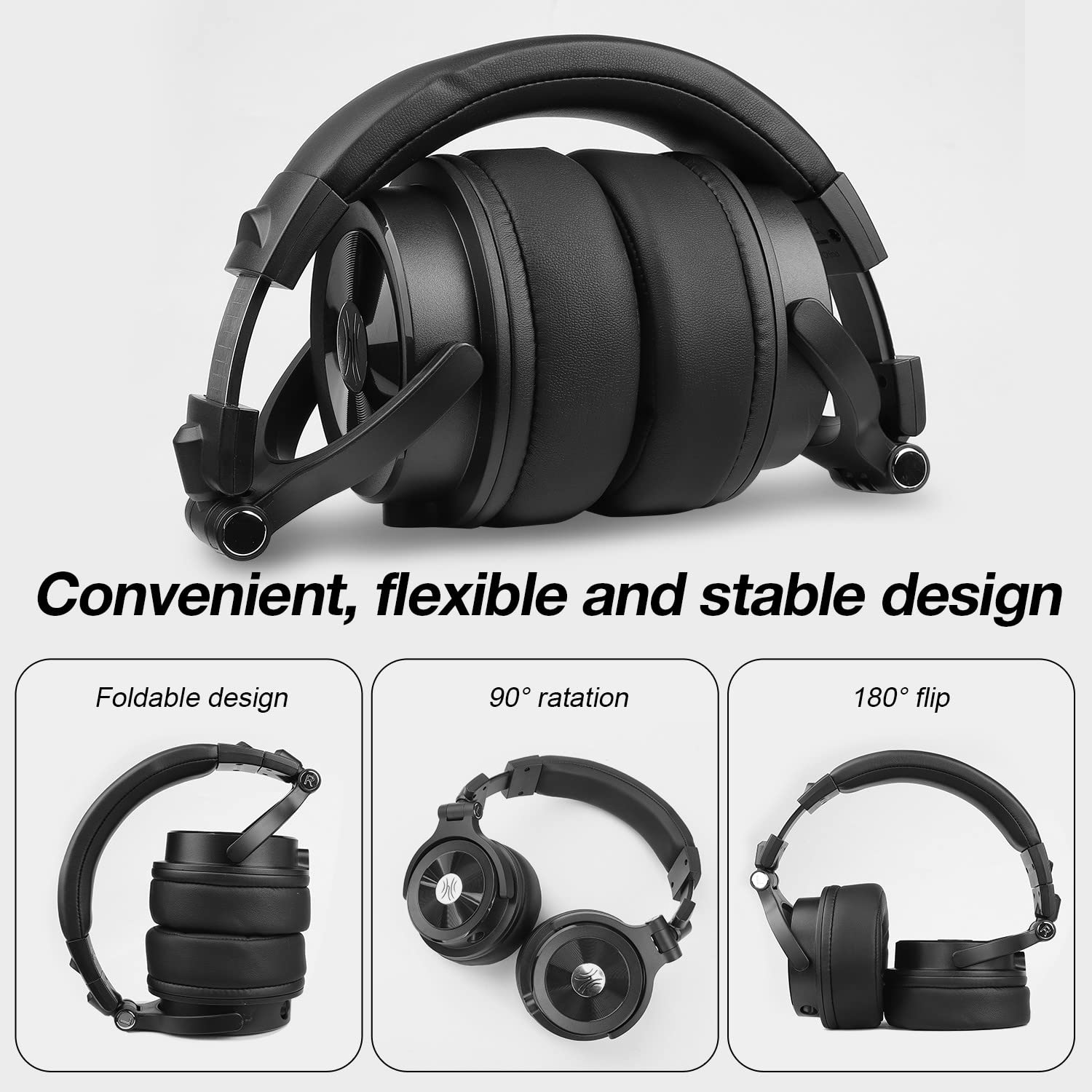
Image: All components included in the OneOdio Monitor 40 headphone package, neatly arranged.
3. Танзимот
3.1 Пайваст кардани сими аудиоӣ
- Identify the audio input port on your OneOdio Monitor 40 headphones. There are two ports: a 3.5mm port and a 6.35mm port.
- Select the appropriate cable for your audio source: use the 3.5mm to 3.5mm cable for devices with a 3.5mm output (e.g., smartphones, laptops), or the 3.5mm to 6.35mm coiled cable for devices with a 6.35mm output (e.g., DJ mixers, audio interfaces).
- Insert the smaller 3.5mm end of the chosen cable into the corresponding 3.5mm port on the headphone earcup.
- Insert the other end of the cable (either 3.5mm or 6.35mm) into the audio output jack of your device.
3.2 Танзими роҳатӣ
For optimal sound and comfort, adjust the headphones to fit your head properly:
- Танзими банди сар: Gently slide the earcups up or down along the headband until they rest comfortably over your ears. The headband is designed to be adjustable and stretchable.
- Гардиши гӯшмонак: The earcups can rotate 90 degrees for single-ear monitoring and can also flip 180 degrees for compact storage. Ensure they are positioned flat against your ears for the best sound isolation.
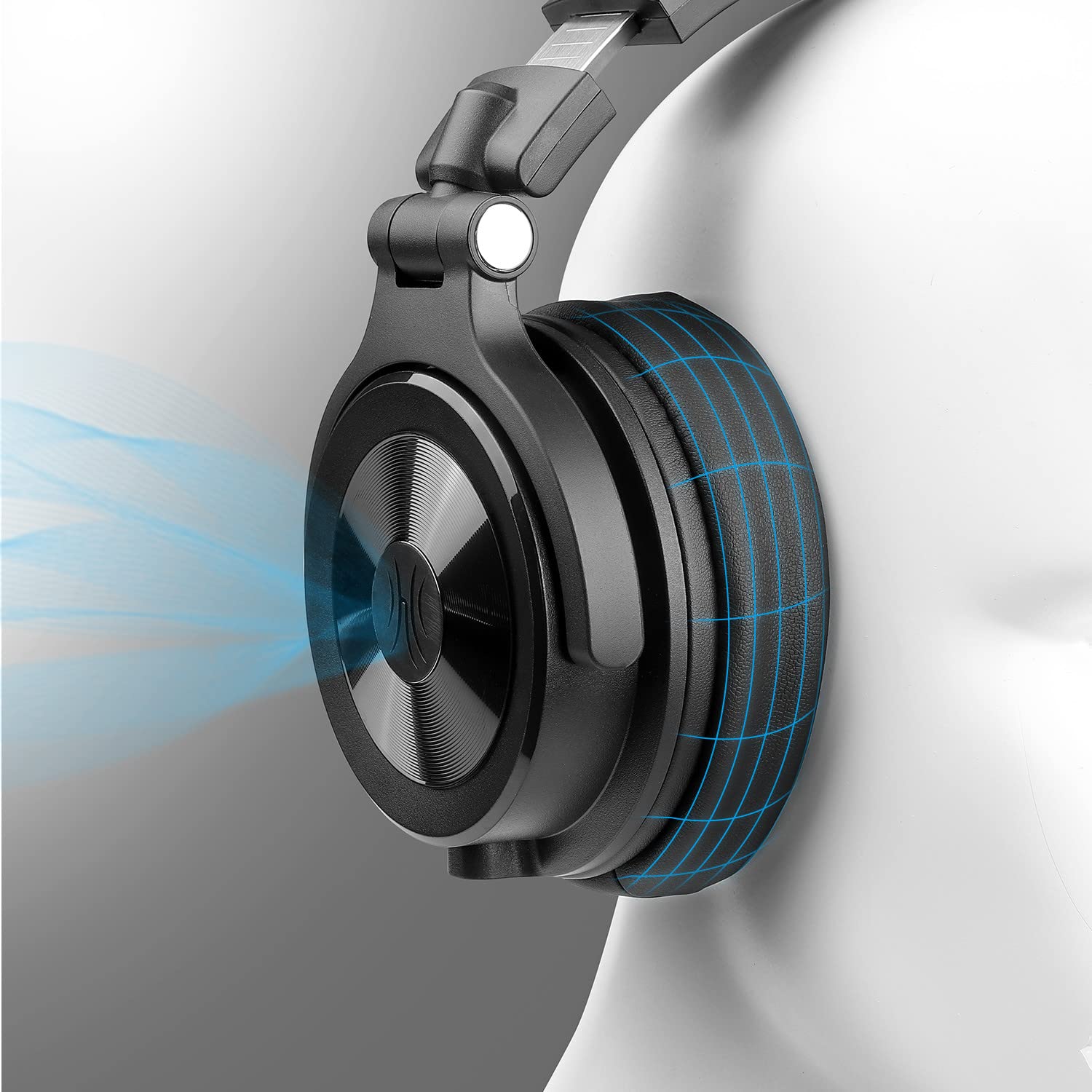
Image: Visual representation of the Monitor 40's foldable design, 90-degree earcup rotation, and 180-degree earcup flip for portability and single-ear monitoring.
4. Дастурҳои истифодабарӣ
4.1 Basic Listening
Once connected to your audio source, simply play your desired audio. Adjust the volume directly from your audio source device.
4.2 Shared Port Technology
The OneOdio Monitor 40 headphones feature dual audio input ports (3.5mm and 6.35mm) that can also function as output ports. This allows for music sharing without the need for a splitter:
- Connect your headphones to an audio source using one of the ports (e.g., 3.5mm to your smartphone).
- Connect a second pair of headphones (or another audio device) to the remaining unused port on your Monitor 40 headphones.
- Both sets of headphones will now receive audio from the original source.

Image: Illustration of two users sharing audio from a single source using the shared port technology of the OneOdio Monitor 40 headphones.
4.3 Professional Monitoring
The Monitor 40 headphones are designed for DJ and studio monitoring. Their robust construction and sound isolation properties make them suitable for environments where clear audio is critical.
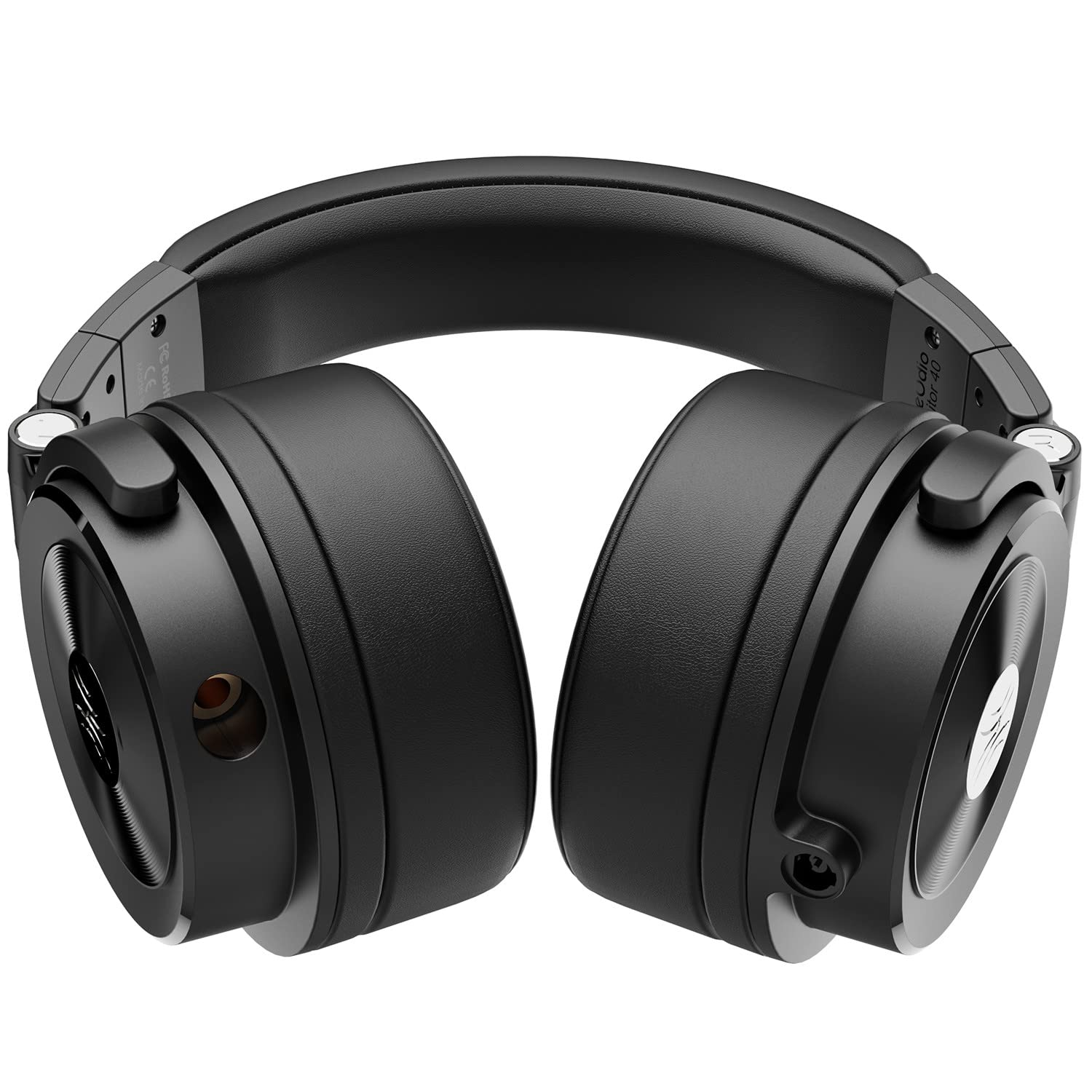
Image: The OneOdio Monitor 40 headphones positioned on a professional DJ mixer, highlighting their intended use in a studio or performance setting.
5. Нигоҳдорӣ
5.1 Тозакунӣ
- Барои тоза кардани сатҳҳои берунии гӯшмонакҳо аз матои нарм ва хушк истифода баред.
- Барои болиштҳои гӯш, бо матои каме д нарм пок кунедamp cloth and allow to air dry completely before use. Avoid using harsh chemicals or abrasive cleaners.
5.2 Нигоҳдорӣ
When not in use, store your headphones in the provided carrying pouch to protect them from dust and scratches. The foldable design allows for compact storage.
6. Баррасии мушкилот
6.1 Садо нест
- Боварӣ ҳосил кунед, ки сими аудиоӣ ба ҳам гӯшмонакҳо ва ҳам ба манбаи аудио боэътимод пайваст карда шудааст.
- Сатҳи баландии овозро дар дастгоҳи манбаи аудиоии худ санҷед.
- Test the headphones with a different audio source or cable to rule out a faulty component.
6.2 Сифати пасти садо
- Ensure the audio cable connections are firm. Loose connections can cause static or intermittent sound.
- Verify that the audio source is playing high-quality audio files.
- Adjust the equalizer settings on your audio device if available.
6.3 Нороҳатӣ ҳангоми истифода
- Re-adjust the headband and earcups to find a comfortable fit.
- Take short breaks during extended listening sessions.
7. Мушаххасоти
| Хусусият | Тафсилот |
|---|---|
| Рақами модел | Монитор 40 |
| Андозаҳои маҳсулот | 17.5 х 16.5 х 10.5 см |
| Вазни ашё | 600 гр |
| Компонентҳои дохилшуда | Кабелҳои аудио |
| Кишвари аслӣ | Хитой |
| Истеҳсолкунанда | OneAudio Co., Limited |
| Рӯзи нашр | 1 январи соли 2022 |
8. Кафолат ва дастгирӣ
OneOdio products are designed for reliability and performance. For information regarding warranty coverage, technical support, or service inquiries, please refer to the warranty card included in your package or visit the official OneOdio webсайт.
Лутфан далели хариди худро барои ҳама даъвоҳои кафолат нигоҳ доред.


