Муқаддима
This manual provides essential information for setting up, operating, maintaining, and troubleshooting your HP 17.3-inch Laptop. Designed for everyday productivity and entertainment, this laptop features a 13th Gen Intel Core i5 processor, Intel Iris Xe Graphics, 32GB DDR4 RAM, and a 512GB NVMe M.2 SSD, running on Windows 11 Home. Please read this guide thoroughly to ensure optimal performance and longevity of your device.

This image displays the HP 17.3-inch laptop from an angled view, highlighting its dimensions: 17.3 inches (diagonal screen), 0.78 inches (height), 10.15 inches (depth), and 15.78 inches (width). It also indicates a weight of 4.60 lbs and a battery life of up to 6 hours and 45 minutes of mixed usage.
Дар қуттӣ чӣ ҳаст
Боварӣ ҳосил кунед, ки ҳама ашё дар баста мавҷуд аст:
- Ноутбуки HP 17
- Адаптери барқии 45 W Smart AC
- Плакатро насб кунед

This image illustrates the contents included with the HP 17 Laptop: the HP 17 Laptop itself, a 45 W Smart AC power adapter, and a setup poster.
Ташкил кардан
1. Фаъолсозии ибтидоӣ
- Connect the 45 W Smart AC power adapter to the laptop's power port and then to a power outlet.
- Сарпӯши ноутбукро кушоед ва тугмаи барқро пахш кунед, ки маъмулан дар саҳни клавиатура ҷойгир аст.
- Follow the on-screen instructions to complete the initial Windows 11 Home setup, including language selection, region, and user account creation.
2. Пайвастшавӣ ба Wi-Fi
- During the Windows setup, you will be prompted to connect to a Wi-Fi network. Select your network from the list.
- Enter the Wi-Fi password if required and click 'Connect'.
- If you skip this step, you can connect later via the Windows Settings: Go to Оғоз > Танзимотҳо > Шабака ва интернет > Вай-фай.
Фаъолият
Навигатсияи асосӣ
- Клавиатура: Use the full-size keyboard for typing and input.
- Touchpad: The large click pad supports multi-touch gestures for navigation, scrolling, and zooming.
Хусусиятҳои иҷроиш
- Протсессор: The 13th Gen Intel Core i5-1335U processor provides efficient performance for daily tasks and multitasking.
- Графика: Integrated Intel Iris Xe Graphics enhance visual experiences for streaming and light creative work.
- Пайвастшавӣ: Built-in Wi-Fi 6 ensures fast and reliable wireless internet access.

The HP 17 Laptop is shown with its screen displaying several open applications, including a video conference, a spreadsheet, and a chat window, demonstrating its multitasking capabilities powered by the Intel Core i5 processor and Intel Iris Xe Graphics.
Истифодаи батарея
- The laptop offers up to 6 hours and 45 minutes of mixed usage on a single charge.
- HP Fast Charge technology allows for quick recharging of the battery.
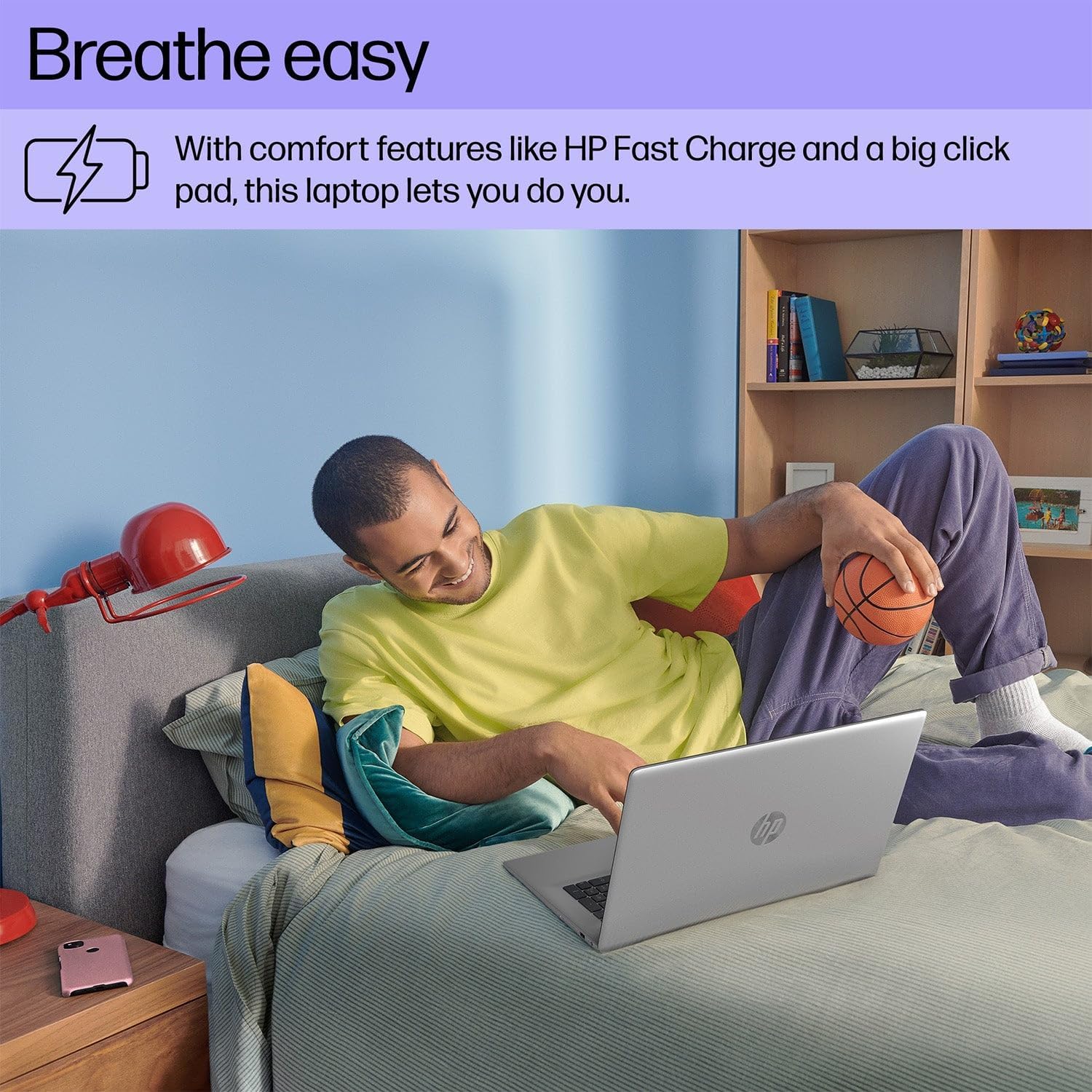
A person is shown comfortably using the HP 17 Laptop while relaxing on a bed, highlighting the laptop's design for comfortable use, including features like HP Fast Charge and a large click pad.
Нигоҳдорӣ
Тозакунӣ
- Аз матои мулоим ва матои пок каме истифода баред гampбо об ё тозакунандаи экран барои тоза кардани экран.
- Барои клавиатура ва шасси, матои мулоим ва хушкро истифода баред. Аз маводи кимиёвии сахт худдорӣ кунед.
Нигоҳубини батарея
- Avoid extreme temperatures when storing or operating the laptop.
- Барои солимии беҳтарини батарея, аз холӣ кардани доимии батарея худдорӣ кунед ё онро дар муддати тӯлонӣ дар ҳолати 100% барқ нигоҳ доред.
Навсозии нармафзор
- Барои таъмини устуворӣ ва амнияти система мунтазам навсозиҳои Windows-ро тафтиш ва насб кунед. Ба Оғоз > Танзимотҳо > Навсозии Windows.
- Keep HP drivers and software updated using the HP Support Assistant application.

This image focuses on the HP 17 Laptop's screen, which displays a vibrant forest scene. The image also highlights the laptop's environmental certifications, including EPEAT Silver and ENERGY STAR ratings, indicating its construction with ocean-bound plastic and recycled materials.
Мушкилкушо
Не қудрат
- Боварӣ ҳосил кунед, ки адаптери AC ҳам ба ноутбук ва ҳам ба васлаки барқии корӣ боэътимод пайваст шудааст.
- Васлаки дигари барқро санҷед.
- Агар батарея пурра холӣ шуда бошад, пеш аз кӯшиши ба кор андохтан ба он иҷозат диҳед, ки онро чанд дақиқа пур кунад.
Намоиши масъалаҳо
- If the screen is blank, ensure the laptop is powered on.
- Adjust screen brightness using the function keys (e.g., F2/F3 or similar icons).
- Ноутбукро аз нав оғоз кунед.
Мушкилоти пайвастшавӣ (Wi-Fi/Bluetooth)
- Ensure Wi-Fi or Bluetooth is enabled in Windows Settings.
- Барои мушкилоти Wi-Fi роутер/модеми худро бозоғоз намоед.
- Шабакаи Wi-Fi-ро фаромӯш кунед ва дубора пайваст шавед.
- Update network drivers via HP Support Assistant or Device Manager.

A user is depicted working on the HP 17 Laptop at an outdoor table, showcasing the laptop's portability and suitability for various environments.
Мушаххасоти
| Хусусият | Тафсилот |
|---|---|
| Бренд | HP |
| Рақами модел | 17 |
| Андозаи экран | 17.3 инч |
| Ҳалли намоиш | 1920 x 1080 пиксел (1080p) |
| Низоми амал | Windows 11 Home |
| Протсессор | 13th Gen Intel Core i5-1335U (up to 4.6 GHz) |
| RAM | 32 ГБ DDR4 SDRAM |
| Нигоҳдорӣ | 512 ГБ NVMe M.2 SSD |
| Протсессори графикӣ | Графикаи Intel Iris Xe |
| Технологияи пайвастшавӣ | Bluetooth, USB, Wi-Fi 6 |
| Андозаи кэш | 12 Мб |
| Формаи форма | Ноутбук |
| Навъи экран | Non-Touchscreen |
Кафолат ва дастгирӣ
Маълумот дар бораи кафолат
Your HP 17.3-inch Laptop comes with a standard manufacturer's warranty. The duration and terms of the warranty may vary by region. Please refer to the warranty card included with your product or visit the official HP website for detailed warranty information specific to your location.
Пуштибонии фаннӣ
Барои гирифтани кӯмаки техникӣ, зеркашии драйверҳо ё дастгирии бештар, лутфан ба Дастгирии расмии HP муроҷиат кунед website or contact HP customer service. Have your product's serial number ready when seeking support.
Дастгирии HP Webсайт: support.hp.com