Муқаддима
This manual provides essential information for the proper use, setup, and maintenance of your XREAL H-C Cable. This high-speed HDMI to USB-C cable is designed to connect various devices, including gaming consoles and PCs, to compatible AR glasses like the XREAL Beam and Air AR glasses, supporting 4K/60Hz video transmission.
Маълумот оид ба бехатарӣ
Please read and follow these safety guidelines to ensure safe operation and prolong the life of your cable:
- Do not expose the cable to extreme temperatures, direct sunlight, or high humidity.
- Avoid bending or twisting the cable excessively, especially near the connectors, as this can damage internal wires.
- Keep the cable away from water and other liquids. If it gets wet, disconnect it immediately and allow it to dry completely before reuse.
- Do not attempt to disassemble or modify the cable. This will void the warranty and may cause damage.
- Аз дастрасии кӯдакон ва ҳайвонот дур нигоҳ доред.
- Танҳо бо дастгоҳҳои мувофиқ, ки дар ин дастур нишон дода шудааст, истифода баред.
Мундариҷаи баста
Баста дорои ҷузъи зерин аст:
- 1 x XREAL H-C Cable (HDMI to USB-C)
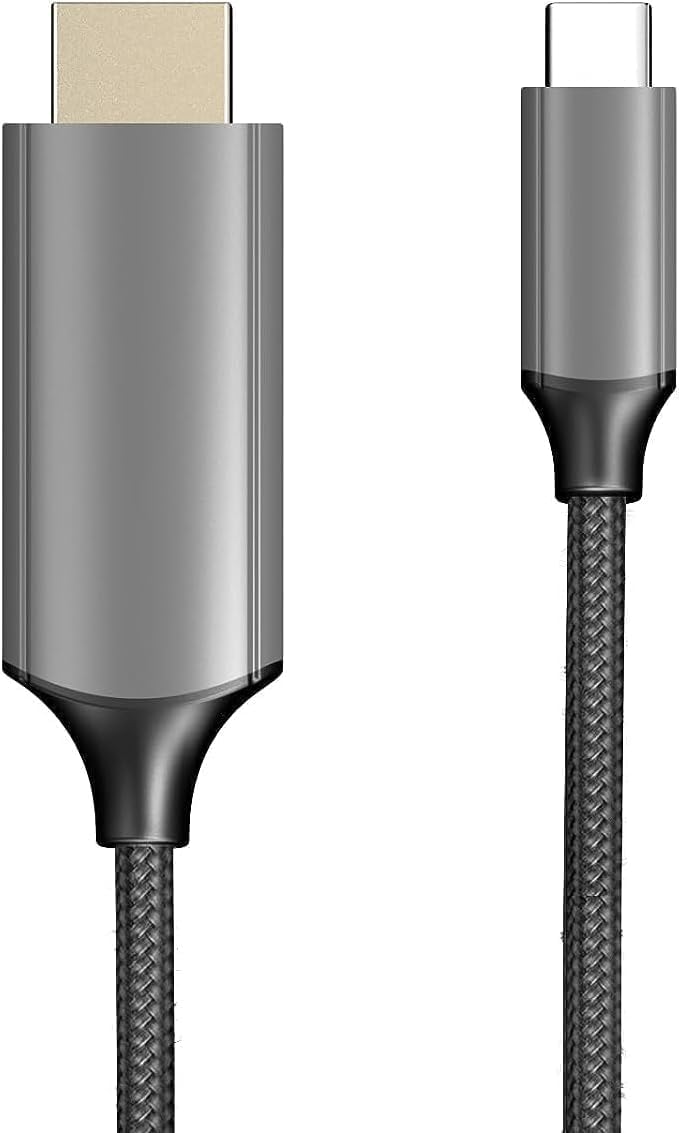
Image: The XREAL H-C Cable showing both the HDMI and USB-C connectors. The cable features a durable, woven design.
Маҳсулот ба охир расидview
The XREAL H-C Cable is engineered for high-fidelity video and audio transmission. It features a robust, woven design for enhanced durability and tangle-free use. The cable facilitates connection from an HDMI source to a USB-C display, supporting resolutions up to 4K at 60Hz.
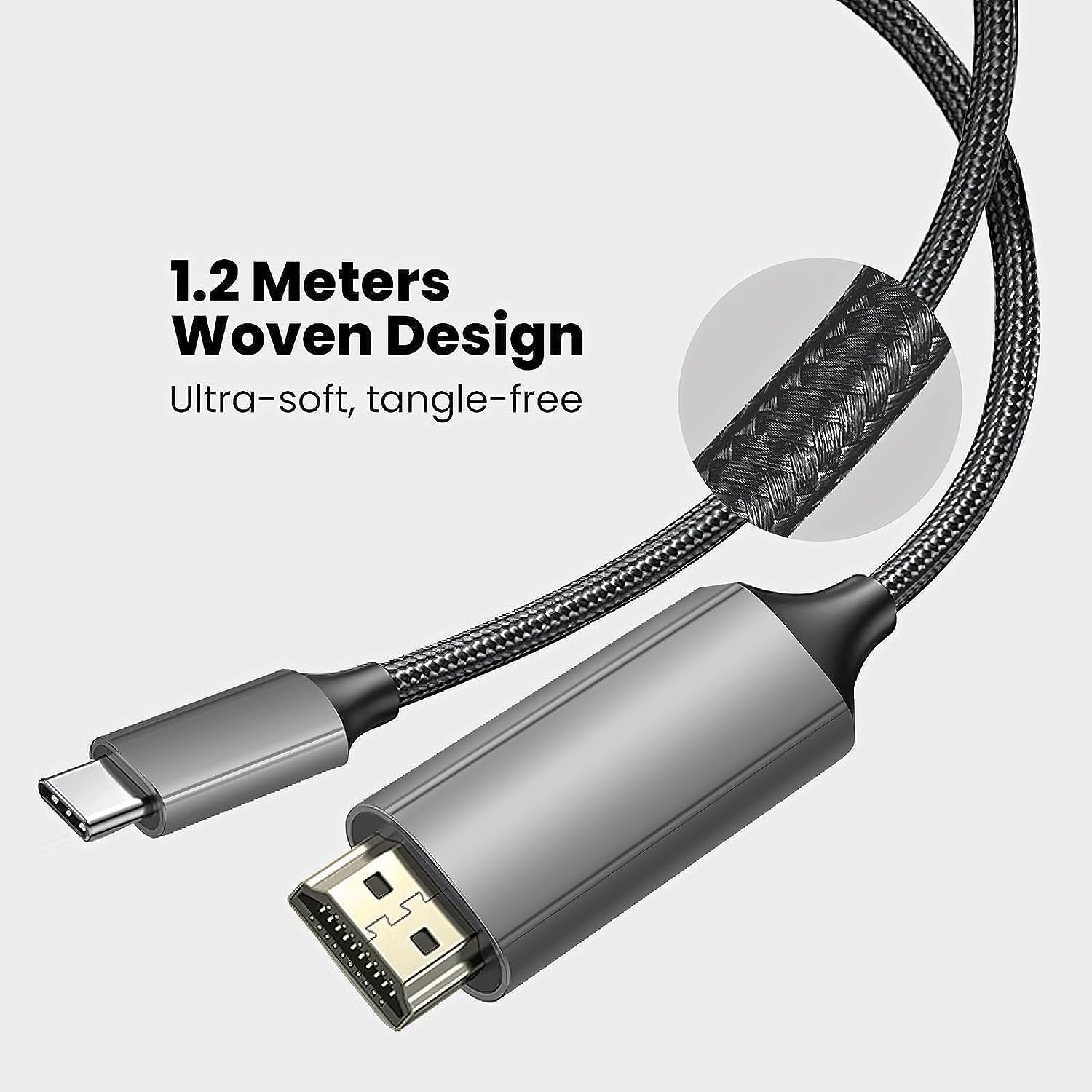
Image: Close-up of the XREAL H-C Cable highlighting its 1.2-meter length and ultra-soft, tangle-free woven design.
Ташкил кардан
Follow these steps to connect your XREAL H-C Cable:
- Пайвасткунакҳоро муайян кунед: Locate the HDMI "In" connector and the USB-C "Out" connector on the cable.
- Пайвастшавӣ ба манбаъ: васл кунед HDMI "In" end of the cable into the HDMI output port of your source device (e.g., PlayStation, Xbox, Nintendo Switch, PC graphics card).
- Ба намоиш пайваст шавед: васл кунед USB-C "Out" end of the cable into the USB-C input port of your compatible display device (e.g., XREAL Beam, XREAL Air AR glasses).
- Дастгоҳҳои фаъол: Боварӣ ҳосил кунед, ки ҳам дастгоҳи манбаъ ва ҳам дастгоҳи намоишии шумо фаъол аст.
- Тасдиқи пайвастшавӣ: The display should automatically detect the input signal. If not, you may need to manually select the input source on your display device.

Image: The XREAL H-C Cable clearly labeled with "HDMI In" and "USB-C Out" to indicate connection direction.
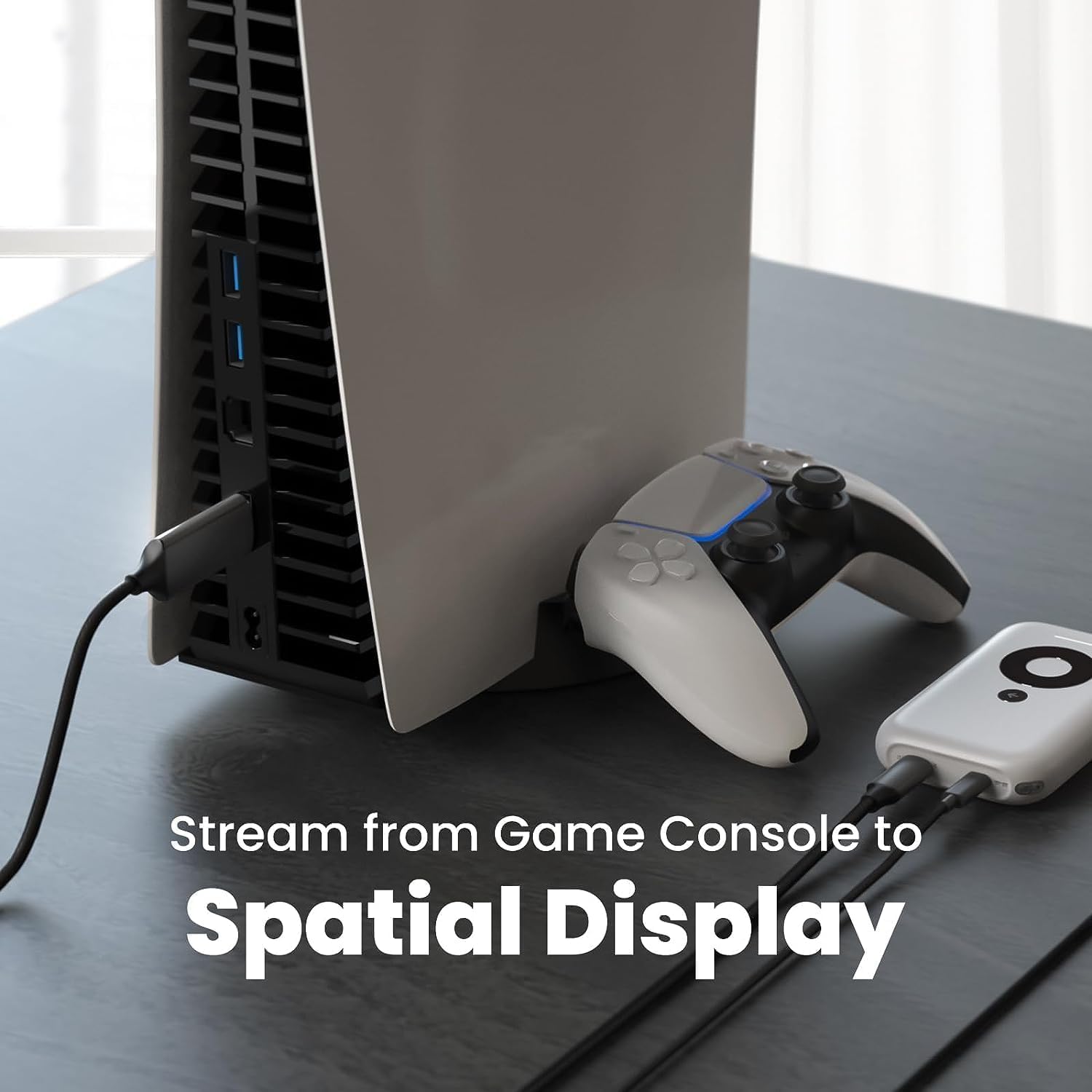
Тасвир: собиқample setup showing the XREAL H-C Cable connecting a PlayStation 5 console to an XREAL Beam device, enabling streaming to a spatial display.
Фаъолият
Once connected, the XREAL H-C Cable operates as a plug-and-play device. No additional drivers or software are typically required.
- Ҳалли ва суръати навсозӣ: The cable supports up to 4K resolution at 60Hz. Ensure your source device and display device are configured to output and receive these resolutions and refresh rates for optimal performance.
- Интиқоли аудио: The cable transmits both video and audio signals. Verify audio settings on your source device if no sound is heard.
- Мутобиқат: This cable is designed for specific applications, primarily connecting HDMI output devices to USB-C input displays, such as XREAL AR glasses. It is not a bidirectional cable and will not function if connected in reverse.
Нигоҳдорӣ
Proper care will extend the life of your XREAL H-C Cable:
- Тозакунӣ: Барои тоза кардани сим ва пайвасткунакҳо аз матои нарм, хушк ва бепахта истифода баред. Аз тозакунандаҳои моеъ ё маводҳои абразивӣ истифода набаред.
- Нигоҳдорӣ: When not in use, coil the cable loosely. Avoid tight coiling or sharp bends. Store in a cool, dry place away from direct sunlight.
- Муносибат: Always grasp the connector housing when plugging or unplugging the cable. Do not pull on the cable itself.
Мушкилкушо
If you encounter issues with your XREAL H-C Cable, try the following solutions:
| Мушкилот | Сабаби эҳтимолӣ | Ҳалли |
|---|---|---|
| Дар экран сигнал нест |
|
|
| Тасвири милт-милт ё таҳрифшуда |
|
|
| Аудио нест |
|
|
Мушаххасоти
| Бренд | XREAL |
| Рақами модел | 6976143800071 |
| Навъи пайвасткунанда | HDMI (Input), USB Type-C (Output) |
| Меъёри интиқоли маълумот | 5 Gigabits per second (for compatible data streams) |
| Дастгоҳҳои мувофиқ | Gaming Consoles (PlayStation, Xbox, Switch), Windows Desktop, XREAL Beam, XREAL Air AR Glasses |
| Дастгирии қарори максималӣ | 4K @ 60 Гц |
| Дарозии кабел | 1.2 метр (тақрибан 3.9 фут) |
Кафолат ва дастгирӣ
XREAL products are manufactured to high quality standards. For information regarding warranty coverage and customer support, please refer to the official XREAL webсайт ё бевосита бо хадамоти муштариёни худ тамос гиред. Квитансияи хариди худро ҳамчун далели харид барои ҳама даъвоҳои кафолат нигоҳ доред.
Барои кӯмаки иловагӣ, боздид кунед: www.xreal.com/support


