Муқаддима
Thank you for choosing the Laser TWS Earbuds. These true wireless stereo earbuds are designed to provide a high-fidelity audio experience with convenient features such as an LED battery display, intuitive tap controls, and an ergonomic design for comfortable, extended use. The included rechargeable case ensures your earbuds are always ready for use. This manual will guide you through the setup, operation, and maintenance of your new earbuds.
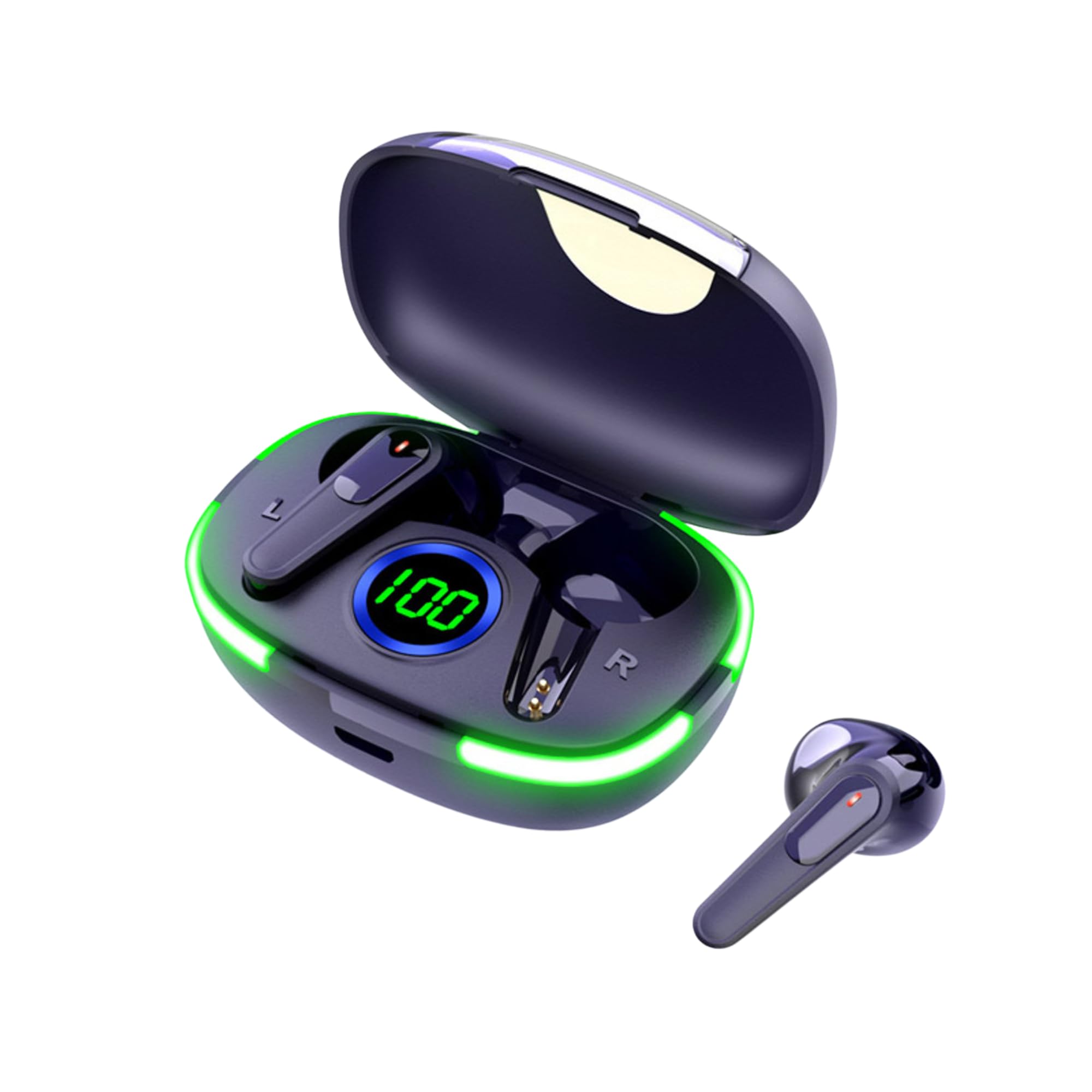
Image: The Laser TWS Earbuds, showcasing the charging case with its LED display and one earbud placed outside the case.
Мундариҷаи баста
Боварӣ ҳосил кунед, ки ҳама ҷузъҳо дар баста мавҷуданд:
- 1 x Pair of Laser TWS Earbuds
- 1 x Charging Case with Battery Display
- 1 x сими пуркунандаи Type-C
- 1 x Дастури корбар
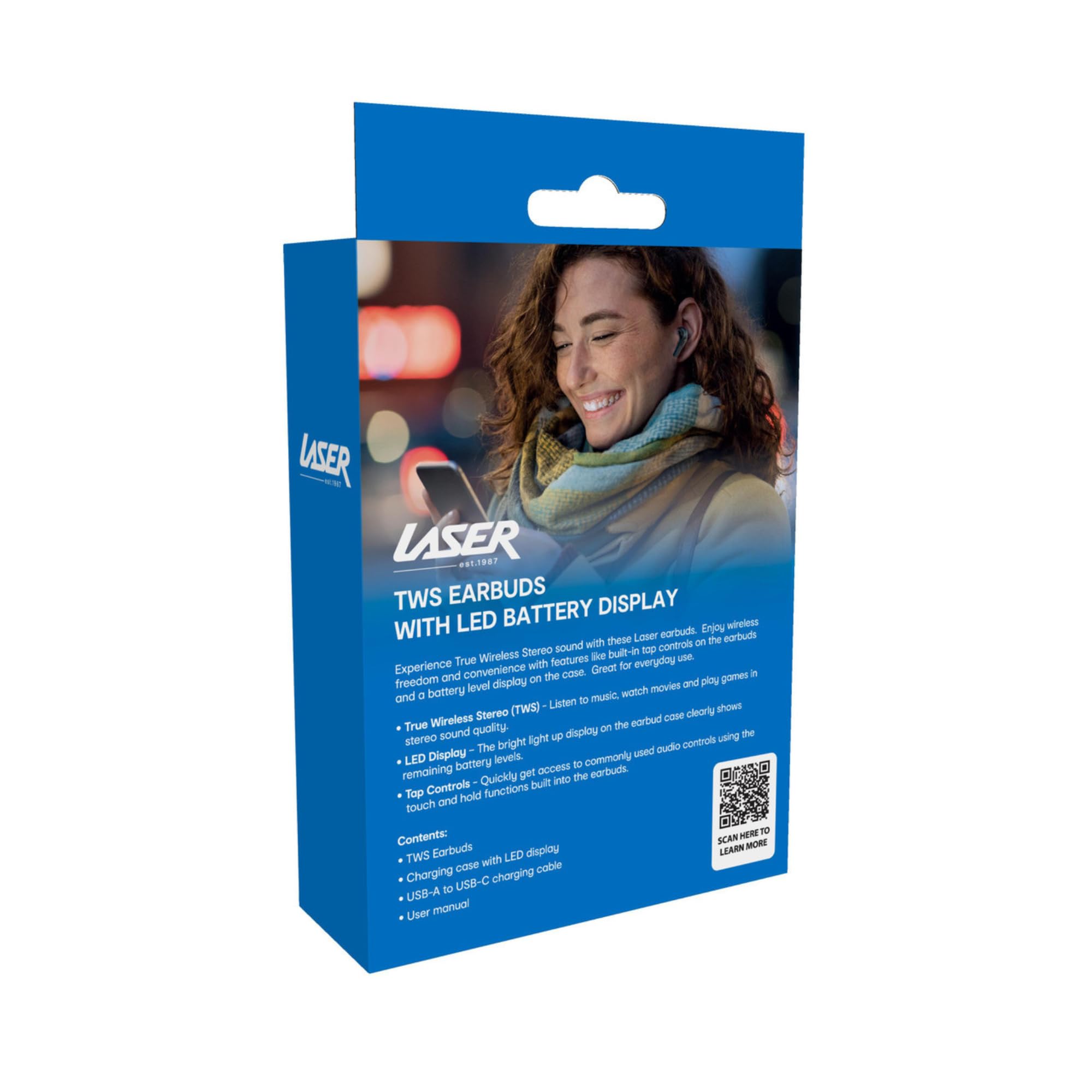
Image: The retail packaging for the Laser TWS Earbuds, indicating contents and features.
Ташкил кардан
1. Пур кардани гӯшмонакҳо ва қуттиҳо
Before first use, fully charge the earbuds and the charging case. The LED display on the case indicates the battery level.
- Сими пуркунандаи барқии Type-C-ро ба порти пуркунандаи корпус ва манбаи барқи USB пайваст кунед.
- The LED display will show the charging progress. A full charge takes approximately 1 hour.
- The earbuds charge automatically when placed inside the charging case. The case can recharge the earbuds up to 3 times on a single charge.

Тасвир: Нақшаи наздик view of the charging case's LED display, showing the battery percentage, indicating the charge level.
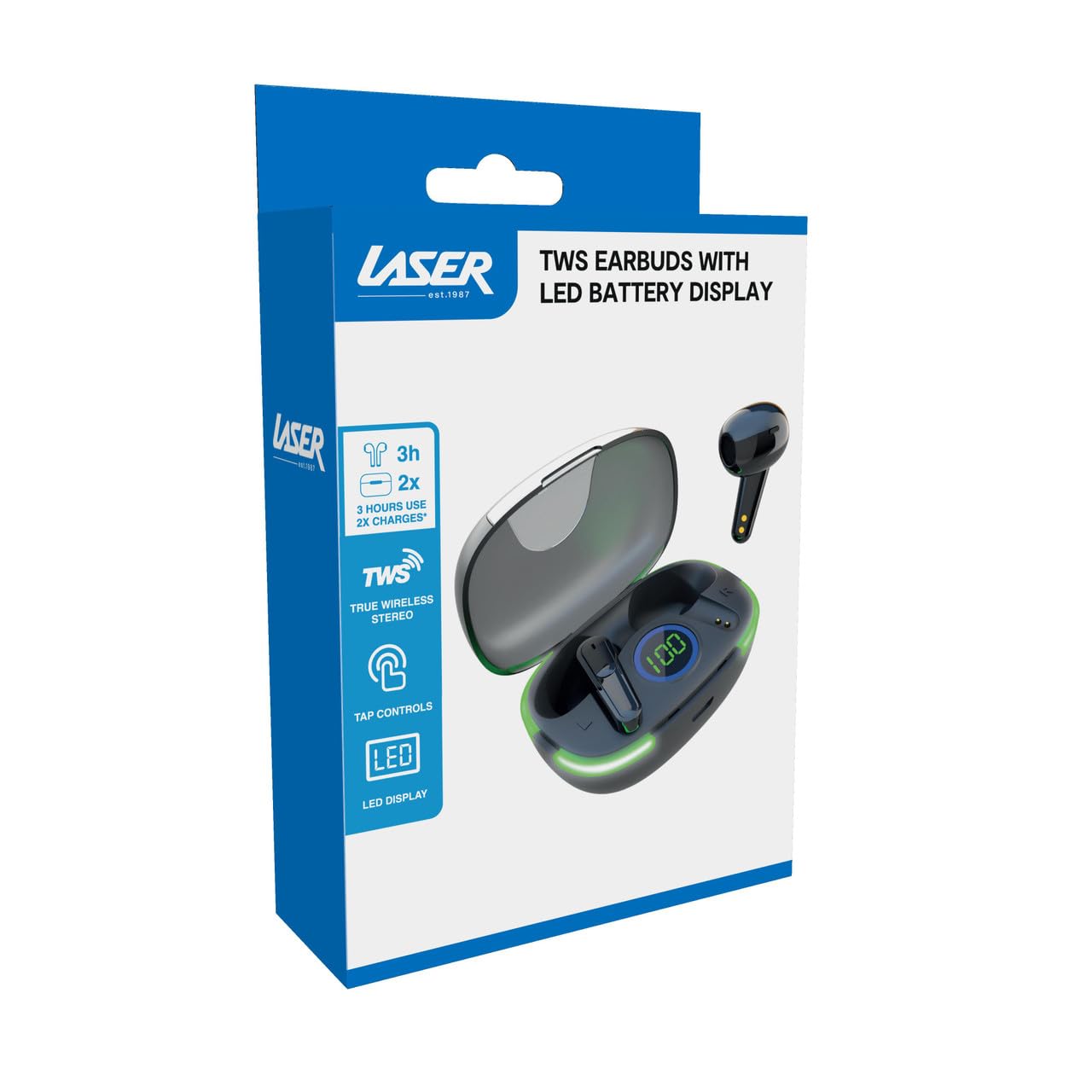
Image: Another close-up of the LED display on the charging case, highlighting the digital battery indicator.
2. Пайвастшавӣ бо дастгоҳ
The earbuds use Bluetooth for wireless connectivity.
- Қуттии барқро кушоед. Гӯшмонакҳо ба таври худкор ба ҳолати пайвастшавӣ ворид мешаванд.
- Дар дастгоҳи худ (смартфон, планшет, ноутбук), Bluetooth-ро фаъол созед ва дастгоҳҳои навро ҷустуҷӯ кунед.
- Select "Laser TWS Earbuds" or "EPS-LT10B-128" from the list of available devices.
- Пас аз пайвастшавӣ, шумо оҳанги тасдиқро мешунавед ва гӯшмонакҳо барои истифода омода мешаванд.
- The earbuds support multi-device compatibility, allowing pairing with various devices.
Дастурҳои амалиётӣ
Пӯшидани гӯшмонакҳо
The earbuds are designed for ergonomic comfort and a secure fit. Gently insert each earbud into your ear canal and twist slightly to ensure a snug and comfortable position. This helps optimize sound quality and stability.
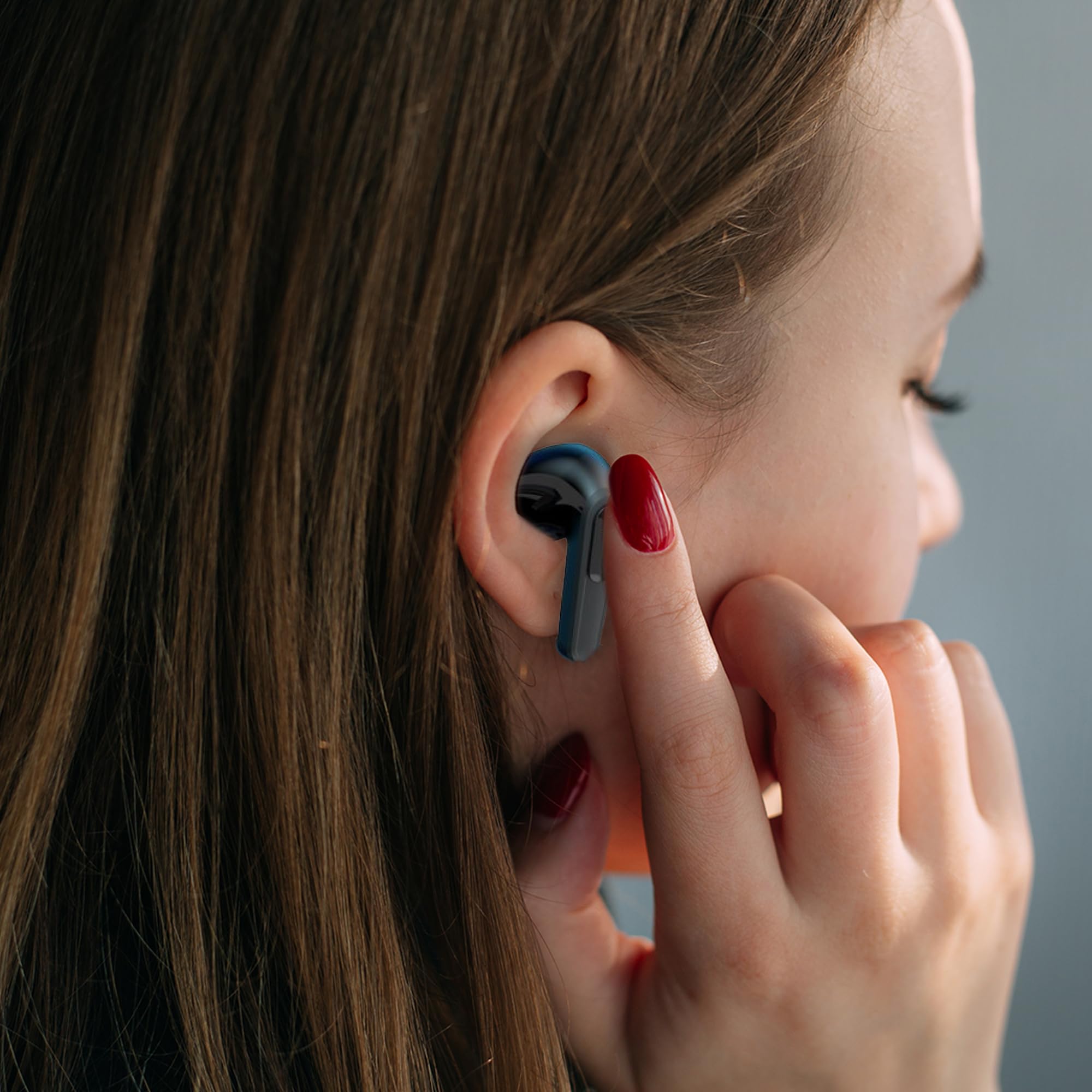
Image: A woman comfortably wearing one of the Laser TWS Earbuds while interacting with her smartphone.
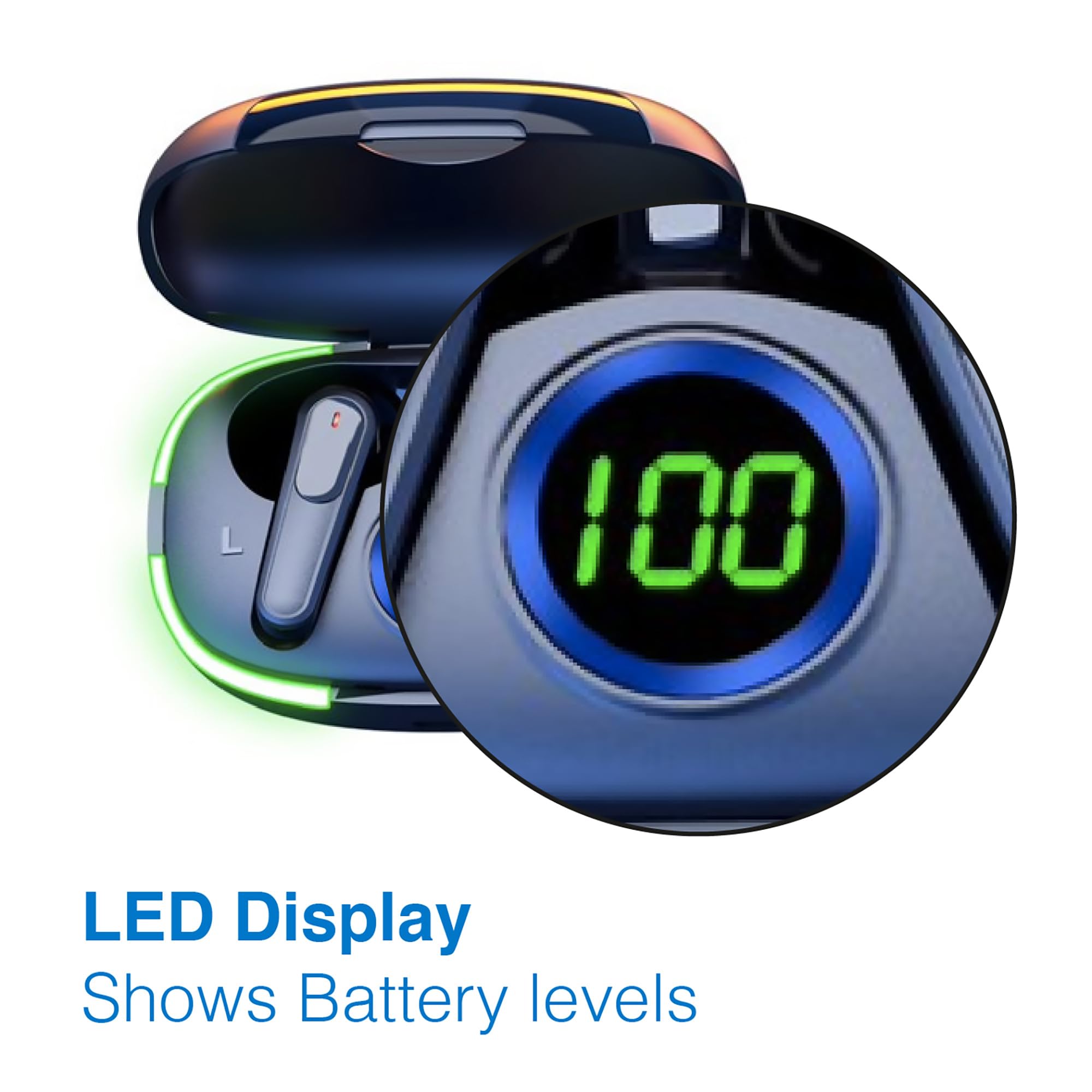
Image: A man walking outdoors, wearing a Laser TWS Earbud, demonstrating the ergonomic design for active use.
True Wireless Stereo Experience
These earbuds provide a true wireless stereo experience, delivering high-fidelity sound with clear channel separation for an immersive audio experience, whether for music, movies, or gaming.
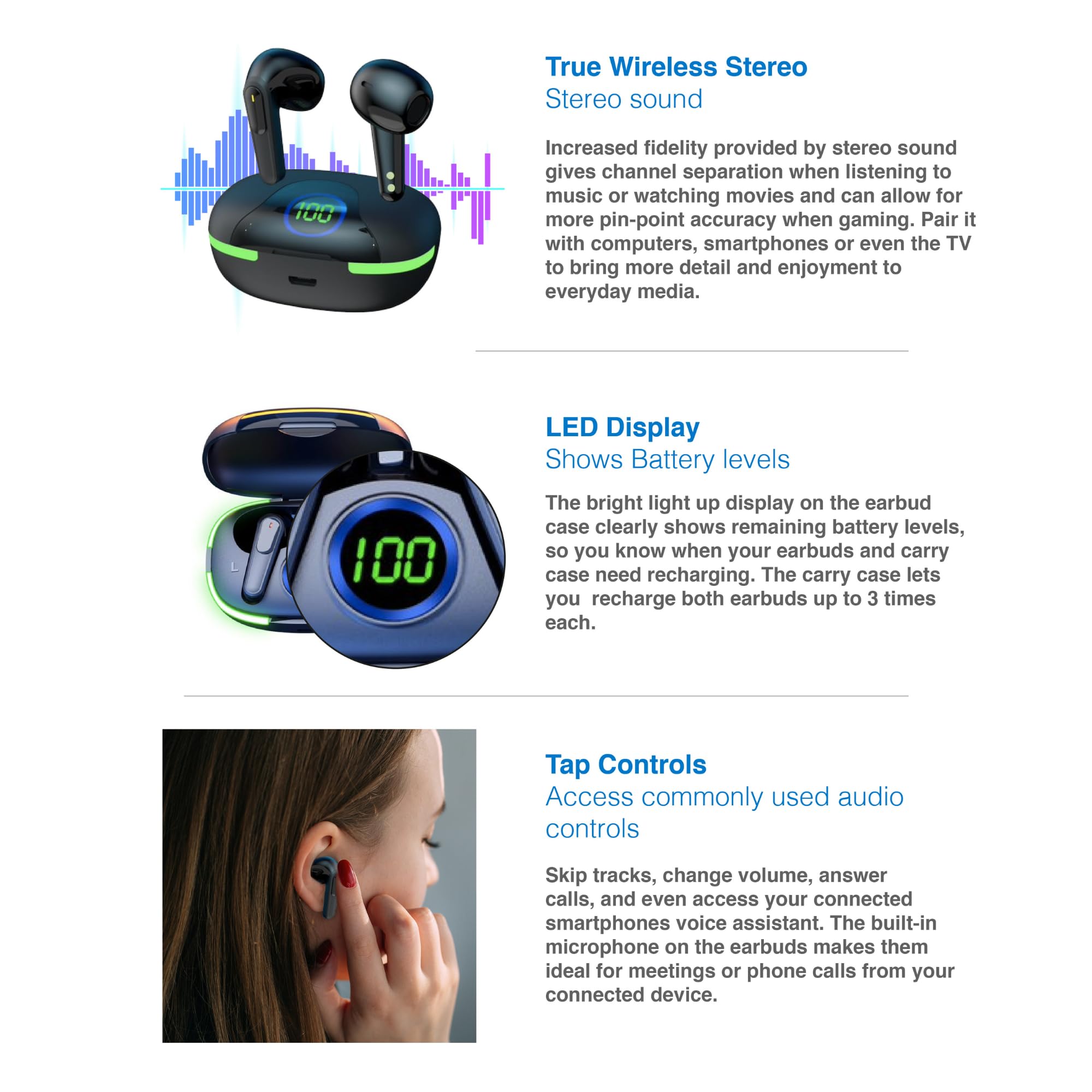
Image: A graphic representation of the True Wireless Stereo feature, showing the earbuds in their case with sound wave visualizations.
Назоратҳоро ламс кунед
The earbuds feature intuitive tap controls for easy management of audio playback and calls without needing to access your connected device.
| Амал | Назорат |
|---|---|
| Мусиқиро навозед/таваффақ кунед | Ба ҳар як гӯшмонак як маротиба клик кунед |
| Треки навбатӣ | Ба гӯшмонаки рост ду маротиба клик кунед |
| Треки қаблӣ | Ба гӯшмонаки чап ду маротиба клик кунед |
| Ҷавоб додан/Ба занг задан | Ба ҳар як гӯшмонак як маротиба клик кунед |
| Рад кардани занг | Дар ҳар як гӯшмонак дароз пахш кунед |
| Activate Voice Assistant (Siri, Google Assistant, Alexa) | Ба ҳар як гӯшмонак се маротиба клик кунед |

Image: A person's hand touching an earbud, illustrating the tap control functionality.
Микрофони дарунсохт
Each earbud includes a built-in microphone, enabling hands-free calls and meetings without needing to switch to your device.
Нигоҳдорӣ
- Тозакунӣ: Гӯшмонакҳо ва қуттии пуркунандаи барқро мунтазам бо матои мулоим, хушк ва бе пахта тоза кунед. Аз истифодаи маводи абразивӣ ё кимиёвии сахт худдорӣ намоед.
- Нигоҳдорӣ: Ҳангоми истифода нашудан, гӯшмонакҳоро дар қуттии пуркунандаи худ нигоҳ доред, то онҳоро муҳофизат кунед ва барқро нигоҳ доред.
- Нигоҳубини батарея: Барои дароз кардани мӯҳлати батарея, зуд-зуд холӣ кардани гӯшмонакҳо ва қуттии батареяро пешгирӣ кунед. Онҳоро мунтазам пур кунед, ҳатто агар дар истифодаи доимӣ набошад.
- Муқовимат ба об: Ин гӯшмонакҳо ба об тобовар нестанд. Аз дучор шудан ба об, арақ ё намии баланд худдорӣ кунед.
Мушкилкушо
| Мушкилот | Ҳалли |
|---|---|
| Гӯшмонакҳо ҷуфт карда намешаванд | Ensure earbuds are charged. Turn off and on Bluetooth on your device. Forget the device in Bluetooth settings and re-pair. Place earbuds back in case and take them out again. |
| Аз як гӯшмонак садо нест | Check battery level of both earbuds. Re-pair the earbuds. Try resetting the earbuds (refer to manufacturer's webсайт барои дастурҳои мушаххаси барқарорсозӣ, агар лозим бошад). |
| Қуттии пуркунандаи барқ пур намекунад | Ensure the charging cable is securely connected. Try a different USB power source or cable. |
| Tap controls not responding | Ensure earbuds are properly seated in your ears. Clean the touch sensitive area. Re-pair the earbuds. |
If you encounter persistent issues, please refer to the official Laser support webсайт барои кӯмаки иловагӣ.
Мушаххасоти
| Хусусият | Тафсилот |
|---|---|
| Модели | EPS-LT10B-128 |
| Технологияи пайвастшавӣ | Bluetooth бесими |
| Назорати садо | Изолятсияи садо |
| Муҳлати батарея (гӯшмонакҳо) | тахминан. 3 соат |
| Вақти пуркунии барқ | тахминан. 1 соат |
| Пуркунии қуттии пуркунӣ | То 3 маротиба |
| Масофаи максималии амалиёт | 10 метр |
| Навъи назорат | Назорати ламс, назорати овоз |
| Материал | Пластмасса |
| Вазни ашё | 30 грамм |
| Андозаҳо | 62.2 x 42.5 x 32.6 cm (Product) |
| Сатҳи муқовимат ба об | Ба об тобовар нест |
Кафолат ва дастгирӣ
The Laser TWS Earbuds come with a Кафолати 1 сол аз рӯзи харид. Лутфан далели хариди худро барои даъвоҳои кафолат нигоҳ доред.
For further support, troubleshooting, or warranty information, please visit the official Laser webсайт:
You may also contact Laser customer service directly for assistance.