1. Муқаддима
The SanDisk Ultra Luxe 256GB USB Type-C Flash Drive is designed for efficient and stylish file transfer across various USB Type-C compatible devices. This manual provides essential information for setting up, operating, maintaining, and troubleshooting your flash drive to ensure optimal performance and longevity.
2. Хусусиятҳои асосӣ
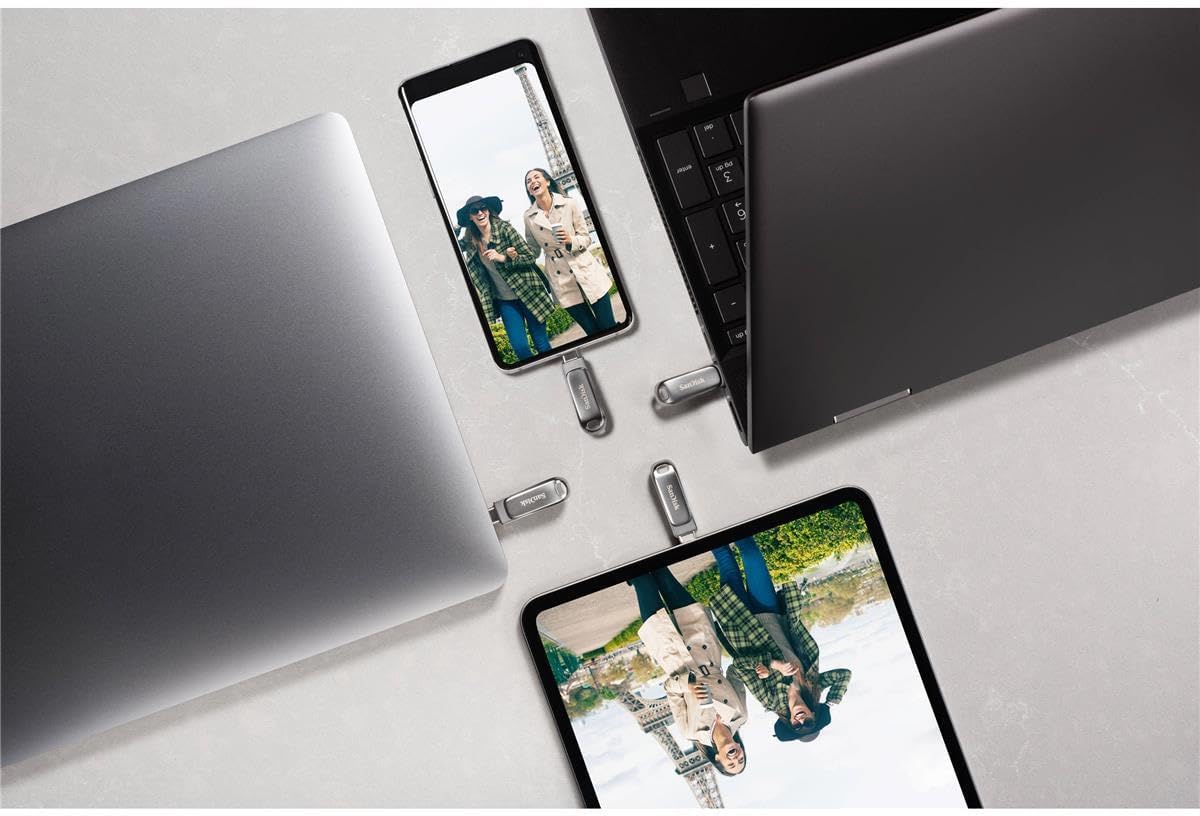
- Мутобиқати универсалӣ: Интиқоли бефосила files between your USB Type-C devices, including laptops, tablets, and smartphones.
- Тарҳрезии Premium: Features a luxurious and durable metal enclosure, offering both style and robust protection for your data.
- Фаъолияти баландсуръат: Experience rapid data access with read speeds of up to 400MB/s, utilizing USB 3.2 Gen 1 technology for quick file интиқолҳо.
- Retractable Connector: A smooth, retractable USB Type-C connector helps protect the drive from wear and tear when not in use.
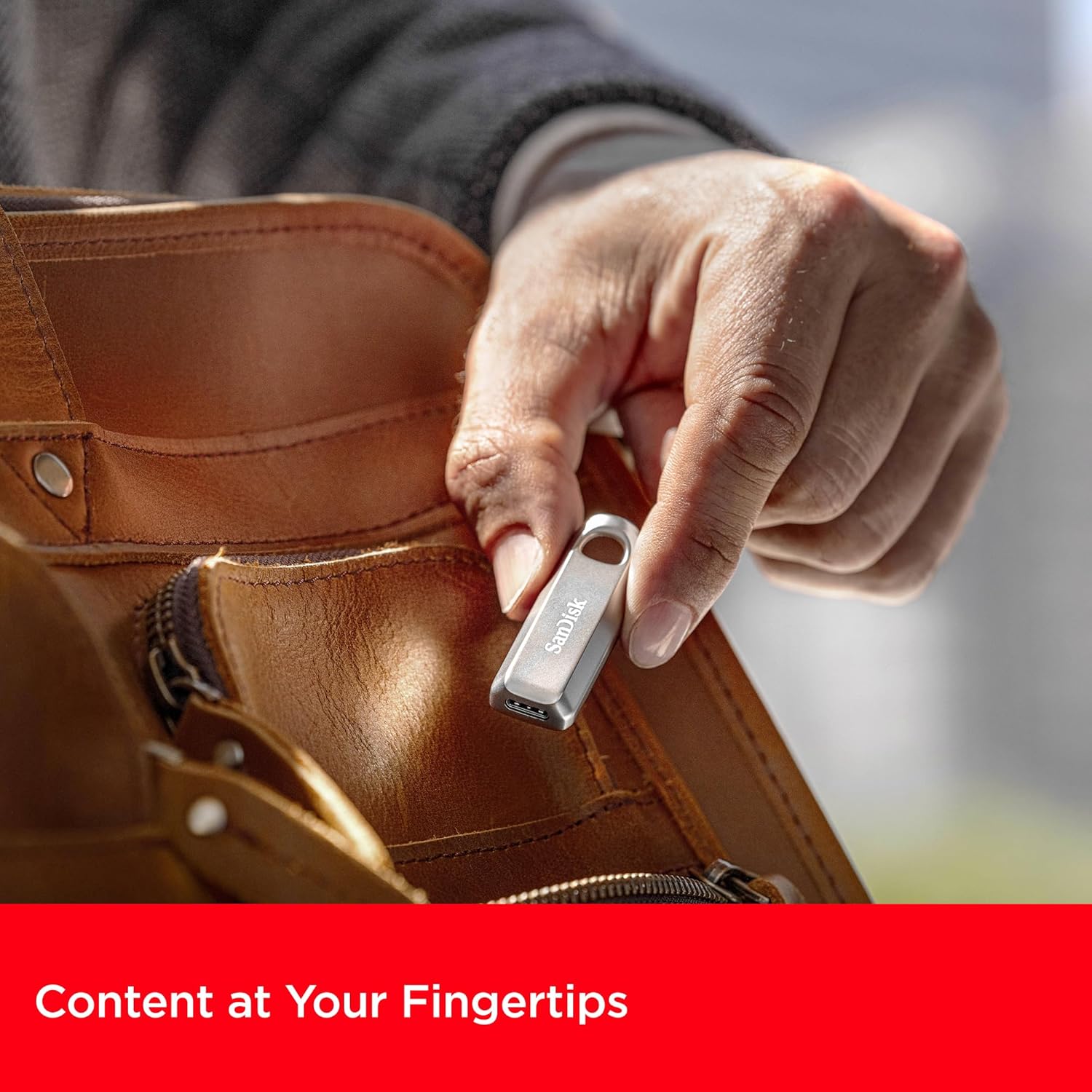
- Мукаммалгардонии интиқол: Equipped with a convenient keyring hole, allowing you to easily attach the drive to your keys or bag for secure transport.


3. Дастурамал оид ба насб
The SanDisk Ultra Luxe USB Type-C Flash Drive is designed for plug-and-play functionality, requiring no special software installation for basic use on most operating systems (Windows, macOS, Linux, Android, iOS with compatible devices).
- Дискро кушоед: Carefully remove the flash drive from its packaging.
- Identify USB Type-C Port: Locate an available USB Type-C port on your computer, tablet, or smartphone.
- Дискро ворид кунед: Gently slide the retractable connector out and insert the flash drive into the USB Type-C port. Ensure it is fully seated.
- Шиносоии худкор: Your device should automatically detect the flash drive and display its contents or prompt you to open it.
4. Дастурҳои истифодабарӣ
4.1. Интиқол Files
Once the drive is recognized by your device, you can transfer files using standard operating system functions:
- Кашола карда партофтан: Клик кунед ва кашед files or folders from your device's storage to the flash drive's folder, or vice versa.
- Нусхабардорӣ ва часбонед: Right-click (or long-press on touch devices) on the desired file(s), select 'Copy', navigate to the destination (flash drive or device storage), right-click (or long-press), and select 'Paste'.

4.2. Safely Ejecting the Drive
Always safely eject the flash drive before physically removing it to prevent data corruption or loss.
- Windows: Right-click the drive icon in 'This PC' or the system tray, then select 'Eject'. Wait for the 'Safe to Remove Hardware' notification.
- macOS: Нишони дискро аз мизи корӣ ба сабади партов кашед ё нишони "Баровардан"-ро дар паҳлӯи диск дар Finder клик кунед.
- Android: Go to 'Settings' > 'Connected devices' > 'USB' and tap 'Eject' or 'Unmount'.

5. Нигоҳдорӣ
- Нигоҳубини ҷисмонӣ: Дискро тоза ва аз чангу хошок тоза нигоҳ доред. Барои тоза кардан матои мулоим ва хушкро истифода баред.
- Ҳарорат: Аз таъсири ҳарорати аз ҳад зиёд ё нури бевоситаи офтоб худдорӣ кунед.
- Нусхаи эҳтиётии маълумот: Regularly back up important data stored on the flash drive to another storage medium to prevent accidental loss.
- Навсозии нармафзор: Periodically check the SanDisk website for any available firmware updates for your drive model to ensure optimal performance and compatibility.
6. Баррасии мушкилот
6.1. Диск шинохта намешавад
- Ensure the drive is fully inserted into the USB Type-C port.
- Try connecting the drive to a different USB Type-C port on your device.
- Test the drive on another compatible device to determine if the issue is with the drive or the original device.
- Компютер ё дастгоҳи худро бозоғоз намоед.
6.2. Суръати пасти интиқол
- Ensure you are using a USB 3.2 Gen 1 (or higher) compatible port on your device for optimal speeds. Older USB 2.0 ports will result in significantly slower transfers.
- Ҳама гуна барномаҳои нолозимеро, ки дар замина кор мекунанд ва метавонанд захираҳои системаро истеъмол кунанд, пӯшед.
- Аз интиқоли бисёр хурд худдорӣ кунед fileҳамзамон; фишурдани онҳо дар як архив баъзан метавонад суръатро беҳтар кунад.
6.3. Фасод ё гум шудани маълумот
- Always perform a safe ejection of the drive before physically removing it.
- If data appears corrupted, try running a disk check utility on your operating system (e.g., 'Error Checking' on Windows, 'Disk Utility' on macOS).
7. Мушаххасоти
| Аттрибут | Тафсилот |
|---|---|
| Бренд | SanDisk |
| Номи модел | SanDisk Ultra Luxe |
| Рақами модели ашё | SDCZ75-256G-G46 |
| Иқтидори нигаҳдории хотира | 256 ГБ |
| Интерфейси сахтафзор | USB Type C |
| Технологияи пайвастшавӣ | USB |
| Суръат хонед | То 400 мегабайт дар як сония |
| Суръати навиштан | То 400 МБ/с |
| Ранги | Нуқра |
| Андозаҳои маҳсулот (LxWxH) | 1.8 x 0.63 x 0.47 инч |
| Вазни ашё | 0.368 унция |
| Хусусияти махсус | Интиқоли зуд маълумот |
| UPC | 619659203511 |
8. Видеоҳои расмии маҳсулот
9. Кафолат ва дастгирӣ
Барои гирифтани маълумоти муфассал дар бораи кафолат, бақайдгирии маҳсулот ва дастгирии техникӣ, лутфан ба вебсайти расмии SanDisk муроҷиат кунед. webсайт. Квитансияи хариди худро ҳамчун далели харид барои ҳама даъвоҳои кафолат нигоҳ доред.
Дастгирии онлайн: www.sandisk.com/support


