1. Муқаддима ва зиёдаview
This manual provides comprehensive instructions for the setup, operation, and maintenance of your Maxview Alphatronics SL Line+ Smart TV. Designed for mobile use, this versatile television operates on both 12v and 240v power, making it ideal for motorhomes, caravans, trucks, and boats. It features a Full HD LED display, integrated DVD player, Wi-Fi, Bluetooth, and access to popular streaming services via WebOS.

Тасвир: Пеш view of the Maxview Alphatronics SL Line+ Smart TV, highlighting its smart features and integrated DVD player.
Хусусиятҳои асосӣ инҳоянд:
- Full HD LED Smart TV with Freeview.
- WebOS for access to Netflix, Amazon Prime, Disney+, iPlayer, ITVX, Sky Store, YouTube, and more.
- Dual power compatibility (12v or 240v).
- Built-in DVD Player, Bluetooth, Wi-Fi, and Ethernet.
- Multiple connectivity options: 2 HDMI ports, USB Port, and AV connections.
2. Дар қуттӣ чӣ мавҷуд аст
Лутфан мундариҷаи бастаи худро бо рӯйхати дар поён овардашуда муқоиса кунед:
- Alphatronics TV (TVSL/22)
- Назорати дурдаст
- 240v Mains Lead
- Адаптери барқи 12V
- Дастури корбар (ин ҳуҷҷат)

Image: The included remote control for the Maxview Alphatronics Smart TV.
3. Танзимот
3.1. Ҷойгиркунӣ ва васлкунӣ
Choose a stable and flat surface for your TV. Ensure adequate ventilation around the unit. If mounting, refer to your specific wall mount instructions and ensure the mount is compatible with VESA standards for your TV size.

Тасвир: Мисample of the TV installed within a caravan interior.
3.2. Пайвастшавии барқ
The TV can be powered by either 12v DC or 240v AC.
- For 240v AC: Connect the supplied 240v Mains Lead to the TV's AC input and then to a standard wall socket.
- For 12v DC: Connect the supplied 12v Power Adapter to the TV's DC input and then to a 12v power source (e.g., vehicle's 12v socket).
Ensure the correct power source is used to prevent damage.
3.3. Пайваст кардани дастгоҳҳои беруна
Телевизор дорои портҳои гуногун барои пайваст кардани дастгоҳҳои беруна мебошад:
- Портҳои HDMI (x2): For high-definition audio and video devices like satellite receivers, game consoles, or laptops.
- Порти USB: Барои пайваст кардани дастгоҳҳои нигаҳдории USB барои навозиш медиа files.
- AV Connections: Барои дастгоҳҳои кӯҳна бо истифода аз видеои таркибӣ ва аудио стерео.
- Вуруди антенна/моҳвора: Connect your terrestrial antenna or satellite dish cable for Freeview or satellite TV reception.

Image: Rear panel of the TV displaying available connection ports.
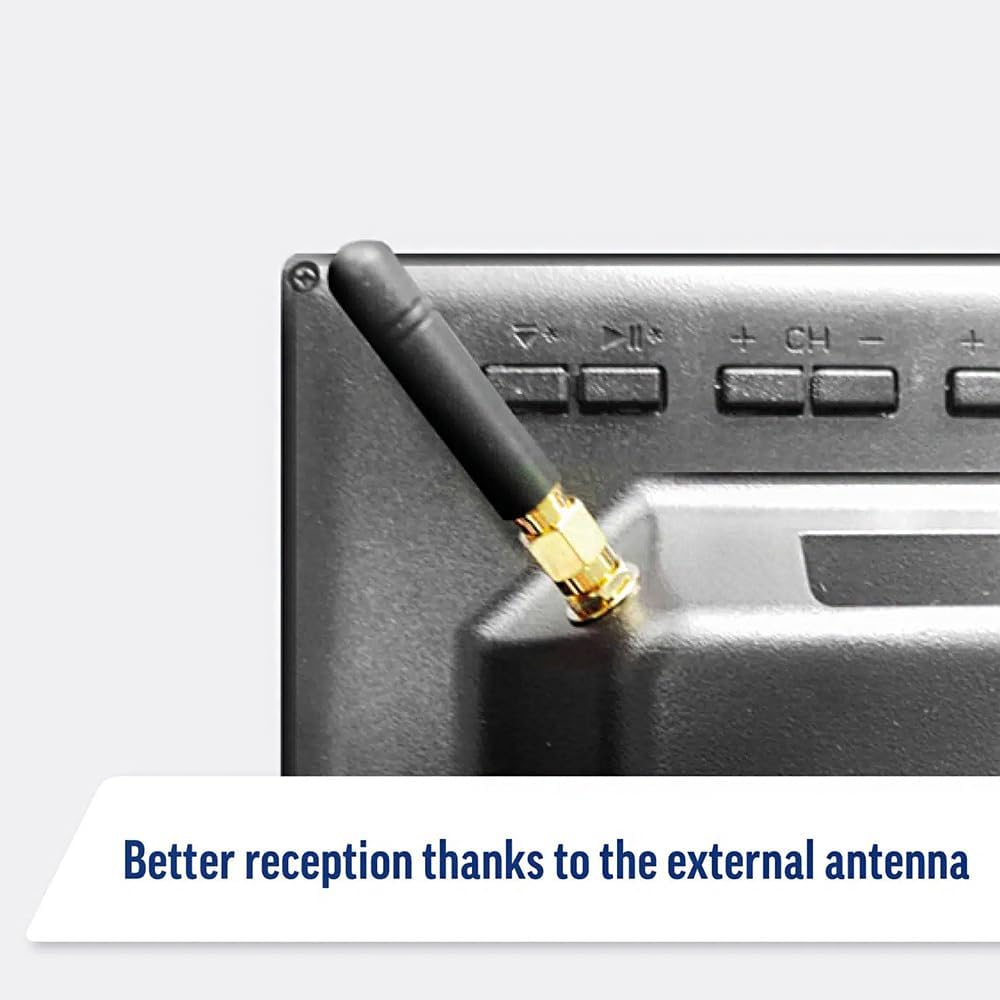
Image: Detail of the external antenna connection for improved signal reception.
3.4. Ёвари насби ибтидоӣ
Ҳангоми бори аввал, телевизор шуморо тавассути устоди танзими ибтидоӣ роҳнамоӣ мекунад. Ин дар бар мегирад:
- Интихоби забон: Забони дилхоҳи худро интихоб кунед.
- Пайвасти шабакавӣ: Connect to your Wi-Fi network or via Ethernet for internet access. This is crucial for Smart TV features.
- Сканкунии канал: Scan for available Freeview or satellite channels.
- Танзимоти вақт ва сана: Set the correct time zone and date.
4. Истифода бурдани телевизор
4.1. Назорати асосӣ
Use the supplied remote control to navigate the TV. Common functions include:
- Тугмаи барқ: Телевизорро фурӯзон/хомӯш мекунад ё ба ҳолати интизорӣ.
- Баланд/Поёни овоз: Сатҳи аудиоро танзим мекунад.
- Канал боло/поён: Шабакаҳои телевизиониро иваз мекунад.
- Манбаъ/Ворид: Selects the input source (HDMI, AV, TV, DVD).
- Тугмаҳои паймоиш (Тугмаҳои Тир, Хуб): Менюҳоро паймоиш кунед ва имконоти интихоб кунед.
- Тугмаи хонагӣ: дастрасӣ пайдо мекунад WebЭкрани асосии OS Smart TV.
- Тугмаҳои дастрасии зуд: Dedicated buttons for Netflix and Amazon Prime Video for direct access.
4.2. Хусусиятҳои ТВ Smart (WebOS)
Your Maxview Alphatronics TV runs on WebOS, providing a user-friendly interface for accessing a wide range of applications and content.
- Панели хонагӣ: -ро пахш кунед Хона button to access the main dashboard, where you can find installed apps, input sources, and settings.
- Дӯкони барномаҳо: Замимаҳои иловагиро аз мағозаи барномаҳои ҳамгирошуда зеркашӣ ва насб кунед.
- Хидматҳои ҷараён: Easily access popular services like Netflix, Amazon Prime Video, Disney+, BBC iPlayer, ITVX, and YouTube.
- Мубодилаи экран: Мундариҷаро аз смартфон ё планшети худ ба экрани телевизор мубодила кунед.
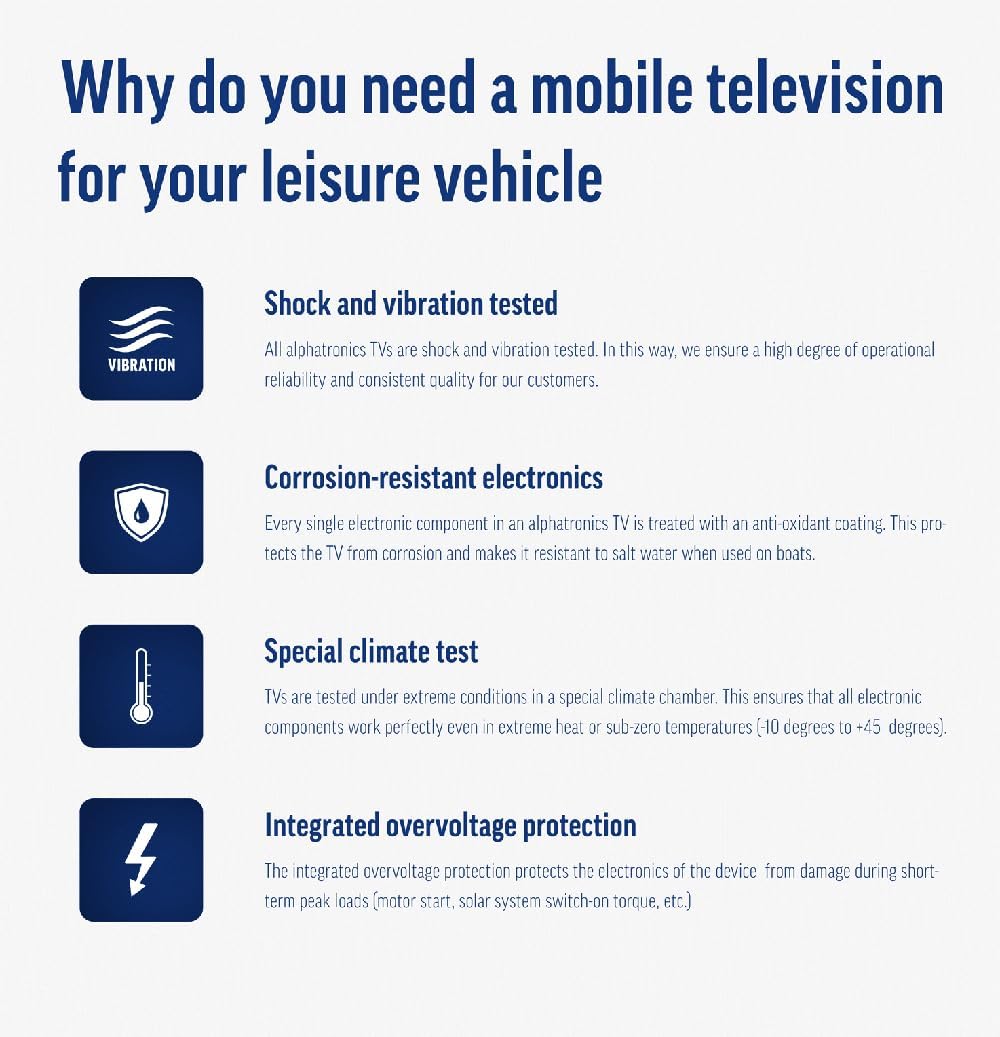
Image: Using a smartphone as a remote control for the TV.
4.3. DVD Player Operation
The integrated DVD player allows you to enjoy your movie collection on the go.
- Insert a DVD disc into the slot on the side of the TV.
- The TV should automatically switch to the DVD input. If not, press the Сарчашма/Ворид button on your remote and select "DVD".
- Use the remote control's playback buttons (Play, Pause, Stop, Fast Forward, Rewind) to control the DVD.
- To eject the disc, press the Eject button on the remote or the TV.
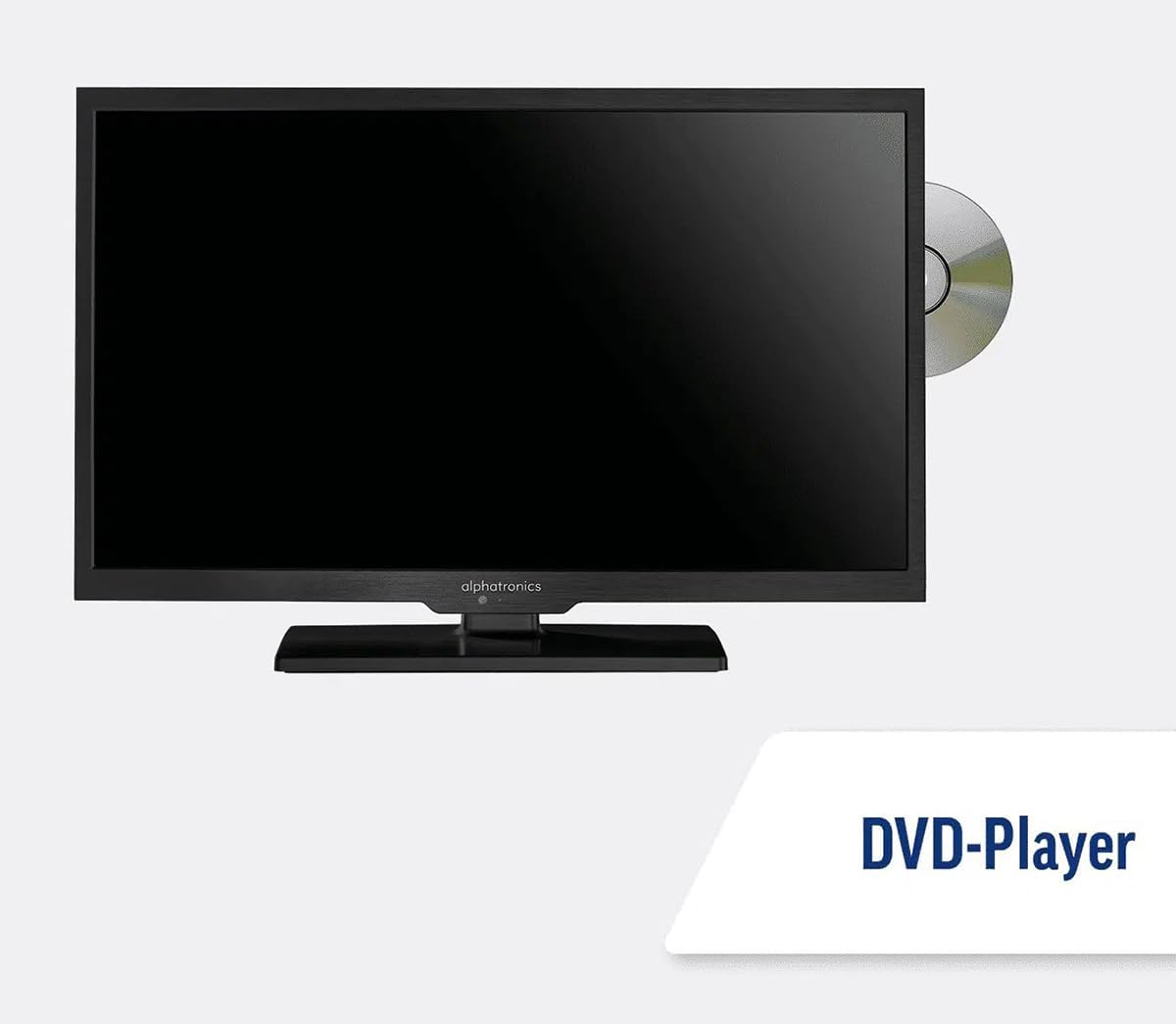
Image: The TV with a DVD disc being inserted into its built-in player.
5. Нигоҳдорӣ
5.1. Тозакунӣ
To clean the TV screen, gently wipe it with a soft, lint-free cloth. For stubborn marks, dampen the cloth slightly with water or a screen-cleaning solution. Do not spray liquid directly onto the screen. Clean the TV casing with a dry, soft cloth.
Огоҳӣ: Always unplug the TV from the power source before cleaning.
5.2. Навсозии нармафзор
Your Maxview Alphatronics Smart TV supports automatic software updates via the internet. Ensure your TV is connected to a stable Wi-Fi or Ethernet network to receive the latest firmware and feature enhancements.
- To check for updates manually, navigate to the Танзимотҳо menu on your TV, then look for Навсозии нармафзор or Маълумоти системавӣ.
- Follow the on-screen prompts to download and install any available updates. Do not power off the TV during an update process.

Image: The TV screen indicating a software update in progress.
6. Баррасии мушкилот
If you encounter issues with your TV, please refer to the following common problems and solutions before contacting support.
| Мушкилот | Сабаби эҳтимолӣ | Ҳалли |
|---|---|---|
| Не қудрат | Power cable disconnected; no power from outlet/source. | Check power connections. Ensure outlet/source is active. Try a different outlet. |
| Сигнал нест | Incorrect input selected; antenna/cable disconnected or faulty. | пахш кунед Сарчашма/Ворид to select correct input. Check antenna/cable connections. Perform a channel scan. |
| Пайвасти интернет нест | Wi-Fi password incorrect; router issue; TV too far from router. | Re-enter Wi-Fi password. Restart your router. Move TV closer to router or use Ethernet. |
| DVD Not Playing | Disc dirty or scratched; incorrect input selected; region code mismatch. | Clean the disc. Ensure "DVD" input is selected. Check disc region compatibility. |
| Идоракунии дурдаст кор намекунад | Batteries low/dead; obstruction between remote and TV; remote not paired (if Bluetooth). | Батареяҳоро иваз кунед. Монеаҳоро тоза кунед. Дар ҳолати зарурӣ пульти дурдастро аз нав пайваст кунед (ба танзимоти телевизор нигаред). |
If the problem persists after trying these solutions, please contact Maxview дастгирии мизоҷон.
7. Мушаххасоти
| Хусусият | Тафсилот |
|---|---|
| Рақами модел | TVSL/22 |
| Андозаи экран | 22 инч (56 см диагонали намоён) |
| Технологияи намоиш | НН - НУРНИШОН |
| Резолюция | 1080p (HD Full) |
| Андозаҳои маҳсулот (D x W x H) | 12D x 58W x 38H сантиметр |
| Вуруди нерӯ | 12v DC / 240v AC |
| Пайвастшавӣ | Wi-Fi, Bluetooth, Ethernet |
| Портҳо | 2x HDMI, 1x USB, AV connections, Antenna/Satellite input |
| Хусусиятҳои махсус | Smart TV (WebOS), Built-in DVD Player |
| Таносуби тараф | 16:9 |
| Истеҳсолкунанда | Альфатроника |
8. Кафолат ва дастгирӣ
Your Maxview Alphatronics SL Line+ Smart TV comes with a Кафолати 3 сол, providing peace of mind regarding your purchase. This warranty covers manufacturing defects and ensures reliable operation.
For warranty claims, technical support, or further assistance, please contact Maxview customer service. You can typically find contact information on the official Maxview webсайт ё дар маводҳои бастабандӣ.
Please have your model number (TVSL/22) and proof of purchase ready when contacting support.
Note: No official product videos from the seller were found in the provided data to embed in this manual.


