Дастури корбарии контроллери бесими Bluetooth ShanWan Q37
Comprehensive guide for setup, operation, and maintenance of your ShanWan Q37 controller.
1. Муқаддима
Thank you for choosing the ShanWan Q37 Wireless Bluetooth Controller. This manual provides detailed instructions to help you set up, operate, and maintain your controller, ensuring an optimal gaming experience across various platforms including Nintendo Switch, PC, Android, iOS, and PS4.
2. Мундариҷаи баста
- 1 x ShanWan Q37 Wireless Bluetooth Controller
- 1 x кабели пуркунандаи USB
- 1 x Дастури корбар (ин ҳуҷҷат)
3. Маҳсулот ба охир расидview
3.1 Тарҳбандии контроллер
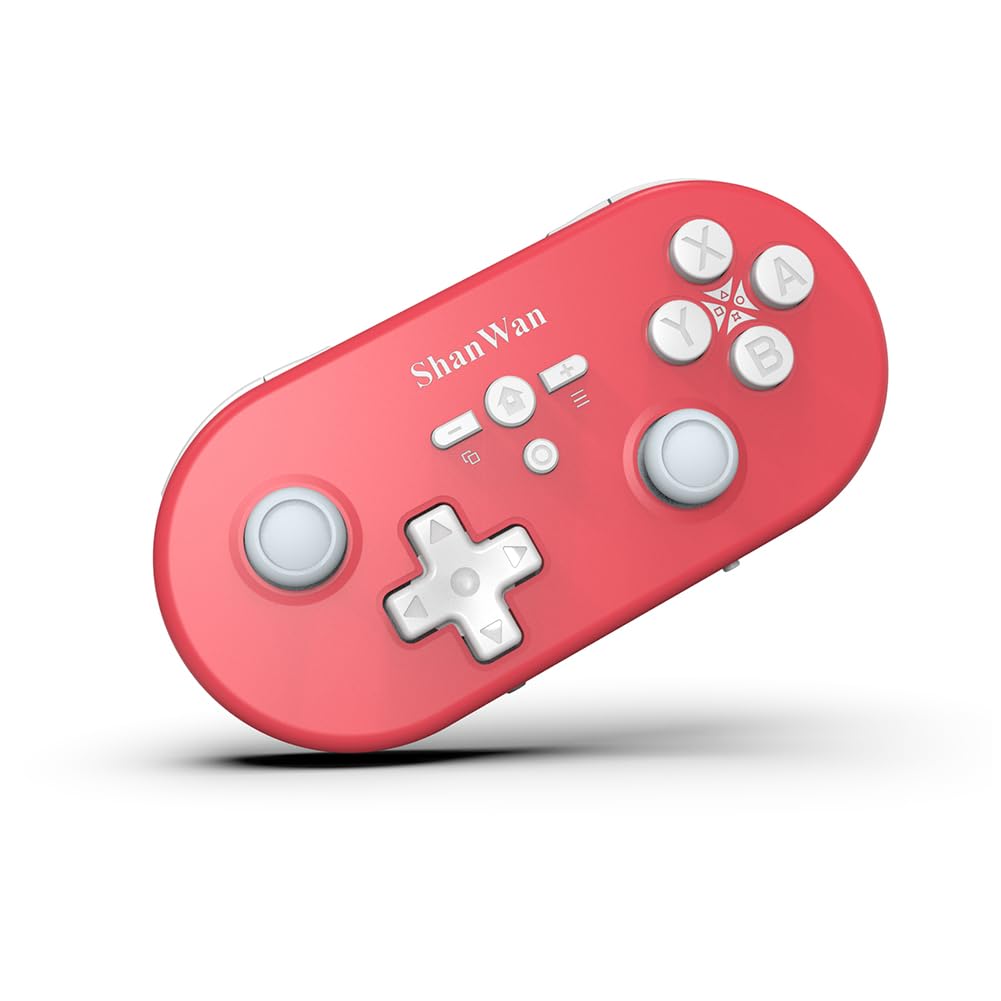
Тасвир: боло view of the ShanWan Q37 controller, showing the D-pad, left and right joysticks, A/B/X/Y buttons, and central function buttons.
The ShanWan Q37 controller features a standard layout for intuitive gaming. It includes a precise D-pad, responsive left and right joysticks, A/B/X/Y action buttons, and dedicated function buttons for Home, Select, Start, and Screenshot. The shoulder buttons (L1/R1) and triggers (L2/R2) are located on the top edge.
3.2 Андозаҳо

Image: The ShanWan Q37 controller with measurements indicating its length (4.92 inches), width (2.42 inches), and thickness (0.82 inches).
The compact design of the Q37 controller makes it portable and comfortable for extended gaming sessions. Its approximate dimensions are 4.92 x 2.44 x 0.81 inches, and it weighs approximately 3.2 ounces.
4. Танзимот
4.1 Пур кардани контроллер
Before first use, fully charge the controller. Connect the supplied USB charging cable to the USB-C port on the controller and the other end to a USB power source (e.g., computer USB port, USB wall adapter). The charging indicator light will show the charging status and turn off when fully charged. The controller is equipped with a 500mAh battery.
4.2 Ҷуфткунии ибтидоӣ
The controller supports one-touch pairing for convenience.
- Барои Nintendo Switch: Go to the HOME Menu, select 'Controllers', then 'Change Grip/Order'. Press and hold the pairing button on the controller until the player LEDs begin to flash.
- Барои компютер (Windows): Ensure Bluetooth is enabled on your PC. Go to 'Bluetooth & other devices' settings, click 'Add Bluetooth or other device', then 'Bluetooth'. Press and hold the pairing button on the controller until it appears in the list, then select it to pair.
- Барои Android/iOS: Enable Bluetooth on your mobile device. Go to Bluetooth settings and search for new devices. Press and hold the pairing button on the controller until it appears in the list, then select it to pair.
- Барои PS4: Connect the controller to the PS4 console using the USB cable. Press the PS button on the controller. Once paired, you can disconnect the USB cable for wireless play.
5. Дастурҳои истифодабарӣ
5.1 Reconnection
After initial pairing, the controller supports one-click reconnection. Simply press the Home button on the controller to wake it up and automatically reconnect to the last paired device.
5.2 Firmware Update and Customization
To customize buttons, set macro functions, and calibrate joysticks, you can download the official Gamepad Space software. This software is also required for firmware updates, especially for compatibility with newer systems like Switch 2.
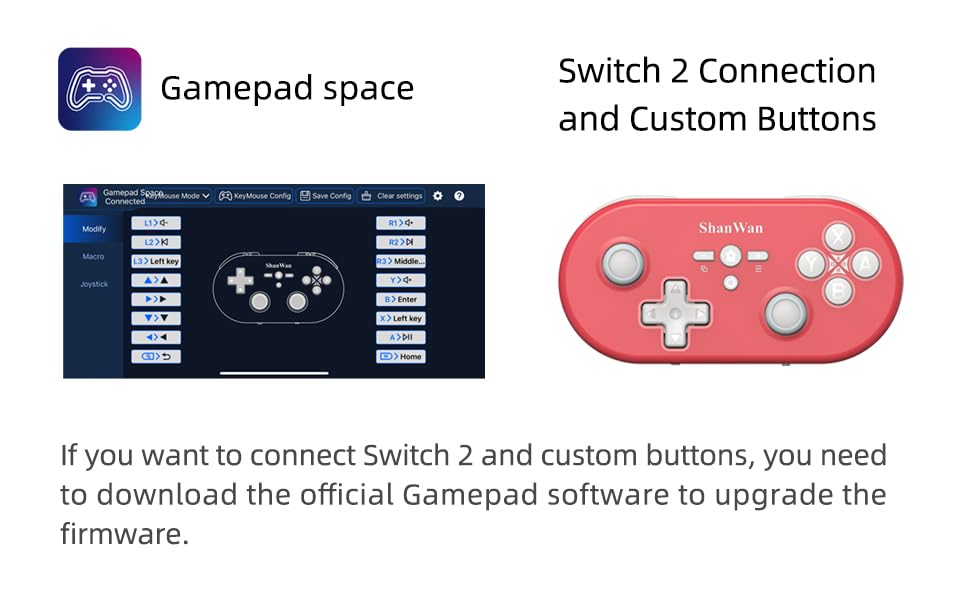
Image: A screenshot showing the 'Gamepad Space' software interface, illustrating options for modifying button assignments, setting macros, and calibrating joysticks.
Visit the official ShanWan website or refer to the QR code in the quick start guide (if provided) to download the latest version of the Gamepad Space software.
5.3 Хусусиятҳои асосӣ
The ShanWan Q37 controller is equipped with advanced features for an enhanced gaming experience:
- 6-axis Gyro Motion Control: Provides precise motion sensing for games that support it.
- Adjustable Motor Vibration: Linear motors provide immersive haptic feedback with adjustable intensity.
- One-Touch Screenshot: Capture in-game moments instantly with a dedicated button.
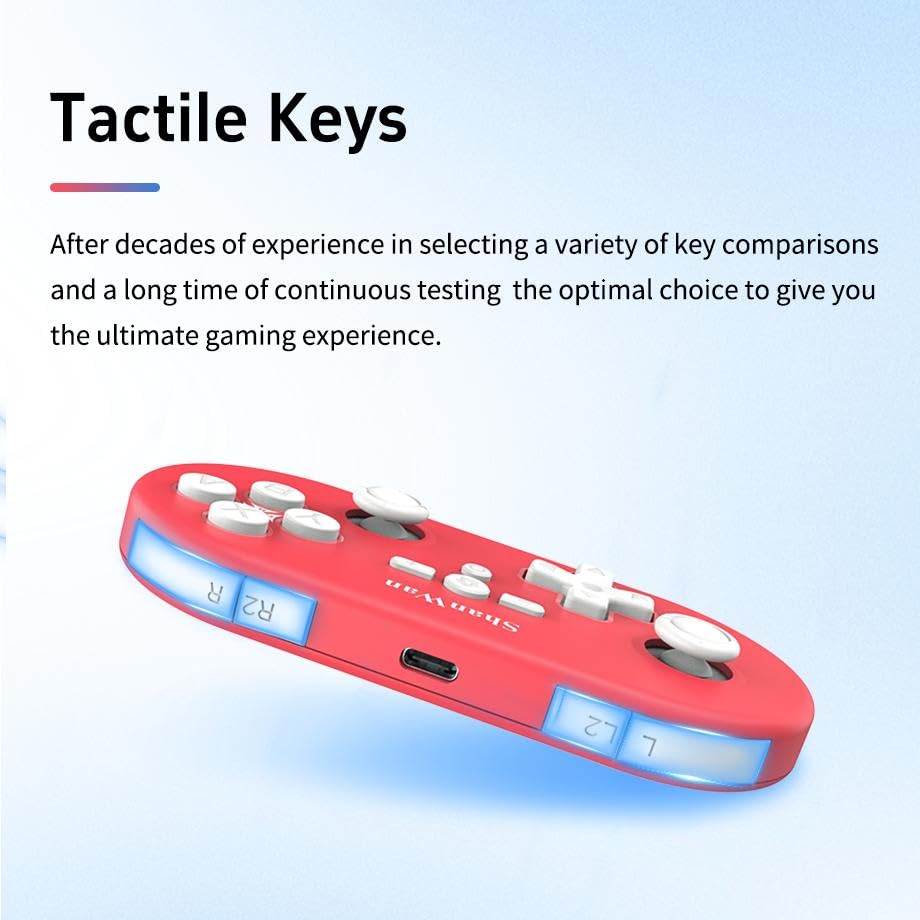
- Tactile Keys: Designed for optimal responsiveness and durability.
- Gaming Grade Hall Remote Rod: High-performance joysticks with 800Hz return rate, auto-calibration, and anti-slip rubber for smooth control.
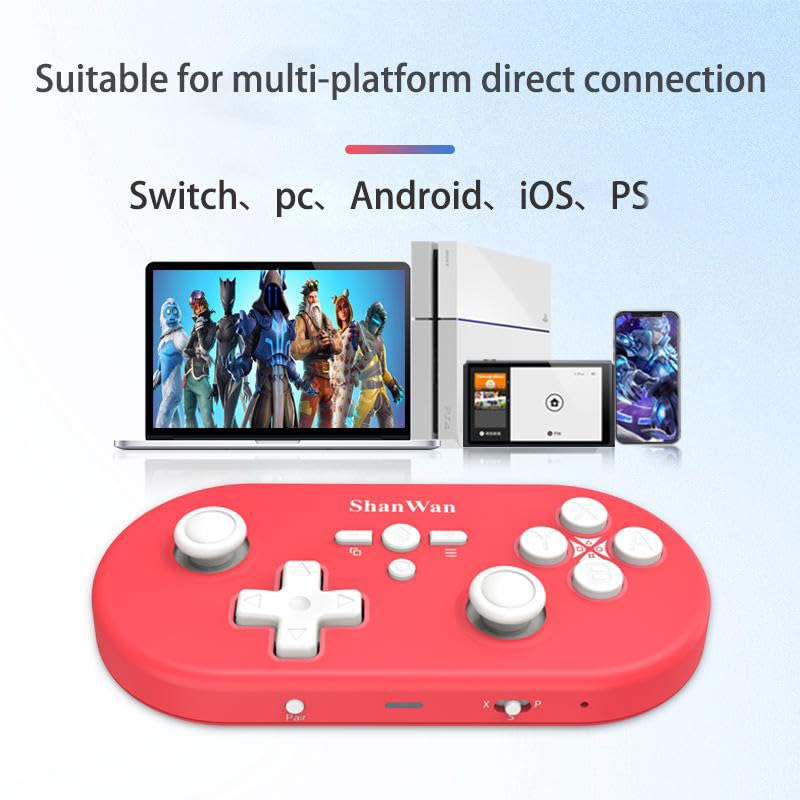
Image: A collage of six images highlighting key features: 6-axis body gyroscope, one-touch reconnect/wake-up, one-touch pairing, one-touch screenshot, dual motor vibration, and Switch key printing.
Тасвир: Тарафи наздик view of the ShanWan Q37 controller, emphasizing the tactile quality of its buttons and triggers.
Тасвир: Нақшаи наздик view of the ShanWan Q37 controller's joystick, highlighting its
Ҳуҷҷатҳои марбут - Q37XSP
 |
Дастури корбар ShanWan Q36 Pro нозири бозикунии бесим Дастури мукаммали корбарии ShanWan Q36 Pro Wireless Gaming Controller, ки танзимот, пайвастшавӣ барои Android, iOS, Windows ва Nintendo Switch, мутобиқати PS4, навсозиҳои нармафзор ва мушаххасоти техникиро дар бар мегирад. |
 |
ShanWan Q38 Дастури корбар ва хусусиятҳои нозири бозикунии бесим Дастури ҳамаҷониба барои контролери бозикунии бесими ShanWan Q38, ки танзимот, режимҳо (Android/iOS/Windows, Switch, PS4), навсозии нармафзор, функсияҳои иловагӣ ва мушаххасотро дар бар мегирад. |
 |
ShanWan Q17 Дастури корбар ва Дастури пайвасти Bluetooth Дастури ҳамаҷониба барои контролери Game ShanWan Q17, ки танзимот, пайваст кардани Bluetooth бо Switch Nintendo, функсияҳои тугмаҳо, хусусиятҳои турбо, пуркунии барқ, бартараф кардани мушкилот ва мутобиқати FCC мебошад. |
 |
Дастури корбар ShanWan Q36 Gamepad бесим Роҳнамои ҳамаҷониба ба ShanWan Q36 Wireless Gamepad, ки танзимот, пайвастшавӣ барои Android, iOS ва Windows ва функсияҳои пуркунии барқро дар бар мегирад. Омӯзед, ки чӣ тавр дастгоҳи худро ҷуфт кунед ва таҷрибаи бозии худро оптимизатсия кунед. |
 |
ShanWan Q36 Нозири бозии бесими: Дастури корбар ва усулҳои пайвастшавӣ Дастури ҳамаҷониба ба контролери бозии бесими ShanWan Q36. Бифаҳмед, ки чӣ тавр ба Android, iOS, Windows, Nintendo Switch (режимҳои Pro ва Joycon) ва PS4 пайваст шавед. Танзимот, навсозии нармафзор ва мушаххасоти техникиро дар бар мегирад. |
 |
Дастури корбар ShanWan Q37 нозири бозикунии бесим User manual for the ShanWan Q37 Wireless Gaming Controller, available in Yellow/Purple and Red/Blue. Covers product overview, button layout, power, charging, connection modes (X, S, P), functions, troubleshooting, and specifications. |