1. Маҳсулот ба охир расидview
The GIGABYTE GP-UD850GM-A is an 850W 80 Plus Gold certified fully modular power supply designed for high-performance computing systems. It features high-quality Japanese capacitors and a +12V Single Rail for exceptional power output and stability.
Хусусиятҳои асосӣ:
- 850W Capacity with Single +12V Rail
- 80 Plus Gold Certified for high efficiency
- ATX Form Factor for broad compatibility
- Fully Modular Design for clean cable management
- Japanese Capacitors for enhanced durability and stability
- 120mm Hydraulic Bearing Fan for quiet and efficient cooling
- Comprehensive Protection: OVP/OPP/SCP/UVP/OCP/OTP
- Дар Тайван сохта шудааст
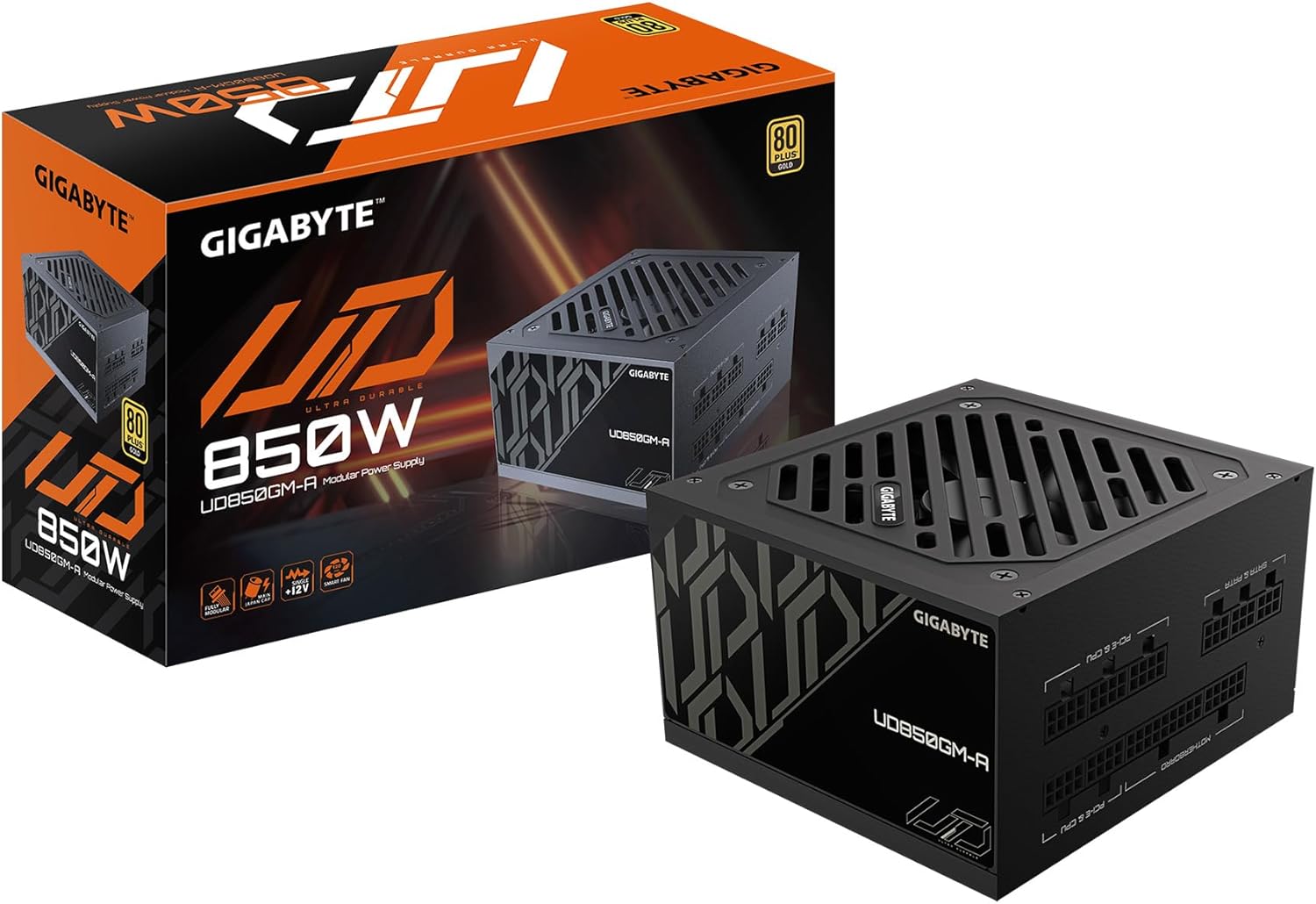
Figure 1: GIGABYTE GP-UD850GM-A 850W Power Supply and its packaging.
Маҳсулот ба охир расидview Видео:
Маҳсулоти расмӣ тамом шудview video demonstrating the key features and physical aspects of the GIGABYTE GP-UD850GM-A power supply.
2. Маълумот оид ба бехатарӣ
Please read and understand all safety instructions before installing or operating your power supply unit (PSU). Failure to do so may result in personal injury or damage to equipment.
- Хавфи барқ: PSU-ро накушоед вasinг. Ҷилди баландtages дар дохили он мавҷуд аст, ҳатто вақте ки дастгоҳ аз сими барқ ҷудо карда шудааст. Хизматрасонӣ бояд танҳо аз ҷониби кормандони соҳибихтисос анҷом дода шавад.
- Вентилятсия: Ensure adequate airflow around the PSU. Do not block any ventilation openings.
- Рутубат: PSU-ро аз об, намӣ ва моеъ дур нигоҳ доред.
- Ҳарорат: Operate the PSU within its specified temperature range. Avoid extreme heat or cold.
- Ба заминканӣ: Always connect the PSU to a grounded power outlet.
- Идоракунии кабелӣ: Ensure all cables are properly connected and routed to prevent damage or interference.
3. Мундариҷаи баста
Боварӣ ҳосил кунед, ки ҳамаи ҷузъҳои дар поён овардашуда ба бастаи шумо дохил карда шудаанд:
- GIGABYTE GP-UD850GM-A 850W Power Supply Unit
- Сими барқи AC
- Modular Cable Set (including ATX/MB, CPU/EPS, PCI-e, SATA, 4 Pin Peripheral/Floppy)
- Виддаҳои васлкунӣ
- Дастури корбар

Figure 2: Assortment of fully modular cables included with the power supply.
4. Тавсифи физикӣ
The GP-UD850GM-A features a compact design, measuring approximately 140mm in length, making it suitable for various PC cases, including smaller mid-towers. It incorporates a 120mm hydraulic bearing fan for efficient cooling and quiet operation, which can turn off under low load for silent performance.

Расми 3: боло view of the power supply showing the 120mm fan.
The power supply is fully modular, meaning all cables are detachable. This allows for improved cable management and airflow within your PC case. The modular ports are clearly labeled for easy connection.

Figure 4: Modular connection panel with labeled ports.
The side panel features an 'ULTRA DURABLE' design, which is visible through power supply windows in compatible PC cases.
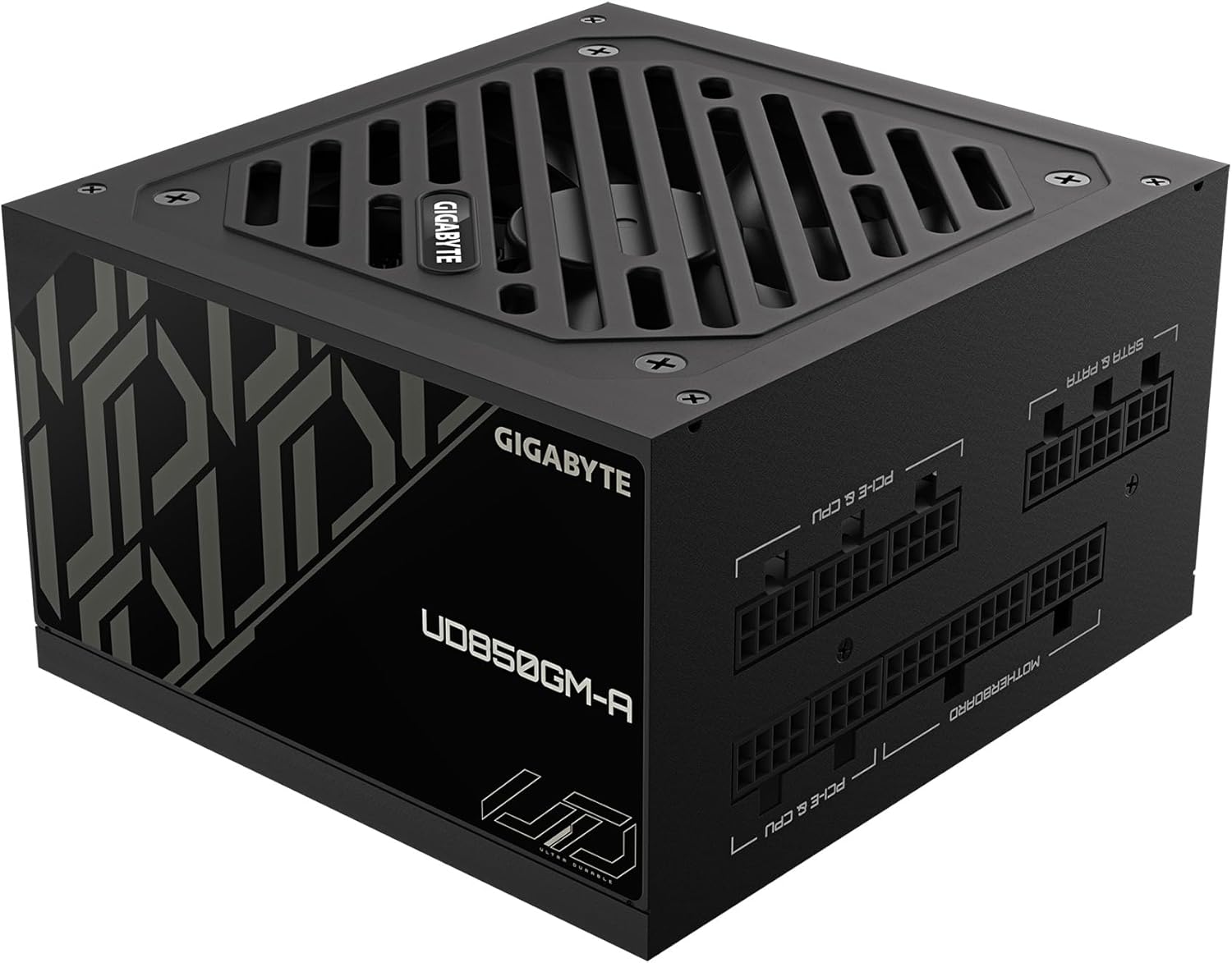
Расми 5: Тараф view with 'ULTRA DURABLE' branding.
5. Танзим ва насб
Follow these general steps to install your GIGABYTE GP-UD850GM-A power supply. Refer to your PC case and motherboard manuals for specific instructions.
- Қуттии компютери худро омода кунед: Ensure your PC case is powered off and unplugged. Remove the side panel(s) to access the PSU mounting area.
- PSU-ро насб кунед: Insert the PSU into the designated bay in your PC case. Secure it with the provided mounting screws.
- Пайваст кардани кабелҳои асосӣ:
- Connect the 20+4 pin ATX motherboard cable to the PSU and your motherboard.
- Connect the 4+4 pin CPU/EPS cable(s) to the PSU and your motherboard's CPU power connector(s).
- Connect the appropriate PCI-e 6+2 pin cables to the PSU and your graphics card(s). This PSU supports the new 12VHPWR connector for compatible GPUs.
- Пайваст кардани кабелҳои периферӣ: Connect SATA power cables to your storage drives (HDDs, SSDs) and other peripherals as needed. Use 4-pin peripheral/floppy cables for older devices if necessary.
- Идоракунии кабелӣ: Route all cables neatly behind the motherboard tray or in designated cable management channels to improve airflow and aesthetics. Use zip ties or Velcro straps to secure them.
- Санҷишҳои ниҳоӣ: Double-check all connections to ensure they are secure. Replace the PC case side panel(s).
- Фаъол: Connect the AC power cable to the PSU and a grounded wall outlet. Flip the power switch on the PSU to the 'ON' position. Power on your computer.
6. Дастурҳои истифодабарӣ
Once installed, operating the GIGABYTE GP-UD850GM-A is straightforward:
- Фаъол / Хомӯш: Use the main power switch located on the rear of the PSU to turn the unit on or off. Always ensure your computer is properly shut down before flipping this switch.
- Амалиёти мухлисон: The 120mm hydraulic bearing fan is designed for quiet operation. Under low system loads, the fan may stop spinning entirely to minimize noise. It will automatically activate and adjust its speed as the system load and temperature increase.
- Самаранокӣ: The 80 Plus Gold certification ensures high power efficiency, reducing wasted energy and heat generation.
7. Нигоҳдорӣ
Нигоҳубини мунтазам барои таъмини дарозумрӣ ва кори беҳтарини PSU-и шумо кӯмак мекунад:
- Тоза кардани хок: Periodically clean dust from the PSU's fan and ventilation grilles using compressed air. Ensure the PC is powered off and unplugged before cleaning. Hold the fan blades gently to prevent over-spinning during cleaning.
- Санҷиши кабелӣ: Occasionally inspect all modular cables for any signs of wear, fraying, or damage. Replace any damaged cables immediately.
- Шароити экологӣ: Maintain a clean, dry, and well-ventilated environment for your PC to prevent dust buildup and overheating.
8. Баррасии мушкилот
If you encounter issues with your GIGABYTE GP-UD850GM-A PSU, try the following troubleshooting steps:
- Не қудрат:
- Боварӣ ҳосил кунед, ки сими барқи AC ба ҳам ба PSU ва ҳам ба розеткаи деворӣ пайваст аст.
- Verify the PSU's rear power switch is in the 'ON' position.
- Розеткаи девориро бо пайваст кардани дастгоҳи дигар тафтиш кунед.
- Ensure all modular cables (especially the 20+4 pin ATX and 4+4 pin CPU) are firmly seated in both the PSU and motherboard.
- Ноустувории система / садамаҳо:
- Боварӣ ҳосил кунед, ки талаботи қувваи системаи шумо аз иқтидори 850 Вт-и PSU зиёд нест.
- Пайвастҳои кабелии фуҷурро тафтиш кунед.
- Ҳарорати системаро назорат кунед, то боварӣ ҳосил кунед, ки ҷузъҳо аз ҳад зиёд гарм намешаванд.
- If possible, test the PSU with another known-good system or use a PSU tester.
- Садои баланди вентилятор:
- Clean any dust buildup from the fan and grilles.
- Ensure adequate airflow within the PC case.
- If the fan is excessively loud even under low load, it may indicate a fault.
If problems persist after trying these steps, contact GIGABYTE customer support or a qualified technician.
9. Мушаххасоти
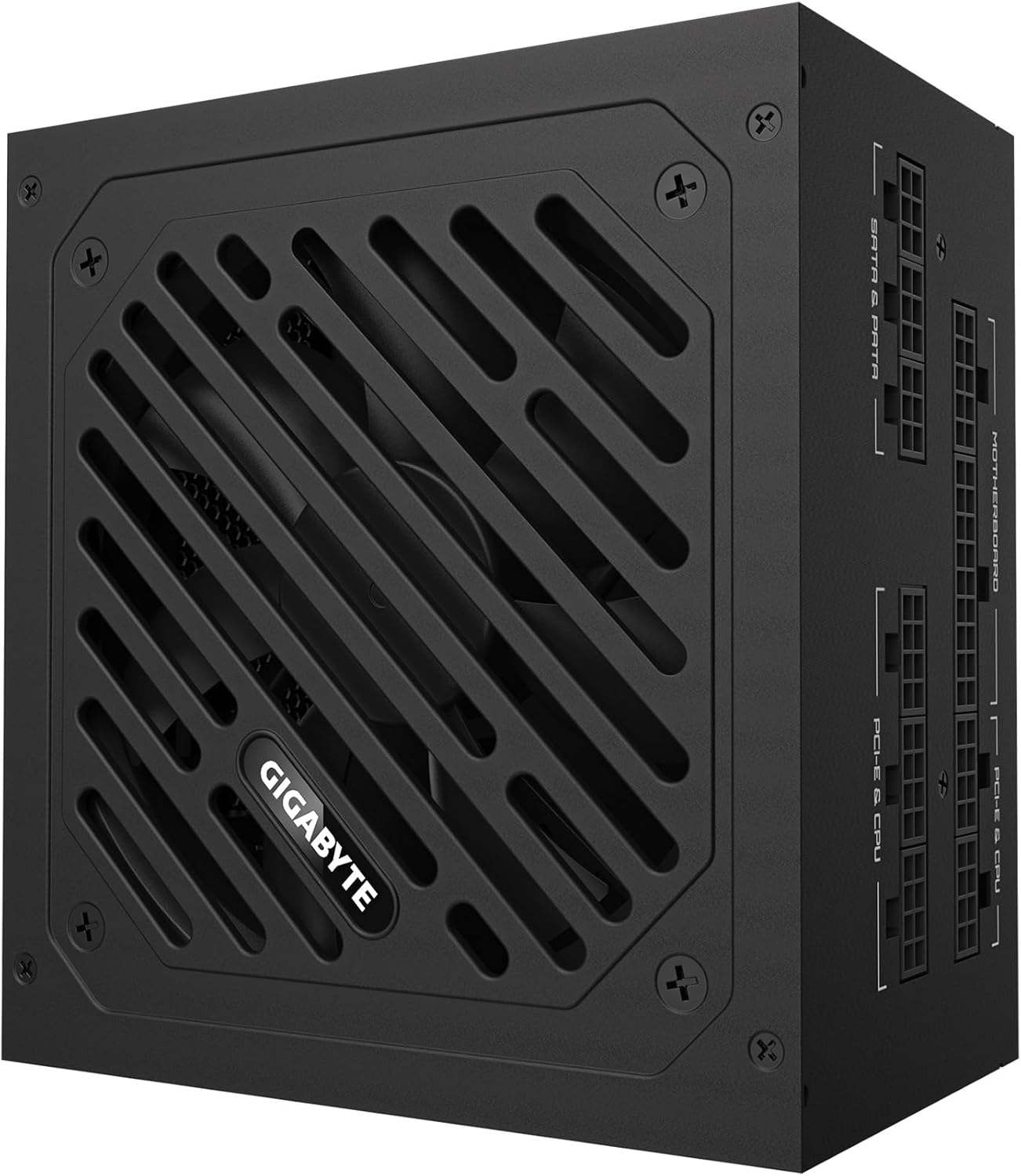
Figure 6: Detailed specification label on the power supply.
| Хусусият | Тафсилот |
|---|---|
| Бренд | GIGABYTE |
| Номи модел | GP-UD850GM-A |
| Натиҷаи Ватtage | 850 Ватт |
| Сертификатсияи самаранокӣ | 80 Plus Gold Certified |
| Формаи форма | ATX |
| Тарҳрезии таъминоти барқ | Комилан модулӣ |
| Усули хунуккунӣ | Air (120mm Hydraulic Bearing Fan) |
| Дастгоҳҳои мувофиқ | Gaming Console (and PC components) |
| Навъи пайвасткунанда | ATX, PCI Express (including 12VHPWR) |
| Вазни ашё | 6.5 фунт |
| Андозаҳои маҳсулот | 12.4 x 8.1 x 4.6 инч |
| Ранги | Сиёҳ |
| Истеҳсолкунанда | GIGABYTE |
| Санаи аввалин дастрас | 28 январи соли 2025 |
10. Кафолат ва дастгирӣ
Барои маълумоти кафолат ва дастгирии техникӣ, лутфан ба GIGABYTE расмии муроҷиат кунед webсайт ё бевосита бо хадамоти муштариёни худ тамос гиред. Квитансияи хариди худро барои даъвоҳои кафолат нигоҳ доред.
GIGABYTE offers various protection plans for their products. Please check the product's official page or contact GIGABYTE support for details on available warranty and extended protection options.


