1. Муқаддима
This manual provides essential information for setting up, operating, and maintaining your Hisense 40E43QT 40-inch Full HD Smart TV. Please read it thoroughly before using the product to ensure safe and correct operation.
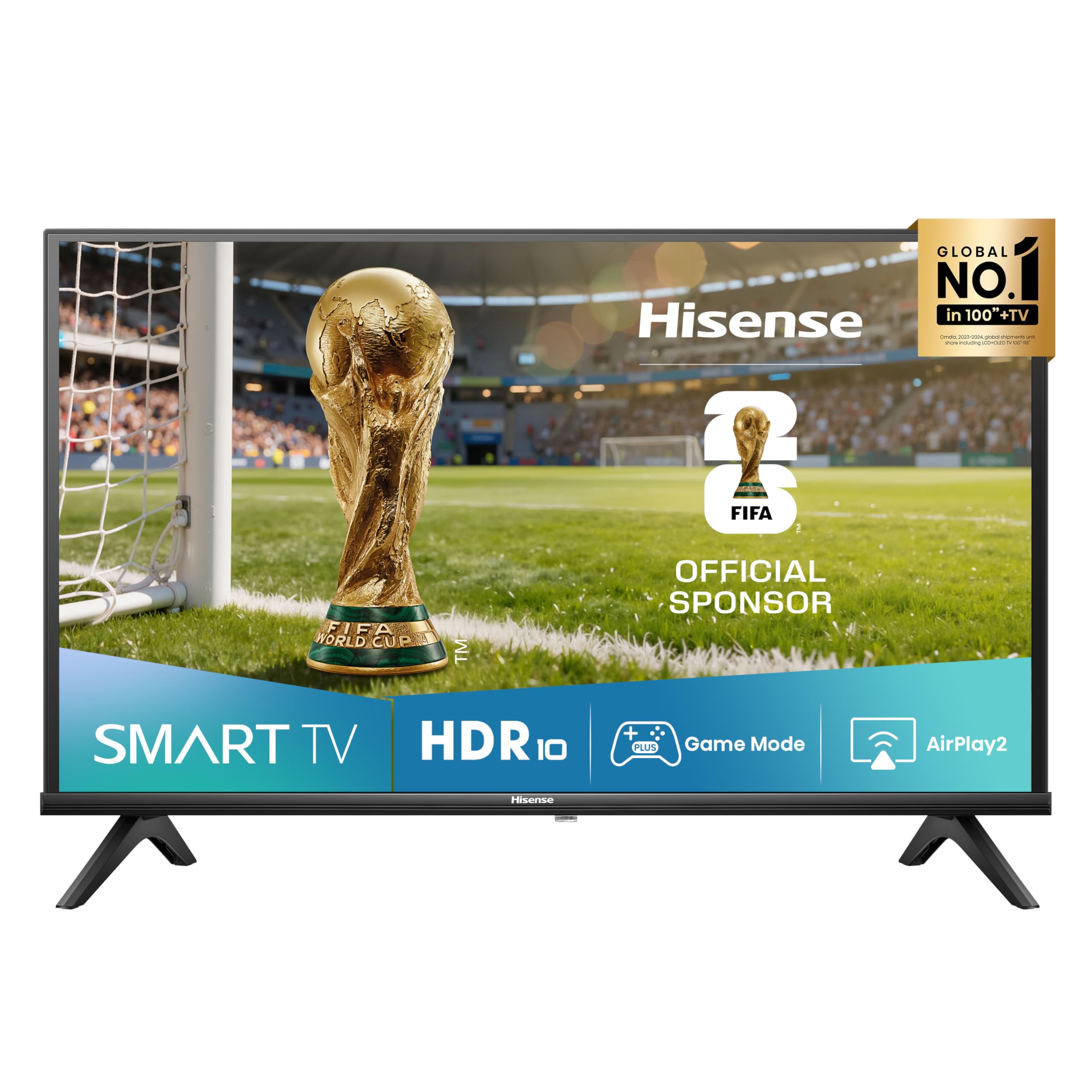
Тасвир: Пеш view of the Hisense 40E43QT 40-inch Full HD Smart TV, showcasing its slim bezels and modern design.
2. Дар қуттӣ чӣ мавҷуд аст
Carefully unpack your Hisense TV and check that all the following items are included:
- Hisense 40-inch Full HD Smart TV
- Кабели барқ
- Назорати дурдаст
- Дастури корбар (ин ҳуҷҷат)
- TV Stands (if not wall-mounted)
If any items are missing or damaged, please contact Hisense customer support.
3. Танзимот
3.1 Пайваст кардани стендҳои телевизионӣ
If you are not wall-mounting your TV, follow these steps to attach the included stands:
- Экрани телевизорро дар сатҳи мулоим ва ҳамвор ҷойгир кунед, то вайрон нашавад.
- Ҳар як стендро бо слотҳои мувофиқ дар поёни телевизор мувофиқ кунед.
- Бо истифода аз винтҳои додашуда стендҳоро мустаҳкам кунед. Боварӣ ҳосил кунед, ки онҳо сахт пайваст карда шудаанд.

Тасвир: Пеш ва паҳлӯ view of the Hisense 40E43QT TV with dimensions and stand attachment points. The image shows the TV's width (900mm), height with stand (565mm), height without stand (515mm), depth with stand (186mm), and depth without stand (85mm). It also indicates a VESA mount dimension of 200x200mm and product weight with stand (5.5 kg) and without stand (5.4 kg).
3.2 Кабелҳои пайвастшавӣ
Пеш аз пайваст кардани ягон кабел, боварӣ ҳосил кунед, ки телевизор ва ҳамаи дастгоҳҳои беруна хомӯш карда шудаанд.
- Сими барқ: Сими барқро ба вуруди барқи телевизор ва сипас ба васлаки деворӣ пайваст кунед.
- Антенна/кабел: Connect your antenna or cable TV source to the "ANT" input on the TV.
- Дастгоҳҳои HDMI: Connect devices like Blu-ray players, game consoles, or set-top boxes to the HDMI ports. This model features HDMI 2.1 (eARC) for enhanced audio return channel capabilities.
- Дастгоҳҳои USB: For media playback or software updates, connect USB flash drives to the USB ports.
- Ethernet: For a stable wired internet connection, connect an Ethernet cable from your router to the TV's Ethernet port.
- Баромади аудио рақамӣ: Барои баромади аудиои рақамӣ ба садобар ё системаи театри хонагӣ пайваст шавед.
- Гӯшмонак: Барои гӯш кардани гӯшии хусусӣ гӯшмонакҳоро пайваст кунед.

Тасвир: Муфассал view of the Hisense 40E43QT TV's rear panel, showing connectivity options including two USB ports, Digital Audio Out, Headphone jack, two ANT inputs, HDMI 2.1 (eARC), HDMI 2, and an Ethernet port for internet router connection.
3.3 Фаъолсозии ибтидоӣ ва насби аввалин
- After connecting all necessary cables, plug the TV into a power outlet.
- Тугмаи барқро дар идоракунии дурдаст ё худи телевизор пахш кунед.
- The TV will guide you through the first-time setup wizard, which includes language selection, network connection (Wi-Fi or Ethernet), channel scanning, and time zone settings.
- Барои анҷом додани насб дастурҳои дар экран бударо иҷро кунед.
4. Корбарии телевизиони шумо
4.1 Функсияҳои идоракунии дурдаст
The remote control allows you to navigate the TV's features and settings. Familiarize yourself with its buttons:

Image: The Hisense 40E43QT remote control, featuring standard navigation, volume, and channel controls, along with dedicated quick access buttons for popular streaming services like Disney+, YouTube, Prime Video, Netflix, YouTube Kids, Apple TV+, and a customizable VOD button.
- Тугмаи барқ: Телевизорро фурӯзон ё хомӯш мекунад.
- Тугмаҳои паймоиш (боло/поён/чап/рост/OK): Барои паймоиш дар менюҳо ва интихоби интихобҳо истифода мешавад.
- Баланд/Поёни овоз: Сатҳи садоро танзим мекунад.
- Канал боло/поён: Шабакаҳои телевизиониро иваз мекунад.
- Тугмаҳои ТВ Smart: Direct access to streaming apps like Netflix, Prime Video, YouTube, Disney+, and Apple TV+.
- Тугмаи хонагӣ: Returns to the Smart TV home screen (VIDAA U8).
- Тугмаи вуруд: Манбаи вурудро интихоб мекунад (HDMI, AV, ТВ).
4.2 Smart TV Features (VIDAA U8)
Your Hisense 40E43QT TV runs on the VIDAA U8 Smart TV operating system, offering access to a wide range of applications and services.

Image: The Hisense 40E43QT TV screen showing the VIDAA Smart TV home interface, featuring icons for popular streaming services and applications such as Netflix, Disney+, YouTube, Prime Video, and more, indicating a user-friendly content hub.
- Дӯкони барномаҳо: Барномаҳои иловагиро аз Дӯкони Барномаҳои VIDAA зеркашӣ ва насб кунед.
- Хидматҳои ҷараён: Enjoy pre-installed and downloadable streaming apps.
- Web Браузер: Интернетро мустақиман аз телевизиони худ паймоиш кунед.
- Назорати овоз: The TV supports "Works with Alexa" for voice commands.
4.3 Такмилдиҳии тасвир ва садо
- Natural Colour Enhancer: Optimizes color reproduction for a more vibrant and realistic viewтаҷрибаи ғанӣ.

Image: A split-screen comparison showing the effect of Natural Colour Enhancer, with one side displaying dull colors and the other vibrant, enhanced colors of a row of houses.
- Кам кардани садо: Reduces visual noise in the picture for clearer, sharper images.

Image: A split-screen comparison illustrating the Noise Reduction feature, with one side showing a grainy image of a building and the other a smooth, clear version of the same scene.
- Dolby Audio & DTS HD: Provides rich, clear, and immersive sound for an enhanced audio experience.

Image: A close-up of a drum set with vibrant light effects, accompanied by the Dolby Audio and DTS HD logos, signifying superior sound quality for entertainment.
4.4 Connectivity and Sharing
- Airplay2: Мундариҷаро мустақиман аз дастгоҳҳои Apple-и худ ба телевизор пахш кунед.
- Share to TV: Easily cast content from your mobile devices to the TV screen.

Image: A person holding a tablet that is mirroring its content (a woman with a horse) onto the Hisense TV screen, illustrating the "Share to TV" feature for easy content casting.
4.5 Реҷаи бозӣ
Activate Game Mode for an optimized gaming experience with reduced input lag.

Image: A dynamic image of a motorcycle racer in action, with "Game Mode" text, indicating the TV's feature for optimizing gaming performance by reducing input lag.
5. Нигоҳдорӣ
Барои таъмини дарозумрӣ ва кори беҳтарини телевизори Hisense-и худ, ин дастурҳои нигоҳдориро риоя кунед:
- Тоза кардани экран: Экранро бо матои мулоим, хушк ва ифлос тоза кунед. Барои аломатҳои якрав, каме гampба матои об ё асбоби махсуси экран тоза кунед (ҳеҷ гоҳ бевосита ба экран пошед).
- Тоза кардани бадан: Барои тоза кардани чаҳорчӯба ва пояи телевизор матои мулоими хушкро истифода баред. Аз тозакунандаҳои абразивӣ ё ҳалкунандаҳо худдорӣ кунед.
- Вентилятсия: Боварӣ ҳосил кунед, ки сӯрохиҳои вентилятсияи пушти телевизор баста нашудаанд, то аз ҳад зиёд гармшавиро пешгирӣ кунанд.
- Хомӯш: Always unplug the TV from the power outlet before cleaning or when it will not be used for an extended period.
6. Баррасии мушкилот
Агар шумо бо телевизиони худ бо мушкилот рӯ ба рӯ шавед, ба мушкилоти умумӣ ва роҳҳои ҳалли зерин муроҷиат кунед:
| Мушкилот | Ҳалли имконпазир |
|---|---|
| Не қудрат | Санҷед, ки сими барқ ба телевизор ва васлаки деворӣ боэътимод пайваст шудааст. Боварӣ ҳосил кунед, ки розетка кор мекунад. |
| Тасвир нест, аммо садо мавҷуд аст | Манбаи вурудро тафтиш кунед. Боварӣ ҳосил кунед, ки дастгоҳҳои беруна фаъол ва дуруст пайваст шудаанд. Сими дигари HDMI-ро санҷед. |
| Садо нест, аммо тасвир мавҷуд аст | Check the volume level and mute settings. Ensure external audio systems are connected and configured correctly. |
| Правленияи дурдаст кор намекунад | Батареяҳоро иваз кунед. Боварӣ ҳосил кунед, ки байни пулти дурдаст ва сенсори IR-и телевизор ягон монеа вуҷуд надорад. |
| Ба Wi-Fi пайваст шуда наметавонад | Check your router and modem. Restart the TV and your router. Re-enter the Wi-Fi password. |
| Барномаҳои Smart TV бор карда намешаванд | Пайвасти интернети худро санҷед. Кӯшиш кунед, ки телевизорро бозоғоз намоед. Боварӣ ҳосил кунед, ки нармафзори телевизион нав аст. |
For more detailed troubleshooting, refer to the full electronic user manual or contact Hisense customer support.
7. Мушаххасоти
Below are the key technical specifications for the Hisense 40E43QT 40-inch Full HD Smart TV:
| Хусусият | Тафсилот |
|---|---|
| Рақами модел | 40E43QT |
| Андозаи экран | 40 инч (100 см) |
| Технологияи намоиш | НН - НУРНИШОН |
| Резолюция | 1920x1080 (HD Full) |
| Меъёри навсозӣ | 60 Гц |
| Платформаи ТВ Smart | VIDAA U8 |
| Технологияи аудио | DTS HD, Dolby Audio |
| Пайвастшавӣ | Wi-Fi, Ethernet, HDMI (2 ports, including 1x HDMI 2.1 eARC), USB (2 ports) |
| Хусусиятҳои махсус | Parental Controls, Frameless Design, Game Mode, Airplay2, Works with Alexa |
| Танзимкунанда | DVB-T2/S2 HEVC 10 |
| Андозаҳо (бо стенд) | 90 см (В) x 56.5 см (Н) x 18.6 см (Д) |
| Вазн (бо стенд) | 7.37 кг |
| Синфи самаранокии энергия (SDR) | F (39 кВт/1000 соат) |
| Синфи самаранокии энергия (HDR) | G (50 кВт/1000 соат) |

Image: The EU Energy Label for the Hisense 40E43QT TV, indicating an energy efficiency class of F for SDR content (39 kWh/1000h) and G for HDR content (50 kWh/1000h). It also shows the screen size as 40 inches (100 cm) and resolution as 1920x1080 pixels.

Image: The official Product Information Sheet (Scheda Informativa del Prodotto) for the Hisense 40E43QT, detailing various parameters such as manufacturer, model, energy classes, power consumption, screen dimensions, resolution, refresh rate, and included components. A QR code is visible, linking to the EPREL database.
Барои тафсилоти бештар ба Пойгоҳи додаҳои маҳсулоти EPREL.
8. Кафолат ва дастгирӣ
Your Hisense 40E43QT TV comes with a standard manufacturer's warranty. Please refer to the warranty card included in your packaging for specific terms and conditions, including the warranty period and coverage details.
Барои гирифтани кӯмаки техникӣ, ҳалли мушкилот берун аз ин дастур ё даъвоҳои кафолат, лутфан бо дастгирии муштариёни Hisense тамос гиред. Маълумоти тамосро одатан дар ширкати расмии Hisense пайдо кардан мумкин аст. webсайт ё дар ҳуҷҷатҳое, ки бо телевизиони шумо дода шудаанд.