Муқаддима
This manual provides detailed instructions for the setup, operation, and maintenance of your Ratakee Digital Alarm Clock Radio H249. Please read this manual thoroughly before using the device to ensure proper functionality and to maximize your user experience. This device features a large LED display, dual alarms, AM/FM radio with presets, adjustable alarm volume, sleep timer, and display dimmer.

Тасвир: Пеш view of the Ratakee Digital Alarm Clock Radio H249, displaying the time 12:00 PM in blue LED digits.
Хусусиятҳои маҳсулотview
- Дисплейи калони LED: 6.6-inch screen with 1.6-inch blue LED numbers for clear visibility.
- Ҳушдорҳои дугона: Set two independent alarms with options for beep or radio wake-up.
- Радиои AM/FM: Digital tuning with frequency ranges FM 87.5-108MHz and AM 520-1710KHz.
- Танзимоти истгоҳ: Save up to 20 AM and 20 FM stations for quick access.
- Ҳаҷми танзимшавандаи ҳушдор: Alarm volume can be set from levels 5 to 15.
- Вақти хоб: Program the radio to turn off automatically after 10-90 minutes.
- Диммери намоиш: Four brightness levels for the LED display.
- Функсияи ҳифз: Provides an extra 9 minutes of sleep.
- Нусхаи батарея: 2 AAA batteries (not included) preserve time and alarm settings during power outages.
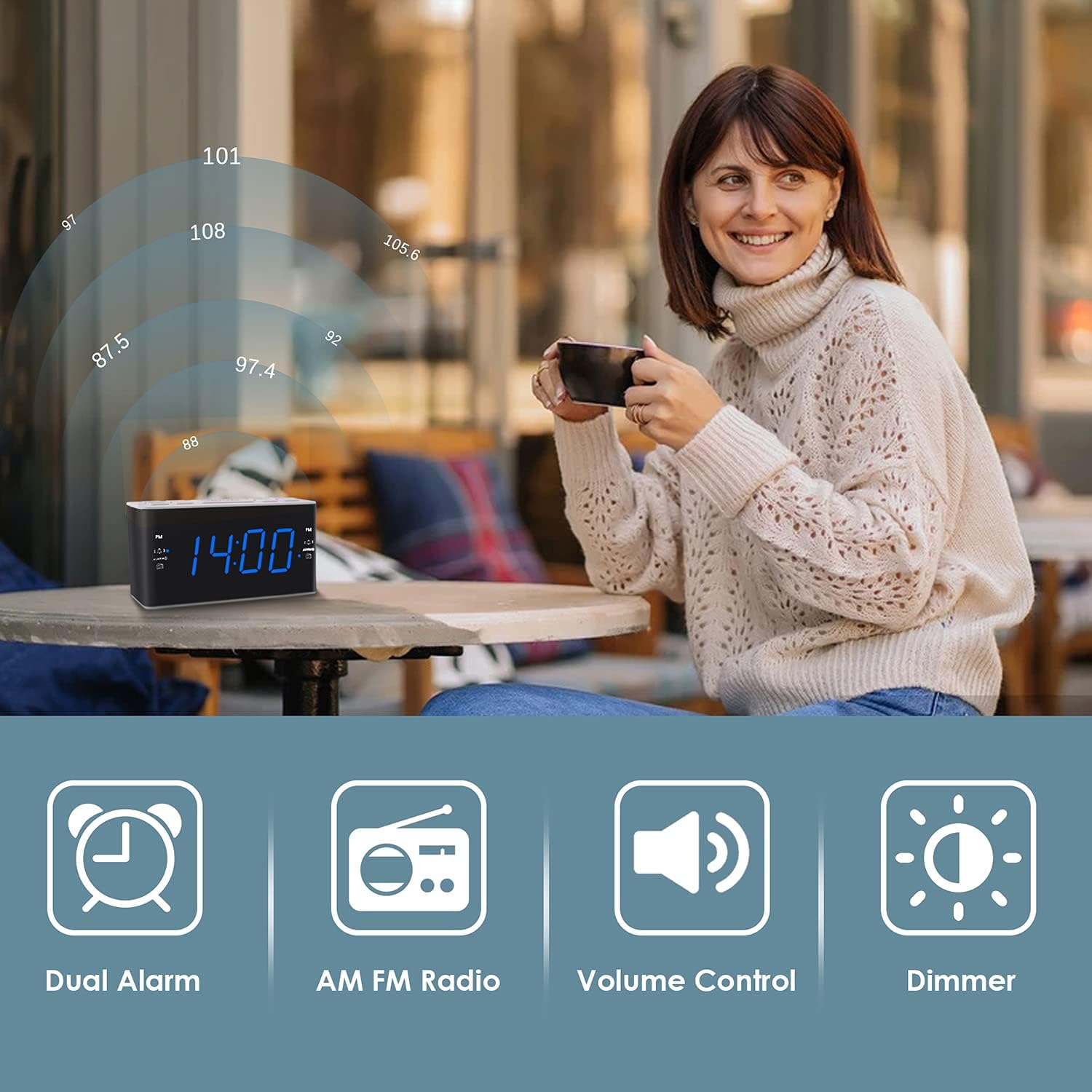
Image: Visual representation of the alarm clock's main features: Dual Alarm, AM FM Radio, Volume Control, and Dimmer, with a woman enjoying music in the background.
Ташкил кардан
1. Пайвастшавии барқ
The Ratakee H249 operates on AC power. Connect the provided power cord to the clock radio and then plug it into a standard AC 120V 60Hz wall outlet. The display will illuminate once power is supplied.
2. Насби батареяи эҳтиётӣ
For battery backup, insert two (2) AAA batteries (not included) into the battery compartment located on the bottom of the unit. The battery backup maintains time and alarm settings during a power interruption but does not power the clock display or radio functions.
3. Танзими вақти ибтидоӣ
- -ро пахш карда нигоҳ доред Вақтро таъин кунед тугмача. Рақамҳои соат ба дурахшидан шурӯъ мекунанд.
- -ро истифода баред VOL+ or ВОЛ- buttons to adjust the hour. Pay attention to the PM indicator if setting a PM time.
- -ро пахш кунед Вақтро таъин кунед боз тугмаи. Рақамҳои дақиқа дурахшанда мешаванд.
- -ро истифода баред VOL+ or ВОЛ- тугмаҳо барои танзими дақиқаҳо.
- -ро пахш кунед Вақтро таъин кунед Барои тасдиқ ва баромадан аз ҳолати танзимкунии вақт тугмаро бори дигар пахш кунед.
Дастурҳои амалиётӣ
1. Танзими ҳушдорҳо (Ҳушдор 1 ва ҳушдор 2)
The clock radio features two independent alarms. The process is identical for both.
- -ро пахш карда нигоҳ доред ALARM1 (ё ALARM2) button. The alarm hour digits will flash.
- -ро истифода баред VOL+ or ВОЛ- buttons to set the desired alarm hour. Observe the PM indicator.
- -ро пахш кунед ALARM1 (ё ALARM2) button again. The alarm minute digits will flash.
- -ро истифода баред VOL+ or ВОЛ- тугмаҳо барои таъин кардани дақиқаҳои дилхоҳи ҳушдор.
- -ро пахш кунед ALARM1 (ё ALARM2) button again to select the alarm source:
- Бип: A standard alarm tone.
- Радио: Wakes you up to the last tuned radio station.
- -ро пахш кунед ALARM1 (ё ALARM2) button one more time to confirm and activate the alarm. An alarm icon will appear on the display.
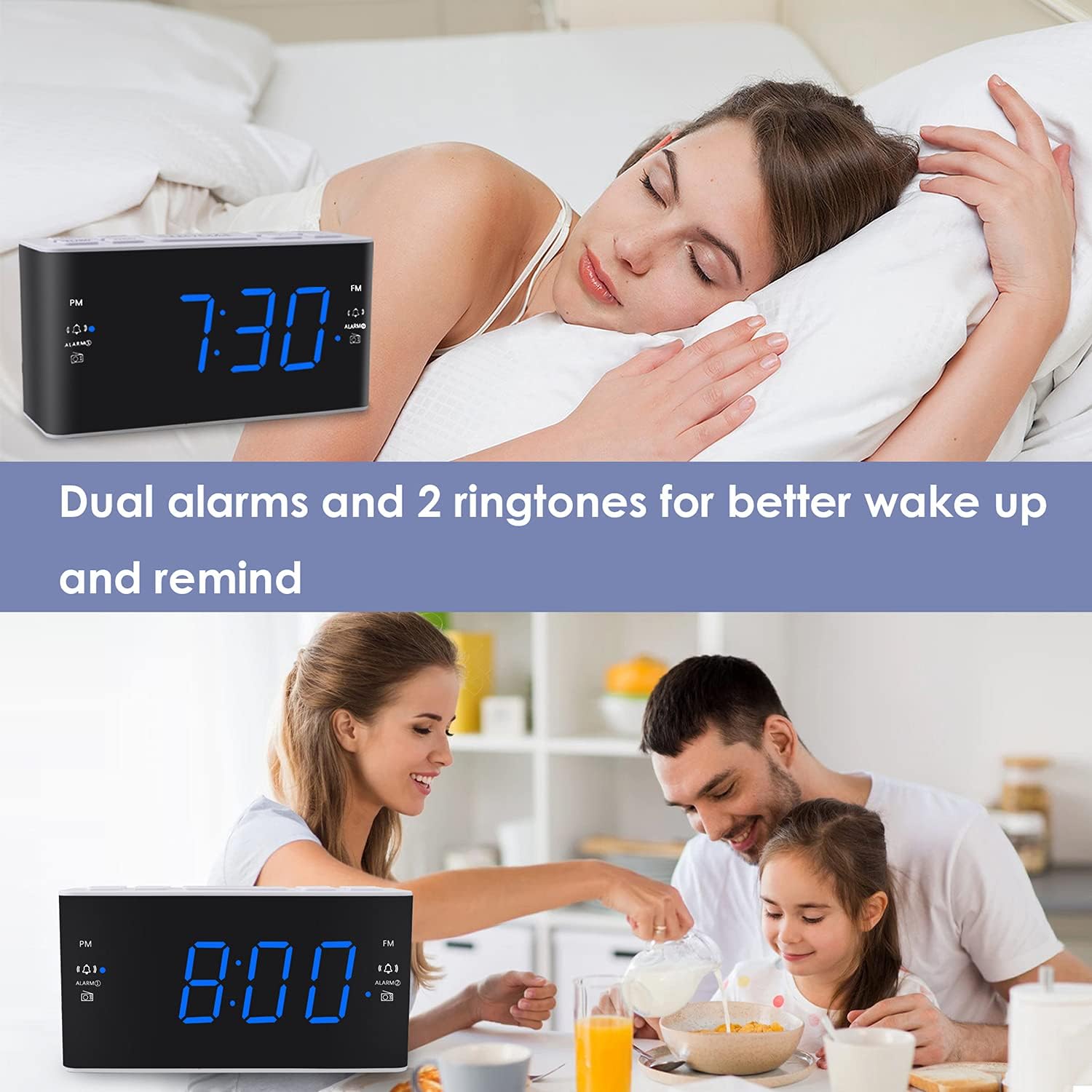
Image: The alarm clock displaying 7:30, with icons indicating dual alarms are set, positioned on a bedside table next to a person waking up.
2. Adjusting Alarm Volume
When an alarm is sounding, use the VOL+ or ВОЛ- buttons to adjust the alarm volume between levels 5 and 15.
3. Функсияи таъхир
Вақте ки ҳушдор садо медиҳад, тугмаи калонро пахш кунед БАРНАВОР/ХОРАК button to temporarily silence the alarm for 9 minutes. The alarm will sound again after 9 minutes. This can be repeated up to 5 times. To cancel the alarm completely, press any other button (e.g., ALARM1, ALARM2, RADIO).
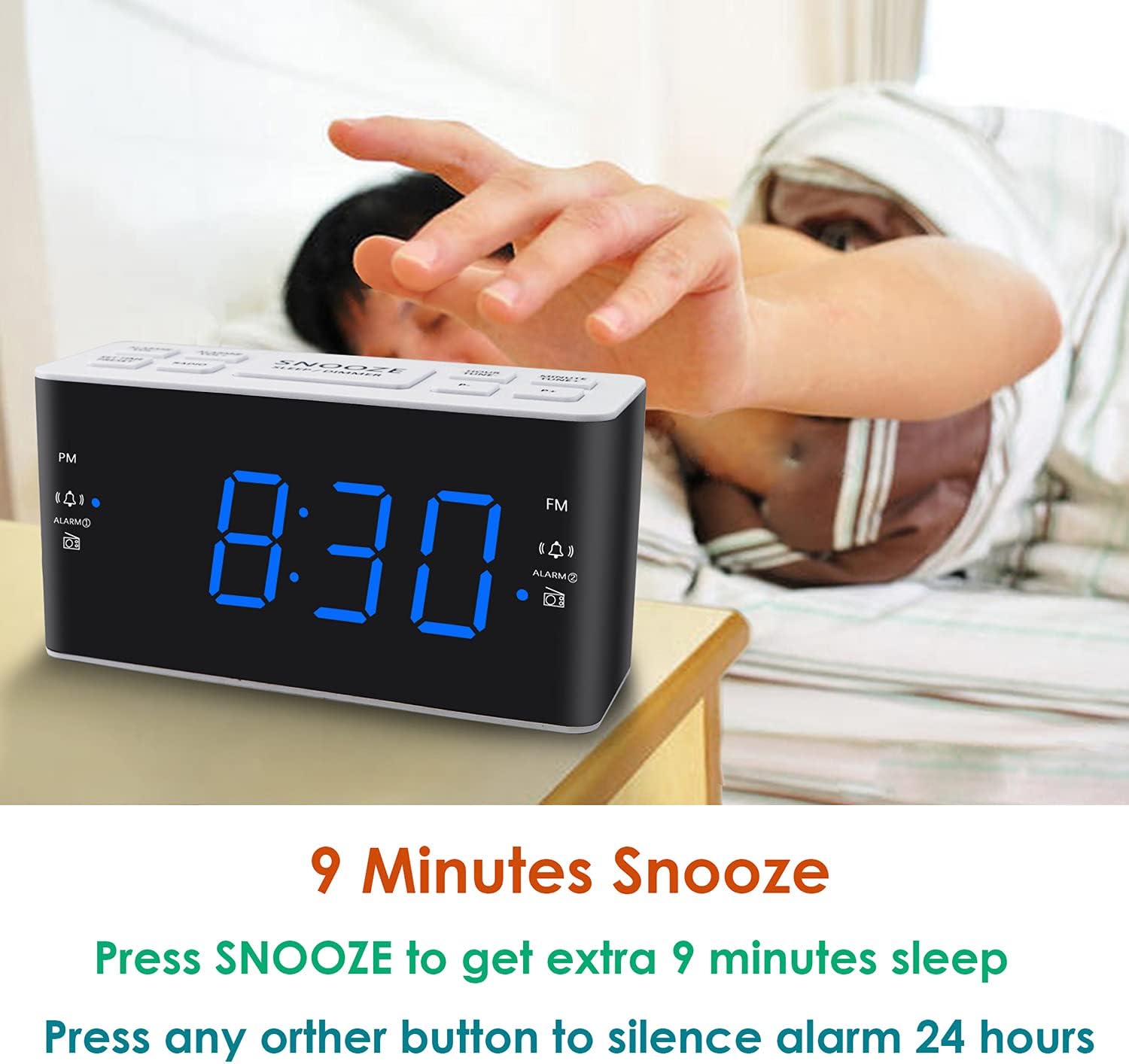
Image: A hand reaching to press the SNOOZE button on the alarm clock, which shows 8:30, illustrating the snooze function.
4. Фаъолияти радиои AM/FM
- -ро пахш кунед РАДИО тугмаи барои фурӯзон ё хомӯш кардани радио.
- To tune, press the VOL+ or ВОЛ- buttons to manually adjust the frequency. Press and hold these buttons for automatic scanning to the next available station.
- Танзимоти пешакӣ: While listening to a desired station, press and hold the ПАХШИНОСОН button. The preset number will flash. Use VOL+ or ВОЛ- to select a preset slot (P01-P20 for AM/FM). Press ПАХШИНОСОН боз барои наҷот.
- Хотиррасон кардан: -ро кӯтоҳ пахш кунед ПАХШИНОСОН тугмаро барои гузариш аз истгоҳҳои захирашуда пахш кунед.
- Adjusting Radio Volume: -ро истифода баред VOL+ or ВОЛ- buttons when the radio is on to adjust the listening volume.
5. Вақтсанҷи хоб
Таймери хоб ба радио имкон медиҳад, ки пеш аз хомӯш шудан ба таври худкор дар муддати муайян кор кунад.
- Ҳангоми навохтани радио тугмаро пахш кунед ХОБ button (if available, otherwise use a combination like SNOOZE + RADIO, or refer to specific button if different).
- -ро такроран пахш кунед ХОБ button to cycle through available sleep times (e.g., 10, 20, 30, 60, 90 minutes).
- The radio will turn off automatically after the selected time.
6. Диммери экран
Барои танзими равшании дисплейи LED, тугмаи БАРНАВОР/ХОРАК button (when the alarm is not sounding). Each press will cycle through the four available brightness levels (High, Medium, Low, Off).

Image: The alarm clock displaying 20:00 (8 PM) with a dimmed blue LED display, illustrating the dimmer function for nighttime use.
Нигоҳдорӣ
1. Тозакунӣ
To clean the clock radio, gently wipe the surface with a soft, dry cloth. Do not use abrasive cleaners, waxes, or solvents as these can damage the finish. Ensure the device is unplugged before cleaning.
2. Battery Replacement (Backup)
If the time and alarm settings are not retained during a power outage, the AAA backup batteries may need to be replaced. Open the battery compartment, remove the old batteries, and insert two new AAA batteries, observing the correct polarity (+/-). Close the compartment securely.
Мушкилкушо
| Мушкилот | Сабаби эҳтимолӣ | Ҳалли |
|---|---|---|
| Намоиши соат хомӯш аст ё кор намекунад. | Не қувваи AC; қудрати туtage; display dimmer set to 'Off'. | Боварӣ ҳосил кунед, ки сими барқ ба розеткаи барқӣ боэътимод пайваст шудааст. Мавҷудияти қувваи барқро санҷед.tages. Press the БАРНАВОР/ХОРАК button to adjust display brightness. |
| Time/Alarm settings are lost after a power outage. | Батареяҳои эҳтиётӣ мурдаанд ё насб нашудаанд. | Install two fresh AAA batteries or replace existing ones in the battery compartment. |
| Огоҳӣ садо намедиҳад. | Alarm is not activated; alarm volume is too low; incorrect alarm time. | Ensure the alarm icon is visible on the display. Re-check alarm time and source. Adjust alarm volume (levels 5-15). |
| Кабули радио бад. | Антенна дароз карда нашудааст; халал; сигнали заиф. | Fully extend the FM wire antenna. Reposition the clock radio to improve reception. Avoid placing near electronic devices that may cause interference. |
| Radio presets are not saved. | Incorrect saving procedure; power interruption without backup. | Ensure you press and hold the ПАХШИНОСОН button to save, then press again to confirm. Ensure backup batteries are installed and functional to retain settings during power loss. |
Мушаххасоти
| Хусусият | Тафсилот |
|---|---|
| Бренд | Ратаке |
| Рақами модел | H249 |
| Навъи намоиш | LED-и рақамӣ (кабуд) |
| Манбаи нерӯ | Corded Electric (AC 120V 60Hz) |
| Нусхаи батарея | 2 AAA batteries (not included) for settings retention |
| Андозаҳои маҳсулот | 6.14" В x 3.15" H x 2.17" Д |
| Вазни ашё | 4 унсия (0.25 фунт) |
| Radio Frequency (FM) | 87.5-108 МГц |
| Radio Frequency (AM) | 520-1710 КГц |
| Хусусиятҳои махсус | Adjustable Brightness, Adjustable Volume, Dual Alarms, Radio, Sleep Timer |
| Материал | Пластмасса |

Image: Dimensional drawing of the alarm clock, indicating its width (6.14in), height (3.15in), and depth (2.17in).
Кафолат ва дастгирӣ
Маълумот дар бораи кафолат
This Ratakee Digital Alarm Clock Radio H249 comes with a Кафолати маҳдуди 1 сол аз рӯзи харид. Илова бар ин, А Кафолати 90 рӯз баргардонидани пул is offered. This warranty covers manufacturing defects and malfunctions under normal use. It does not cover damage caused by misuse, accidents, unauthorized modifications, or external factors.
Дастгирии муштариён
For technical assistance, troubleshooting not covered in this manual, or warranty claims, please contact Ratakee customer support through the retailer's platform or the contact information provided with your purchase. Please have your model number (H249) and purchase date available when contacting support.


