1. Муқаддима
This manual provides essential information for the setup, operation, and maintenance of your KOORUI 24 Inch Gaming Monitor, model E2411K. Please read this manual thoroughly before using the product to ensure proper functionality and safety. This monitor is designed to deliver a high-performance visual experience for gaming, work, and multimedia consumption.

Расми 1: Пеш view of the KOORUI 24 Inch Gaming Monitor E2411K.
2. Маълумот оид ба бехатарӣ
- Барои пешгирӣ аз афтидани тасодуфӣ, мониторро ҳамеша дар сатҳи устувор ва ҳамвор ҷойгир кунед.
- Мониторро ба борон, намӣ ё ҳарорати аз ҳад зиёд нагузоред.
- Барои пешгирӣ кардани гармии аз ҳад зиёд аз бастани сӯрохиҳои вентилятсия худдорӣ намоед.
- Use only the power adapter and cables provided by KOORUI.
- Кӯшиш накунед, ки мониторро худатон таъмир кунед. Ҳамаи хидматрасониро ба кормандони соҳибихтисос супоред.
- Сими барқро дар вақти тӯфони барқ ё дар муддати тӯлонӣ истифода набаред, ҷудо кунед.
3. Мундариҷаи баста
Боварӣ ҳосил кунед, ки ҳамаи ҷузъҳои дар поён номбаршуда дар бастаи маҳсулоти шумо мавҷуданд:
- 1x KOORUI 24 Inch Monitor (E2411K)
- 1х адаптери барқ
- 1x кабели HDMI
- 1x Дастури корбар
- 1x Monitor Column
- 1x Bottom Base
- 4х винтҳо

Figure 2: Contents of the KOORUI E2411K monitor package.
4. Дастурамал оид ба насб
4.1. Ассамблеяи мониторинг
- Ҳама ҷузъҳоро аз бастабандӣ бодиққат хориҷ кунед.
- Attach the monitor column to the bottom base using the provided screws. Ensure it is securely fastened.
- Align the assembled stand with the mounting slot on the back of the monitor panel. Gently slide the stand into place until it clicks securely.
- Alternatively, for VESA mounting, remove the stand and attach a compatible VESA 100x100mm mount (not included) to the monitor's rear panel.
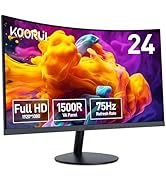
Figure 3: VESA 100x100mm compatibility and tilt adjustment range.
4.2. Пайваст кардани монитор
- Connect the provided HDMI cable from your computer's HDMI port to one of the HDMI ports on the monitor.
- For older systems, connect a VGA cable from your computer's VGA port to the VGA port on the monitor.
- Connect the power adapter to the DC input port on the monitor, then plug the power adapter into a power outlet.
- If desired, connect external speakers or headphones to the Audio Out port.
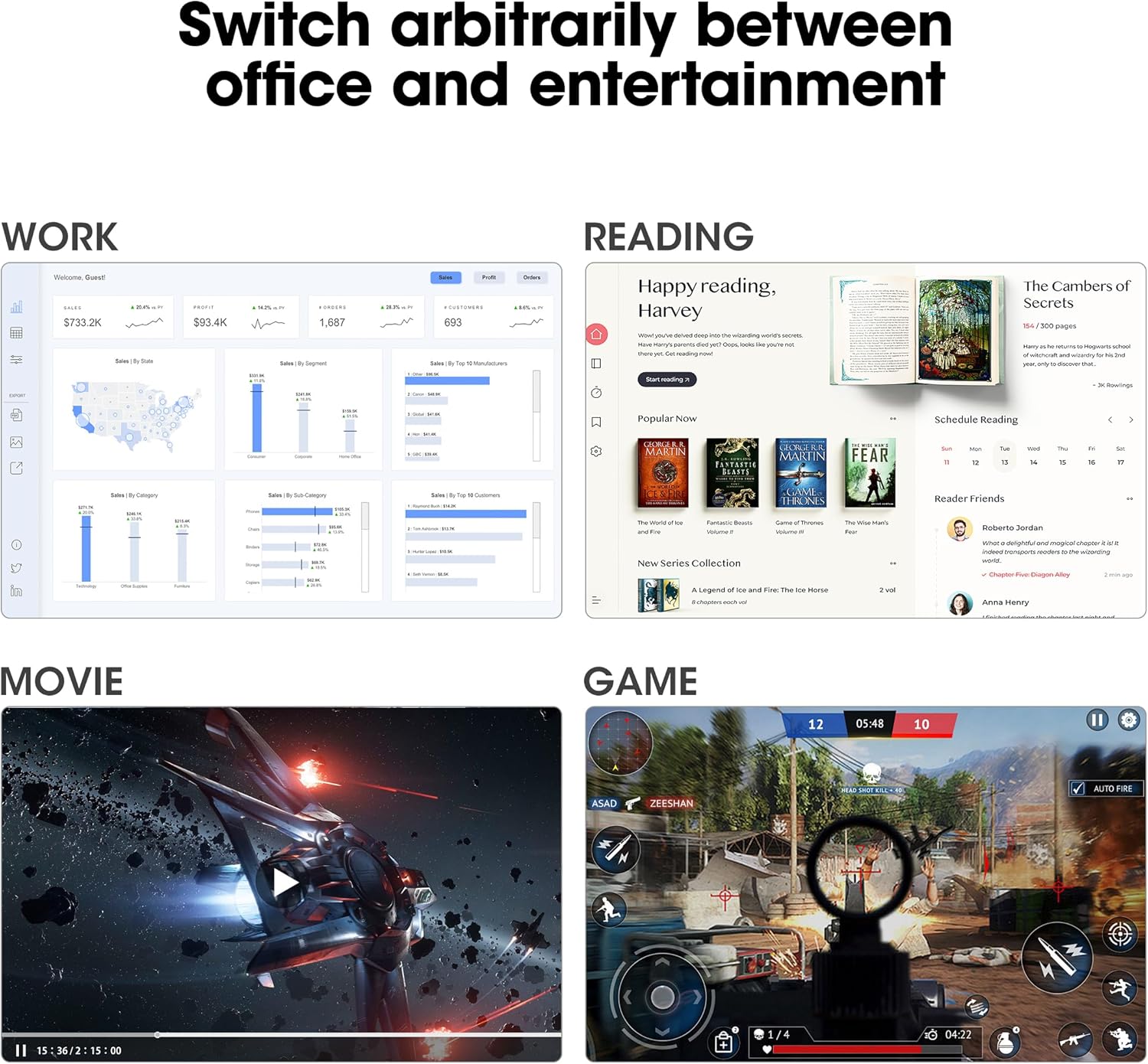
Figure 4: Connectivity options including HDMI, VGA, Audio Out, and DC power input.
Маслиҳат: Use the cable management feature on the stand to keep your cables tidy and organized.
5. Дастурҳои истифодабарӣ
5.1. Фаъол/хомӯш
Press the power button located on the back of the monitor to turn it on or off.
5.2. Менюи Намоиши экран (OSD).
Use the buttons on the back of the monitor to navigate and adjust settings in the OSD menu. Common settings include brightness, contrast, color temperature, input source selection, and various display modes.
5.3. Танзимоти намоиш
- Қарор: The monitor supports Full HD (1920 x 1080p) resolution. Ensure your computer's display settings are configured to this resolution for optimal clarity.
- Меъёри навсозӣ: Enjoy a smooth visual experience with a 144Hz refresh rate. Adjust your graphics card settings to utilize this refresh rate.
- Синхронизатсияи мутобиқшавӣ: This technology synchronizes the monitor's refresh rate with your graphics card's frame rate, eliminating screen tearing and stuttering during gaming. Enable Adaptive Sync in both the monitor's OSD menu and your graphics card control panel.
- Хусусиятҳои нигоҳубини чашм: The monitor includes Flicker-Free technology and a Low Blue Light mode to reduce eye strain during prolonged use. These features can be enabled via the OSD menu.

Figure 5: Visual comparison of 144Hz vs 75Hz refresh rates.

Figure 6: Adaptive Sync in action, preventing screen tearing.
5.4. Фарқият
The monitor's IPS panel offers wide viewing angles and 99% sRGB color coverage, making it suitable for various tasks beyond gaming, including content creation, office work, and media consumption.
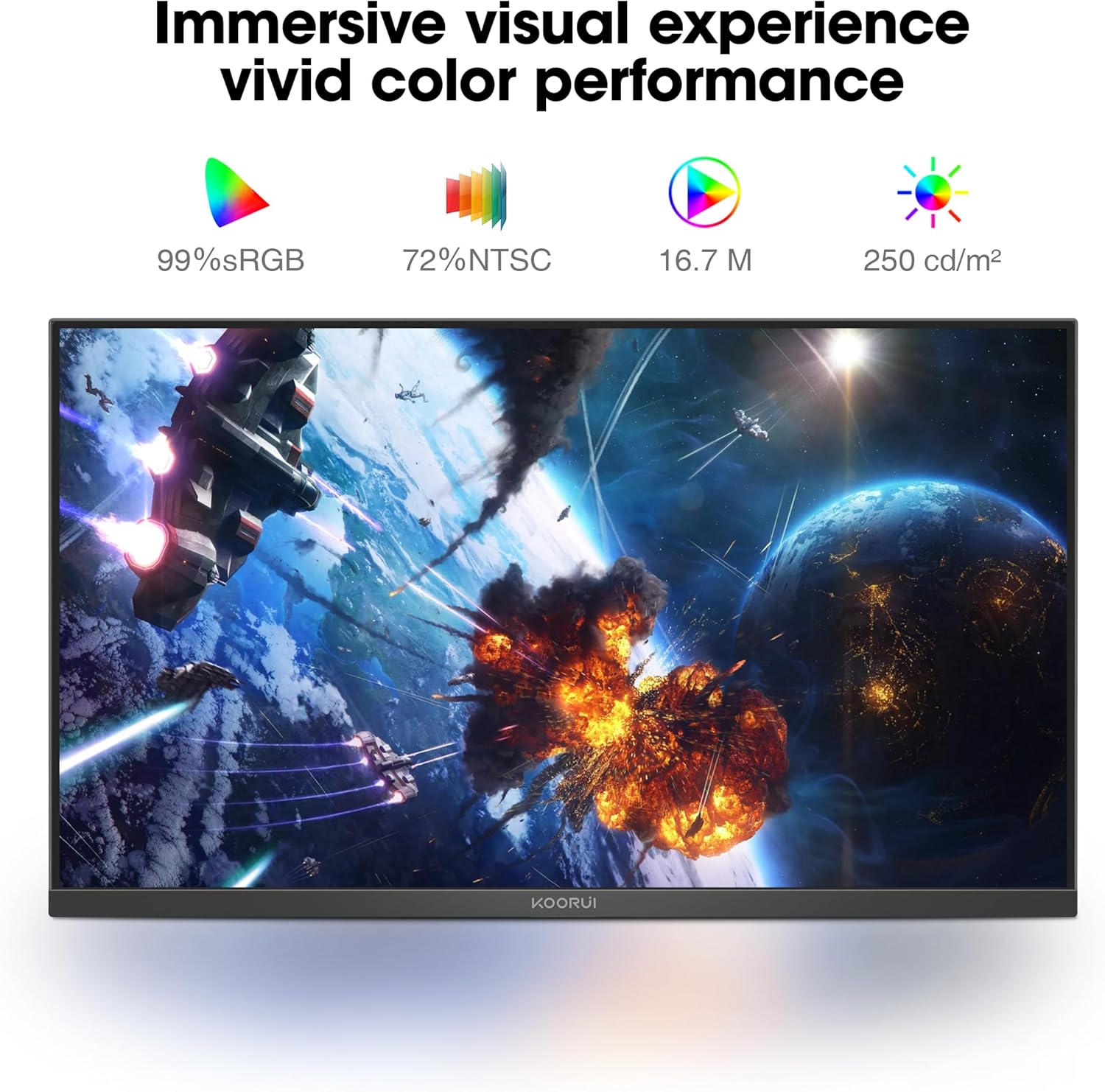
Figure 7: Immersive visual experience with vivid color performance.
Video: KOORUI 144hz gaming monitor
This video demonstrates the KOORUI 144Hz gaming monitor in action, highlighting its smooth performance and visual quality.
Video: KOORUI 144hz monitor E2411K
This video provides a detailed look at the KOORUI E2411K monitor, showcasing хусусиятҳо ва тарҳрезии он.
6. Нигоҳдорӣ
- To clean the screen, gently wipe with a soft, lint-free cloth. Avoid using harsh chemicals or abrasive materials.
- Барои монитор вasing, нарм истифода баред, damp матоъ.
- Боварӣ ҳосил кунед, ки монитор пеш аз тозакунӣ ҷудо карда шудааст.
7. Баррасии мушкилот
| Мушкилот | Сабаби эҳтимолӣ | Ҳалли |
|---|---|---|
| Ягон тасвир дар экран нест | Power cable disconnected; Video cable loose; Incorrect input source. | Check power and video connections; Select correct input source via OSD menu. |
| Дарида шудан/лағжидани экран | Adaptive Sync not enabled; Graphics card settings. | Enable Adaptive Sync in monitor OSD and graphics card control panel. |
| Экрани милт-милт | Flicker-Free mode off; Faulty cable. | Enable Flicker-Free mode in OSD; Try a different video cable. |
| Сифати рангҳои паст | Incorrect color settings; Graphics card driver issues. | Adjust color settings in OSD; Update graphics card drivers. |
8. Мушаххасоти
| Хусусият | Тафсилот |
|---|---|
| Рақами модел | MB24V29F |
| Андозаи экран | 24 инч |
| Резолюция | 1920 x 1080 пиксел (FHD 1080p) |
| Меъёри навсозӣ | 144 Гц |
| Навъи панел | IPS |
| Таносуби тараф | 16:9 |
| Гамути ранг | 99% sRGB, 72% NTSC |
| Равшании тасвир | 250 Кандела дар як метри мураббаъ |
| Пайвастшавӣ | HDMI, VGA, Audio Out, DC Power |
| Мутобиқати VESA | 100х100мм |
| Танзими чархиш | -5° то 15° |
| Андозаҳои маҳсулот | 7.29 x 21.34 x 16.72 инч |
| Вазни ашё | 8.08 фунт |
9. Кафолат ва дастгирӣ
KOORUI provides a 12-month replacement warranty for this product. In case of any damage, malfunctions, or missing accessories, please contact our professional technical support team for assistance. We are committed to ensuring your peace of mind with every purchase.
For further support, please visit the official KOORUI webсайт ё бо хидмати муштариён тавассути фурӯшандаи худ тамос гиред.


