1. Муқаддима
This manual provides essential information for the HP 17.3-inch Touchscreen Laptop, model 17-cp3602nr. It covers initial setup, basic operation, maintenance guidelines, and troubleshooting tips to ensure optimal performance and longevity of your device. Please read this manual thoroughly before using your laptop.
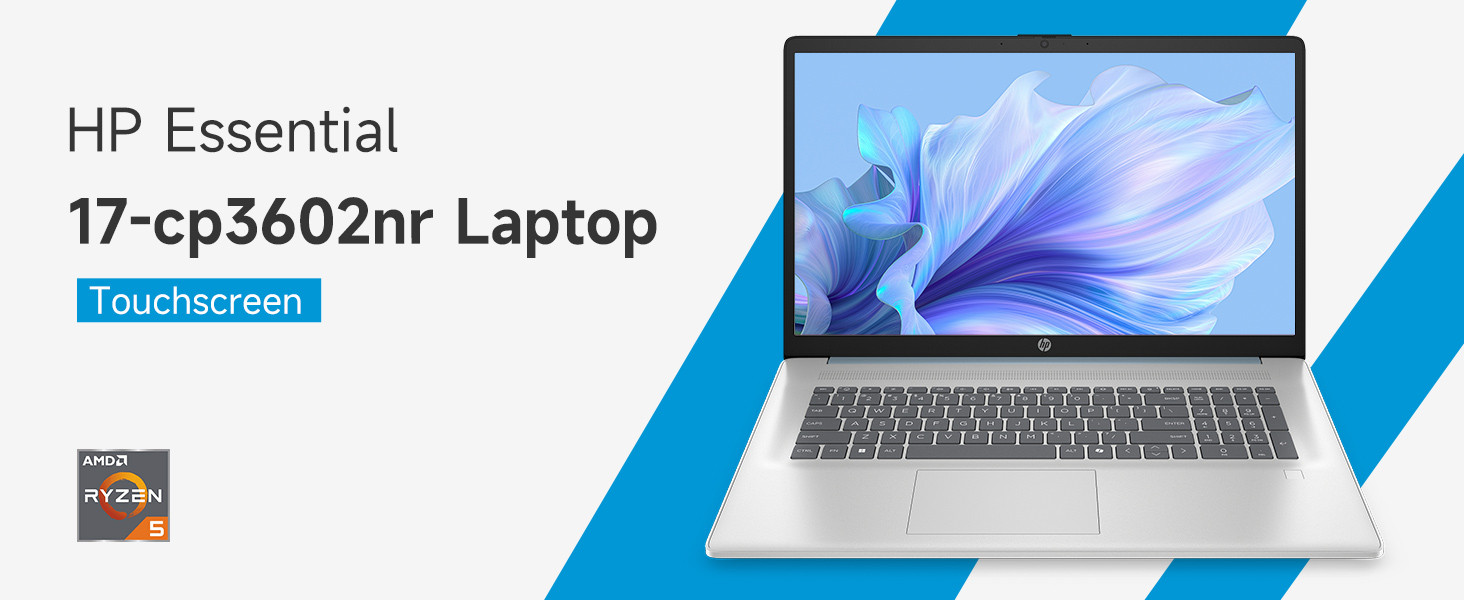
Тасвир: тамомview of the HP 17.3-inch Touchscreen Laptop highlighting its main features.
2. Танзимот
2.1 Кушодани қуттӣ ва санҷиши ибтидоӣ
Ноутбук ва ҳамаи лавозимоти худро аз бастабандӣ бодиққат хориҷ кунед. Боварӣ ҳосил кунед, ки ҳамаи ҷузъҳо мавҷуданд:
- HP 17.3-inch Touchscreen Laptop
- Адаптери барқ ва сими барқ
- Ҳуҷҷатҳо (Дастури оғозёбӣ, Маълумот дар бораи кафолат)
Inspect the laptop for any physical damage. If any damage is found or components are missing, contact your retailer or HP support immediately.
2.2 Пайваст кардани адаптери барқ
Connect the power adapter to the laptop's AC smart pin port and then plug the power cord into a wall outlet. The laptop can be used while charging, but it is recommended to fully charge the battery before first use.
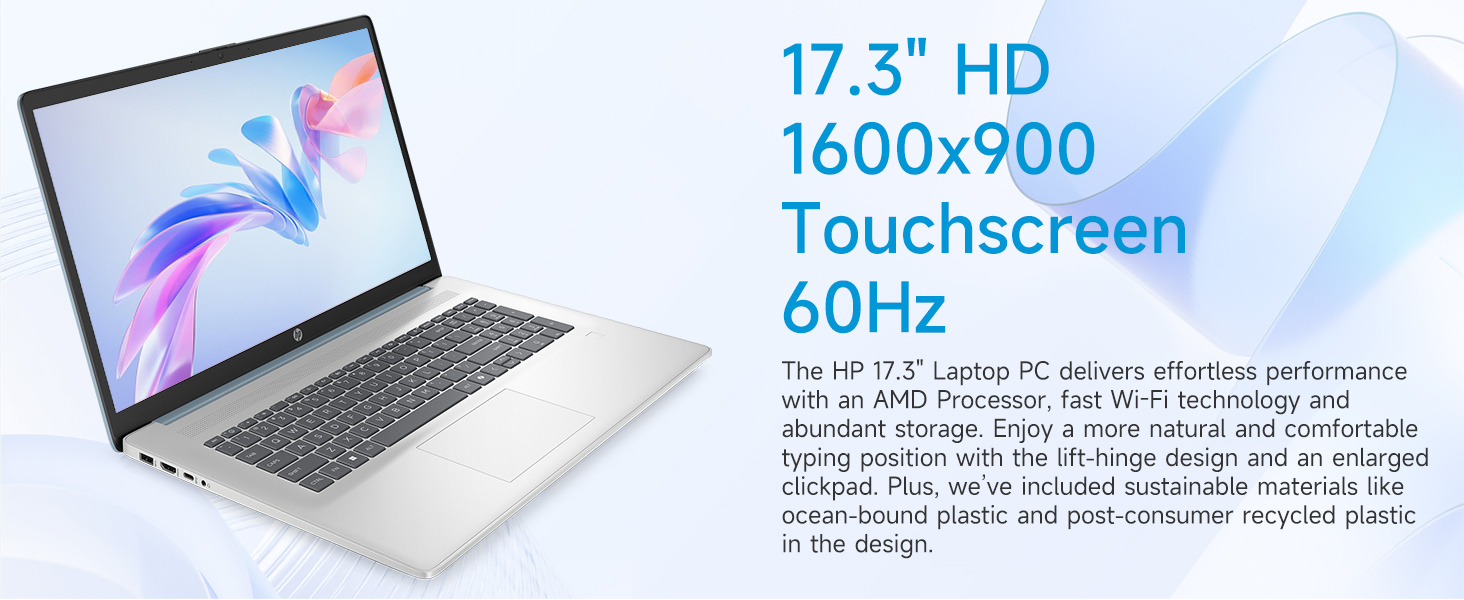
Image: Laptop ports and their locations, including the AC smart pin.
2.3 Фаъолсозии ибтидоӣ ва танзимоти Windows 11
Барои фаъол кардани ноутбук тугмаи барқро пахш кунед. Барои анҷом додани раванди насби Windows 11 Home дастурҳои дар экран бударо иҷро кунед. Инҳо дар бар мегиранд:
- Интихоби минтақа ва тарҳбандии клавиатураи шумо.
- Пайвастшавӣ ба шабакаи Wi-Fi (Wi-Fi 6 дастгирӣ мешавад).
- Воридшавӣ ё эҷоди ҳисоби Microsoft.
- Танзими PIN ё парол.
- Configuring privacy settings.
2.4 Танзимоти хонандаи изи ангушт
During the Windows 11 setup or later via Windows Settings, you can configure the integrated fingerprint reader for secure login. Follow the prompts to register your fingerprints.
3. Идоракунии ноутбуки худ
3.1 Навигатсияи асосӣ
Your HP laptop features a 17.3-inch HD+ (1600 x 900) touchscreen display, a touchpad, and a full-size keyboard for navigation.
- Шишаи ламсӣ: Use gestures similar to a smartphone or tablet for direct interaction with the display.
- Touchpad: Supports multi-touch gestures for scrolling, zooming, and more.
- Клавиатура: Includes a numeric keypad for efficient data entry.
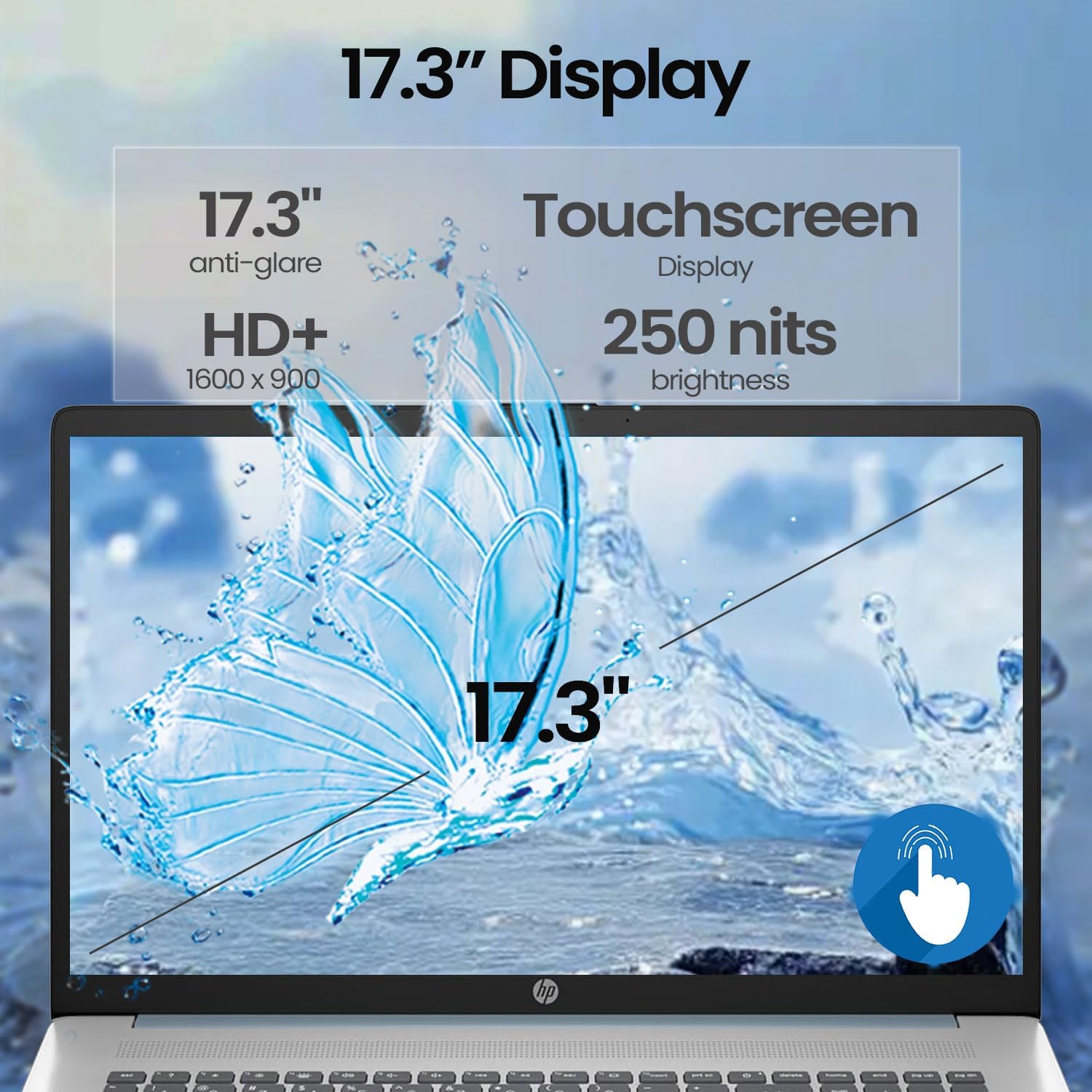
Image: A finger interacting with the laptop's touchscreen display.
3.2 Клавиатураи бо чароғаки қафо
The keyboard features backlighting for improved visibility in low-light conditions. The backlight can typically be toggled or adjusted using a dedicated function key (often Fn + F5 or similar, refer to your specific model's keyboard layout).
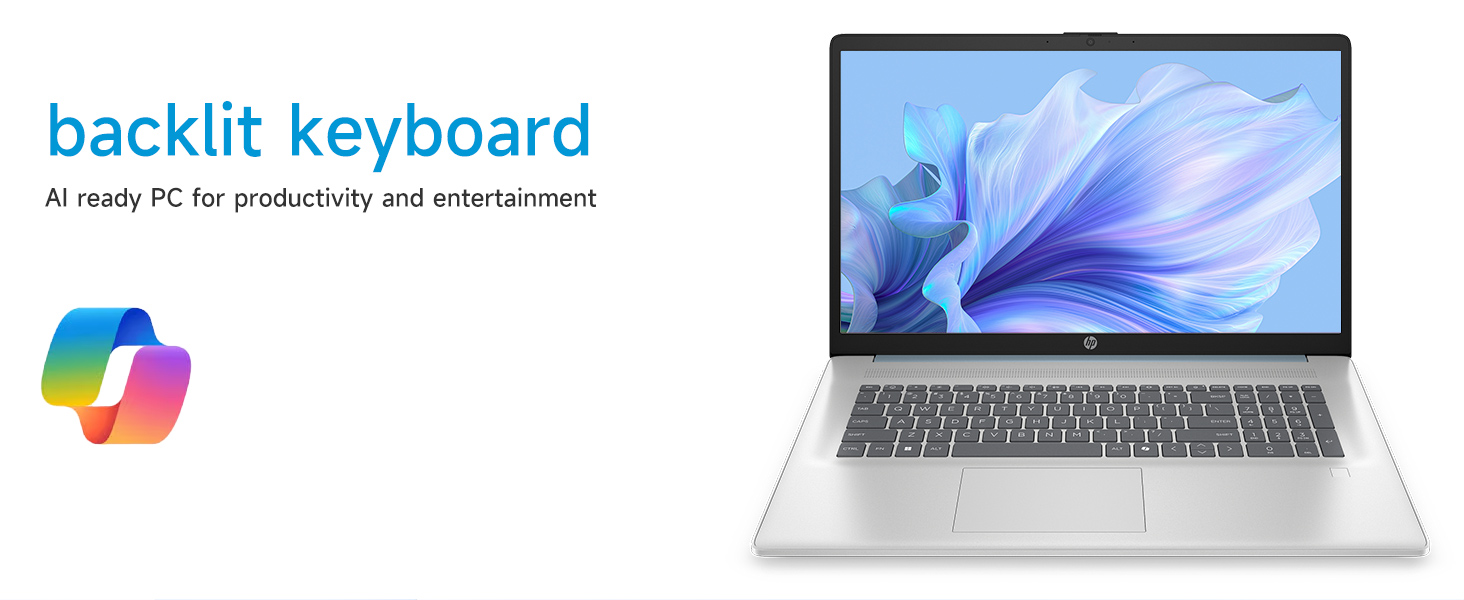
Image: The laptop's backlit keyboard in operation.
3.3 Истифодаи хонандаи изи ангушт
Once configured, simply place your registered finger on the fingerprint reader (usually located near the keyboard or power button) to log in to Windows or authenticate applications.

Image: Illustration of the fingerprint reader for secure access.
3.4 Пайваст кардани дастгоҳҳои беруна
Your laptop is equipped with various ports:
- USB Type-C 5Gbps signaling rate: Барои пайваст кардани дастгоҳҳои муосири USB-C.
- USB Type-A 5Gbps signaling rate (x2): Барои дастгоҳҳои стандартии USB ба монанди мушҳо, клавиатураҳо ё дискҳои беруна.
- HDMI 1.4b: Connects to external monitors or TVs for extended display.
- Ҷеки комбинатсияи гӯшмонак/микрофон: Барои пайваст кардани гӯшмонакҳо ё дастгоҳҳои аудиоии беруна.
Simply plug the compatible device into the appropriate port. Most devices are plug-and-play and will be recognized automatically by Windows.
3.5 WebИстифодаи cam
Интегралӣ webcam can be used for video calls, online meetings, and capturing photos/videos. Access it through applications like Camera, Microsoft Teams, Zoom, or other communication software.
4. Нигоҳдорӣ
4.1 Тоза кардани ноутбуки шумо
- Экран: Аз матои мулоим ва матои пок каме истифода баред гampбо об ё маҳлули тозакунии экран тоза кунед. Аз маводи кимиёвии сахт худдорӣ кунед.
- Шасси ва клавиатура: Аз матои мулоим ва хушк истифода баред. Барои лой якрав, каме гamp cloth can be used. Avoid getting moisture into ports or vents.
- Вентилятсия: Periodically use compressed air to clear dust from the cooling vents to prevent overheating.
4.2 Нигоҳубини батарея
- Батареяро зуд-зуд пурра холӣ накунед.
- Ноутбукро дар ҷои хунук ва хушк нигоҳ доред, агар муддати тӯлонӣ истифода нашавад.
- Use only the original HP power adapter.
4.3 Навсозии нармафзор
Мунтазам навсозиҳои Windows ва драйверҳоро аз дастгирии расмии HP тафтиш ва насб кунед webсайт барои таъмини устуворӣ, амният ва кори беҳтарини система.
4.4 Идоракунии нигаҳдорӣ
Давра ба вақт тоза кардани нолозим files, uninstall unused applications, and manage your 512GB PCIe NVMe M.2 SSD to maintain fast boot-up and data transfer speeds.
5. Баррасии мушкилот
Ин бахш масъалаҳои маъмулиеро, ки шумо метавонед бо ноутбуки HP-и худ дучор шавед, баррасӣ мекунад.
5.1 Масъалаҳои барқ
- Ноутбук фурӯзон намешавад: Ensure the power adapter is securely connected to both the laptop and a working power outlet. Try a different outlet. If the battery is completely drained, it may take a few minutes of charging before the laptop can power on.
- Батарея пур намешавад: Verify the power adapter and cable are not damaged. Check the charging indicator light on the laptop.
5.2 Мушкилоти намоиш
- Дар экран тасвир нест: Connect an external monitor via HDMI to check if the issue is with the laptop's internal display. Restart the laptop.
- Экрани сенсорӣ ҷавоб намедиҳад: Restart the laptop. Ensure display drivers are up to date.
5.3 Масъалаҳои пайвастшавӣ ба шабака
- Ба Wi-Fi пайваст шуда наметавонад: Ensure Wi-Fi is enabled in Windows settings. Restart your router and modem. Check for updated Wi-Fi drivers.
5.4 Input Device Problems
- Keyboard or touchpad unresponsive: Ноутбукро аз нав оғоз кунед. Дар Менеҷери дастгоҳ мавҷуд будани драйверҳои навшударо санҷед.
- Fingerprint reader not working: Ensure your fingerprints are properly enrolled in Windows Hello settings. Clean the sensor.
For persistent issues, consult the HP support webба сомона муроҷиат кунед ё бо хидмати муштариёни HP тамос гиред.
6. Мушаххасоти
Detailed technical specifications for the HP 17.3-inch Touchscreen Laptop (Model 17-cp3602nr).
| Хусусият | Мушаххасоти |
|---|---|
| Бренд | HP |
| Номи модел | 17-cp3602nr |
| Протсессор | AMD Ryzen 5 7430U (6 ядро, 12 ришта, то 4.3 ГГц) |
| Графика | AMD Radeon Graphics (интегралӣ) |
| RAM | 16 ГБ DDR4 SDRAM (3200 МГс) |
| Нигоҳдорӣ | 512 GB PCIe NVMe M.2 SSD |
| Намоиш | 17.3-inch HD+ (1600 x 900) Touchscreen, Anti-glare, 250 nits, 60% NTSC, 60 Hz |
| Низоми амал | Windows 11 Home |
| Пайвастшавӣ | Wi-Fi 6 (802.11ax) |
| Портҳо | 1x USB Type-C 5Gbps, 2x USB Type-A 5Gbps, 1x HDMI 1.4b, 1x Headphone/Microphone Combo, 1x AC Smart Pin |
| Хусусиятҳои махсус | Backlit Keyboard, Fingerprint Reader, Numeric Keypad, Webcam |
| Dimensions (L x W x Thickness) | 15.78" x 10.15" x 0.81" |
| Ранги | Кабуд |
| UPC | 199485902807 |
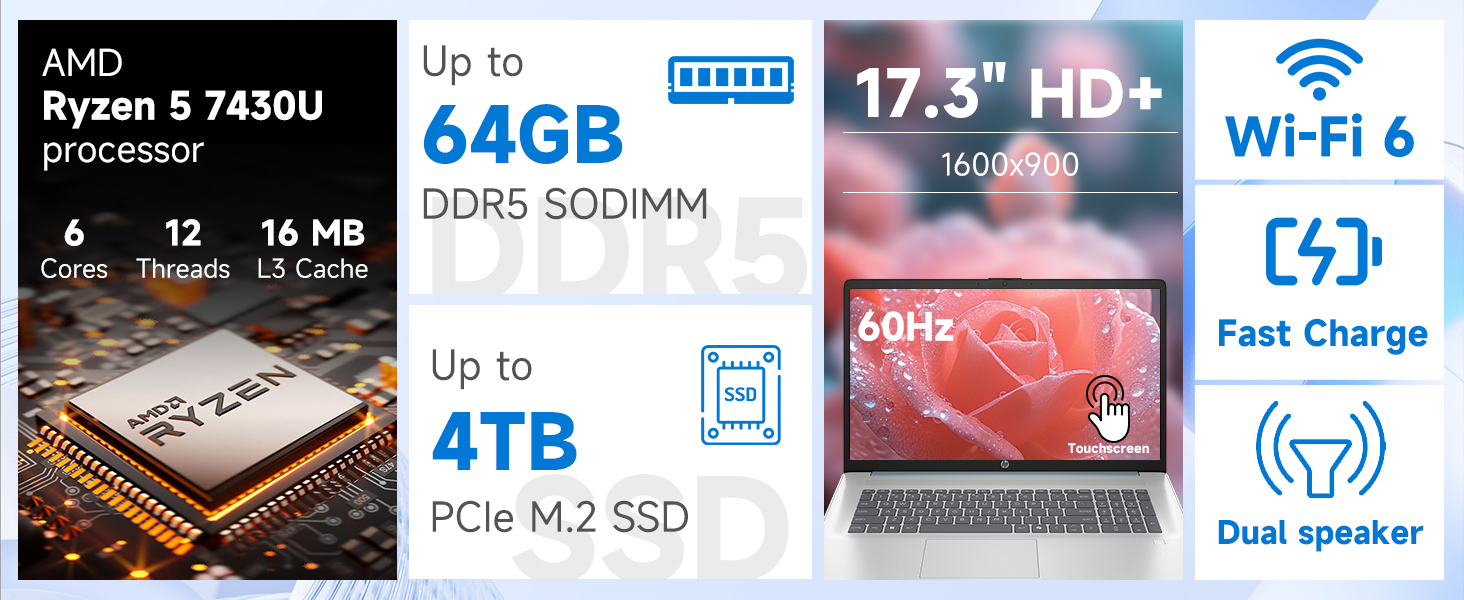
Тасвир: Муфассал view of the AMD Ryzen 5 7430U processor specifications.
7. Кафолат ва дастгирӣ
Your HP laptop comes with a standard manufacturer's warranty. For specific warranty terms and conditions, please refer to the documentation included with your product or visit the official HP support webсайт. Барои кӯмаки техникӣ, зеркашии драйверҳо ва дастгирии минбаъда, лутфан боздид кунед support.hp.com.