1. Муқаддима
This manual provides essential instructions for setting up, operating, and maintaining your KOORUI G2511P 24.5-inch Gaming Monitor. Designed for an optimal gaming and viewing experience, this monitor features a 200Hz refresh rate, 1ms GTG response time, Full HD IPS panel with 90% DCI-P3 color gamut, HDR400 support, and Adaptive Sync technology. Please read this manual thoroughly before use to ensure proper functionality and longevity of your device.
2. Мундариҷаи баста
Боварӣ ҳосил кунед, ки ҳамаи ҷузъҳои дар поён овардашуда дар бастаи шумо мавҷуданд:
- Монитори 24.5 дюйм
- кабели HDMI
- Адаптери барқ
- Дастури корбар (ин ҳуҷҷат)
3. Танзимот
3.1 Маҷмаи стенд
The monitor stand consists of two parts: the base and the upright arm. These parts slide together. Once assembled, the stand then slips into a dedicated slot at the back of the monitor. Ensure the stand is securely locked into place before placing the monitor on a surface to prevent accidental detachment.

Расми 3.1: Пеш view of the KOORUI G2511P monitor with its stand.

Расми 3.2: Қафо view highlighting the stand attachment and control joystick.
3.2 Пайвастшавӣ ба дастгоҳҳо
The KOORUI G2511P monitor offers multiple connectivity options for various devices:
- HDMI: Connect your PC, gaming console, or other HDMI-enabled devices using the provided HDMI cable. The monitor features two HDMI 2.0 ports.
- DisplayPort (DP): For optimal gaming performance, connect your PC's graphics card to the monitor's DisplayPort 1.4 input.
- Баромади аудио: Use the 3.5mm audio jack to connect external headphones or speakers, as the monitor does not have built-in speakers.
- Қувва: Адаптери барқро ба вуруди ҷараёни доимии монитор ва сипас ба розеткаи барқ пайваст кунед.

Figure 3.3: Monitor connectivity ports.
3.3 Васлкунии VESA
The monitor is VESA 75x75mm compatible, allowing it to be mounted on a wall or an adjustable monitor arm (sold separately). This provides flexibility for optimizing your workspace and viewкунҷҳо.

Figure 3.4: VESA mounting points on the monitor's rear.
4. Дастурҳои истифодабарӣ
4.1 Фаъол кардан/хомӯш кардан
Press the power button/joystick located on the back of the monitor to turn it on or off. A brief press typically powers it on, while a longer press will power it off.
4.2 Навигатсия дар менюи Намоиши экран (OSD).
The monitor's settings are adjusted using a single joystick control located on the back. Push the joystick in to confirm selections, and move it up, down, left, or right to navigate through the menu options and adjust values.
- Дароед: Select item / Confirm setting
- Боло поён: Navigate menu / Adjust value
- Чап/рост: Select item / Adjust value
4.3 Танзимот ва хусусиятҳои намоиш
Шуморо оптимизатсия кунед viewтаҷриба тавассути менюи OSD:
- Суръати навсозӣ (200 Гц): Ensures ultra-smooth motion, reducing blur in fast-paced content.
- Вақти посух (1мс GTG): Minimizes ghosting and input lag for competitive gaming.
- Resolution (FHD 1080p): Provides crisp and clear Full High Definition visuals.
- Панели IPS: васеъ пешниҳод мекунад viewing angles (178°) and vibrant, accurate colors (90% DCI-P3).
- HDR400: Enhances contrast and color depth for a more immersive visual experience in compatible content.
- Синхронизатсияи мутобиқшавӣ: Суръати навсозии мониторро бо суръати кадри корти графикии шумо ҳамоҳанг месозад, то кандашавӣ ва лағжиши экранро аз байн барад.
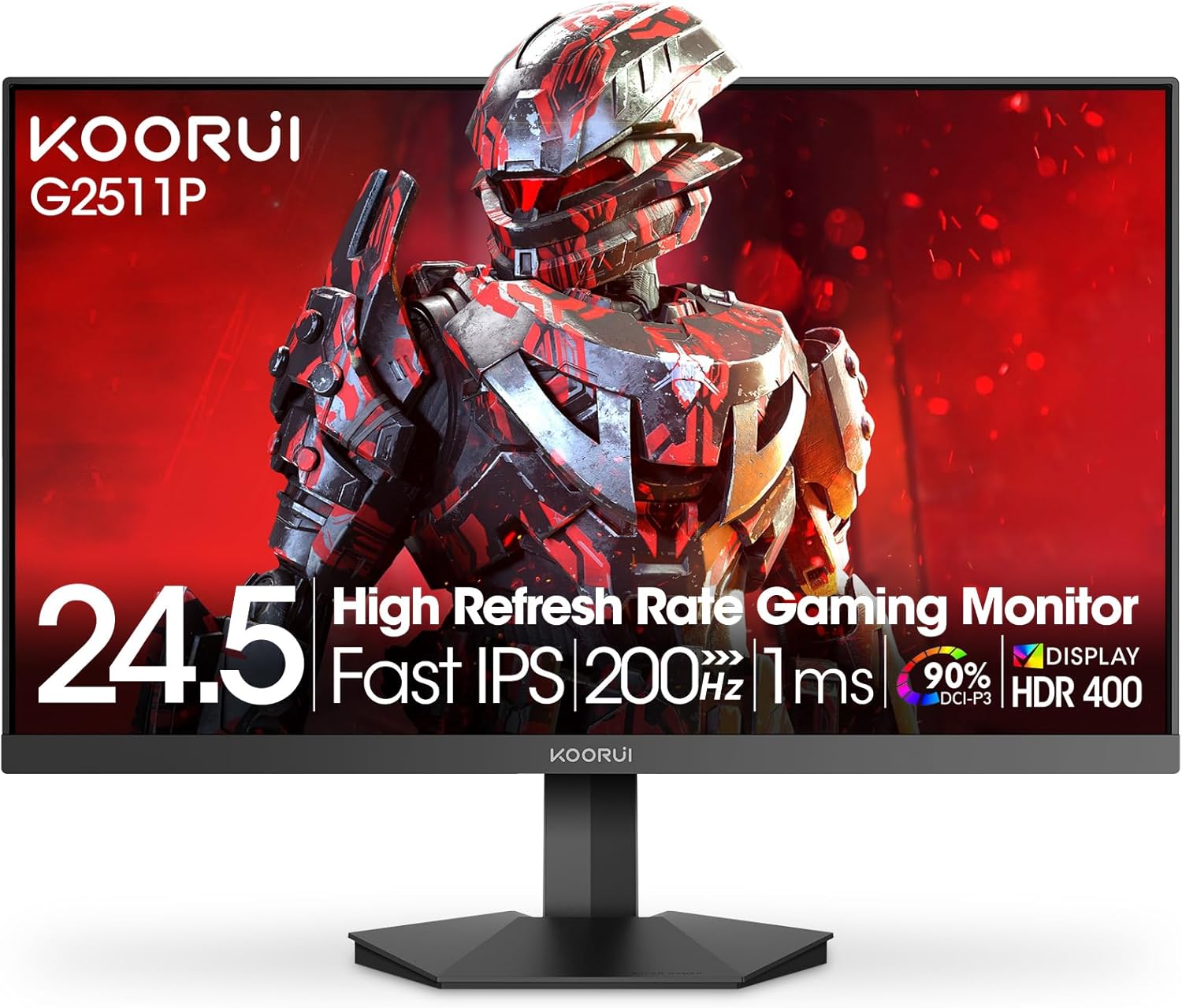
Figure 4.1: Key features of the KOORUI G2511P monitor.

Figure 4.2: Visual representation of high refresh rate benefits.
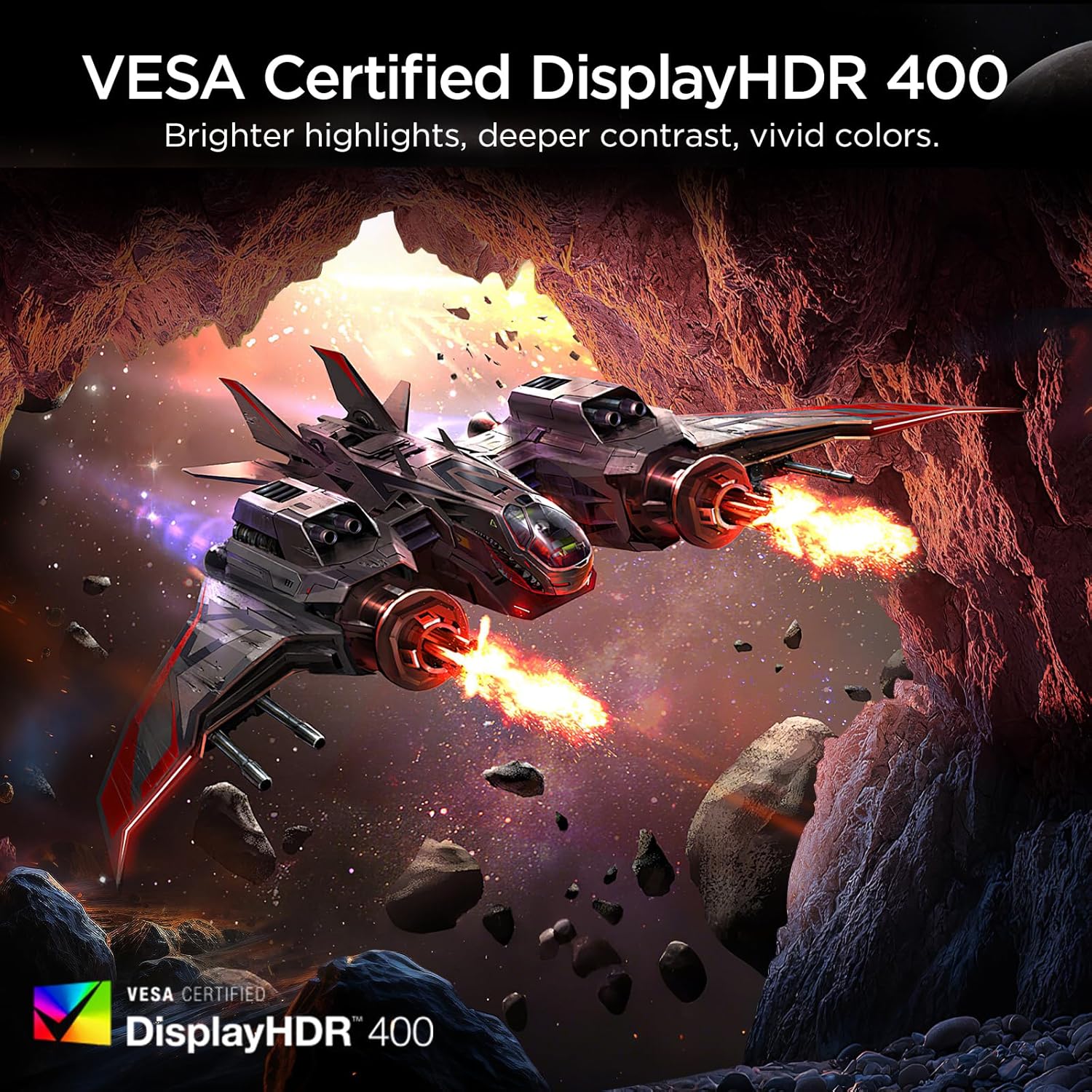
Figure 4.3: HDR400 for enhanced visual quality.
Figure 4.4: Adaptive Sync in action.
4.4 Pro-Gaming Enhancements
Access specialized gaming tools via the OSD menu:
- FPS Display Modes: Optimize visual settings for First-Person Shooter games.
- Adjustable On-Screen Timer: Track in-game events or personal bests.
- Customizable Crosshair Overlay: Improve aiming precision.

Figure 4.5: Pro-gaming enhancements for competitive play.
4.5 Хусусиятҳои нигоҳубини чашм
The KOORUI G2511P monitor incorporates features designed to reduce eye strain during extended use:
- Технологияи Flicker Free: Reduces screen flickering that can cause eye fatigue.
- Ҳолати нури пасти кабуд: Filters out harmful blue light emissions to protect your eyes.
5. Нигоҳдорӣ
Барои дарозумрӣ ва кори оптималии мониторатон, ин дастурҳои нигоҳубинро риоя кунед:
- Тоза кардани экран: Экранро бо матои мулоим ва бе пахта нарм тоза кунед. Барои аломатҳои якрав, сабук гampматоъро бо об ё тозакунандаи экран дар асоси ғайриалкоголӣ. Тозакунандаро бевосита ба экран напошед.
- Тоза кардани Casing: Барои тоза кардани монитор аз матои мулоим ва хушк истифода баред casinг. Аз тозакунандаҳои абразивӣ ё ҳалкунандаҳо худдорӣ кунед.
- Вентилятсия: Боварӣ ҳосил кунед, ки сӯрохиҳои вентилятсияи монитор баста нашудаанд, то аз ҳад зиёд гармшавиро пешгирӣ кунанд.
- Нигоҳдорӣ: Вақте ки муддати тӯлонӣ истифода набаред, мониторро дар ҷои хунук ва хушк, дур аз нурҳои бевоситаи офтоб ва ҳарорати аз ҳад зиёд нигоҳ доред.
6. Баррасии мушкилот
Агар шумо бо мониторатон мушкилоте пайдо кунед, ба қадамҳои маъмулии ҳалли мушкилот муроҷиат кунед:
| Мушкилот | Ҳалли имконпазир |
|---|---|
| Не қудрат | Check if the power cable is securely connected to both the monitor and the power outlet. Ensure the power adapter is functioning. |
| Сигнал нест | Verify that the HDMI or DisplayPort cable is correctly connected to both the monitor and your device. Ensure the correct input source is selected in the OSD menu. |
| Экрани милт-милт | Check the cable connections. Ensure your graphics card drivers are up to date. Adjust the refresh rate in your device's display settings. |
| Сифати тасвири паст | Adjust brightness, contrast, and color settings in the OSD menu. Ensure the display resolution on your device matches the monitor's native resolution (1920x1080). |
| Adaptive Sync Not Working | Ensure Adaptive Sync is enabled in the monitor's OSD menu and in your graphics card's control panel. Use a DisplayPort cable for optimal performance. |
7. Мушаххасоти
| Хусусият | Мушаххасоти |
|---|---|
| Рақами модел | G2511P |
| Андозаи экран | 24.5 инч |
| Навъи панел | IPS |
| Резолюция | 1920 x 1080 (FHD 1080p) |
| Меъёри навсозӣ | 200 Гц |
| Вақти ҷавоб | 1мс (GTG) |
| Дастгирии HDR | HDR400 |
| Гамути ранг | 90% DCI-P3 |
| Равшании тасвир | 350 Candela per Square Meter |
| Таносуби муқоисаи тасвир | 1200:1 |
| Пайвастшавӣ | 2x HDMI 2.0, 1x DisplayPort 1.4, баромади аудио |
| Мутобиқати VESA | 75х75мм |
| Андозаҳои маҳсулот | 8.84 x 22.05 x 17.52 инч |
| Вазни ашё | 9.63 фунт |
8. Кафолат ва дастгирӣ
KOORUI monitors are manufactured with a focus on quality and reliable performance. This product comes with a Кафолати маҳдуди 3-сола. For any questions, technical assistance, or warranty claims, please contact KOORUI's dedicated support team. Refer to the contact information provided on the KOORUI official webсайт ё ҳуҷҷатҳои хариди шумо.
9. Видеои расмии маҳсулот
Барои дидани видеои расмии маҳсулот, онро тамошо кунедview of the KOORUI G2511P Gaming Monitor's features and capabilities.
Видео 9.1: Намоиши видеои расмии маҳсулотasing the KOORUI G2511P Gaming Monitor's features, including its 200Hz refresh rate, 1ms response time, HDR400, and Adaptive Sync technology.


