1. Муқаддима
This manual provides essential information for setting up, operating, maintaining, and troubleshooting your NIMO N158 15.6-inch laptop. Please read this manual thoroughly before using your device to ensure optimal performance and longevity.
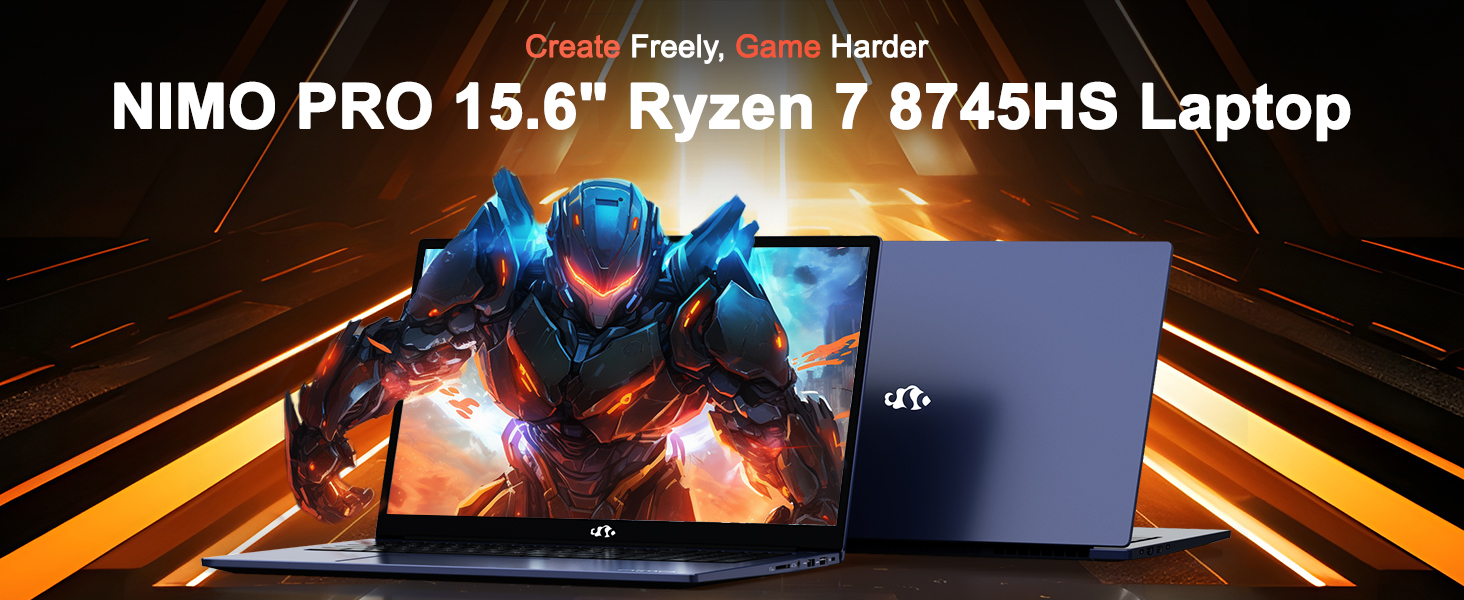
Image: The NIMO N158 15.6-inch laptop, showcasing тарҳрезӣ ва хусусиятҳои асосии он.
2. Маҳсулот ба охир расидview
The NIMO N158 is a high-performance laptop designed for productivity and entertainment. It features an AMD Ryzen 7 8745HS processor, 64GB DDR5 RAM, and a 1TB PCIe 4.0 SSD.
2.1 Унсурҳои асосӣ
- Протсессор: AMD Ryzen 7 8745HS (8 ядро, 16 ришта, то 4.9 ГГц)
- Графика: AMD Radeon 780M Integrated Graphics
- Хотира: 64GB DDR5 RAM (4800 MHz)
- Нигоҳдорӣ: 1TB PCIe 4.0 SSD
- Намоиш: 15.6-inch Full HD (1920x1080) IPS Anti-Glare
- Низоми амал: Windows 11 Home
- Батарея: 75Wh Lithium Polymer
2.2 Портҳо ва интерфейсҳо
The NIMO N158 laptop offers a variety of ports for connectivity:

Image: Diagram illustrating the various ports and interfaces on the NIMO N158 laptop.
- 1 x порти USB 2.0
- 3 x портҳои USB 3.0
- 1 x USB 4.0 Type-C Port (with 100W PD fast charging support)
- 1 x Порт -HDMI
- 1 x Jack гӯшмонак
- 1 x корти хонандаи SD
- 1 x ковокии Қулфи Кенсингтон
3. Танзимот
3.1 Фаъолсозии ибтидоӣ ва пуркунии барқ
- Unpack the laptop and the included 100W Type-C PD Fast Charger.
- Connect the charger to the USB Type-C port on the laptop and to a power outlet. The Charger LED will illuminate.
- Ба ноутбук иҷозат диҳед, ки ҳадди аққал 30 дақиқа пеш аз истифодаи аввала ё то он даме, ки нишондиҳандаи батарея барқи кофӣ нишон диҳад.
- Барои фаъол кардани ноутбук тугмаи барқро пахш кунед.

Image: The NIMO N158 laptop connected to its 100W Type-C fast charger, illustrating the charging process.
3.2 Насби системаи оператсионӣ
Upon first boot, you will be guided through the Windows 11 Home setup process. Follow the on-screen instructions to configure your language, region, network connection, and user account.
3.3 Танзимоти хонандаи изи ангушт
For enhanced security, set up the integrated fingerprint reader during the Windows 11 setup or later via Windows Settings > Accounts > Sign-in options. This allows for quick and secure login.
4. Дастурҳои истифодабарӣ
4.1 Клавиатура ва сенсорӣ
- Клавиатураи пушти равшан: The keyboard features backlighting for comfortable typing in low-light conditions. Use the designated function key (Fn + F key combination, typically) to adjust brightness or toggle the backlight.
- Клавиатураи рақамӣ: Барои ворид кардани самараноки маълумот клавиатураи рақамии махсус мавҷуд аст.
- Precision Gesture Touchpad: Тачпад имову ишораҳои чанд-сенсорро барои паймоиш дастгирӣ мекунад. Барои танзими имову ишораҳои сенсорӣ ба танзимоти Windows муроҷиат кунед.

Image: A user interacting with the NIMO N158 laptop, highlighting the backlit keyboard and fingerprint reader on the touchpad.
4.2 Намоиш
The 15.6-inch Full HD IPS anti-glare display provides clear and vibrant visuals. Adjust display settings (resolution, brightness, color) through Windows Display Settings.

Image: The NIMO N158 laptop displaying a vibrant image on its 15.6-inch Full HD IPS screen, emphasizing visual quality.
4.3 Webcam
The laptop includes a 2MP webcam. For privacy, a physical webcam shield or switch is integrated. Ensure the webcam is open when in use and closed when not needed.

Image: A visual representation of the NIMO N158 laptop's privacy-focused camera, showing the open and closed states of the webcam switch.
4.4 Самаранокӣ ва иҷрои бисёрвазифагӣ
The AMD Ryzen 7 8745HS processor and 64GB DDR5 RAM provide robust performance for demanding tasks, content creation, and gaming. The 1TB PCIe 4.0 SSD ensures fast boot times and application loading.

Image: A close-up of the AMD Ryzen 7 8745HS processor chip, highlighting its core specifications.
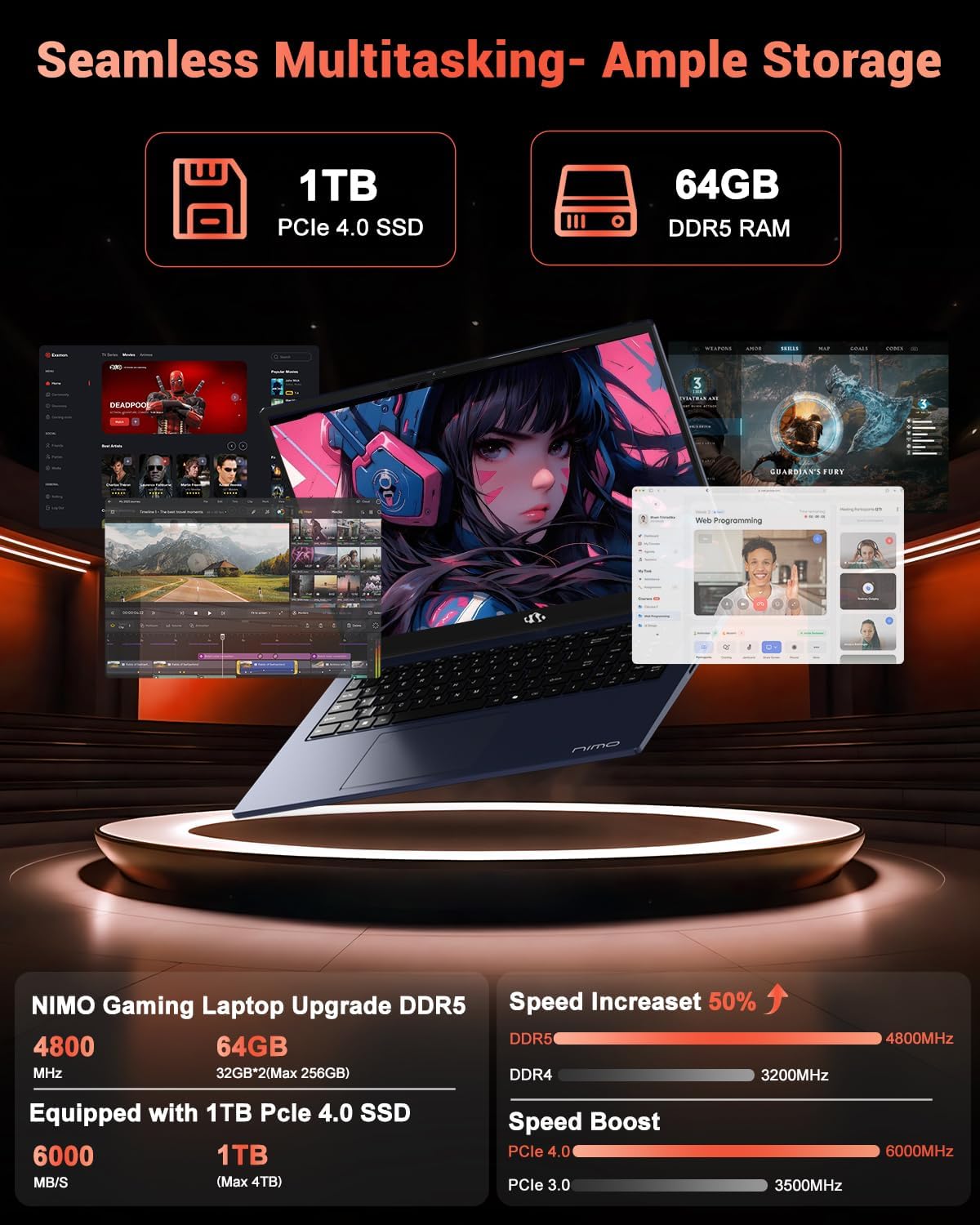
Image: The NIMO N158 laptop displaying multiple applications open, demonstrating its multitasking capabilities with 64GB RAM and 1TB SSD.
5. Нигоҳдорӣ
5.1 Нигоҳубини умумӣ
- Ноутбукро тоза нигоҳ доред, сатҳҳоро бо матои нарм ва хушк тоза кунед.
- Аз таъсири ноутбук дар зери таъсири ҳарорати аз ҳад зиёд, нури бевоситаи офтоб ё намӣ худдорӣ кунед.
- Ба болои ноутбук ашёи вазнин нагузоред.
- Вентилятсияи дурустро тавассути бастани вентилятсияҳои ҳаво таъмин кунед.
5.2 Upgradability
The NIMO N158 features an upgradable design, allowing for expansion of memory (RAM) and storage (SSD). Consult a qualified technician or refer to official NIMO support resources before attempting any internal upgrades to avoid voiding your warranty.
6. Баррасии мушкилот
If you encounter issues with your NIMO N158 laptop, consider the following basic troubleshooting steps:
- Не қудрат: Ensure the charger is securely connected and the power outlet is functional. Try a different outlet.
- Масъалаҳои намоиш: Check external display connections if using one. Adjust screen brightness. Restart the laptop.
- Иҷрои суст: Барномаҳои нолозимро пӯшед. Навсозиҳои заминаро тафтиш кунед. Фазои кофии нигоҳдории холӣ дошта бошед.
- Мушкилоти пайвастшавӣ: Restart your Wi-Fi router. Reconnect to the Wi-Fi network. Update network drivers.
- Система ях мекунад: Press and hold the power button for 10-15 seconds to force a shutdown, then restart.
For persistent issues, refer to the NIMO support webсайт ё бо хидмати мизоҷон тамос гиред.
7. Мушаххасоти
| Хусусият | Мушаххасоти |
|---|---|
| Бренд | NIMO |
| Номи модел | NIMO N158B |
| Андозаи экран | 15.6 инч |
| Ҳалли экран | 1920 x 1080 Pixels (FHD IPS) |
| Протсессор | AMD Ryzen 7 8745HS (up to 4.9 GHz) |
| RAM | 64 ГБ DDR5 (4800 МГс) |
| Диски сахт | 1024 GB SSD (PCIe 4.0) |
| Процессори графикӣ | AMD Radeon 780M |
| Низоми амал | Windows 11 Home |
| Навъи бесим | 802.11a/b/g/n/ac (Wi-Fi 6E) |
| Портҳои USB 2.0 | 1 |
| Портҳои USB 3.0 | 3 |
| Портҳои USB 4.0 Type-C | 1 |
| Мӯҳлати миёнаи батарея | 15.5 соат |
| Вазни ашё | 3.8 фунт |
| Андозаҳои маҳсулот | 14.07 x 8.98 x 0.76 инч |
| Хусусиятҳои махсус | Клавиатураи рӯшноӣ, хонандаи изи ангушт, HD Audio, клавиатураи рақамӣ |
8. Кафолат ва дастгирӣ
NIMO is committed to providing excellent customer service and product support.
8.1 Маълумот дар бораи кафолат
Your NIMO N158 laptop comes with a Кафолати 2 сол аз санаи харид. Ин кафолат камбудиҳои истеҳсолӣ ва носозиҳои сахтафзорро ҳангоми истифодаи муқаррарӣ фаро мегирад. Лутфан, далели хариди худро барои даъвоҳои кафолат нигоҳ доред.

Image: A technician performing maintenance on a laptop, representing the 2-year support provided by NIMO.
8.2 Сиёсати бозгашт
NIMO offers a Сиёсати баргардонидани мол бидуни мушкил дар давоми 90 рӯз. If you are not satisfied with your purchase, you may return the product within 90 days from the date of purchase. Please refer to the official NIMO return policy for detailed terms and conditions.

Image: A delivery person handing a package to a customer, illustrating the 90-day return policy.
8.3 Дастгирии муштариён
Our dedicated support team is available to assist you with any questions or issues. You can reach us via:
- Почтаи электронӣ: service@nimopc.com
- Онлайн: Visit the official NIMO webсайт барои Саволҳо ва захираҳои дастгирӣ.
We strive to provide quick solutions and a worry-free experience.

Image: Customer service representatives wearing headsets, representing professional customer assistance.


