1. Муқаддима
Welcome to your new NIMO 15.6" IPS FHD Student Laptop, Model N154. This manual provides essential information to help you get started, operate, and maintain your device. Designed for both home and business use, this laptop combines performance with user-friendly features to enhance your productivity and entertainment experience.
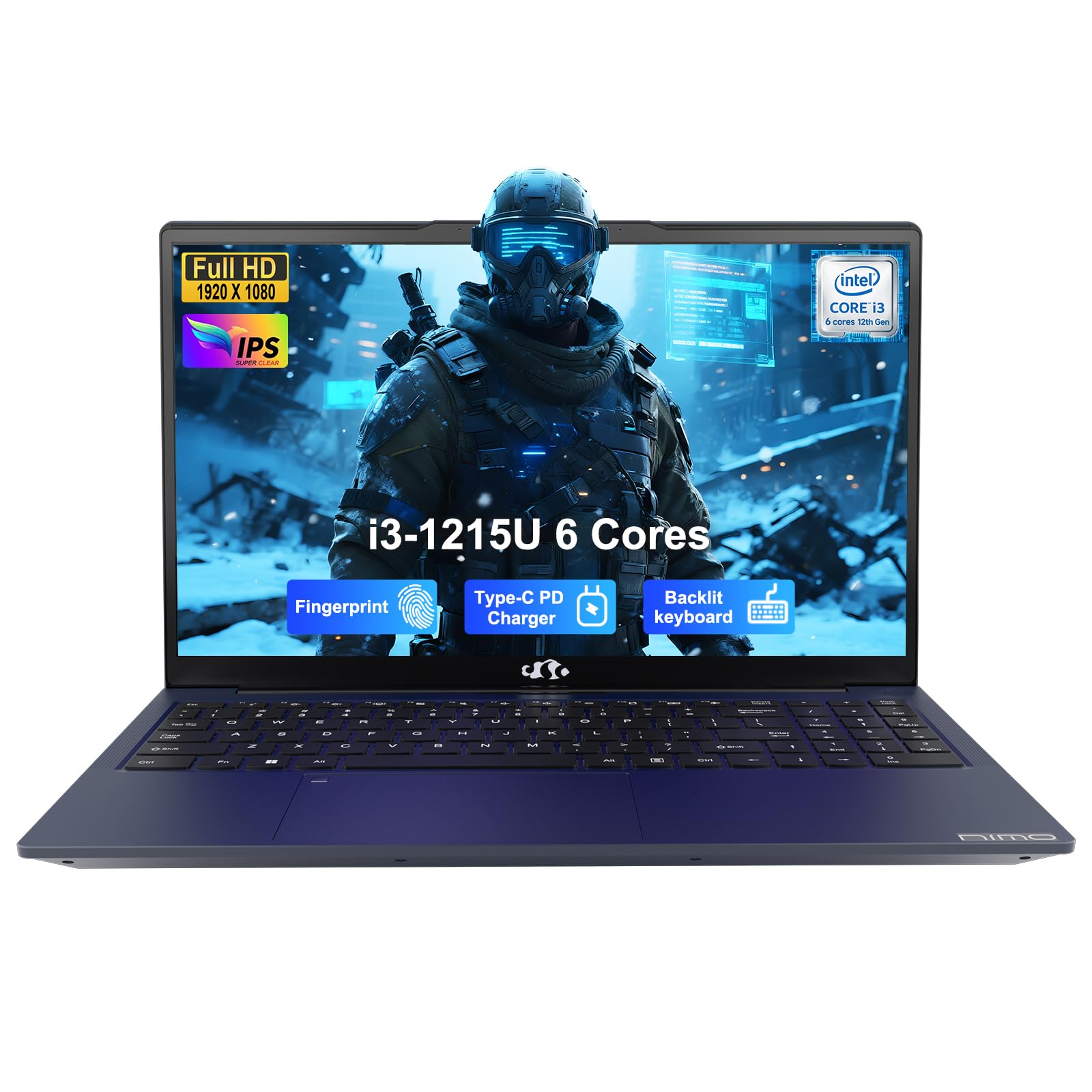
Image: The NIMO 15.6-inch IPS FHD Student Laptop, showcasing тарҳи зебои он.
2. Дар қуттӣ чӣ мавҷуд аст
Лутфан мундариҷаи бастаро тафтиш кунед, то боварӣ ҳосил кунед, ки ҳама ашё мавҷуд аст:
- 1 x NIMO N154 Laptop
- 1 x Type-C 65W PD Fast Charger
- 1 x Дастури корбар (ин ҳуҷҷат)
- Windows 11 Home (pre-installed)
3. Танзимоти ибтидоӣ
3.1. Пур кардани ноутбук
Before first use, fully charge your NIMO laptop using the included 65W USB-C PD Fast Charger. Connect the charger to the Type-C port on your laptop and a power outlet. The charging indicator light will illuminate.

Image: The 65W USB-C PD Fast Charger, capable of charging the laptop, tablet, and smartphone.
3.2. Фаъолсозӣ ва конфигуратсияи ибтидоӣ
Press the power button to turn on your laptop. Follow the on-screen instructions to complete the Windows 11 Home setup, including language selection, network connection, and user account creation.
4. Идоракунии ноутбуки худ
4.1. Намоиш
Your laptop features a 15.6-inch Full HD (1920x1080) IPS anti-glare display. This screen provides clear visuals and reduces eye strain during extended use. The 180° open angle allows for flexible viewмавқеъҳо.
Image: The laptop's 15.6-inch Full HD IPS display with vibrant colors.
4.2. Клавиатура ва сенсорӣ
The ergonomic backlit keyboard allows for comfortable typing in various lighting conditions, with adjustable brightness. The touchpad includes an integrated fingerprint sensor for secure, one-touch login.

Image: Features of the laptop's input, including backlit keyboard, webcam shield, fingerprint sensor, and numeric keypad.
4.3. Fingerprint Login
Utilize the fingerprint sensor on the touchpad for quick and secure access to your laptop. Configure your fingerprint in the Windows settings for enhanced security.

Image: Close-up of the integrated fingerprint scanner on the touchpad for secure login.
4.4. Портҳо ва пайвастшавӣ
The NIMO N154 laptop offers a variety of ports for versatile connectivity:
- USB 2.0 порт: 1
- Портҳои USB 3.0: 3
- Порти HDMI: Барои пайвастшавӣ ба дисплейҳои беруна.
- Порт-C: Supports 65W Power Delivery for charging and data transfer.
- Ковокии корти micro SD: Барои васеъ кардани нигоҳдорӣ ё интиқол files.
- Headphone Combo Jack: Барои вуруд / баромади аудио.
- Slot Lock Kensington: Барои амнияти ҷисмонӣ.
The laptop also features Wi-Fi 6 for fast and reliable wireless internet access.

Image: Diagram illustrating the various ports available on the NIMO laptop, including USB, HDMI, Type-C, Micro SD, headphone jack, and Kensington lock.
4.5. Аудио ва Webcam
Integrated speakers provide clear audio for video calls, online classes, and media consumption. The 2.0MP webcam is suitable for video conferencing, complemented by a privacy switch for enhanced security.

Image: Details on the 1080p FHD camera and privacy camera convenience features.
4.6. Протсессор ва иҷроиш
Powered by the 6-Core Intel i3-1215U processor, your laptop is designed for efficient multitasking, handling numerous browser tabs, spreadsheets, and video calls without significant slowdowns.
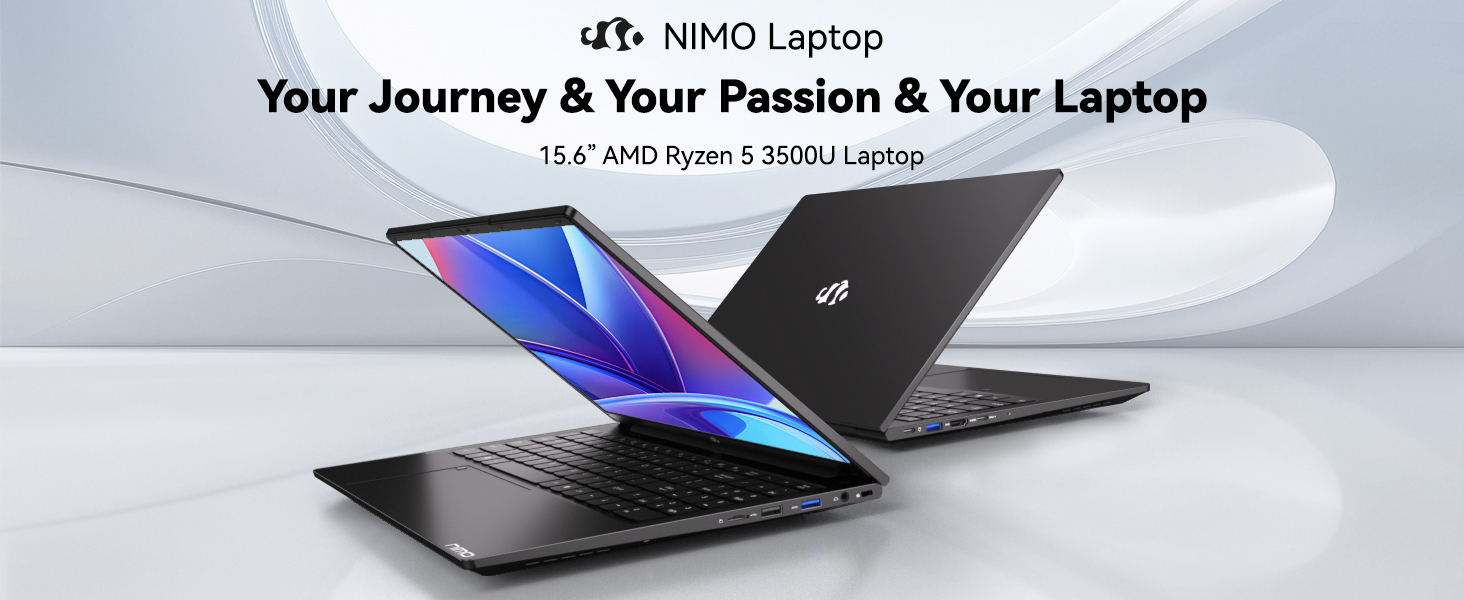
Image: Visual representation of the 12th Gen Intel Core i3-1215U Processor, highlighting its 6 cores, 8 threads, 15W power consumption, and 3.7 GHz Turbo Boost.
5. Нигоҳдорӣ
5.1. Тозакунӣ
Regularly clean your laptop to ensure optimal performance and longevity. Use a soft, lint-free cloth for the screen and exterior. For stubborn marks, dampМатоъро бо миқдори ками об ё бо тозакунандаи муҳофизатӣ аз экран бишӯед. Аз кимиёвии сахт худдорӣ кунед.
5.2. Навсозии нармафзор
Keep your operating system and drivers updated to benefit from the latest security patches and performance improvements. Windows Update can be accessed through the Settings menu.
5.3. Нигоҳубини батарея
To maximize battery life, avoid extreme temperatures and fully discharging the battery frequently. For long-term storage, charge the battery to around 50-70%.

Image: An illustration of the laptop's internal battery, labeled 54WH, emphasizing smart battery management.
6. Баррасии мушкилот
6.1. Laptop Not Powering On
- Боварӣ ҳосил кунед, ки пуркунандаи барқ ҳам ба ноутбук ва ҳам ба розеткаи барқии корӣ пайваст аст.
- Санҷед, ки адаптери барқ дуруст кор мекунад ё не.
- Кӯшиш кунед, ки тугмаи барқро барои 10-15 сония нигоҳ доред, то барқароркунии сахтро анҷом диҳед.
6.2. Масъалаҳои пайвастшавӣ ба Wi-Fi
- Verify that Wi-Fi is enabled in Windows settings.
- Роутер ва модеми худро бозоғоз намоед.
- Боварӣ ҳосил кунед, ки драйверҳои Wi-Fi-и шумо навсозӣ шудаанд.
6.3. Иҷрои суст
- Барномаҳои нолозимеро, ки дар замина кор мекунанд, пӯшед.
- Ҳама навсозиҳои интизоршудаи Windows-ро санҷед ва насб кунед.
- Ensure your storage (SSD) has sufficient free space.
Барои гирифтани кӯмаки бештар, лутфан ба бахши Кафолат ва Дастгирӣ муроҷиат кунед.
7. Мушаххасоти
| Хусусият | Мушаххасоти |
|---|---|
| Номи модел | NIMO N154 |
| Андозаи экран | 15.6 инч |
| Ҳалли экран | 1920 x 1080 пиксел (Full HD) |
| Протсессор | Intel Core i3-1215U (6 Cores, up to 4.4 GHz) |
| RAM | 8 ГБ DDR4 (3200 МГс) |
| Диски сахт | 512 ГБ SSD |
| Процессори графикӣ | Графикаи интегралӣ |
| Низоми амал | Windows 11 Home |
| Навъи бесим | Wi-Fi 6 (802.11a/b/g/n/ac) |
| Портҳои USB 2.0 | 1 |
| Портҳои USB 3.0 | 3 |
| Мӯҳлати миёнаи батарея | 9 соат |
| Вазни ашё | 3.75 фунт |
| Андозаҳои маҳсулот | 14.07 x 8.98 x 0.76 инч |
| Хусусиятҳои махсус | Fingerprint Reader, HD Audio, Memory Card Slot, Numeric Keypad |
8. Кафолат ва дастгирӣ
NIMO is committed to providing quality products and excellent customer service.
8.1. Маълумот дар бораи кафолат
Your NIMO N154 laptop comes with a comprehensive Кафолати 2 сол, covering manufacturing defects and hardware malfunctions under normal use. This warranty ensures your investment is protected.

Image: Text indicating '2-Year Support' for Nimo products.
8.2. Сиёсати баргардонидан
Мо пешниҳод а Сиёсати баргардонидани 90 рӯз from the date of purchase. If you are not satisfied with your product, you may return it within this period according to the terms and conditions.

Image: Text indicating '90-Day Return' for Nimo products.
8.3. Бо дастгирии тамос
Our dedicated US-based support team is available to assist you with any questions or issues. You can reach us via email at service@nimopc.com. We aim to provide professional and high-quality customer service.

Image: A customer service representative wearing a headset, representing professional customer assistance.


