1. Муқаддима
This manual provides instructions for the installation, operation, and maintenance of the EnGenius ECC100 AI 5MP Dome Security Camera. The ECC100 is a cloud-managed AI 5MP dome camera designed for both indoor and outdoor surveillance, offering crystal-clear day and night visuals with a Starvis sensor and 5MP HDR clarity. It features a 132° wide view, 20m IR long-distance coverage, and a durable IP67 weatherproof and IK10 vandal-resistant design. With 256GB of built-in storage, it supports 24/7 continuous event recording. Advanced AI Cloud Analytics provide real-time multimodal analysis for detecting complex behaviors and delivering instant alerts. The system also includes natural language search for efficient footage retrieval and Edge AI with NPU for optimized real-time detection and cloud streaming.
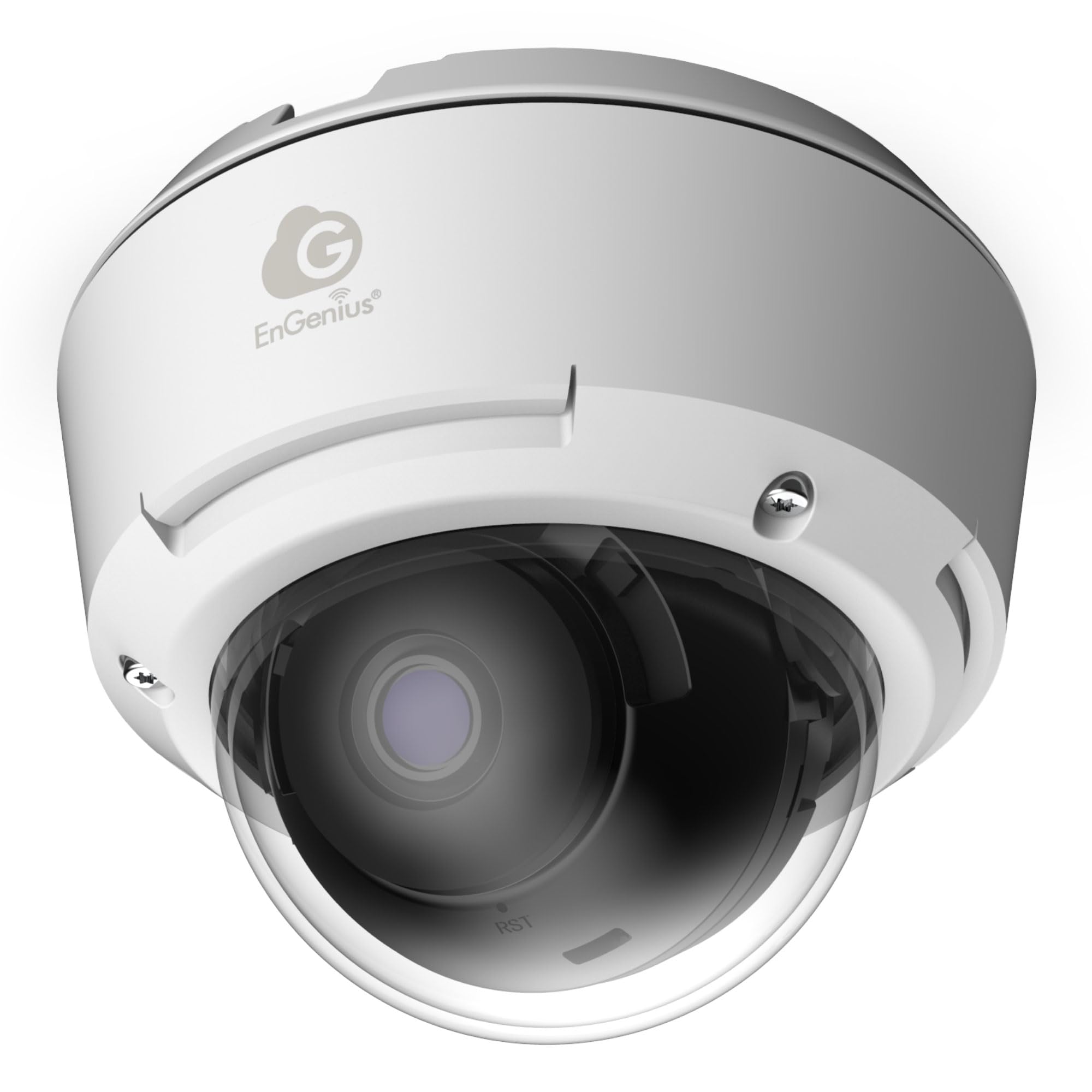
Figure 1: EnGenius ECC100 AI 5MP Dome Security Camera overview.
2. Дар қуттӣ чӣ мавҷуд аст
Боварӣ ҳосил кунед, ки ҳамаи ҷузъҳои дар поён овардашуда дар бастаи шумо мавҷуданд:
- ECC100 AI Network Camera x 1
- EMT Adaptor x 1
- Плитаи васлкунӣ x 1
- Screw Position Identifier x 1
- Waterproof Connection Kit x 1
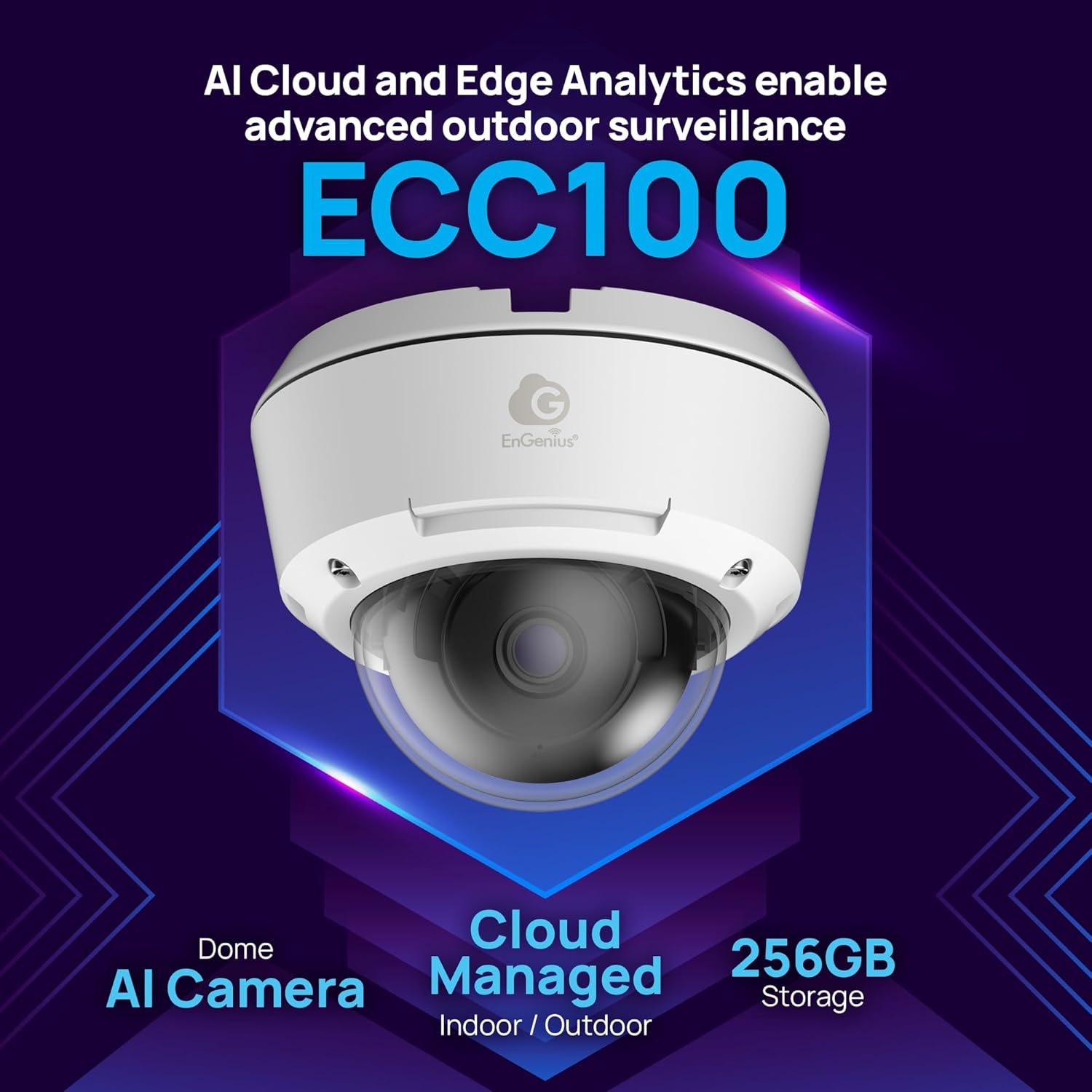
Figure 2: Components included with the ECC100 camera.
3. Дастурамал оид ба насб
Follow these steps to set up your EnGenius ECC100 AI 5MP Dome Security Camera:
- Planning the Installation Location: Ҷойеро интихоб кунед, ки майдони дилхоҳро пешниҳод кунад view (132° ultra-wide) and is within range of your network infrastructure. Consider the IP67 weatherproof and IK10 vandal-resistant ratings for outdoor or high-risk indoor environments.
- Ҷойгиркунии камера:
- Use the provided Screw Position Identifier to mark drilling points on the ceiling or wall.
- сӯрохиҳои пилотӣ парма кунед.
- Attach the Mounting Plate using appropriate screws (not included, typically).
- Secure the ECC100 camera to the Mounting Plate.
- Пайвасти шабакавӣ:
- Connect an Ethernet cable to the camera's Ethernet port.
- If installing outdoors, use the Waterproof Connection Kit to ensure a sealed connection.
- Connect the other end of the Ethernet cable to a Power over Ethernet (PoE) switch or a PoE injector to provide both power and network connectivity.
- Initial Configuration (EnGenius Cloud):
- Access the EnGenius Cloud platform via a web browser or the EnGenius Cloud mobile app.
- Add your new ECC100 camera to your EnGenius Cloud account by following the on-screen instructions. This typically involves scanning a QR code on the camera or entering its serial number.
- Configure basic network settings, time zone, and initial recording preferences.
- Танзими камера View: Physically adjust the camera's dome and lens to achieve the optimal viewкунҷи дохилӣ.

Расми 3: Мисample of the ECC100 camera mounted in an outdoor environment, demonstrating its weatherproof design.
4. Дастурҳои истифодабарӣ
The EnGenius ECC100 camera is designed for continuous, intelligent surveillance. Here’s how to operate its key features:
4.1 Remote Monitoring and Access
Access your camera feed anytime, anywhere through the EnGenius Cloud platform. Use the web interface or mobile app to view live streams, review foo сабт шудаастtage, and manage camera settings.
4.2 Сабт ва нигоҳдории пайваста
The camera features 24/7 continuous event recording. With 256GB of built-in storage, video retention is managed internally without requiring an external Network Video Recorder (NVR).
4.3 AI Cloud Analytics and Alerts
The ECC100 utilizes AI Cloud Analytics for real-time multimodal analysis. This system can detect complex behaviors and scenarios such as fights, bullying, accidents, and the presence of weapons. When such events are detected, instant cloud-AI alerts are generated and sent to your configured devices.

Figure 4: Illustration of the ECC100's AI capabilities in detecting and analyzing complex human interactions.
4.4 Natural Language Search
To efficiently retrieve specific footage, use the natural language search function within the EnGenius Cloud platform. Describe what you are looking for (e.g., "person in red shirt walking by at 3 PM") and the AI multimodal LLMs will help locate relevant video clips.
4.5 Edge AI with NPU
The camera's integrated Edge AI with a Neural Processing Unit (NPU) processes footage directly on the device. This optimizes real-time detection and converts video into lightweight metadata, ensuring efficient cloud streaming and reducing network strain.

Расми 5: Мисamples of critical scenarios for which the ECC100 can generate AI-powered alerts.
5. Нигоҳдорӣ
Regular maintenance ensures optimal performance and longevity of your ECC100 camera.
- Тоза кардани линза: Линзаи камераро мунтазам бо матои нарм тоза кунед,amp cloth to remove dust, dirt, or water spots that may obscure the viewАз тозакунандаҳои абразивӣ худдорӣ кунед.
- Навсозии нармафзор: Regularly check for and apply firmware updates through the EnGenius Cloud platform. Updates often include performance improvements, new features, and security enhancements.
- Санҷиши ҷисмонӣ: Inspect the camera's mounting and cabling for any signs of wear, damage, or loosening, especially for outdoor installations. Ensure the waterproof connections remain sealed.
- Идоракунии нигаҳдорӣ: While the camera has 256GB of built-in storage, monitor its usage through the EnGenius Cloud to ensure sufficient space for continuous recording.
6. Баррасии мушкилот
This section addresses common issues you might encounter with your ECC100 camera.
| Мушкилот | Сабаби эҳтимолӣ | Ҳалли |
|---|---|---|
| Не барқ / камера фурӯзон нест | No power from PoE switch/injector, faulty cable. | Verify the PoE switch/injector is powered on and functioning. Check the Ethernet cable for damage and ensure it's securely connected. Try a different PoE port or cable. |
| No Video Feed in EnGenius Cloud | Network connectivity issue, camera not properly added to cloud, incorrect network settings. | Check network cable connection. Ensure the camera has an active internet connection. Verify the camera is correctly registered in your EnGenius Cloud account. Check firewall settings if applicable. |
| Сифати тасвири паст | Dirty lens, low light conditions, incorrect camera settings. | Clean the camera lens. Ensure sufficient lighting for optimal performance, especially at night (IR range is 20m). Adjust image settings (brightness, contrast, HDR) in the EnGenius Cloud interface. |
| AI Alerts Not Triggering | Incorrect AI analytics configuration, sensitivity settings too low, camera view монеъ шуд. | Review AI Cloud Analytics settings in the EnGenius Cloud. Adjust detection zones and sensitivity levels. Ensure the camera's field of view равшан аст. |
| Дастрасӣ ба камера аз фосилаи дур имконпазир нест | Internet connection issues, EnGenius Cloud service outage, incorrect login credentials. | Check your internet connection. Verify the EnGenius Cloud service status. Ensure you are using the correct login details for your EnGenius Cloud account. |
7. Мушаххасоти
Detailed technical specifications for the EnGenius ECC100 AI 5MP Dome Security Camera:
| Хусусият | Тафсилот |
|---|---|
| Бренд | Бузург |
| Номи модел | EnGenius Cloud Managed AI Indoor/Outdoor Dome Camera with 256GB Storage |
| Рақами модели ашё | ECC100 |
| Истифодаи дарунӣ/берунӣ | Дарунӣ, берунӣ |
| Технологияи пайвастшавӣ | Ethernet |
| Протоколи пайвастшавӣ | Ethernet |
| Навъи назораткунанда | EnGenius Cloud |
| Хусусияти махсус | Vandal Proof (IK10), Weatherproof (IP67) |
| Қарори сабти видео | Optional 768Kbps, 1Mbps(default), 2.5Mbps (5MP HDR clarity) |
| Формати сабти видео | H.265, H.264 |
| Майдони View | 132° ултра-васеъ View |
| IR Night Vision | 20m long-distance coverage |
| Захираи дарунсохт | 256 ГБ |
| Манбаи нерӯ | Сими барқӣ (PoE) |
| Навъи васлкунӣ | Монтажи шифт |
| Андозаҳои ашё (L x W x H) | 4.79 x 4.79 x 3.73 инч |
| Вазни ашё | 2.25 фунт |
| Истеҳсолкунанда | EnGenius Technologies |
8. Маълумот дар бораи кафолат
EnGenius products are covered by a limited warranty. For specific warranty terms and conditions applicable to your ECC100 camera, please refer to the official EnGenius webсайт ё корти кафолат, ки ба маҳсулоти шумо дохил карда шудааст. Барои даъвоҳои кафолат далели хариди худро нигоҳ доред.
9. Дастгирии техникӣ
If you encounter issues that cannot be resolved using the troubleshooting guide, or require further assistance, please contact EnGenius Technical Support. You can find contact information and additional resources on the official EnGenius webсайт:
Webсайт: www.engeniustech.com/support
Please have your product model (ECC100) and serial number ready when contacting support.


