Муқаддима
This manual provides essential instructions for setting up, operating, and maintaining your LIGE EF21-J Smart Watch. Please read this guide thoroughly to ensure proper use and to fully utilize all features of your device. This smart watch is designed to be a versatile companion for both business and sports activities, offering advanced health monitoring, communication, and fitness tracking capabilities.
Мундариҷаи баста
Боварӣ ҳосил кунед, ки ҳама ашё дар бастаи шумо мавҷуданд:
- 1 x LIGE EF21-J Smart Watch
- 1 x Тасмаи аз пӯлоди зангногир
- 1 x тасмаи силикон
- 1 x кабели пуркунандаи магнитии USB
- 1 x сими пуркунандаи Type-C
- 1 x Дастури дастурӣ (ин ҳуҷҷат)
Маҳсулот ба охир расидview
The LIGE EF21-J Smart Watch features a 1.43-inch AMOLED display, a durable metal case, and interchangeable straps to suit various occasions. It integrates advanced sensors for comprehensive health and fitness tracking.

Image: The LIGE EF21-J Smart Watch shown in different lifestyle scenarios, highlighting its adaptability for business, casual, and active use.
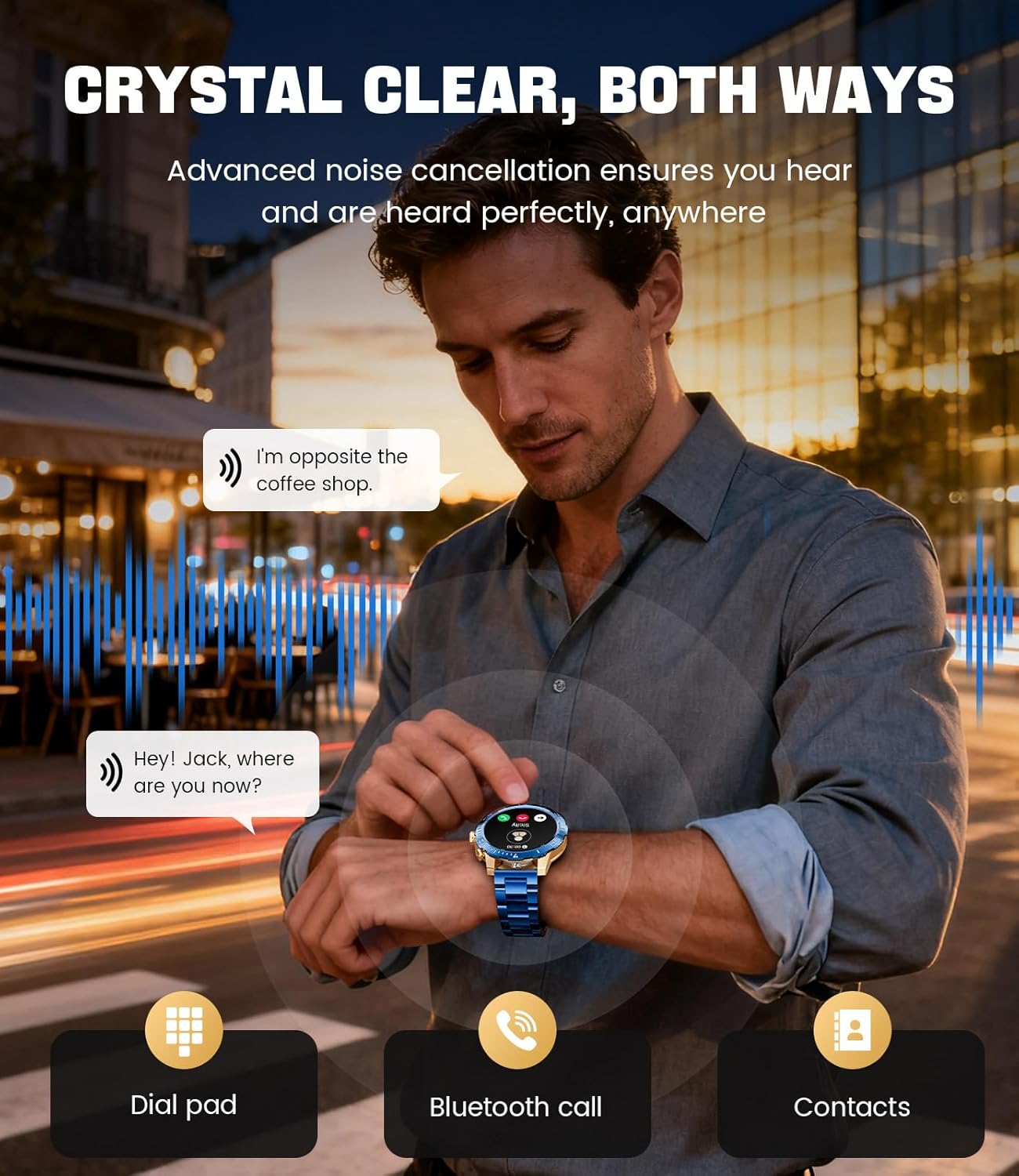
Image: A close-up of the LIGE EF21-J Smart Watch screen showing an incoming call, demonstrating its Bluetooth calling capability with clear audio.

Image: The LIGE EF21-J Smart Watch interface showing a selection of sports modes, including golf, climbing, and running, indicating its extensive activity tracking features.

Image: The LIGE EF21-J Smart Watch screen displaying heart rate, blood oxygen, and sleep data, illustrating its 24/7 health monitoring capabilities.
Видео: Намоиши видеоии расмии маҳсулотasing the LIGE EF21-J Smart Watch's key features, including its AMOLED display, rotary encoder crown, charging capabilities, compatibility, sports modes, health monitoring, and various smart functions.
Ташкил кардан
1. Пур кардани соатҳои интеллектуалӣ
Before first use, fully charge your LIGE EF21-J Smart Watch. The watch comes with both a USB magnetic charging cable and a Type-C charging cable for convenience.
- Connect the magnetic end of the charging cable to the charging points on the back of the watch. Ensure it snaps securely into place.
- Connect the USB or Type-C end of the cable to a compatible power adapter (not included) or a computer's USB port.
- Намоиши соат ҳолати барқро нишон медиҳад. Пардохти пурра одатан тақрибан 2-3 соатро мегирад.

Image: The LIGE EF21-J Smart Watch connected to its magnetic charging cable, illustrating the charging process and the inclusion of both USB and Type-C cable options.
2. Насби барнома
To unlock the full functionality of your smart watch, download and install the companion application on your smartphone.
- The LIGE EF21-J Smart Watch uses the Барномаи FitCloudPro.
- Ҷустуҷӯ "FitCloudPro" in the Apple App Store (for iOS 12.0+ devices) or Google Play Store (for Android 8.0+ devices).
- Барномаро зеркашӣ ва насб кунед.
3. Ҷуфткунии дастгоҳ
Pair your smart watch with the FitCloudPro app via Bluetooth to synchronize data and enable smart features.
- Боварӣ ҳосил кунед, ки Bluetooth дар смартфони шумо фаъол аст.
- Open the FitCloudPro app and create an account or log in.
- Follow the in-app instructions to add a new device. The app will search for available devices.
- Select "EF21-J" or the corresponding device name from the list.
- Дархости пайвасткуниро ҳам дар смартфони худ ва ҳам дар соат тасдиқ кунед.
- Пас аз пайваст шудан, соат вақт ва маълумотро бо телефони шумо ҳамоҳанг мекунад.
Дастурҳои амалиётӣ
Навигатсияи асосӣ
- Шишаи ламсӣ: Барои паймоиш дар менюҳо ва функсияҳо ба чап, рост, боло ё поён лағжед. Барои интихоб клик кунед.
- Rotary Encoder Crown: Барои ҳаракат дар рӯйхатҳо ё танзими танзимот, тоҷро гардонед. Барои баргаштан ба экрани асосӣ ё тасдиқи интихобҳо, тоҷро пахш кунед.
- Тугмаи тарафӣ: Typically used for quick access to sports modes or as a back button.
Занги Bluetooth
Make and receive calls directly from your wrist when connected to your smartphone.
- Боварӣ ҳосил кунед, ки соати шумо бо телефони шумо тавассути Bluetooth ҷуфт карда шудааст.
- To make a call: Access the dial pad or contacts list on your watch.
- To answer a call: When a call comes in, tap the green answer icon on the watch screen.
- To reject a call: Tap the red reject icon.
Огоҳиҳои Smart
Receive alerts for calls, messages, and app notifications directly on your watch.
- Enable notification permissions for the FitCloudPro app in your phone's settings.
- Configure which app notifications you wish to receive through the FitCloudPro app.
- Аз рӯи соат ба поён лағжед view огоҳиномаҳои охирин.
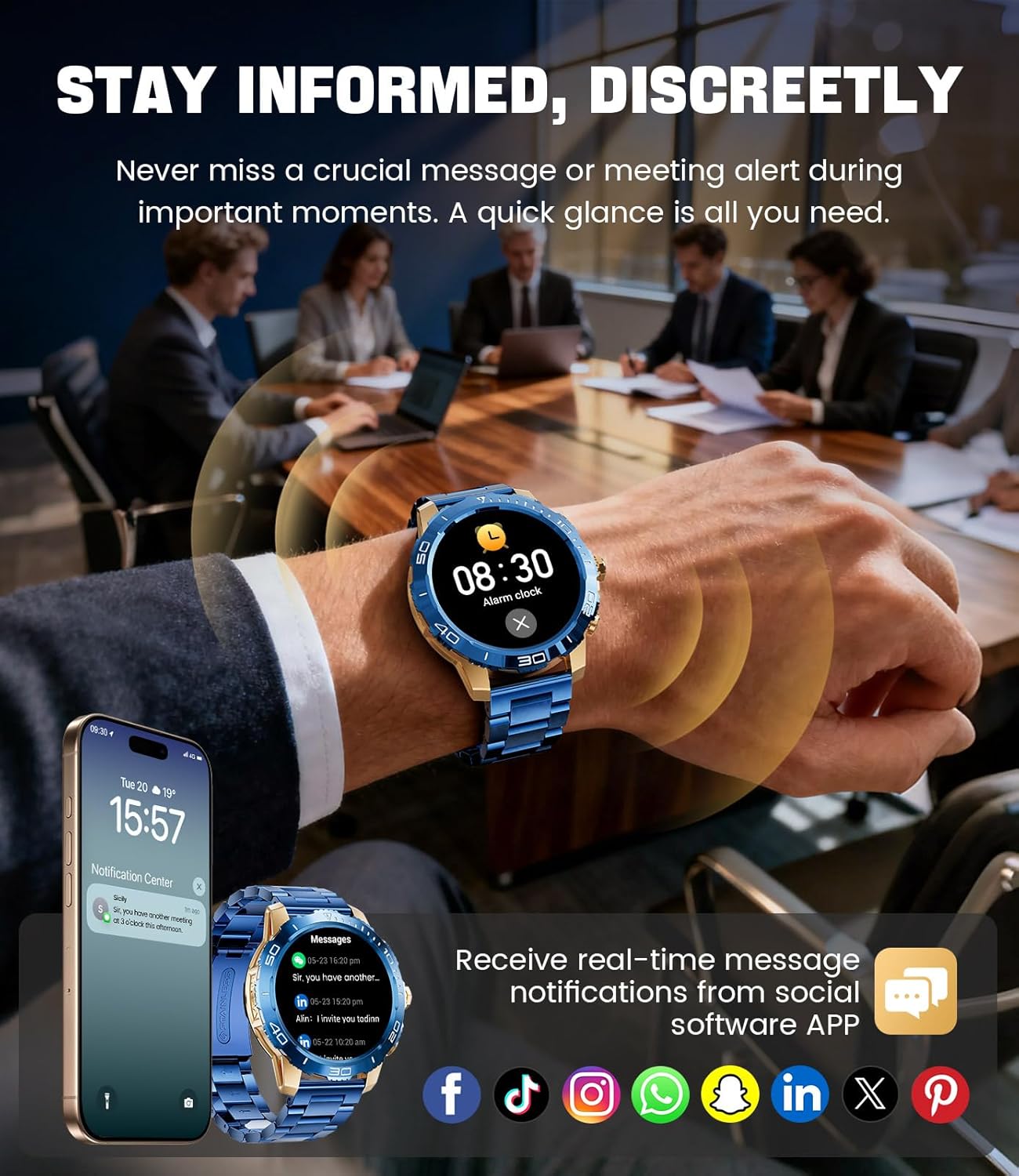
Image: The LIGE EF21-J Smart Watch screen showing incoming message notifications from various social media applications, demonstrating its ability to keep users informed discreetly.
Усулҳои варзиш
The watch supports over 200 sports modes to accurately track your physical activities.
- Ба менюи режими варзишӣ тавассути интерфейси асосӣ дастрасӣ пайдо кунед.
- Select your desired activity (e.g., running, cycling, yoga, basketball).
- Соат ба пайгирии нишондиҳандаҳо ба монанди масофа, қадамҳо, калорияҳои сӯхташуда ва суръати дил шурӯъ мекунад.
- End your workout by following the on-screen prompts. Data will sync to the FitCloudPro app for detailed analysis.
Мониторинги саломатӣ
Monitor your heart rate, blood oxygen, and sleep patterns throughout the day.
- Набзи дил: Соат суръати дилатонро пайваста назорат мекунад. View real-time data on the watch or historical trends in the app.
- Оксигени хун (SpO2): Сатҳи оксигени хуни худро дар ҳолати зарурӣ чен кунед.
- Пайгирии хоб: Wear the watch to bed to track your sleep duration and quality. Data includes deep sleep, light sleep, and awake times.
- Мониторинги стресс: The watch can also provide insights into your daily stress levels.
Important: The LIGE EF21-J Smart Watch is not a medical device. Health data provided is for reference only and should not be used for medical diagnosis or treatment. Consult a healthcare professional for any health concerns.
Дигар Функсияҳо
The watch offers a variety of additional features to enhance your daily life:
- Ёвари овоз: Interact with your phone's voice assistant directly from your watch.
- Назорати плеери мусиқӣ: Навозиши мусиқиро дар смартфони худ идора кунед (навозед, таваққуф кунед, роҳҳоро гузаред).
- Обу ҳаво: Навсозиҳои обу ҳаворо дар вақти воқеӣ гиред.
- Соати зангдор: Set alarms to wake you up or remind you of tasks.
- Ёдраскунии нишастан: Пас аз давраҳои ғайрифаъолӣ огоҳиҳо дар бораи ҳаракат гиред.
- Ёдрас кардани оби нӯшокӣ: Барои намнок мондан ёдраскуниҳо насб кунед.
- Дурахш: Use the watch screen as a small flashlight.
- Телефони маро ёбед: Смартфони ҷуфтшудаи худро ҷойгир кунед.
- Муҳофизати парол: Enhance security with a screen lock password.

Image: The LIGE EF21-J Smart Watch interface showcasing a range of smart functions, including music control, weather, breath training, drink reminders, flashlight, and health monitoring summaries.
Идоракунии батарея
The LIGE EF21-J Smart Watch is equipped with an 800mAh battery, designed for extended use.
- Истифодаи маъмулӣ: Expect over 10 days of battery life with regular use.
- Вақти интизорӣ: The watch can last over 30 days in standby mode.
- Пур кардан: Use the provided USB magnetic or Type-C charging cables. Always use a compatible 5V/1A power adapter.
- Оптимизатсияи батарея: To extend battery life, reduce screen brightness, limit background app refresh, and disable unnecessary notifications.
Нигоҳдорӣ
- Тозакунӣ: Regularly wipe the watch screen and body with a soft, dry cloth. For stubborn dirt, use a slightly damp матоъ кунед ва бодиққат хушк кунед.
- Муқовимат ба об: The watch has an IP68 water resistance rating, meaning it is protected against dust and can withstand immersion in water up to 1.5 meters for up to 30 minutes. It is suitable for daily use, hand washing, and light rain. Аз оби гарм, сауна ё ғаввосӣ худдорӣ кунед, зеро буғ ва фишори баланд метавонад мӯҳрро вайрон кунад.
- Нигоҳубини тасма: Clean silicone straps with mild soap and water. For stainless steel straps, use a soft brush and mild cleaning solution, then dry completely.
- Нигоҳдорӣ: Ҳангоми истифода нашудан соатро дар ҷои хунук ва хушк нигоҳ доред. Аз ҳарорати аз ҳад зиёд канорагирӣ кунед.
Мушкилкушо
| Мушкилот | Ҳалли |
|---|---|
| Соат фурӯзон намешавад | Боварӣ ҳосил кунед, ки соат пурра пур шудааст. Онро ба пуркунандаи барқ на камтар аз 30 дақиқа пайваст кунед. |
| Бо телефон пайваст кардан мумкин нест |
|
| Огоҳиҳо қабул карда нашудаанд |
|
| Маълумоти нодурусти саломатӣ | Ensure the watch is worn snugly on your wrist, about one finger's width from your wrist bone. Avoid excessive movement during measurements. Remember, this is not a medical device. |
| Муҳлати кӯтоҳи батарея |
|
Мушаххасоти
| Хусусият | Тафсилот |
|---|---|
| Рақами модел | EF21-J |
| Намоиш | 1.43-inch AMOLED, 466x466 pixels |
| Иқтидори батарея | 800 мАч литий полимер |
| Мӯҳлати батарея (оддӣ) | 10+ рӯз |
| Вақти интизорӣ | 30+ рӯз |
| Пайвастшавӣ | блутуз |
| Муқовимат ба об | IP68 |
| Мутобиқати системаи оператсионӣ | Android 8.0+ ё iOS 12.0+ |
| Барномаи ҳамроҳ | FitCloudPro |
| Мониторинги саломатӣ | Heart Rate, Blood Oxygen, Sleep Tracking, Stress Monitoring |
| Усулҳои варзиш | 200+ режим |
| Хусусиятҳои махсус | Bluetooth Call, Voice Assistant, Music Control, Weather, Alarm, Sedentary Reminder, Drink Reminder, Flashlight, Find My Phone, Password Protection, AMOLED Always On Display |
| Вазни ашё | 7.1 унсия (201 грамм) |
| Андозаҳои бастаҳо | 6 x 4 x 0.9 инч (15.24 x 10.16 x 2.29 см) |
Кафолат ва дастгирӣ
LIGE provides customer support for your EF21-J Smart Watch. If you encounter any issues or have questions regarding your device, please contact us through the Amazon messaging system. Our professional customer service team is available to assist you.
Лутфан, барои шартҳо ва қоидаҳои мушаххаси кафолат ба ҳуҷҷатҳои хариди худ муроҷиат кунед.


